jerryy
-
Posts
1,926 -
Joined
-
Last visited
-
Days Won
304
Content Type
Forums
Gallery
Store
Everything posted by jerryy
-
How can i see my taken picture immediately on my pc monitor?
jerryy replied to Marimera's topic in Fuji X-T2 / Fuji X-T20
https://fujifilm-x.com/en-us/products/software/ There are three that may help you: X Acquire, X Raw Studio, and / or PhotoShop LightRoom Tether plugin -- this one costs money, the first two are free. You will need to set things up for tethering. Searching for X-T2 tethering may bring up more information for you. Here is an old link (another Adobe workaround) I do not know if it is still worth looking into... https://blog.danielzihlmann.com/photography/wireless-tethering-with-the-fujifilm-x-t2-or-fujilm-x-pro2/2016/12/07/ -
Decide on your budget, add some more (for all of the things you will think you will need after you get a camera -- in-spite of whether you actually need them or not 😀). Once you do that, take a look here: https://fujifilm-x.com/en-us/products/cameras/ One of these will catch your eye. Ditto for the lenses. Check your local camera shop to see if they have some in stock. The various online sellers often have sales on the gear. Once you get a little closer, check back to make sure things are not too far off the mark, so to speak.
- 1 reply
-
- 1
-

-
X-T200 Auto Focus Issues: nighttime videography
jerryy replied to ARC Adventures's topic in Fuji X-T100 / Fuji X-T200
Are you using the XC 15-45mm kits lens? That may be what is giving you some troubles, that one is not Fujifilm’s fastest focusing lens. It does have some low light issues while the body does fine when you put a faster focusing lens on it. Which lens to use depends on your budget and which focal range (how you intend to use it) you want. The XF 16-50mm is a constant f2.8, the 35mm f1.4 or 23mm f1.4 are well regarded for low light settings. The XF 18-55mm does fine work, but is not as fast as the others I mentioned. Stopping down means setting a higher number f stop on the lens (or use the body to control the lens — you turn this on using the menu settings). -

-
How long did you leave the battery out? Try leaving the battery out for at least four days to make sure the smaller internal “battery” completely discharges. You will have to re-enter all of your default menu settings again. By Sim cards, do you mean the SD cards? Were you trying to pair the camera to a phone?
-
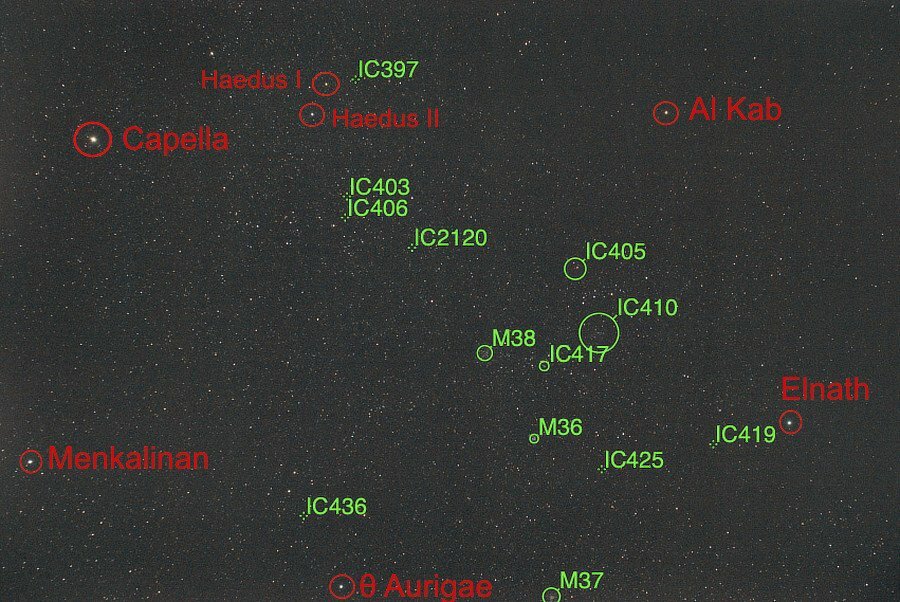
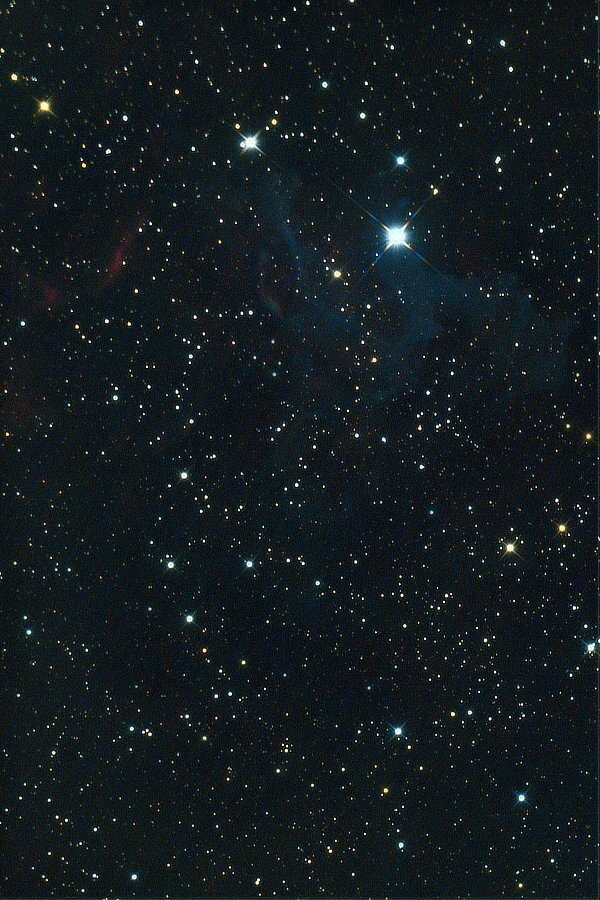
Auriga The Charioteer. This constellation usually shows up in the Northern Hemisphere during the late fall, early winter months. Its shape is easy to recognize and with its mainstay star Capella being so bright, it is easy to find. (constellation stars are listed in red, DSOs are listed in green.) Auriga is itself home to lots and lots of DSOs (deep sky objects --- various kinds of nebulas, galaxies, star clusters, etc.) one of these is IC 405, the Flaming Star Nebula: This is the equivalent of a 30 minute exposure. 1.) https://www.constellation-guide.com/constellation-list/auriga-constellation/ 2.) https://science.nasa.gov/ic-405-flaming-star-nebula
-
Does back button focusing work with the Fuji 14mm f2.8?
jerryy replied to retrojim's topic in Fuji X Lenses
I do not directly know the answer to your question because I have not tried it with that lens, but this may help: https://fujifilm-x.com/en-us/exposure-center/back-button-focusing-all-you-need-to-know/ Scroll down to Method B, it sounds like what you are trying to do. -
There is something almost magical about well done black and white photos!
-
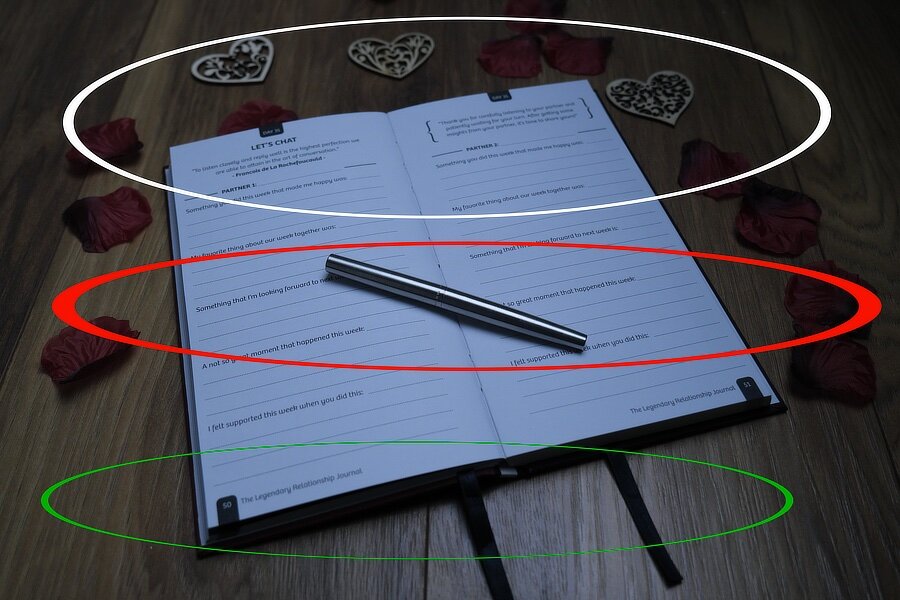
This is the effect you get from shooting at f4 i.e. shallow depth-of-field (DOF). If you look at the regions, the red one is 'sharper' than the green one or the white one. If you look closer at the green one and the white one, as you look from the center of the image out to their respective edgee, the 'sharpness' fades out evenly -- based relatively from where the camera was held. If MDM is online today, he can show you some PP (post processing) ideas to remove softness. In the film days. photographers used various techniques to 'fix' the images such as unsharp mask and other contrast enhancers. Digital photographs sometimes need that same approach. From the taking-the-shot perspective, for things like you have here, try using more DOF by way of increasing the f-stop. Start at say f5.6 or f6.4 and go up from there, but do not be surprised to find yourself shooting at f11 or so. There is also a technique called 'focus bracketing' that can be really handy for shots like this. Do not be afraid of boosting the ISO to keep the image from being dark, the X-T4 has plenty of noise free latitude. Of course, there are tripods. Uhh, at the risk of changing the subject, if you are intending to print these, try changing your camera settings to 300 dpi over your current 72 dpi and use the Adobe color space instead of the sRGB color space. But why do that is the subject for another different thread.
-
Hello back at you! I am still ‘Alive and Kicking’. How are you doing these days? But always though, as you and Greybeard show, I cannot get lazy in looking at these images, I should look closer. But the image, as shot, looks okay to me. 😀
-
The EXIF settings are below the image on the left side. The lens name is missing though, but just guessing from the entry for Maximum Aperture = 4.0, it could be a 35mm or a short zoom. As Greybeard mentions, the low-res version as well as the larger version looks okay. Some things to note: 1.) The x and y resolutions are set to 72 dpi. On a computer screen which uses 96dpi or 120 dpi, you can run into some scaling issues from the monitor’s display algorithms that can make it seem softer than it is. 2.) You are shooting at f4, which does not have a deep depth of field such as what you may expect coming from cell phone cameras. What that means is that some parts of the image will seem soft or out of focus compared to others depending on the selected focus point — for example: the pen is fine, the letters seem soft. Try using f8 or f11 or even f 14 as a minimum for this shot and see if you get “sharper” images. Depth of field is an artistic effect that takes some getting used to. HTH.
-
Fuji Film XT-3 Black strip after taking photo fix?
jerryy replied to Machuw's topic in Fuji X-T3 / Fuji X-T30
It looks like someone sold you a modified camera. With the lens off, you should be seeing the sensor, not that cover. I would take it back to the dealer and get a different one. -
-
Fuji Film XT-3 Black strip after taking photo fix?
jerryy replied to Machuw's topic in Fuji X-T3 / Fuji X-T30
Can you post a photo? What black strip? -
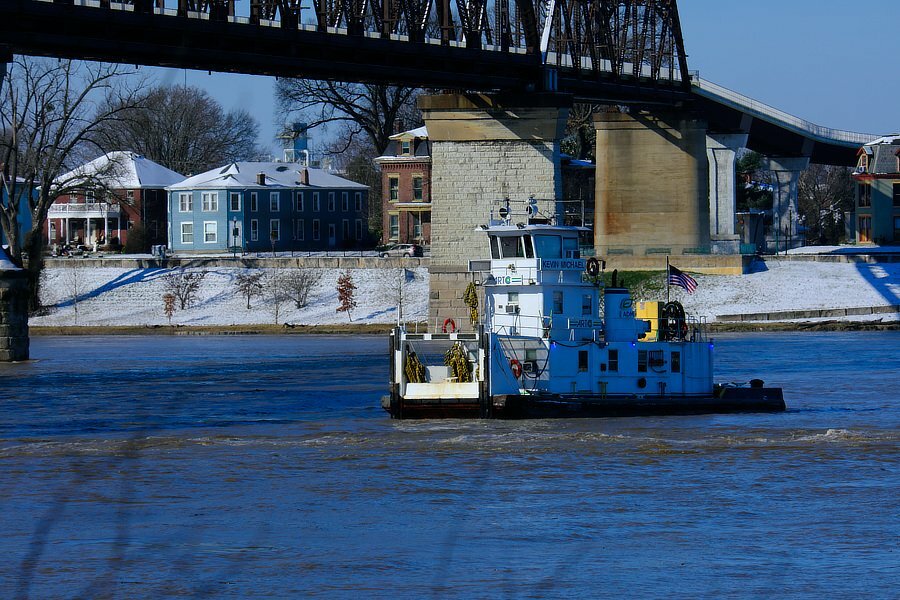
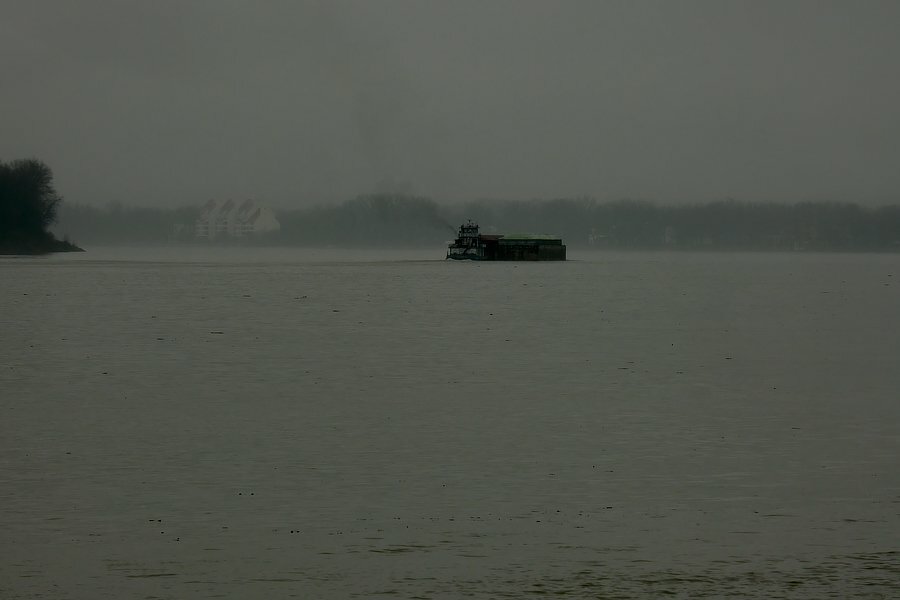
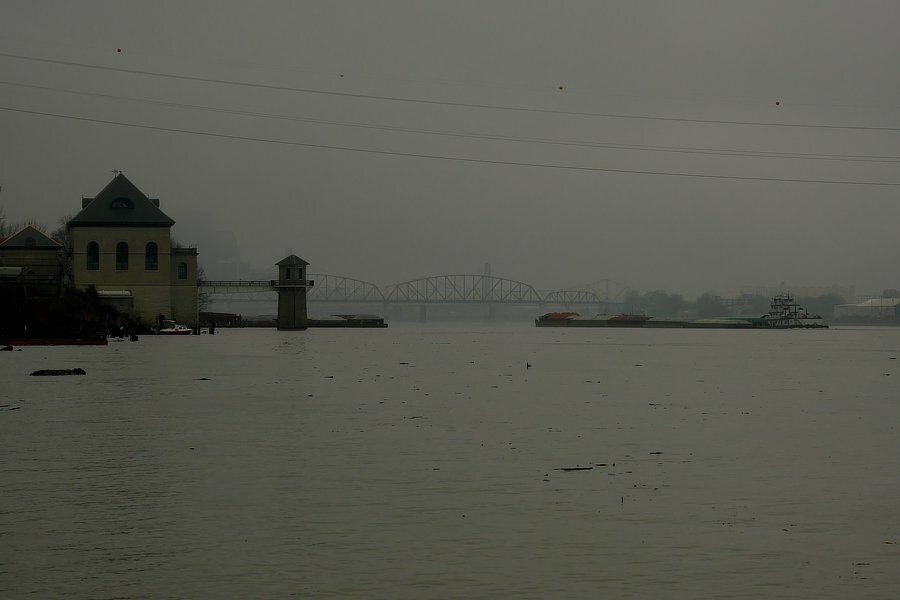
Lunchtime, but misty morning fog refuses to leave.
-
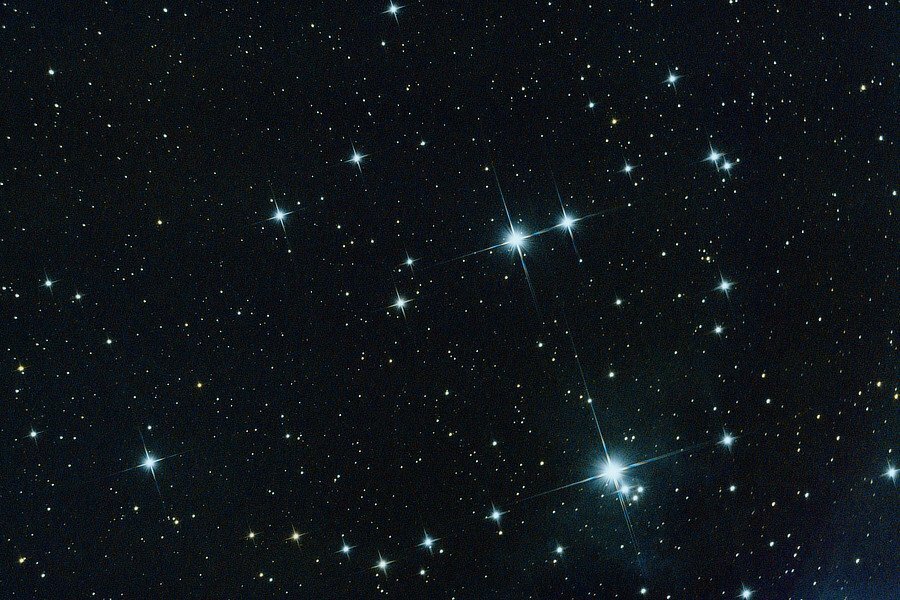
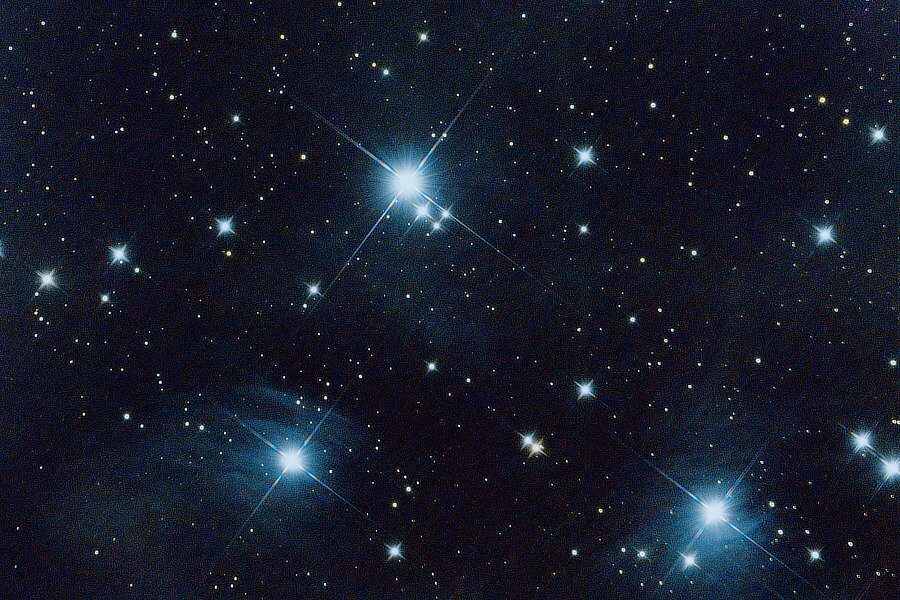
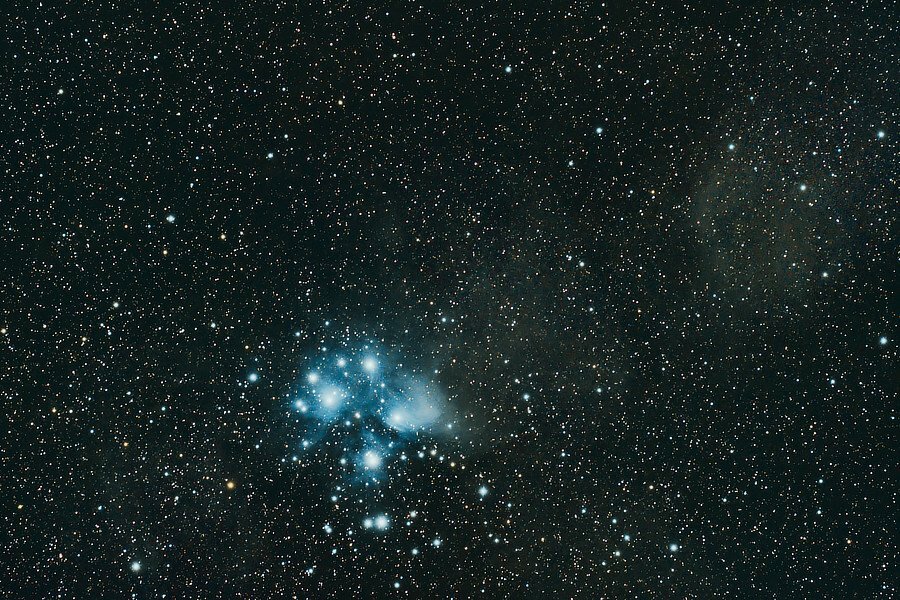
The Seven Sisters (almost 28 minutes)... up closer (30 minutes)... more so (50 minutes)... This one goes by many names, it is mostly known as M45 https://www.messier-objects.com/messier-45-pleiades/ or The Pleiades: https://www.space.com/pleiades.html it has a lot of history: https://naic.edu/~gibson/pleiades/pleiades_myth.html Edit: the older wider-field view has been replaced with a new version. It is still a wide field view, but it is crop - zoomed-in a bit. .
-
Not as a menu setting, at least not yet, but these two articles may help: https://www.beyondthesight.com/xt4-settings-for-video/#:~:text=You can similarly use the 180 ° shutter,that offers up to 240 fps slow motion. https://super8arena.com/shutter_speed.php
-
Some additional things to note: ISO takes the place of ASA -- you can find some spirited discussions regarding how close the ISO number matches the ASA number you are used to. The histogram replaces the light meter. That one will take some getting used to, this may help or hurt: https://www.shutterbug.com/content/histogram-or-light-meter-which-tool-best-nailing-exposure-video You also set up the type of metering your camera uses, spot, average, etc. Ask questions as you come to them, there are lots of folks that can help.
-
https://fujifilm-dsc.com/en/manual/x-e3/menu_setup/screen_set-up/index.html Scroll down the page to the part about Disp. Custom Setting. You can decide what you want displayed in the evf or the back lcd. The DISP BACK button gives you the option of having that information on or off as you choose. I listed the X-E3 manual based on you using that in your message, but if you really meant X-T3 (since the message ended up in the X-T3 forum), it still works the same way.
-
Rent fuji X 100 V in India
jerryy replied to Aravind's topic in Fuji X100VI / X100 / X100S / X100T / X100F / X100V / Fuji X70
What you saying seems odd, the link I put in takes you straight to their Fujifilm X100V listing. This link: https://www.imastudent.com/digital-cameras shows several Fujifilm cameras listed as available for rental as I scroll down the page. Keep in mind, the Original Poster only asked for the X100v, not Fujifilm’s entire catalog. The best way is still to send a note to Fujifilm and they can help you locate someone in your area that may have some, in spite of the global shortages caused by pandemics and other supply chain issues. -
Another vote for the XF18-55mm! It can hold its own for landscape photos. If you are really thinking you need the wide end for landscapes, sure the extra 2mm will “put more in the frame” for those mountains in the distance, but there is more to it than that, you might find that the compression you get from a telephoto lens suits you more and the wide angle lens is better for close up stuff. Another option is to buy the body-only and then get a decent used XF14mm. If you look around the used markets, you could stay in your budget range. This lens gets rave reviews from astrophotographers, and landscape folks. It is a wide prime though, so it will be a little limiting for birds in flight.
-
Rent fuji X 100 V in India
jerryy replied to Aravind's topic in Fuji X100VI / X100 / X100S / X100T / X100F / X100V / Fuji X70
Would sonething like this work in your favor? https://www.imastudent.com/fujifilm-x100v-digital-camera-silver -
Rent fuji X 100 V in India
jerryy replied to Aravind's topic in Fuji X100VI / X100 / X100S / X100T / X100F / X100V / Fuji X70
Believe it or not, you can ask Fujifilm: https://fujifilm-x.com/en-in/shop/ (Most manufacturers will tell you where their retail sellers and re-sellers are located.) Hope that helps.