jerryy
-
Posts
1,926 -
Joined
-
Last visited
-
Days Won
304
Content Type
Forums
Gallery
Store
Everything posted by jerryy
-
Tripod head too large, some lenses hit it and camera won't mount
jerryy replied to Astigmatism's topic in General Discussion
I use a L-plate type of grip so I do not know exactly how your grip will work, but from the description about your grip listed on BHPhotovideo’s website: https://www.bhphotovideo.com/c/product/1149214-REG/fujifilm_16471691_mhg_xt10_hand_grip.html/overview it sounds like all you need is the quick release plate to work with most of the Arca heads. Depending on the head, it may have a release knob to let you rotate the head around the vertical axis, so that the perpendicular would become parallel. -
Fujifilm X-T30 II for video making - monitoring, remote control
jerryy replied to Marko1976's topic in Fuji X-T3 / Fuji X-T30
All of these things are possible. https://fujifilm-dsc.com/en-int/manual/x-t30-2/connections/hdmi_output/ You can use the HDMI output to monitor what you are seeing or to store the footage, etc., etc. This can get very involved, so you may want to ask over in the video forums how they do that. If you are intending to just record to the SD card, make sure it is on Fujifilm’s approved list so that there are no glitches. You can use the Cam Remote app on a smart phone (iPhone or Android) or iPad as wireless remote control — this gives you start/stop as well as shutter speed f-stop, ISO, control. I am a little hesitant to recommend this route for long day usage as it has to turn on the wifi and bluetooth chips in the camera to operate, which causes heat. How much of a problem this would be for you I do not know. Possibly folks in the video forums can help you or recommend a HDMI recorder that offers working start/stop capabilites. -
It is a ten minute video full of hints and suggestions, not a two semester course.
-
This may help you get a basic understanding for how the main af controls work. https://www.youtube.com/watch?v=PSQJ1Qcw39c Note: the video has some humor and does contain some ‘salty talk’. One consideration that is talked about, but maybe missed if you are not used to it is that the lens makes a big, big difference.
-
https://www.digicamdb.com/compare/fujifilm_x-e4-vs-fujifilm_x-t3/
-
Yes, but this difference works out to be minor also because the battery capacities are indeed different, but not humongously so. I use the older charger to charge the newer batteries without any problems. What you have to watch out for is voltage differences, these can destroy your equipment by causing overheating or outright zapping it.
-
open thread ...

-
I believe @BobJ has the answer to help you, turn off touch screen focusing and use the joystick to move the focus area. This is the actual page that tells you how to do that: https://fujifilm-dsc.com/en/manual/x-t3/about_this_camera/touch/index.html#touch_shooting Touch shooting is useful when you need to hold the camera well away from you, when your hands are not able to easily work the controls, but otherwise it can get in the way.
-
-
Hercules Cluster M13 (84 minute equivalent exposure). From a dark place, you can see this one in the northern sky just by looking up. Of course, having more than 100,000 stars in the cluster helps brighten it up a bit. https://www.messier-objects.com/messier-13-hercules-globular-cluster/ https://earthsky.org/clusters-nebulae-galaxies/m13-finest-globular-cluster-in-northern-skies/ https://science.nasa.gov/m13-great-globular-cluster-hercules edit: Back in 1974, radio messages were sent out into space. The ‘Arecibo Message’ was sent toward M13. https://en.wikipedia.org/wiki/Arecibo_message
-
I am guessing you do not have another lens? Can you rent or borrow one from your local camera store?
-
This entry and the reply may help you: https://www.fuji-x-forum.com/topic/23205-lens-disables-all-buttons-on-camera/
-
Are you up for some coding? I came across this awhile back over on DPReview; 1.) https://github.com/darktable-org/rawspeed/blob/f383f62eda0d22f53ea1b09c42348d63b5c915ac/src/librawspeed/decoders/RafDecoder.cpp 2.) https://github.com/darktable-org/rawspeed/blob/f383f62eda0d22f53ea1b09c42348d63b5c915ac/src/librawspeed/decompressors/FujiDecompressor.cpp From the thread: https://www.dpreview.com/forums/thread/4559433 Also, I have not tried this since I do not use compressed raw files, but DarkTable itself has as an export option: raw to go along with the usual tiff, png, jpg and lots of the other flotsam and jetsam. DarkTable does import many of the Fujifilm compressed raw files. The raw export option is supposed to export a copy of the unedited raw files (with no editing changes). I wonder if it can be tricked into exporting an uncompressed version of the file. If so, batch mode would knock out a lot of files at a sitting.
-
Part of it is sequential, part of it is alpha-numeric: https://fujifilm-x.com/en-us/exposure-center/understanding-file-numbers-and-folders/ I do not have a X-T2, so I cannot answer your question, but as I recall you have various backup options you set for the two slots that affect what happens. Someone over in the X-T2 forum should be able to help you.
-
Which camera body are you referring to? Most of them have a menu option to create new folders and choose between folders for storing images. This is for the X-T4, but it works the same for many other bodies: https://fujifilm-dsc.com/en-int/manual/x-t4/menu_setup/save_data_set-up/index.html
-
Tripod head too large, some lenses hit it and camera won't mount
jerryy replied to Astigmatism's topic in General Discussion
For what it is worth, a L-bracket can lift the body up enough to let you use many of the 'wide' lens with those older tripod heads. Ones built for the X-Tmn line let you get to the battery/card and side connectors without hassles. The ones for the X-T10 work on the X-T20 and the X-T30 as well, they are pretty much interchangeable. Or switch to basic Arca-Swiss plated ball heads. These can be svelte enough for just about all lenses. And work with L-brackets. The 1/4-20 thread is an industry standard, so if your old head unscrews from the legs, you can put the new head on non-proprietary legs. -
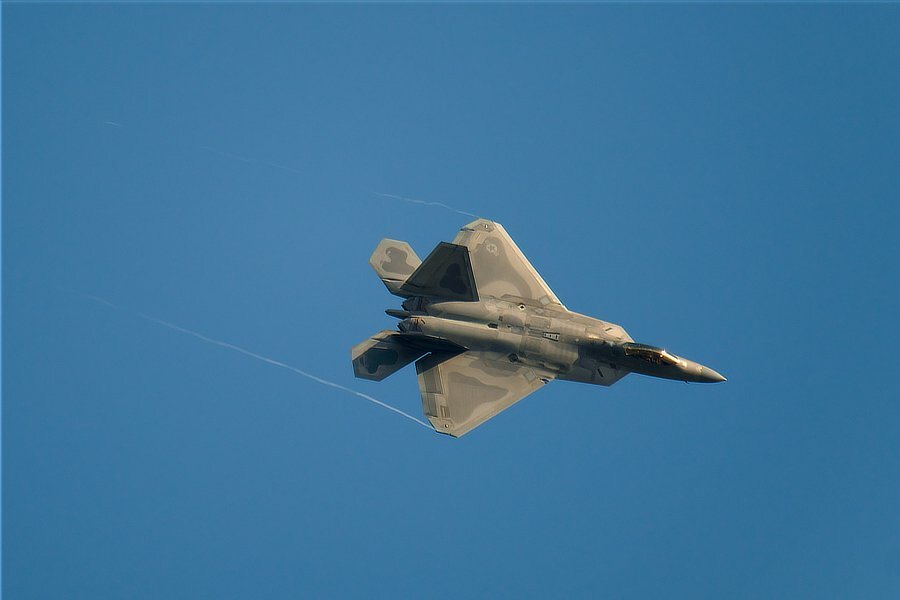
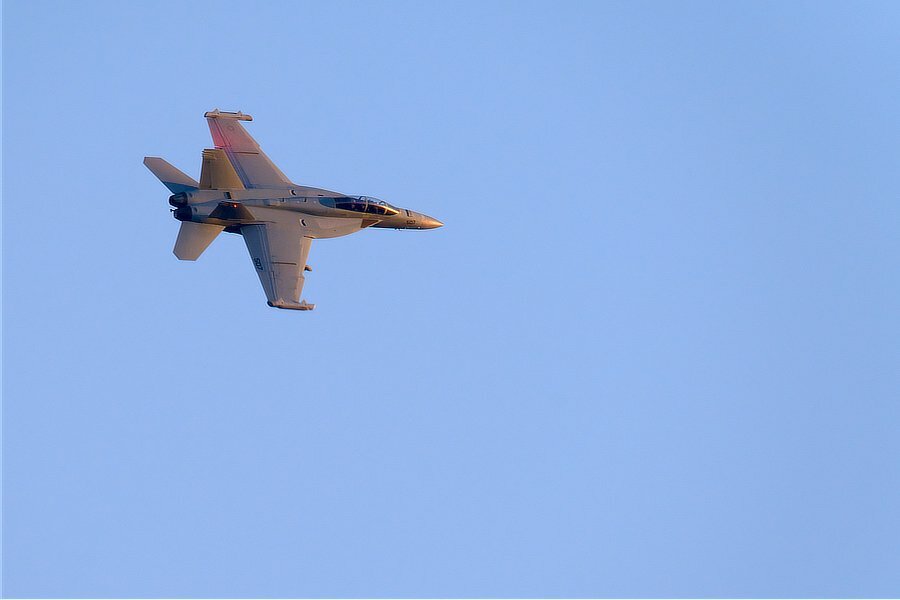
More contrails to come ...
-
Rear command dial doesn't shift aperture/shutter speed
jerryy replied to RichardG's topic in Fuji X-T2 / Fuji X-T20
I believe @Greybeard has it: https://fujifilm-dsc.com/en-int/manual/x-t2/taking_photo/shooting_mode/index.html I missed that you were wanting to use the shift rather than just change the aperture. Flashes also affect the option. -
Rear command dial doesn't shift aperture/shutter speed
jerryy replied to RichardG's topic in Fuji X-T2 / Fuji X-T20
When you set the camera to P mode, it takes over setting the shutter speed, f-stop, etc. and blithely ignores any suggestions or requests made by the photographer, regardless how much the photographer implores it to do things differently. Try using A mode to set the f-stop the way you want, the camera will choose the appropriate shutter speed, etc. -