jerryy
-
Posts
1,926 -
Joined
-
Last visited
-
Days Won
304
Content Type
Forums
Gallery
Store
Everything posted by jerryy
-
If you are recording the videos using the default 4K size, then you will need a decent video card. You can try dropping the size down to 1080p and see if that helps, but really this is only a suggestion to use to iron out any workflow bugs. The 4K size is the better to use overall because that is the way the TVs etc., etc. are going to stay. In the mean time, I hope the card reader will help some, because it puts less strain on the overall system.
-
Can you give us a little more information to then be able to try to help you? Are you using a Mac, Windows or Linux based pc? It sounds like you have connected the pc to the camera with a USB-C or Thunderbolt cable, is that true? What application / program are you using to try to view the videos? Have you tried to use a card reader to transfer the video to you pc to then use a program to view it?
-
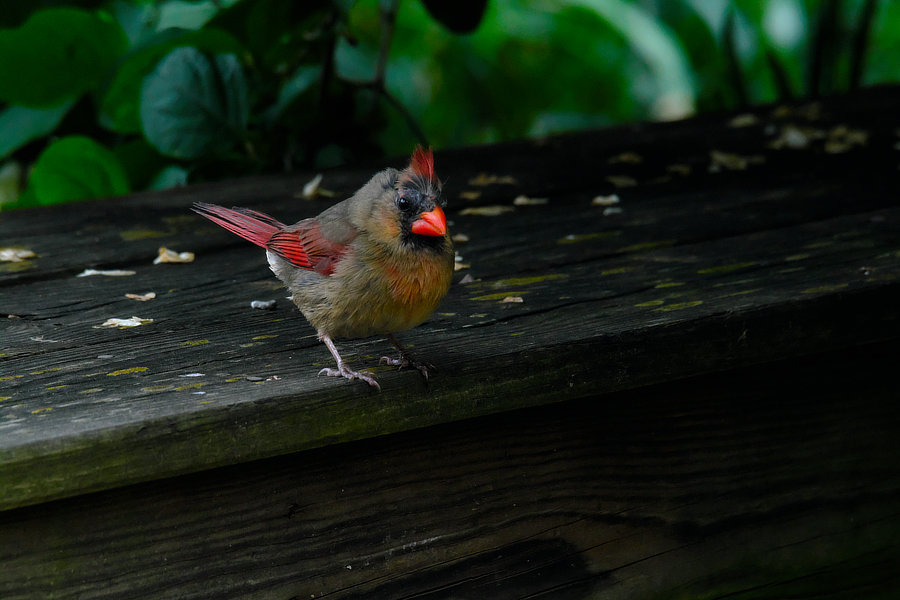
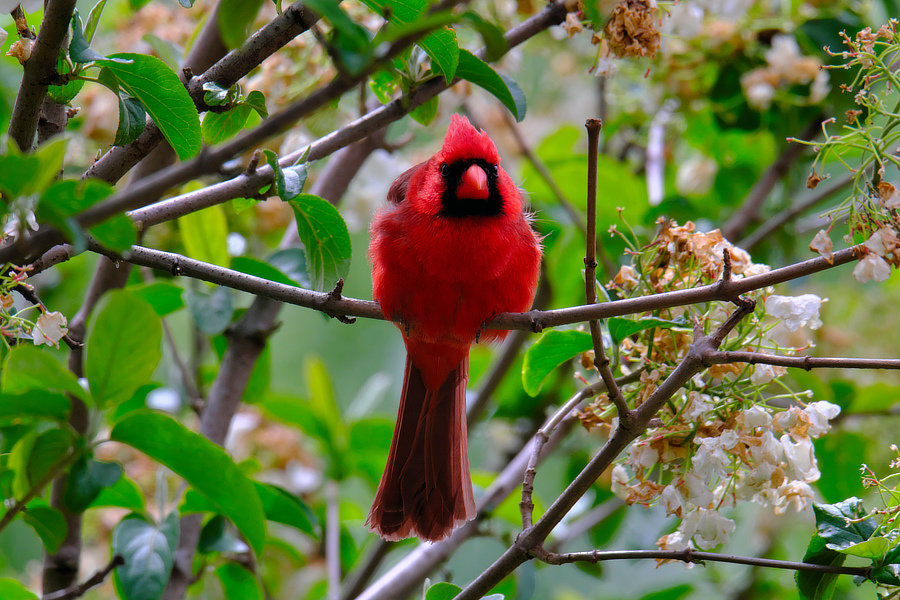
Northern Cardinal(s) (Cardinalis cardinalis)

-
The story gets more complicated. It seems that the cards capacity is also tied into the file size being stored: https://www.newsshooter.com/2018/11/14/no-more-4gb-clip-limits-fujifilm-x-t3-firmware-update-preview-interbee-2018/ I checked this by recording a 6 minute video using my sdxc card that was already fairly full (29 gb out of 64 gb) and sure enough, it split the video into a 4.1 gb clip and a 1.35 gb clip. I do not have any 128 gb or larger sdxc cards to really test this notion with, as in, freshly format and run for a while and see what happens. But it would be worth a try. *** I am a little surprised that you did not 'see' several different files listed that you could import and stitch together ala iMovie, older QuickTime Pro, or Premiere or FCPX, etc. -- Yeah, I know the is not the preferred approach, but it is what I see in ImageCapture, iMovie direct from camera import, Photos direct from camera import, etc..
-
Are you using a sdhc card? If so, then for video things get a bit odd. The SD manufacturers say these have to formatted using Fat32 format which has a single file size limit of 4 gb. The video files are stitched together to appear seamless during playback, but using the camera’s built in card reader may cause only the first part to transfer. The sdxc cards are supposed to be formatted using exFAT, which lets you use larger single file storage sizes, but a card reader may not recognize this (if it expects only sdhc cards). External card readers usually can tell the difference. Did you have the camera’s drive mode set up as ‘card reader’ type?
-
-
It is not showing up for some reason ???
-
Back in the film days, folks also used burning, dodging, unsharp masking, multiple exposures, etc., etc. to manipulate the photos. There was a lot more done than just swishing the film strip and papers around in some smelly chemicals. That stuff was very intimidating to beginners.
-
It sounds like you have touchscreen focus turned on in your set-up menu. Try turning that off, then use the joystick to move the focus point around as needed.
-
Both lenses are capable of getting you great photos. Neither one is too big for the body, they are both really good matches.
-
Work at home.
-
Fujifilm did address this with a firmware update, make sure you have the latest updates installed. You can reassign the button to do something else, such as AF or nothing or ... If that does not work this might interest you: https://yukosteel.wordpress.com/2019/06/21/diy-blocking-q-button-of-fujifilm-x-t30/
-
Help - X-T30 seems to be importing only B+W into LR and PS
jerryy replied to Meta's topic in Fuji X-T3 / Fuji X-T30
On one of your computers (assuming you are using a recent version of the operating system) you can view the raw file to see if it is in color or black and white. For example on your Mac, click the raw file -- the one ending in .raf, not the one ending in .jpg -- and press the space bar. After a moment (or five) a new viewing window will pop up and you can see how Apple's raw viewer will handle the file. (Note: you may need to update your operating system (or parts of it) to make sure you have the latest raw camera descriptions.) Alternatively, use another 3rd party raw file viewer to examine the file. If that is black and white, there is a problem with the camera. If it is in color, there is a problem with the convertor. You may need to delete it as well as any associated preference files and re-install it. Or use a different convertor. It is possible that the convertor you are using is reading the Film Mode meta data entry and finding that you had the camera set to black and white or acros, etc. and decided to just develop it that way. -
This may help: http://app.fujifilm-dsc.com/en/tether/index.html
-
-
Apple's iMovie (on the App Store) is pretty good for doing that. DaVinci Resolve 16 (https://www.blackmagicdesign.com/products/davinciresolve/) also works -- there are two versions, one free - DaVinci Resolve 16 - and one paid - DaVinci Resolve Studio 16. There is Shotcut https://shotcut.org a cross platform open source editor.
-
-
Aperture and Shutter Priority Exposure preview not metered
jerryy replied to BJBBJB's topic in Fuji X-T3 / Fuji X-T30
As far as I know right now. I do not use that option very often, so I cannot give you much in the way of 'how to'. Yup! There is some history about auto-iso that you may like. It use to be that lots of people using mainly aperture priority or shutter priority would take to the forums (not just Fujifilm users, but Canon, Nikon, etc. etc.) and complain about not having the option because they only wanted to worry about making adjustments to the aperture or shutter as need be. Manual mode folks (and film folks) would laugh at them, but eventually the camera manufacturers added auto-iso. Keep in mind that auto iso will only 'be valid' for that shot, so to speak. A cloud passing overhead will wildly change what the camera uses as appropriate. You can use the image review to display all of the shot settings data for that image if you wish to see what the camera chose for the settings. From the manual: Natural Live View ON The effects of camera settings are not visible in the monitor, but shadows in low-contrast, back-lit scenes and other hard- to-see subjects more visible. Colors and tone will differ from those in the final picture. The display will however be adjusted to show the effects of advanced filters and of monochrome and sepia settings. OFF The effects of film simulation, white balance, and other settings can be previewed in the monitor. I am not certain I understand which settings you are wanting to see how they impact in the monitor. ??? As far as I know, this is true. But it does affect the actual exposure as well, even if you are shooting in full manual mode. Be careful. HTH. -
Aperture and Shutter Priority Exposure preview not metered
jerryy replied to BJBBJB's topic in Fuji X-T3 / Fuji X-T30
On my X-T30, 1) set it to aperture mode, then half-press the shutter button (as in getting focus lock) -- both the viewfinder and the lcd screen adjust to the actual exposure conditions -- they get dark or bright depending on the exposure conditions, the shutter speed adjusts as the camera seems fit to set it for your given aperture setting (and ISO). Let up on the shutter button and the screen goes back to the default. This can be affected by having the iso set to auto mode, depending on the minimum and maximum ISO settings for your auto ISO adjustment. If it is set so that you have it very narrow (say, 160 to 400) your images may turn out very dark under dark conditions; if you have it set wide (160 - 12800) the result will be different. If you have the ISO set to a given value (auto ISO is turned off) the resulting viewfinder image shows that in conjunction with the other settings taken into account -- dark to bright. Once these are set, The half-press on the shutter button does the trick. Note: The the display tells you the shutter speed for a given aperture, if you see 8" show up there, then that will be tricky to handhold. If the shutter speed is red, then the camera is telling you things are very dicy as far as getting a shot. 2) set to shutter priority mode, pay very close attention to the aperture setting in the display; if it is in red, the camera is telling you the image will not be exposed correctly. or just leave it in manual mode. Yes, I know this does not completely answer what you are wanting, but it is a start. -
-
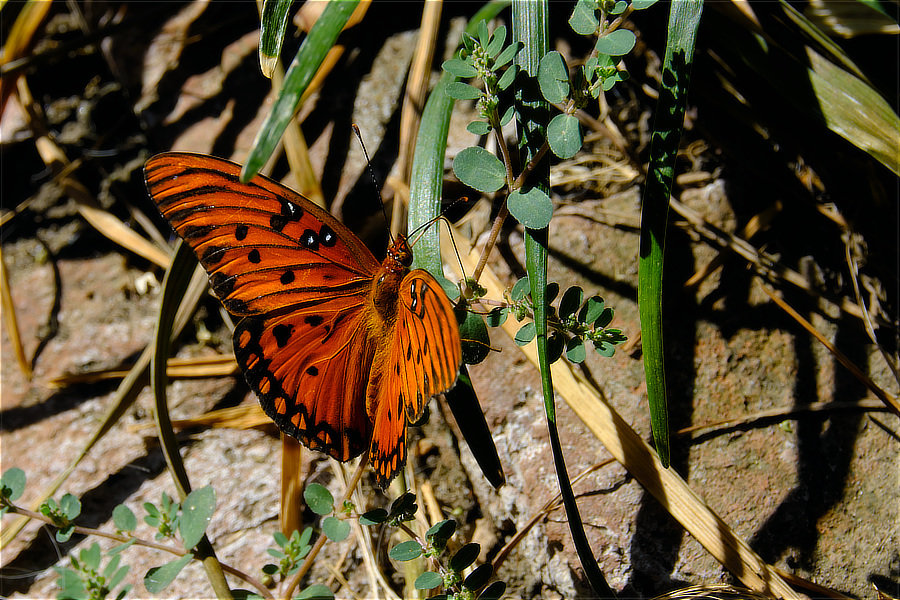
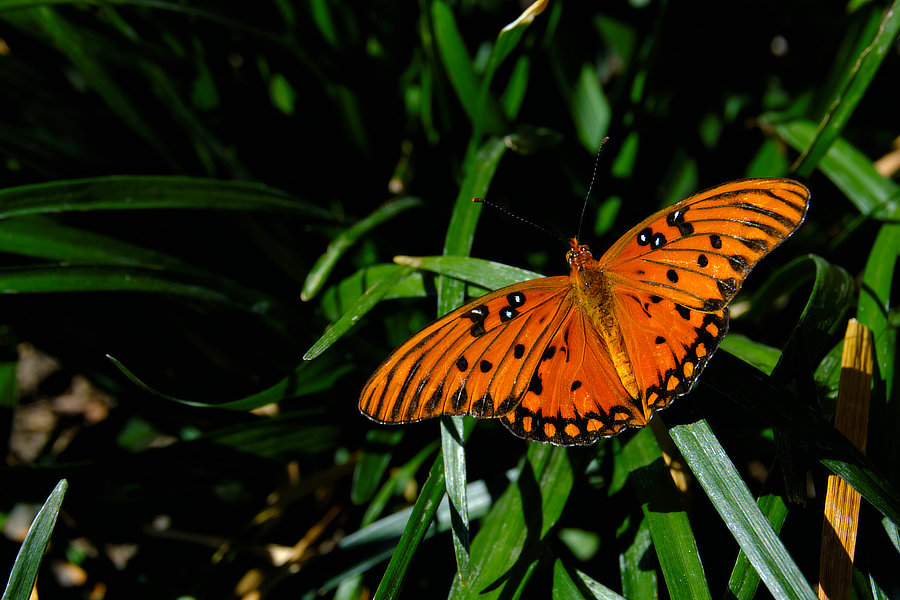
I think this is a Aphrodite Fritillary butterfly (Speyeria aphrodite).