jerryy
-
Posts
1,926 -
Joined
-
Last visited
-
Days Won
304
Content Type
Forums
Gallery
Store
Everything posted by jerryy
-
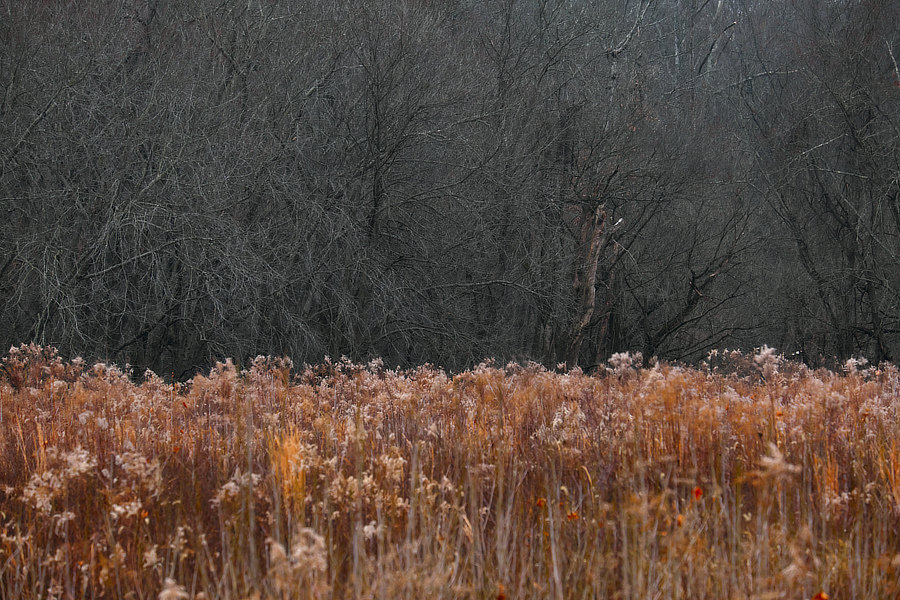
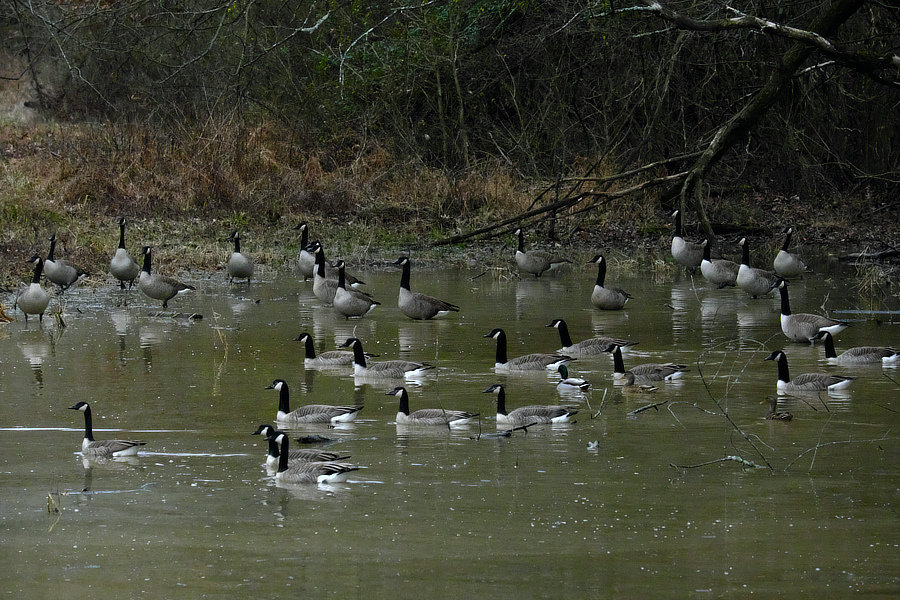
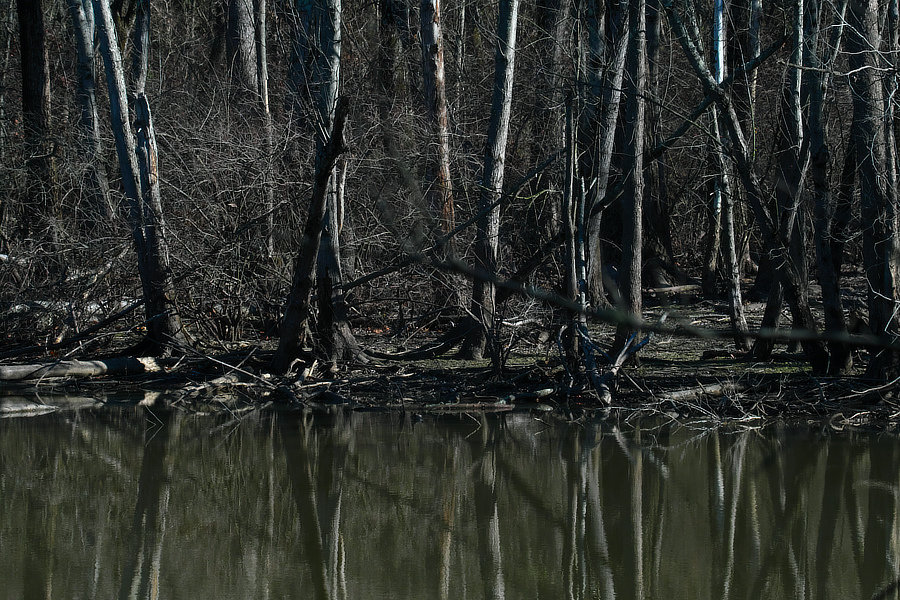
Welcome back to the fray. These are well worth the wait!
-
You may want to check your box again, the X-T30 does NOT come with the older external charger that the older cameras had included, it does have an ac adapter and cable that you plug into the camera to charge the battery. Li-ion battery NP-W126S AC power adapter Plug Adapter USB cable Shoulder strap Body cap Strap clip Protective cover Clip attaching tool Owner's manual
-
Xt-30 Longterm Review: Can you use it Professionally?
jerryy replied to Israellatham's topic in Fuji X-T3 / Fuji X-T30
He possibly phrased that part quickly to get on to the next part of the review ... it is a trade-off, if you want to use your very fast lens wide open for those shallow depth of field photos while being out doors at certain times of the day, you have to make some compromises, lower the ISO, or put on a stack of nd filters, or raise the shutter speed, or ..., all while hoping for the best. It used to be one could find a lot of grumbling about not having low native ISOs along with high shutter speeds for that very reason. -
If you do get a usb card reader, you can drag and drop the files using the finder. Glad to hear things are okay though.
-
Welllll, never mind then. it sounds like it is working.
-
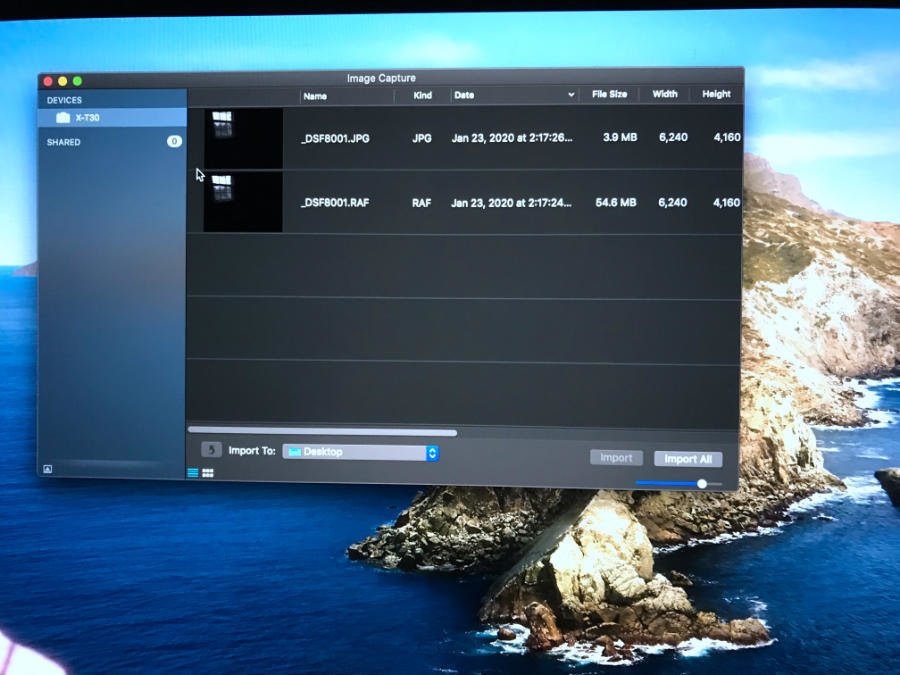
Hmm, can you do a quick check of two things? Pull the card out of your camera, put it into a usb card reader and connect that to your MacBook 1.) It should mount as an external drive, double click it and make sure that you have both the .jpg and .raf files listed. 2.) Open Image Capture again and select the card and see if both the .jpg and .raf files are listed. BTW, earlier I mentioned using a usb-c cable, thunderbolt cables also work.
-
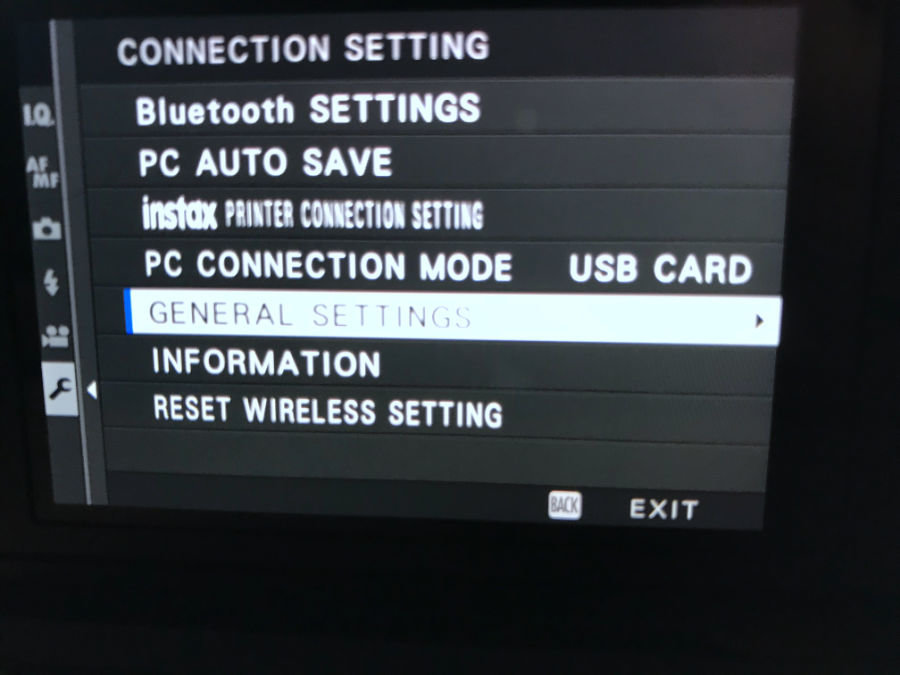
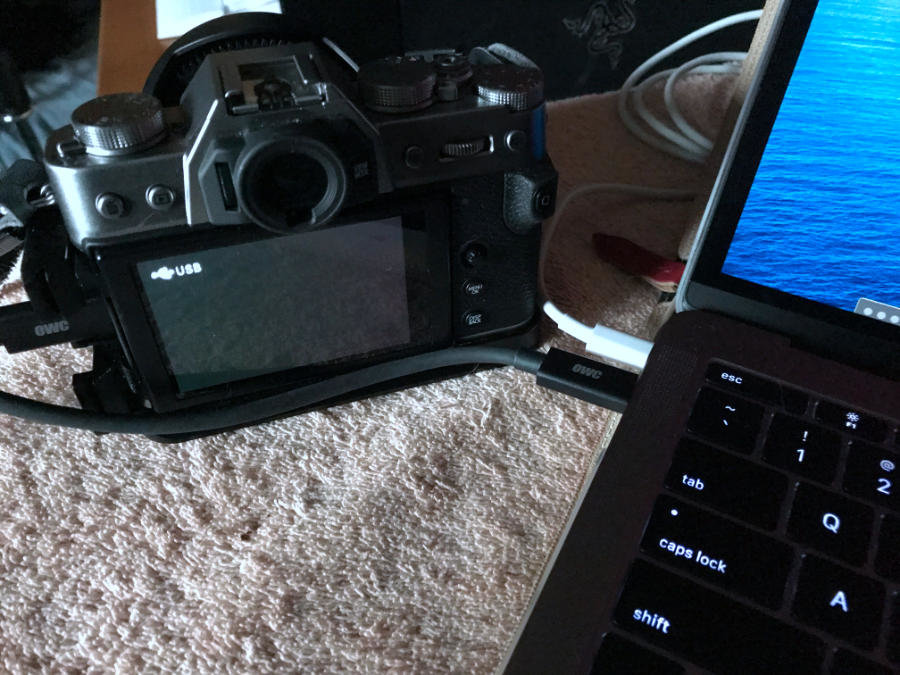
So just to double check, this is what your X-T30 is showing: And when you connect it to your MacBook, you get this: but when you open Apple's Image Capture application you are not seeing something like this: ?

-
Thank you! You are so kind. cough, cough, ehhh, nudge, nudge, uh, your turn to show us some images, cough, cough.
-
Change the connection setting -> pc connection mode -> to USB CARD READER make sure this is saved. Then connect your X-T30 to your computer via the usb-c cable and then turn the camera on. Use Apple’s Image Capture app (in the applications folder) to copy the images to your MacBook. The setting you have chosen is used by Fuji’s software to convert raw images to jpg.
-
Yeah George, it is that time. weeelllll ...
-
Awesome! These are even better than the really neat ones you showed us last year.
-
-
Are you being serious? What you are describing sounds like fantastic opportunities for all kind of photography. But if you are not trolling us, then try this: find a local tour guide/company and the next time they take tourists out to see the sights, go along. Those tourists have, most likely, never seen your area and will be amazed at what they are being shown. Every where you hear them going 'ooh' or 'ahh' take a quick photo to mark the location and then later come back for a more detailed self guided tour. This gives you two options, the neat places tour and the boring stuff tour. That may shake your ennui around a bit. Then show us the photos you get.
-
Not directly, as Apple's Camera Raw support (which Photos relies on) will only work with the uncompressed files. But you can use various conversion programs to read the compressed files and turn them into something that Photos will work with. There are many options that cost various amounts of money. Two free ones are: Fujifilm offers their own Raw File Converter which you can use to turn your compressed files into jpg or tiff files. https://www.fujifilm.com/support/digital_cameras/software/myfinepix_studio/rfc_3/mac_01/ I have heard the Photos will work with Adobe's DNG files but I do not know for certain. The converter that Adobe makes available is free, in that you do not need to give Adobe money every month to use it. https://supportdownloads.adobe.com/detail.jsp?ftpID=6809 note: those links are for the current at this time of writing, but are only good until the respective companies change their locations. Another option is to start using the uncompressed files, but that may involve getting more or larger sized SD cards.
-
-
Technically, it is macOS Yosemite that does not support your new X-T3, rather than Aperture. If you do as glospete suggests and update to Mojave, you (according to Apple’s information) should be able to continue using your iMac for quite some time yet. Aperture runs on Mojave and Apple’s raw camera support on Mojave includes the X-T3 (uncompressed raw). Eventually, you might want to update to a new computer that supports the new stuff, but you do not have to rush into it. You can currently find Mac Minis on sale for under $500 that are as powerful as your current setup if you wish to stay in your current computer eco system.
-
Around here it has been mostly frosty mornings, but winter is moving this way, or so folks say.