jerryy
-
Posts
1,926 -
Joined
-
Last visited
-
Days Won
304
Content Type
Forums
Gallery
Store
Everything posted by jerryy
-
I do not know about that, but in just one photo you have waaaaaaaayy more boats than I do in many of mine. Very well done!
-
Weeelll shucks, I was really hoping to see those mudskipper oxudercine gobies, but yeah, I can see that by now, they would be swimming, swimming, swimming 🤪.
-
p.s Could you zoom in on that gobie in that one shot? My eyes are not what they used to be and I am having a bit of difficulty seeing it in the mud.
-
What moon phase are you in? Usually the Spring new and full moon(s) give the best high tides. Or, you could drag out a big 'ol fire hose, hook it up to the local water tower and fill that harbor.
-
Demo of X-T3 -- question on a few issues I had
jerryy replied to Annie's topic in Fuji X-T3 / Fuji X-T30
Not necessarily, the Aperture Priority setting is more concerned with only setting the shutter speed, the ISO can be set to not change or to automagically change in the camera’s set up menu. The histogram will give you a much better idea about the exposure than the exposure meter will because of the reasons Greybeard is discussing. p.s.if you set this camera into fully manual mode, it will give you some fantastic results! Just make sure you do not accidentally move the EC dial (it does not lock!). edit: a while back, Fujifilm issued a firmware update for the X-T3; part of the update concerned auto focus issues. It is possible the demo camera you were given to test has not had that update installed. -
Demo of X-T3 -- question on a few issues I had
jerryy replied to Annie's topic in Fuji X-T3 / Fuji X-T30
The ISO is set to 160 in these images, so that along with f11 and 1/200 is going to make for dark images. Probably for a scene this overcast, you might try starting with ISO of 400 or so for the f11 and 1/200 settings. Also, try having the histogram show in the screen, that can help you decide on exposure settings. The camera's sensor's focus sensitivity is tied into the ISO, F number and shutter speed, (it is listed as a EV number) so in the first try of the second photo, you MAY have picked a very dark spot to try and get focus lock, but that changed during your second attempt. Without being there at that time, speculation is ..., well just that. HTH -
Do not lose hope, Spring is on the way, ..., maybe the Spring rains will pick those puppies up and move them back out of the mud. Or high tide will, whichever comes first.
-
That depends, what does the plaque say? 😃 otherwise, good catch! It is good to see your photos again, I hope things are going well for you.
-
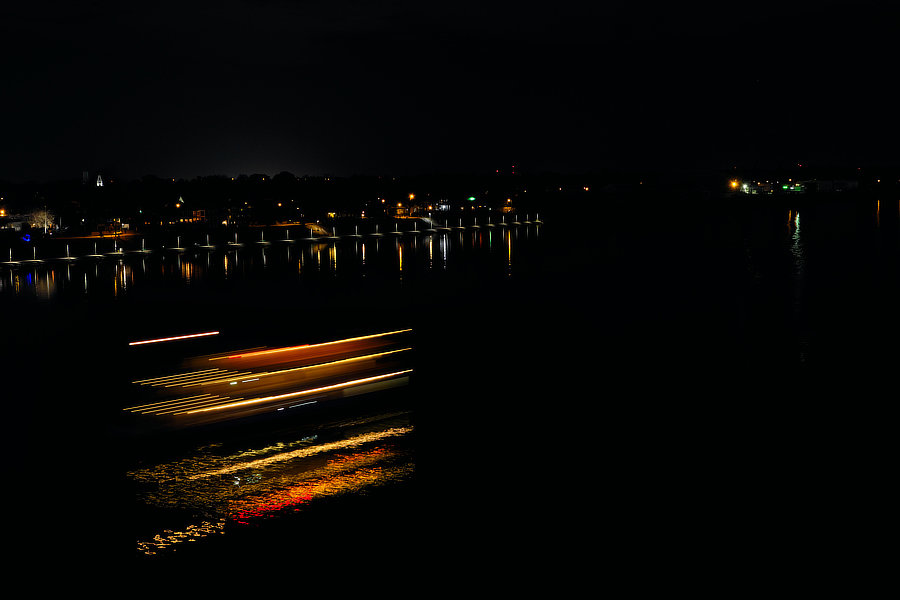
Second curtain shutter: This one is not the typical long exposure night time boat photo: I think I must have pressed the cable shutter release button while moving the tripod, but it turned out okay .

-
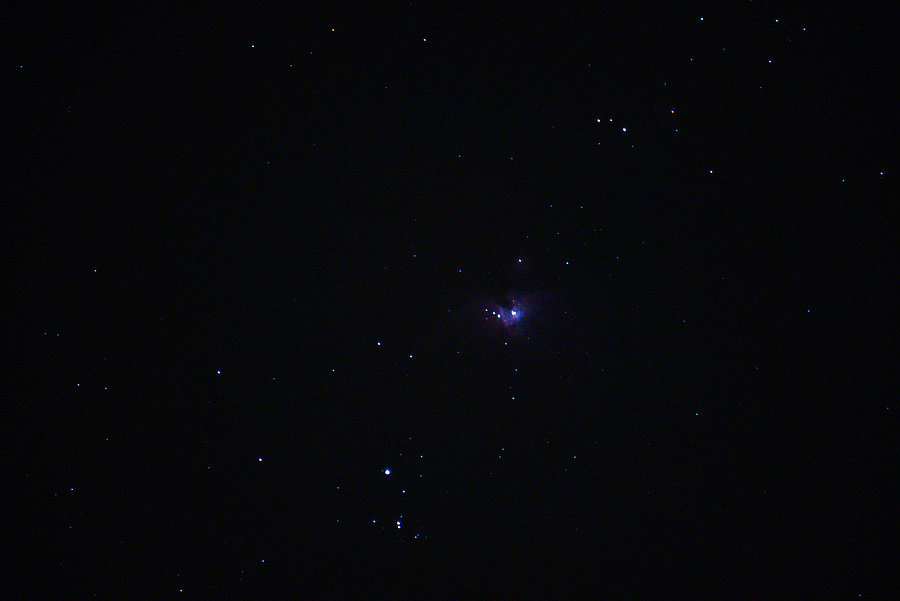
A closer view of winter's constellation (Orion):
-
From page 175 of the X-T30 users's manual: IMAGE ROTATE Rotate pictures. . 1 Display the desired picture. . 2 Select IMAGE ROTATE in the playback menu. . 3 Press the focus stick (focus lever) down to rotate the picture 90° clockwise, up to rotate it 90° counterclockwise. . 4 Press MENU/OK. The picture will automatically be displayed in the selected orientation whenever it is played back on the camera. The Playback Menu • Protected pictures cannot be rotated. Remove protection before rotating pictures. • The camera may not be able to rotate pictures created with other devices. Pictures rotated on the camera will not be rotated when viewed on a computer or on other cameras. • Pictures taken with D SCREEN SET-UP > AUTOROTATE PB are automatically displayed in the correct orientation during playback.
-
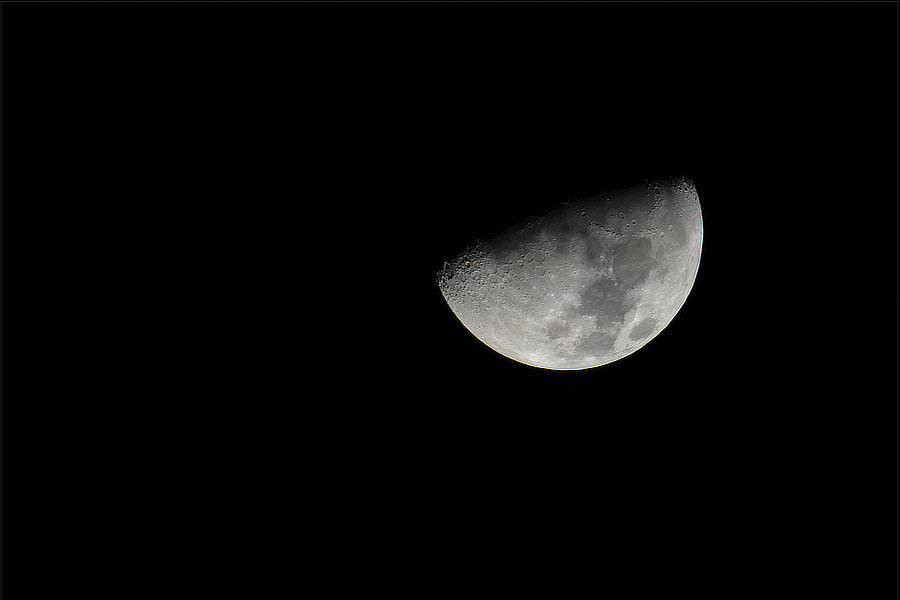
Winter's moon and constellation
-
It should unless something is very wrong with your camera.
-
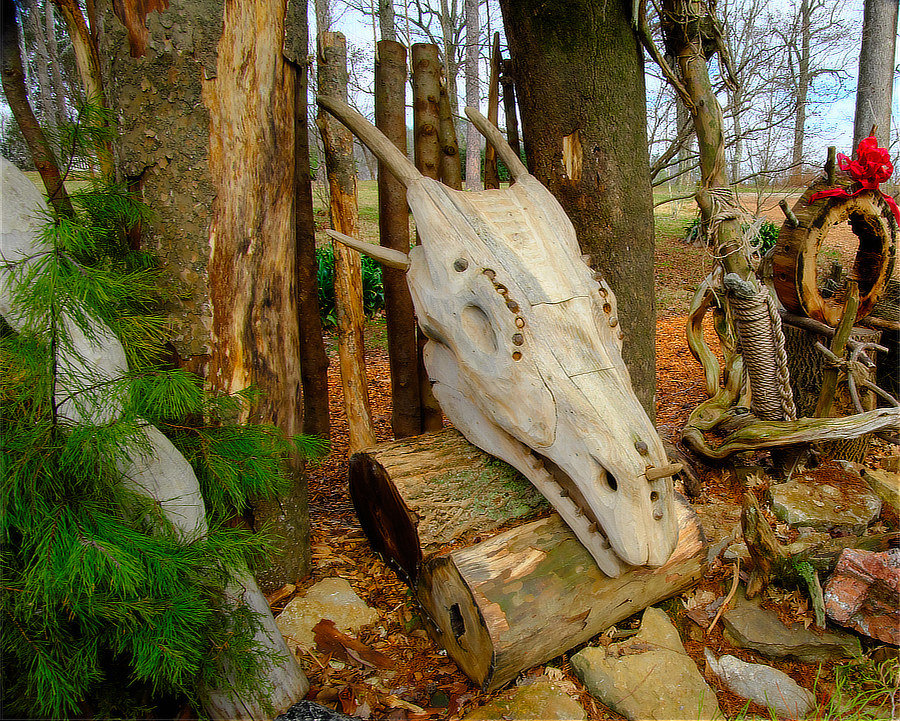
And another round of Trolls versus Dragons is over .... This time the Trolls won. This time ... Troll toys.
-
Focus bracketing (not stacking) speed on X-T3
jerryy replied to TwoMetreBill's topic in Fuji X-T3 / Fuji X-T30
I do not use this option very often (really not at all), but I gave this a try using the X-T30, 18-55 lens set to 18 mm, f2.8, ss: 1/125. The bracket settings were set BKT2, focus bracketing, 8 frames, 1 step, 0 second interval. It took less than a two second count, I tried this several times with these settings and got the same result, less than a two second count (one Mississippi, two Missi... done). HTH. edit: I realize that I used my usual drive setting of raw + jpg, instead of only raw. So the raw only speed you asked about should be faster. Maybe around a second or less, just use a fast card . Edit 2: That was with the mechanical shutter. I think you will find the most complete answer here: https://www.fujifilm.com/products/digital_cameras/x/fujifilm_x_t30/specifications/ under the section called ‘Continuous Shooting’. The mechanical shutter with full size raw uncompressed files tops out at 8 frames per second, until you fill the buffer (18 frames) at which point the camera will go to black screen until enough of the buffer is written to the card to allow more shooting. The electronic shutter will give you a higher frame rate, but the buffer size is still 18 frames. Using compressed raw or a smaller frame size (or jpg files) allows for more shots per buffer as well as a faster frames per second. -
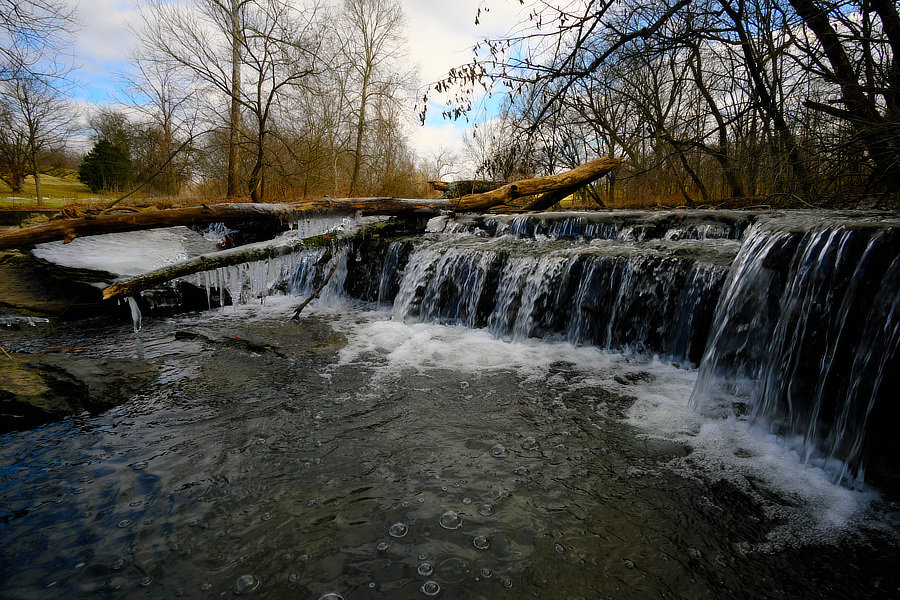
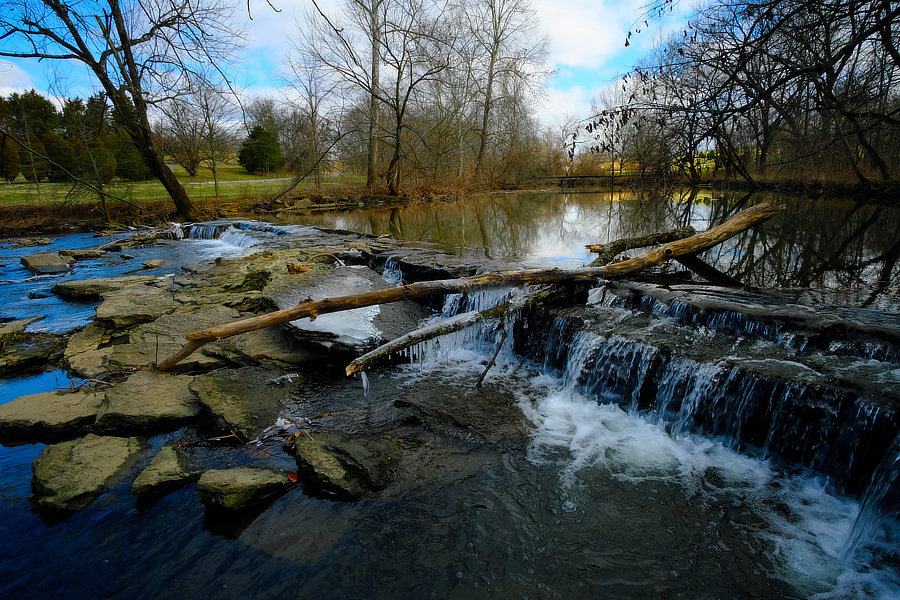
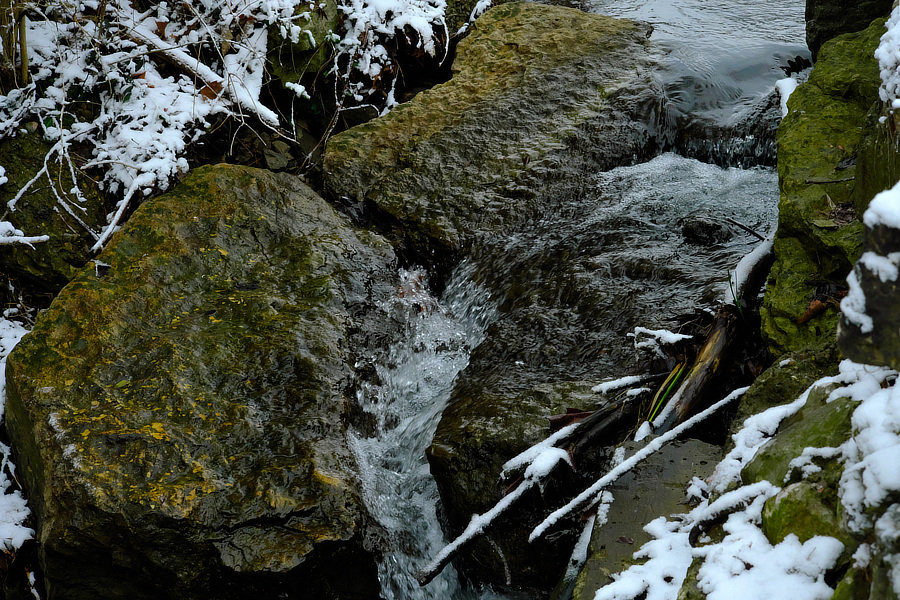
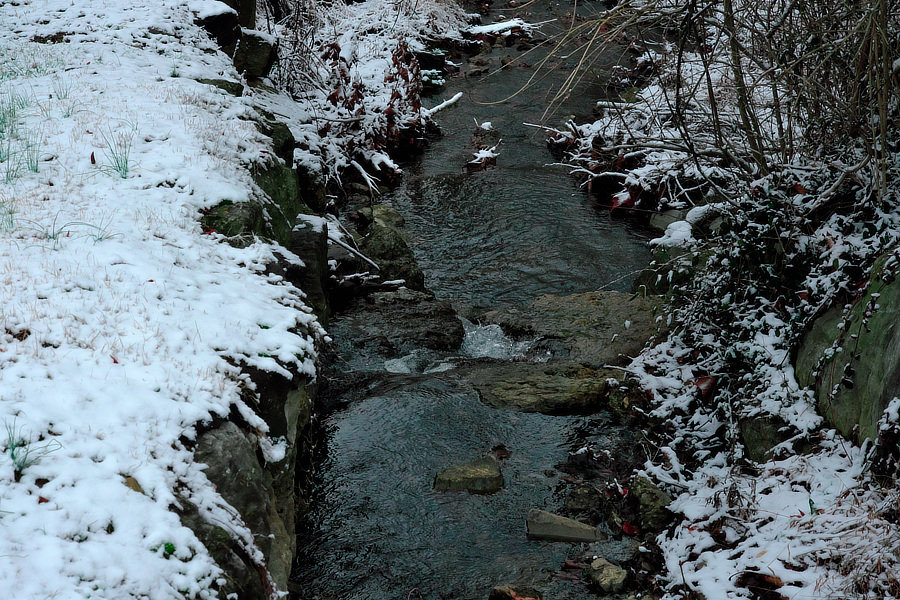
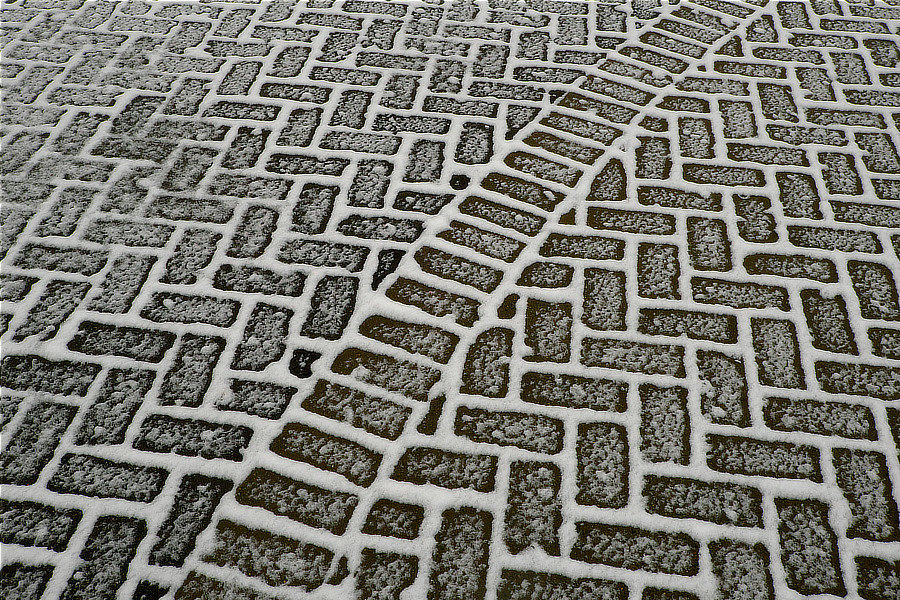
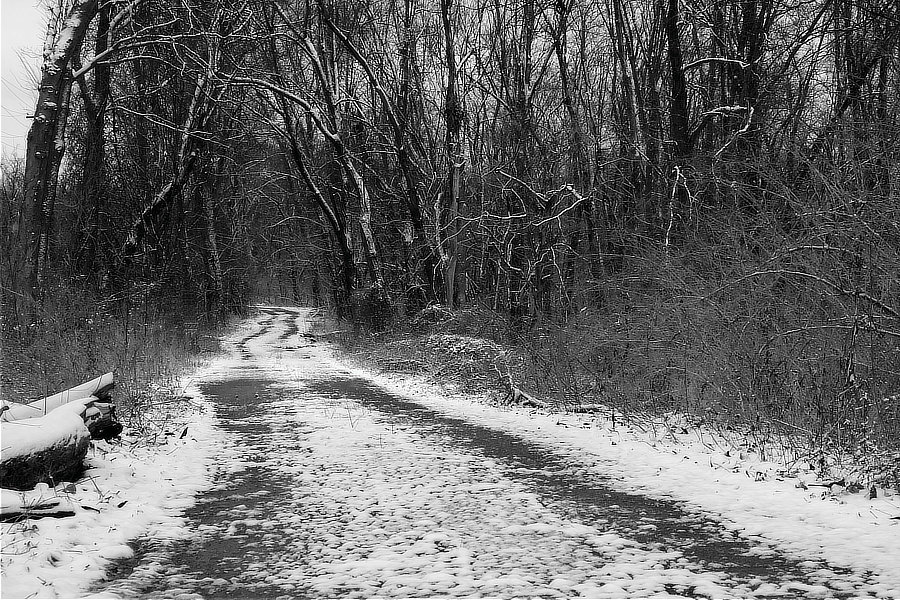
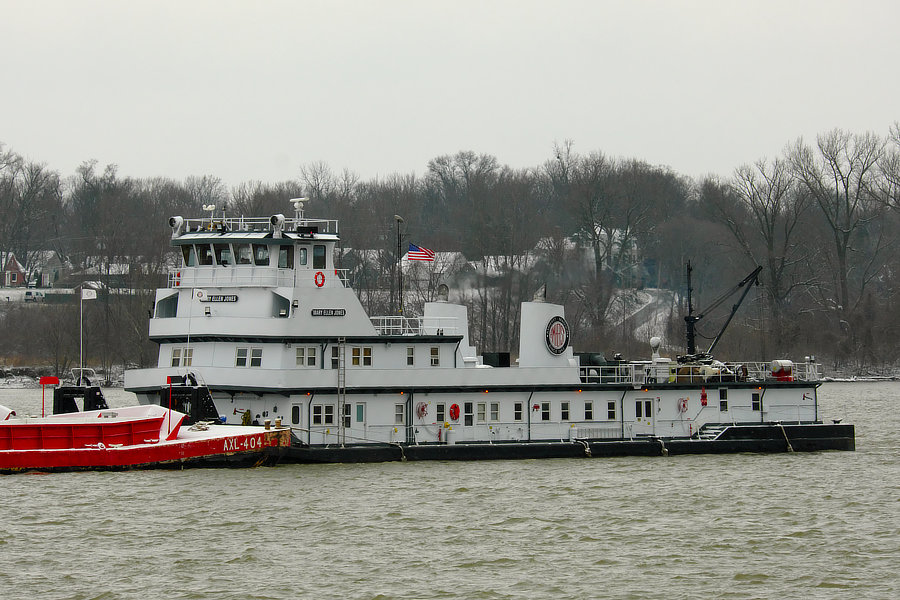
Yeah George, I remember when snow used to stick around.



-900.jpg.0319601171216de5ff929434a9e9eccc.jpg)