jerryy
-
Posts
1,926 -
Joined
-
Last visited
-
Days Won
304
Content Type
Forums
Gallery
Store
Everything posted by jerryy
-
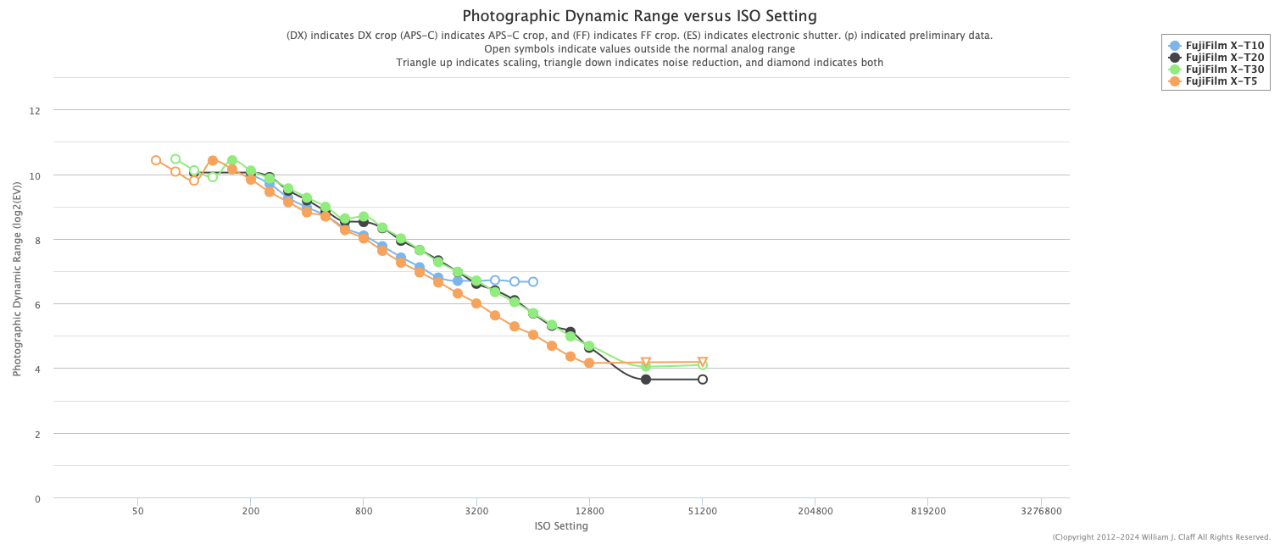
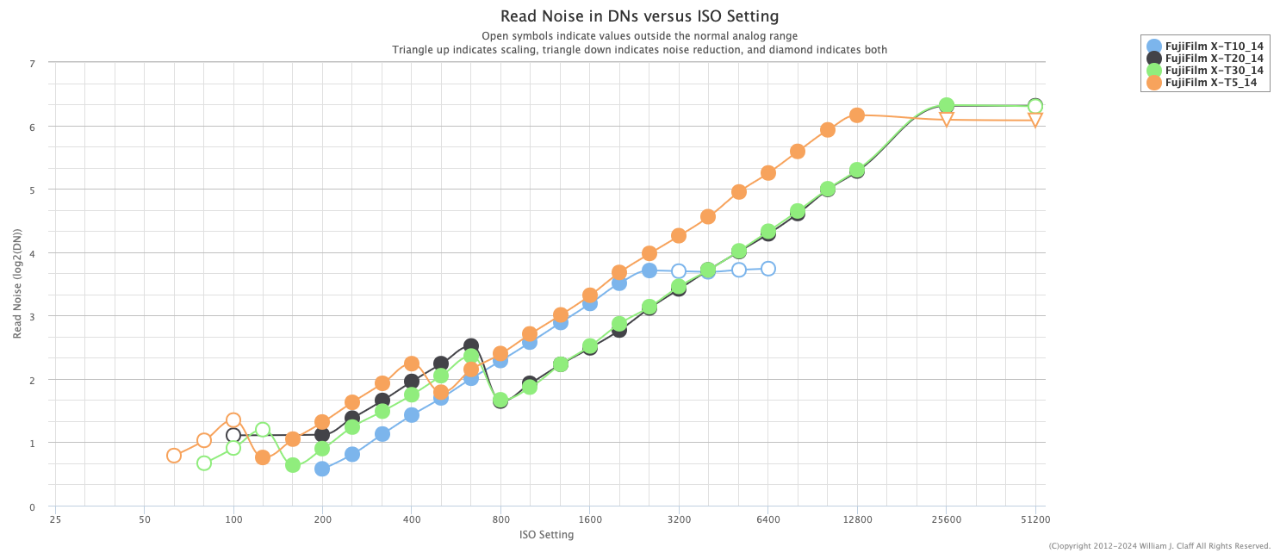
Welcome to the forum. 1.) I hope that you will read this in the spirit that it is intended. In no way, shape or form do I intend to criticize what you are trying to accomplish, I realize that you are looking for support for what you want to see in cameras Fujifilm sells to us. Please edit and re-write your letter. I know how easy it is being nervous and in a hurry while posting to a new forum, mistakes happen. I also realize you may be pasting a nicely written letter whose translation into English from another language got a bit garbled. The people you are trying to reach probably are not influenced much by anything we post here, but maybe they are, so to make a better impression on them, make it easy for them to understand what you are wanting to say. Your letter has a lot of spelling mistakes, use a spell checker on your letter while editing. Your phrase "... legendary unrepeatable XT-1 picture climat and quality..." almost makes sense, but something got lost here, I do not understand what 'picture climat' is. Your intended reader may wish to help you, but if they struggle too much to understand what you are saying, it is easier for them to pass it by, in favor of others' viewpoints. 2.) Where did you come up with the 36MP number from? Sometimes bumping up the resolution is good, but it comes at a cost. Here are two graphs from Photons To Photos illustrating what has happening as the MP have increased over time (The X-T5 stands in for the X-T50 because that information has not been released by P2P yet). More resolution can give you better detail and better cropping (for those rare times when cropping is needed because you did not have the right lens or the scene was just too tricky to get without cropping) but again there is a cost. These may seem counter-intuitive but consider replacing three pixels with five. You get more resolution and maybe more detail, but you can get more unwanted noise --- with three pixels your region had three noise sources, now it has five, actually we ended up with worse noise than before unless the individual pixel noise is vastly reduced. That noise reduction needs to be in hardware rather than software otherwise you get issues such as Sony's star-eater problem or Nikon's concentric circles problem -- you can look these up, they were software approaches to trying to fix noise issues at various ISO and time exposure settings. Also more resolution only for resolution's sake can end up costing you image detail because of diffraction issues which in turn soften your images. Maybe something better to ask for would be things like better hardware noise reduction, more dynamic range, wider color spaces, etc. Again, please understand, I am not trying to criticize what you are doing, but I think you will get a better response if you edit your letter. Best wishes, jerryy.

-
You may need to take it to your local camera store and have them take a look at it to see if it needs some repairs. Depending on where you live, it may still be under warranty. Best wishes. p.s. Welcome to the forum.
-
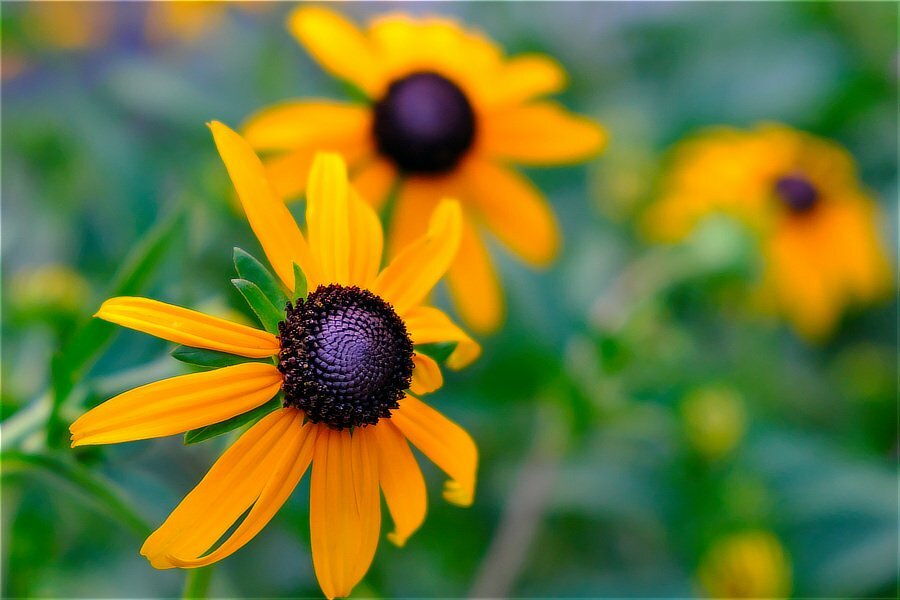
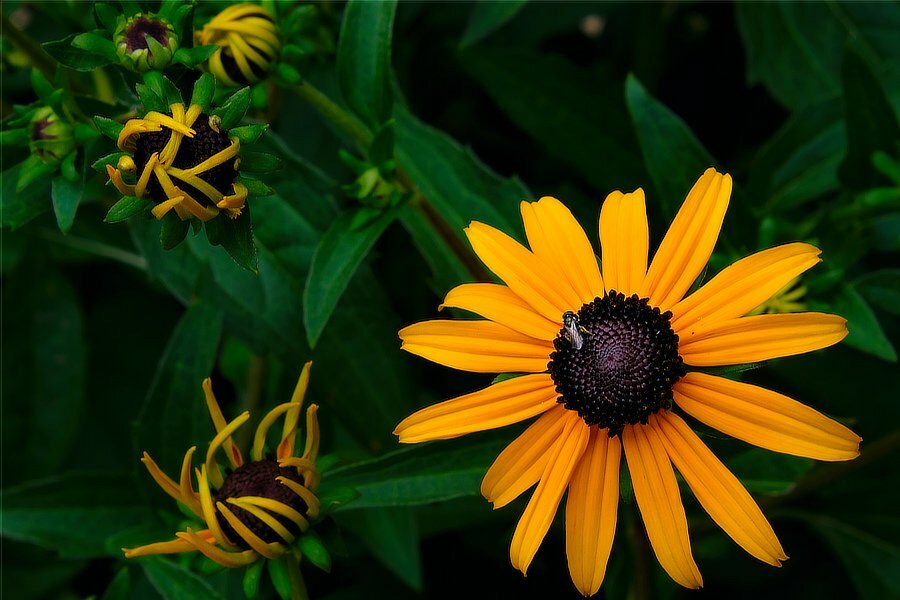
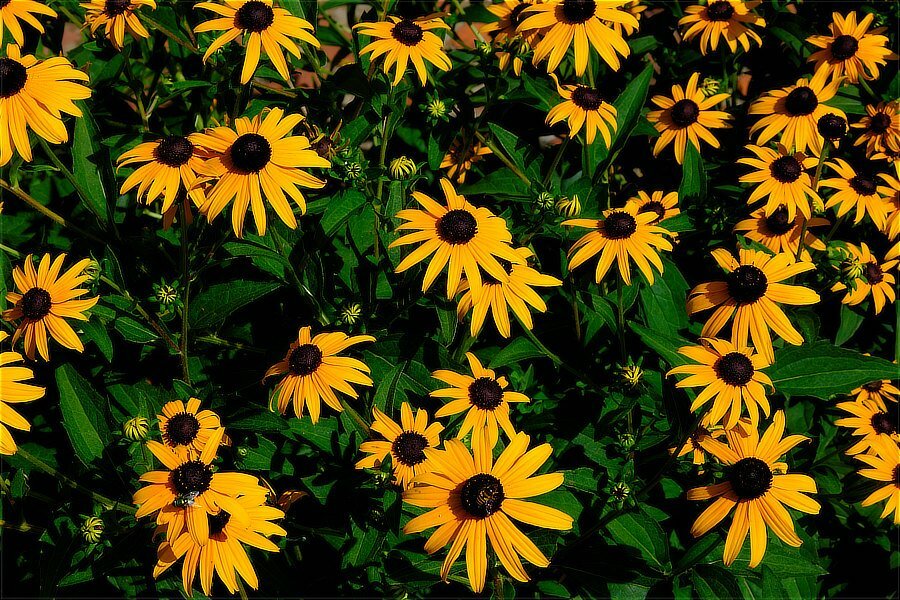
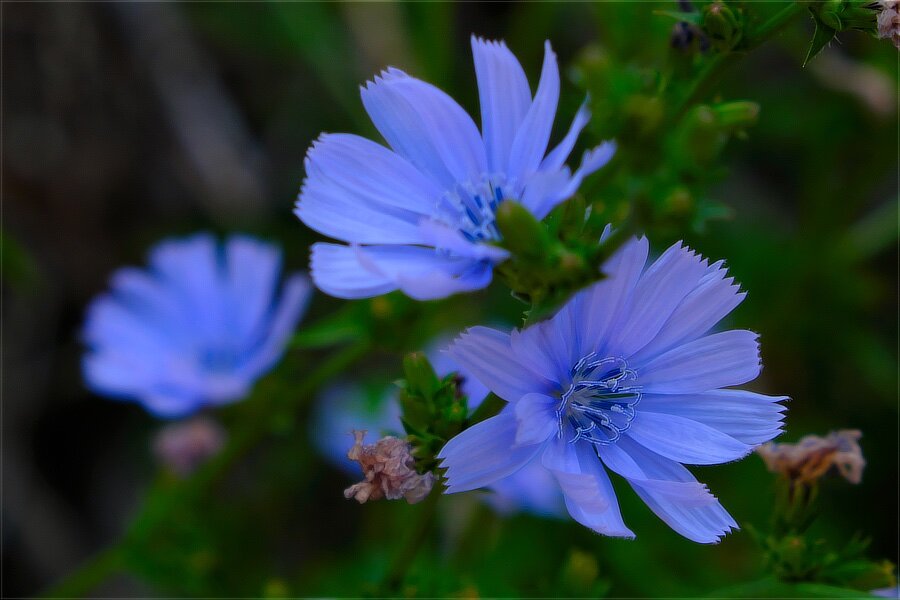
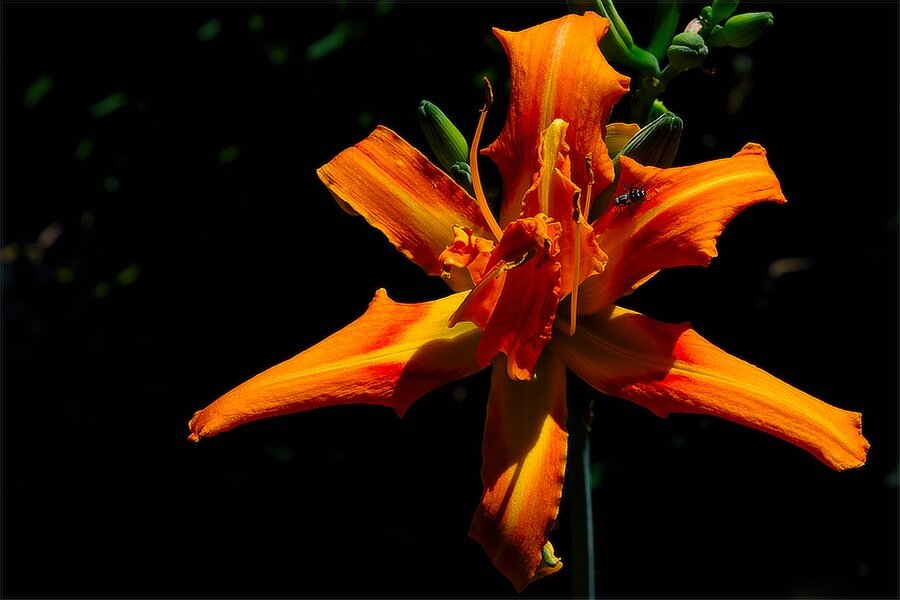
open thread... Leaves, flowers, focus, motion.
- 1 reply
-
- 1
-

-
X-T5 Exposure Compensation With Auto ISO - Question
jerryy replied to Richard301's topic in General Discussion
Yes. A bit longer answer is that it works like that pretty much across the camera line. These may explain things a bit: https://fujifilm-x.com/en-us/exposure-center/understanding-auto-iso/ https://jmpeltier.com/fujifilm-how-to-use-auto-iso/ Depending on how you setup the parameters, you might be able to force a shutter speed change just to see it working. p.s. Welcome to the forum. -
Those two are “aimed” 😀 at different directions. The X-H1 is newer, larger, heavier, has IBIS and is more of a ‘video oriented camera that also takes stills’. The X-T1 is the older, lighter, smaller camera (no IBIS) oriented more towards stills with the ability to grab videos if need be. Let the intended person hold and try each camera. The best one is the one they want to take with them out to get the images, even after the short term buyers remorse about maybe the other one was better. That is where the soul comes from.
-
On the one hand, sorry to hear that. You should be able to get it repaired under warranty, check first with your seller.
-
Does this happen with both mechanical and electronic shutter? p.s. Welcome to the forum.
-
…
-
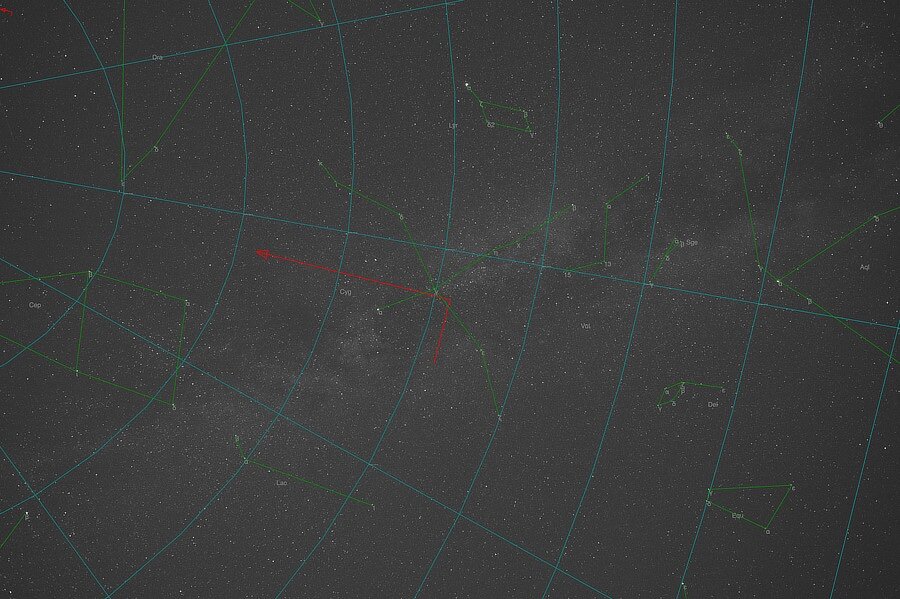
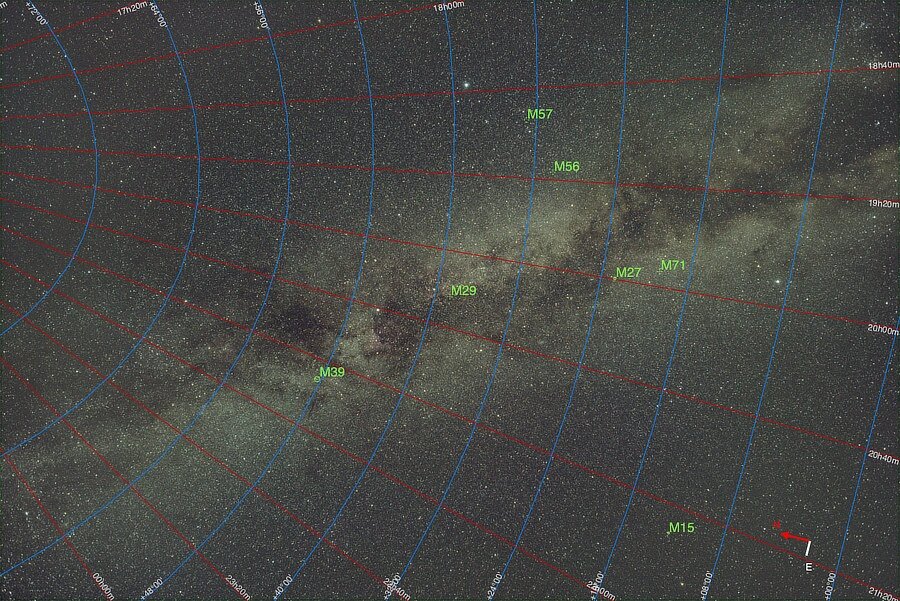
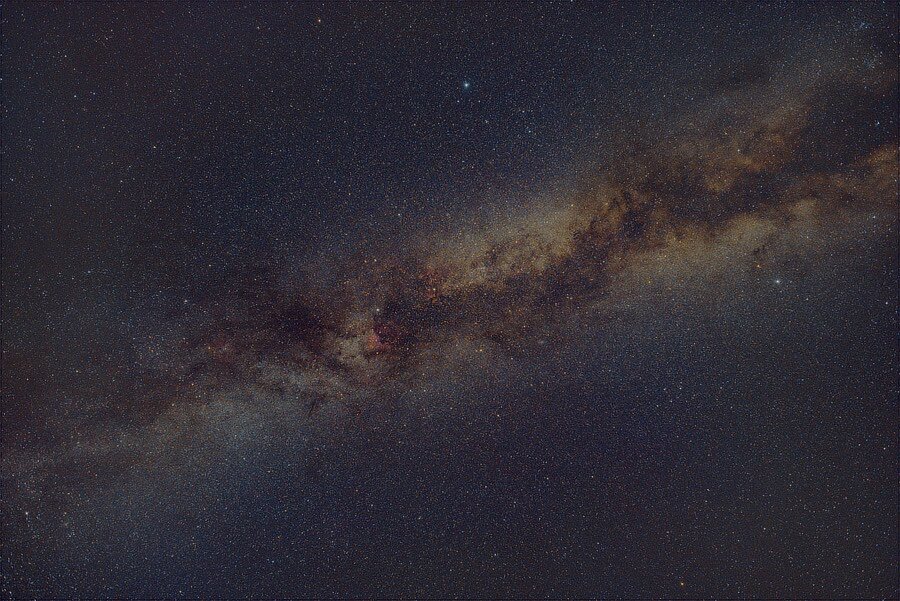
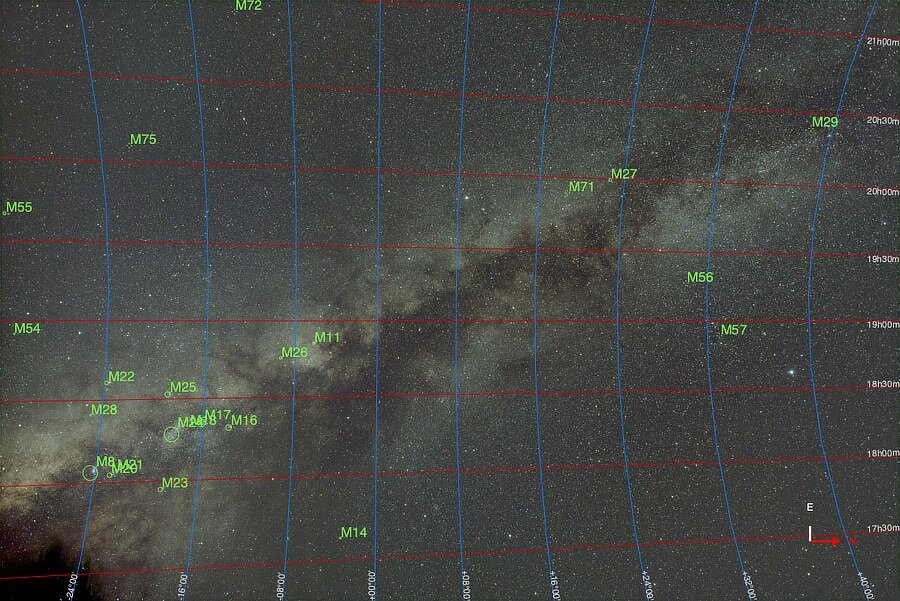
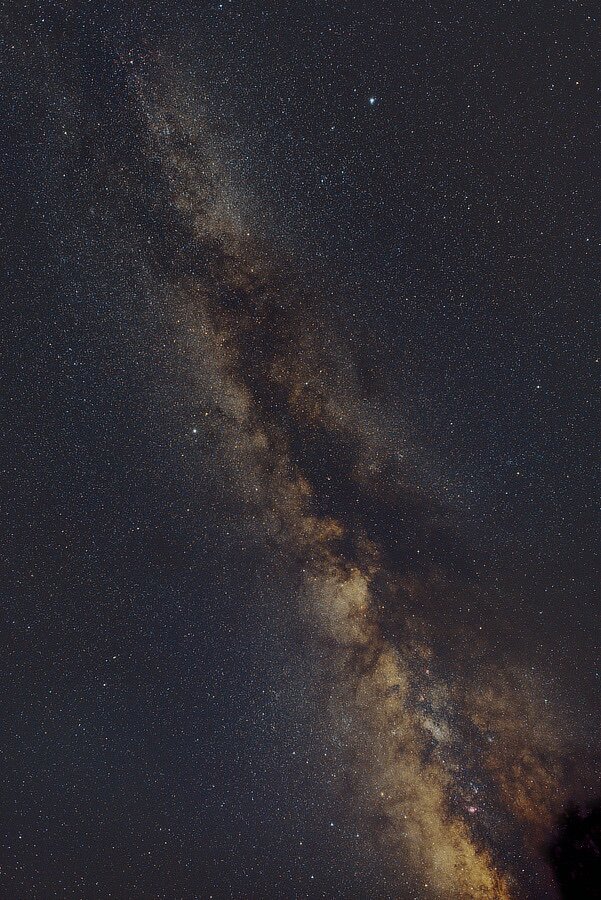
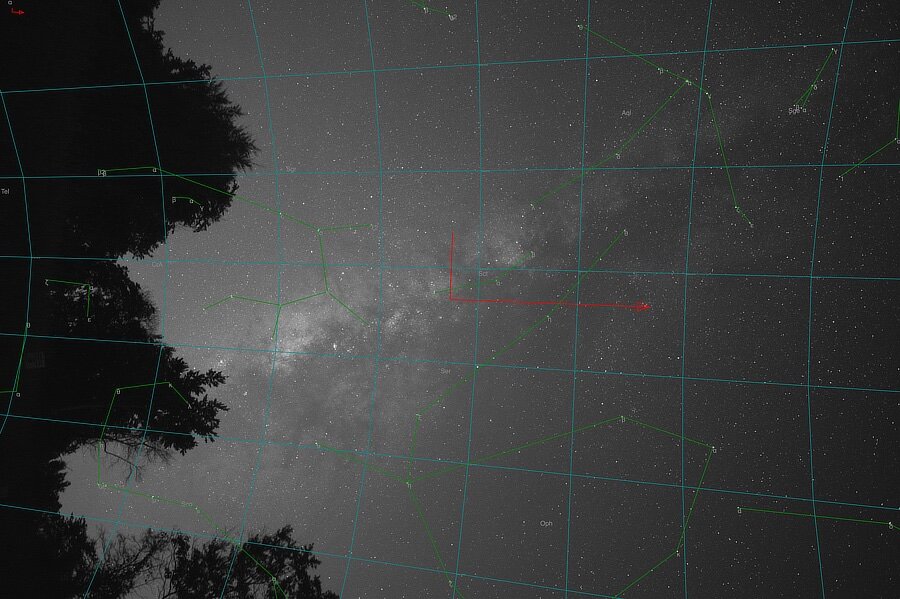
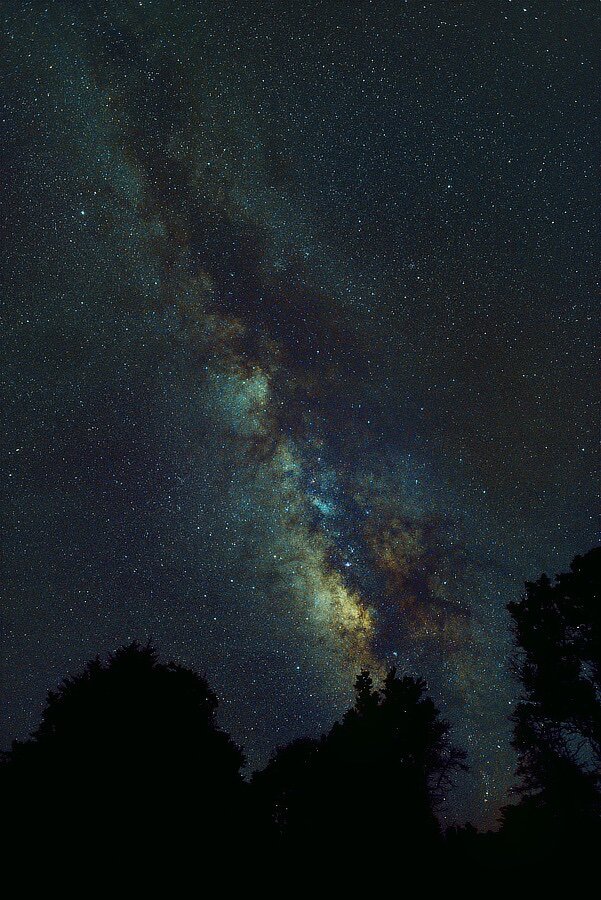
Pouring more Milky Way from overhead... This is the equivalent of 15 minutes of exposure. A little amazing to me is in this shot stack (taken with a XF14mm f2.8) the North American Nebula and the Pelican Nebula are both visible. Just Look Up! 3/3
-
A little later. More Milk, Fewer Trees... This is the equivalent of 15 minutes of exposure. 2/3
-
Milky (Way) Goodness... This is the equivalent of 10 minutes of exposure. 1/3
-
I hope things go well for you two. Welcome to the forum.
-
This may help: https://fujifilm-dsc.com/en/manual/x-t5/menu_setup/button-dial_setting/ You can choose between three different possible front command dial setups. Further on, the page also lists possible aperture settings.
-
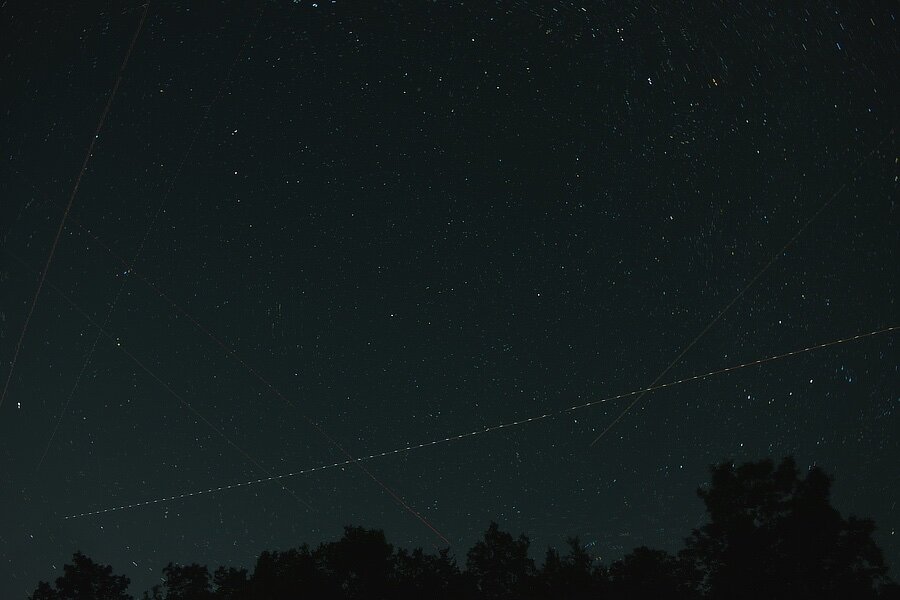
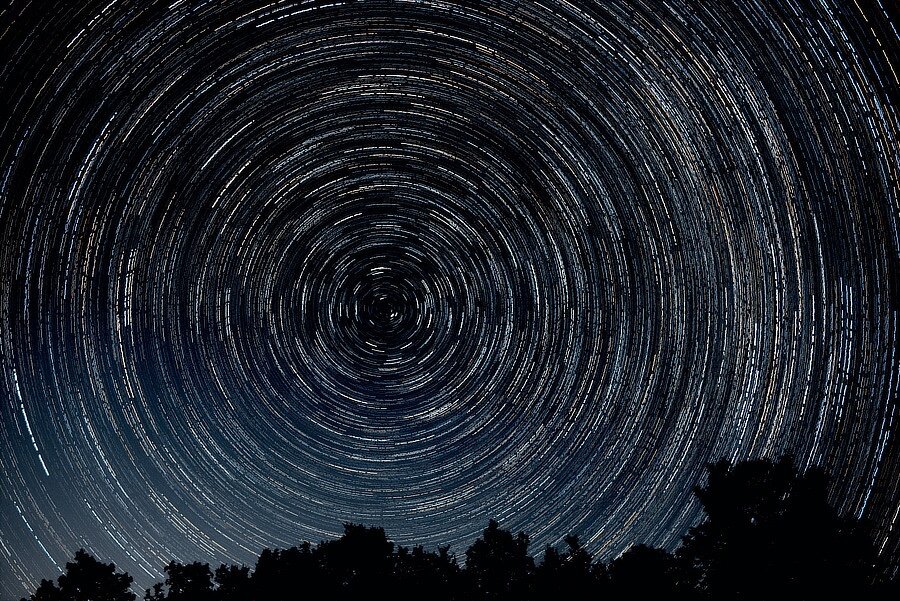
Polaris Trails... A little loose change under 50 minutes. I was wanting to get a full hour for the image, but these got in the way:
-
@George_P that is how it works on my X-T10 as well, but the lens has to have OIS and the OIS on the lens has to be turned on, otherwise one cannot select those menu setting options. p.s. Uh, if you locate any of those “firmware” updates, please let me know! 🤣
-
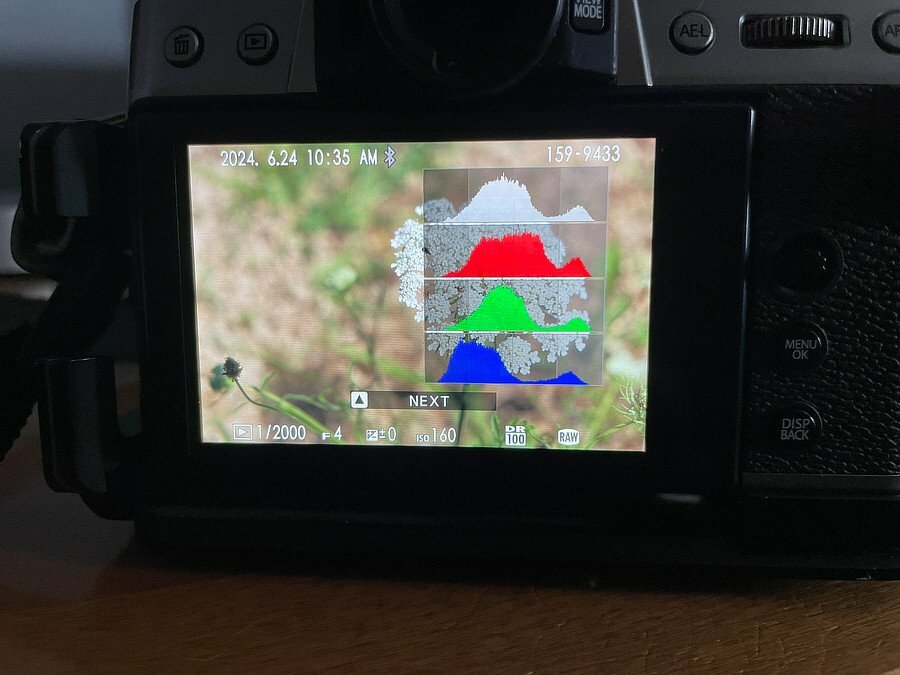
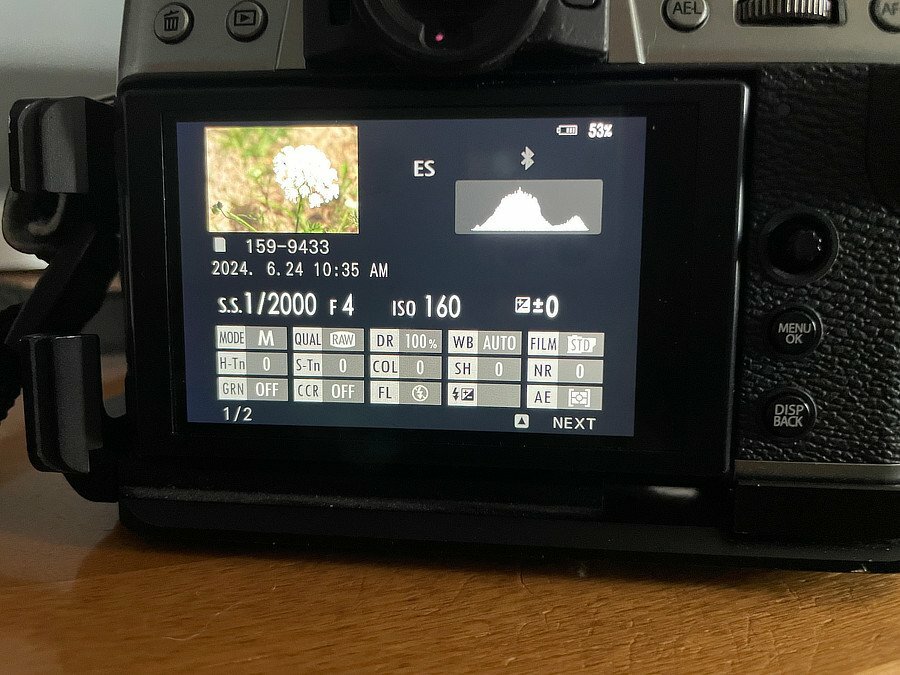
Hopefully this will not be annoying... I checked all of mine after reading your reply, and there are several approaches, some let you choose the format and some do not. But... When you first turn the camera on, does it briefly show the date and time? All of mine do, and then after a short while, the camera turns it back off, I suppose to not distract from seeing the image. Also, you may have a way to display the time in the playback; bring up an image in playback mode, and press the DISP/BACK button to cycle through to the Histogram displays: Push the Up selector to choose the NEXT option to get to this display: Hopefully this works for yours. p.s. I use EXIFTool to do the heavy lifting: https://exiftool.org/ Which reader will work best for you depends on which operating system you use, Linux, macOS or Windows. If you are using macOS, the App store has several free or low cost ones you can try. But just about all of them use EXIFTool as their background engine.
-
I take it that you have found how to change it over to the 12 hour AM/PM format. It is a little easier to read if you are used to seeing it that way, (If you have not, instead of leaving it with the correct time, but in the 24 hour format, go to the set-up menu the same as if you are setting the date and time, but keep arrowing over to right. The last field lets you change back and forth between 12 hr and 24 hr time.). edit: p.s. I would think, but do not know, that LR would show the time in 12 hour, AM/PM mode if you make that change. But if it does not, an EXIF reader should help.
-
It seems like you have a couple of questions … The EXIF date/time information is stored in 24 hour format (military format). The time you posted is 4:54 a.m., almost 5:00 a.m. The -5:00 is to show daylight savings time is in effect, otherwise it would be -6:00. Do you recall what time you moved the image over to your storage drive? Also, there is a camera setting that allows you to use local time rather than "home" time, was that turned on? One other thing to note is that Chicago does have daylight savings time / standard time offsets, but Mexico City does not observe those time changes. The -5:00 dst is for Chicago. I do not know if LR handles the date/time EXIF field correctly or if you need a plug-in for that. If the clock on your computer is being used by LR for image date / time creation information, your computer's time will seem to over-ride the actual creation date /time. Depending on what you need that date for, you may be able to overlay results from an EXIF reader that uses 12 hour format, on the image viewer and take a screen shot. Some OS file viewers do that, but be careful, often they will show the time you move the file onto the drive rather than the EXIF date/time original field.
-
Something does not seem right. Uncompressed raw files for the X-T5 are supposed to be around 80MB, call it 85MB just to be safe in that assumption. 183 x 85MB = 15555MB, which is about 15.6GB. Even if you are using full sized, fine jpg along with the uncompressed raw files, you would not come close to filling a newly formatted 64GB card with 183 shots. Maybe try a new card?
-
It sounds ilke you have the drive dial set to Multiple Exposures, the one next to Adv2. Turn the dial back to S or CL or CH and the camera should go back to the way you are used to it behaving. p.s. Welcome to the forum.
-
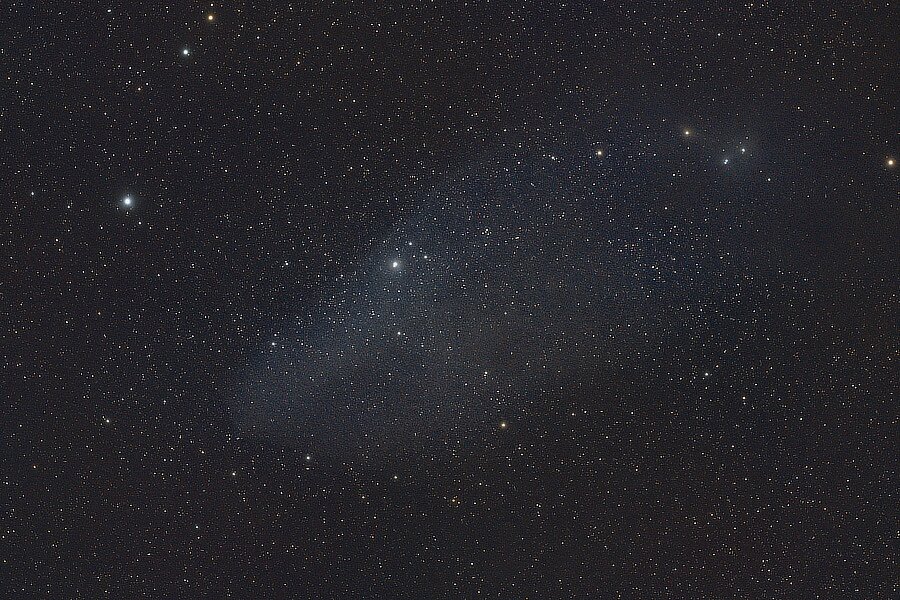
Kind Of Blue... On page two of this thread, there is a posting of Jabbah, the star in Blue Horsehead Nebula (seen in the posting above) that gives it the blueish color. Closer view; IC 4592, Blue Horsehead Nebula (upside down and reversed from the posting above). This is the equivalent of 25 minutes, 15 seconds of exposure.
-
Welcome to the forum. I have the XF 55-200mm lens, it is one I would not easily give up. Mine is sharp at 200mm, so which one is better at that focal length seems to come down to sample variation. The 70-300mm is newer so you would be getting the newer designed motors that could get you faster af in adverse conditions — if you do not use mf all that much. Fujifilm has two 50mm lenses, one at f1.0, one at f2.0, both with WR. Depending on your budget, you can get these new or you can pick up these from the used market vendors, though the f1.0 lens is the more expensive choice. There are lots of good third party lenses that can also work in filling that missing focal length.
-
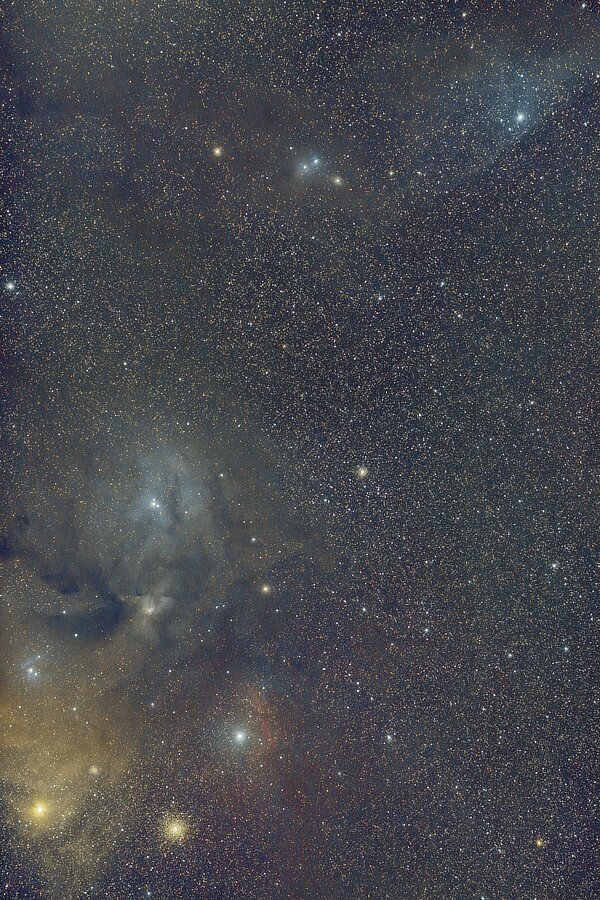
Part two of two. This is the equivalent of 75 minutes of exposure. Antares, the big bright yellow star in Scorpius is surrounded by the Antares Nebula. Antares is actually a Red Giant star. Over to the right of Antares is the star cluster Messier Object M4. Above these is the Rho Ophiuchi Nebula. At the top, to the right, is the Blue Horsehead Nebula (normally it is shown flipped, both vertically and horizontally.) M4 and More! Lots of color! https://www.star-facts.com/antares/ https://starwalk.space/en/news/antares-star https://science.nasa.gov/mission/hubble/science/explore-the-night-sky/hubble-messier-catalog/messier-4 https://webbtelescope.org/contents/media/images/2023/128/01H449193V5Q4Q6GFBKXAZ3S03?news=true https://www.galactic-hunter.com/post/ic4592 https://www.constellation-guide.com/constellation-list/scorpius-constellation/