jerryy
-
Posts
1,926 -
Joined
-
Last visited
-
Days Won
304
Content Type
Forums
Gallery
Store
Everything posted by jerryy
-
The image captures are strictly video only. As i mentioned, single image capture is not (yet) implemented, though these functions should be feasible in other programs based upon having the features available in the Remote Camera App. for example, gphoto2 --list-config lists a toggle switch that turns bulb capture mode on or off, but it is currently set to read-only mode. GPhoto2 is a front end for libgphoto2. The library itself is usually used by the various applications such as the KStars program I wrote about. Those programs tend to not give you direct access to the commands they use, but you can use gphoto2 to get at those: http://gphoto.org/doc/remote/ The documentation is a little open-ended as many open source projects tend to be. You will need to scroll all the way to the end of the page i linked to in my reply to YOUTA to find out the maintainer has added the X-T30's live view capabilities to their listing, but the general documentation has not been updated to reflect that. The camera uses the PTP language, so your system may need a generic PTP camera driver to go outside of the Zoom world. I used it in KStars EKOS module to record live view video, the program automatically turned it into the .ser format, and saved it. All i had to do was click on the start / stop buttons. This was with the camera's Connection Setting set to X Webcam, I have not tried the other USB video options (I have read those are there for controlling the camera using gimbals, etc.).
- 19 replies
-
- 1
-

-
- webcam functionality support
- firmware request
- (and 3 more)
-
This sounds like a Windows problem, it works in Linux and as far as I have tested, macOS. I have used KStars with my X-T30 to record videos as .ser files which then can be stacked in programs such as FireCapture. I got the linux setup working first on my desktop system (Mint) and then on my Raspberry Pi (Astroberry) and then a brief test on my mac system. If you can get gphoto2 to run on your Windows box, this command: gphoto2 --capture-movie --stdout | ffplay - will put up a movie in the viewer for you. I am still waiting for single frame capture — that would help me cut out the current clunky way of using remote camera app as a go between. https://github.com/gphoto/gphoto2/issues/196
- 19 replies
-
- 1
-
-
- webcam functionality support
- firmware request
- (and 3 more)
-
Starting with the v1.40 firmware update, the X-T30 was given some webcam support. This continued in the v1.41 firmware update. If you use the camera remote app, you can also get single image support (there are still some limitations, but it does work).
- 19 replies
-
- 1
-
-
- webcam functionality support
- firmware request
- (and 3 more)
-
Look up!

-
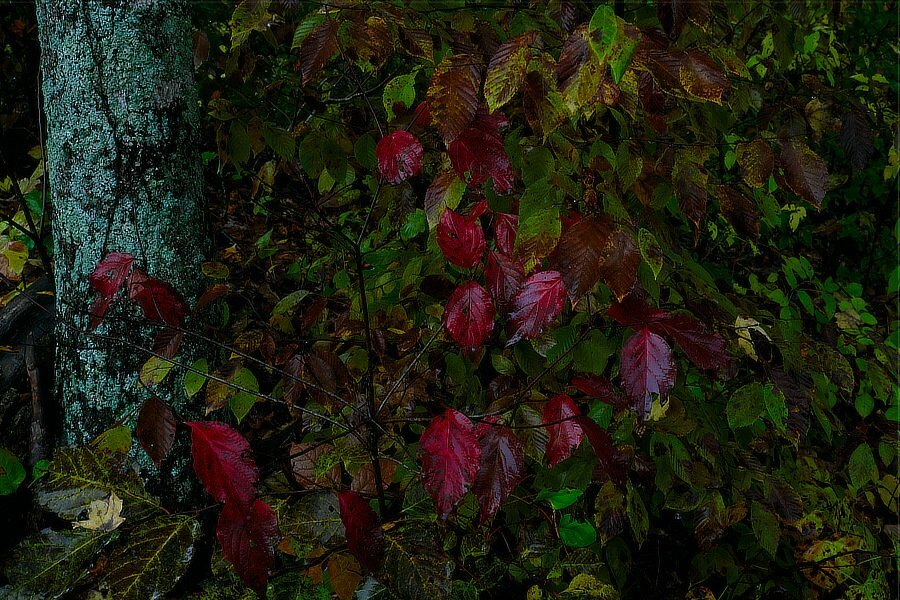
It's raining in the meadow... But, on the hillside, the sun shines bright...
-
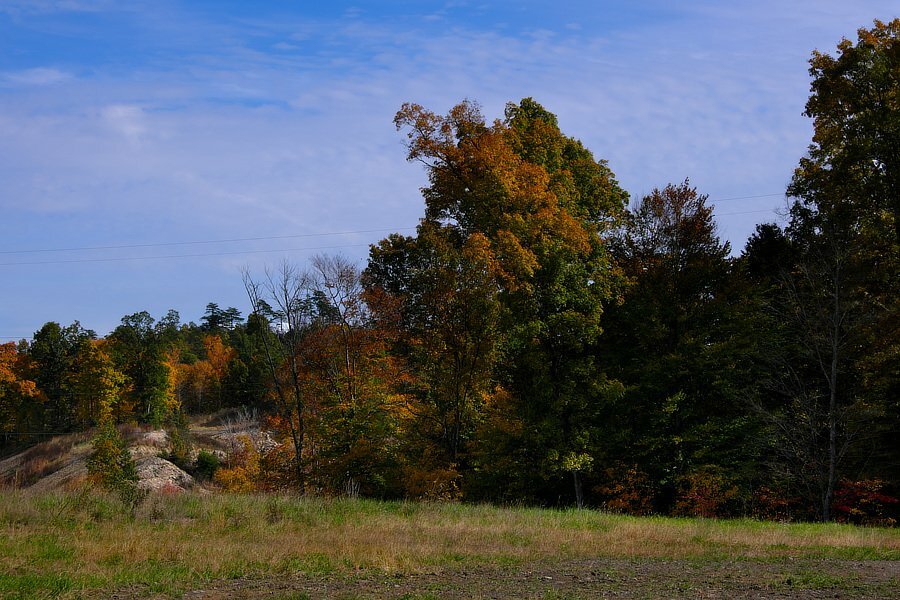
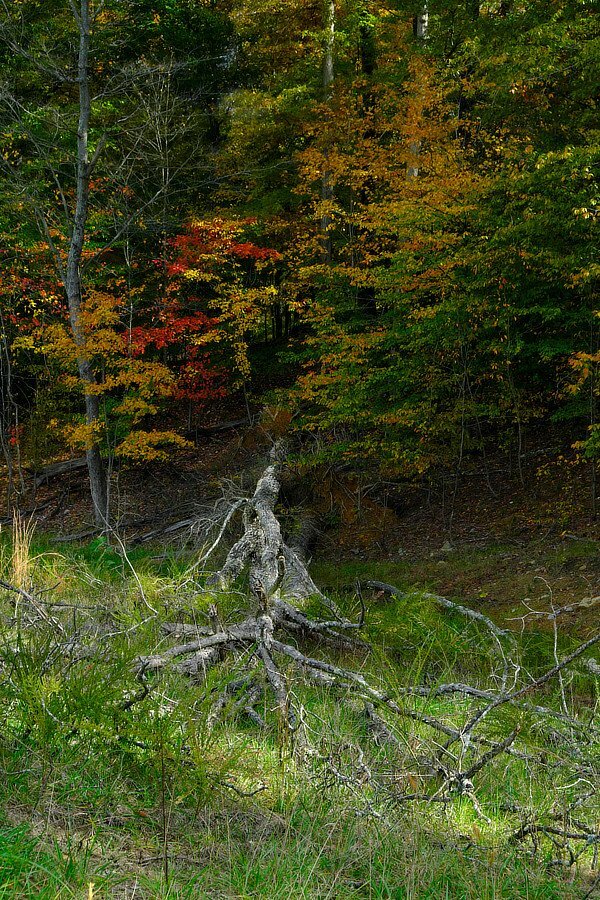
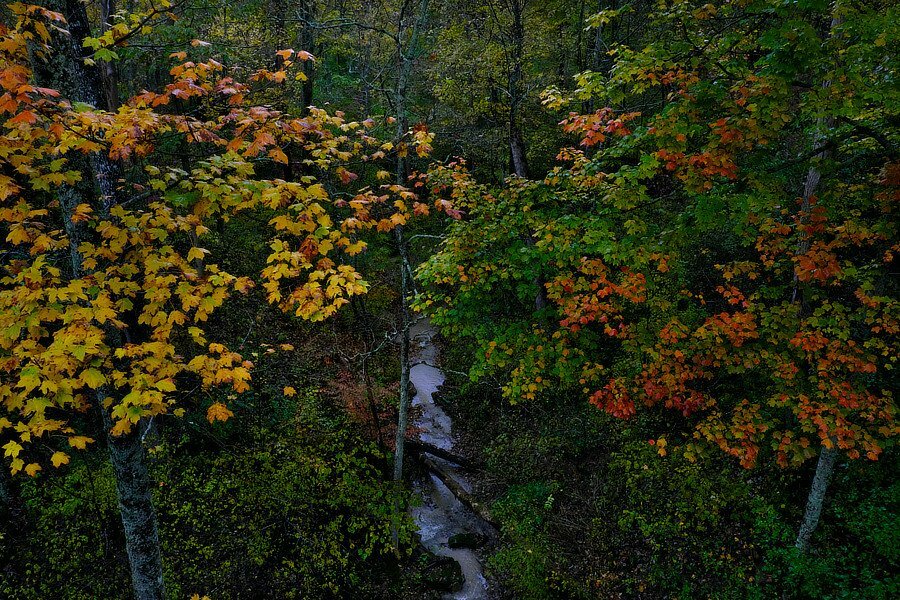
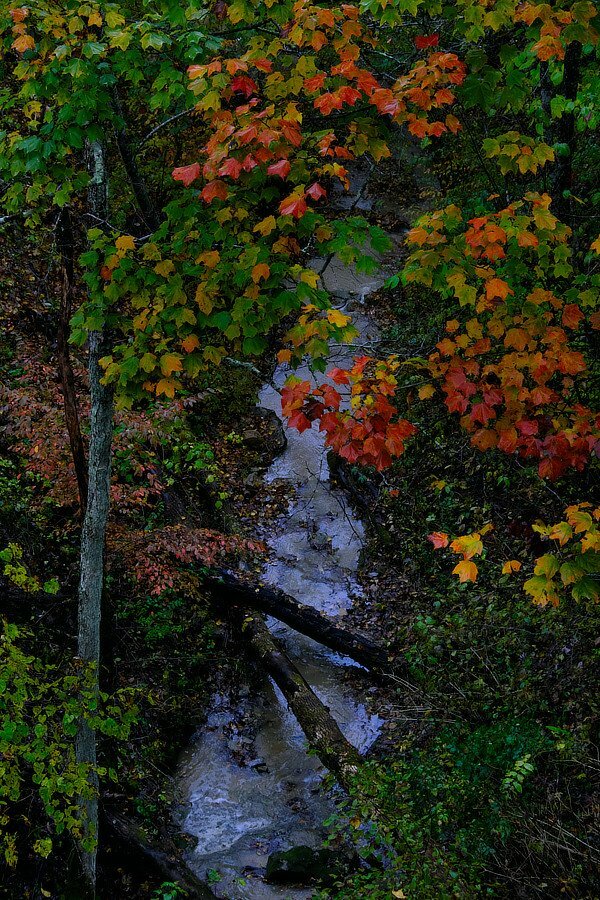
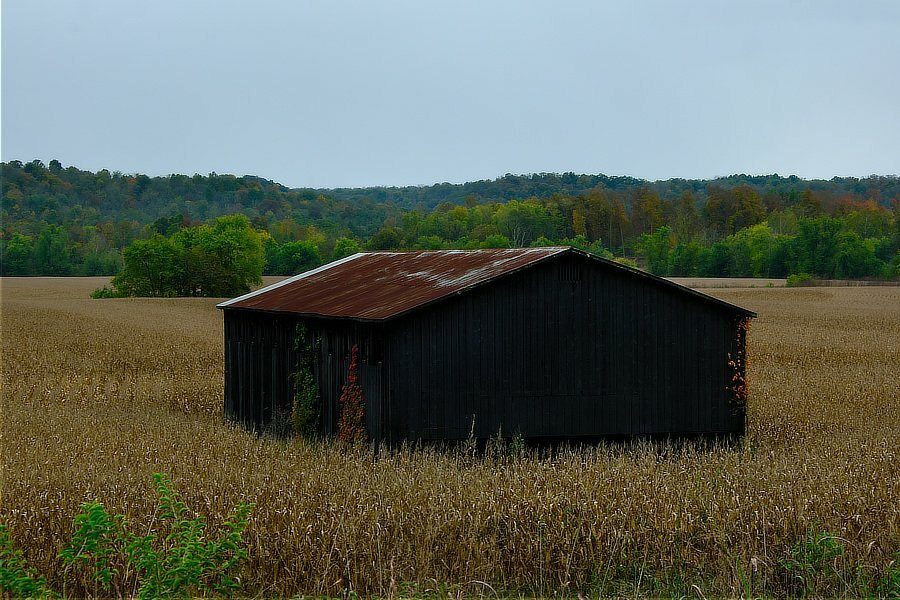
Thank you. One state north of there. These hail from Kentucky.
-
How to store my Raw files from camera to PC wired?
jerryy replied to Dimitrisot's topic in Fuji X-S10 / Fuji X-S20
Perhaps the codec for Fujifilm .RAF (X-S10) was not updated. Try this: https://fujifilm-x.com/global/support/download/software/raw-file-converter-ex-powered-by-silkypix/ Install this one from Fujifilm, it should have all of the up to date codecs.It is free, plus, you get a decent raw converter program. -
-
Beautiful!
-
Tonto spammer, ¿no sabes que los fotógrafos tienen lentes más largos?
-
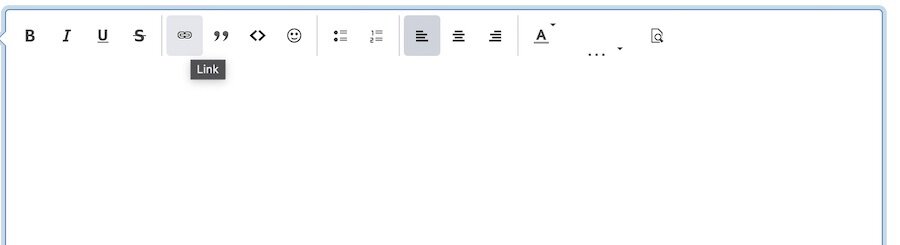
You have at least a couple of options: 1.) Linking from another site such as flickr, instagram etc. Chose the link option from the list and embed the other site's link. This often called hot-linking and you may need permission from that site to do this. 2.) Upload a small file from your computer to this site. Use the drag option found immediately below in the reply box. Actually drag the file from where it is located in your computer's file system to the box and your browser will load it for you. Or, if you prefer, click on the underlined "choose files...' link and you will get a choose file dialog box that will allow you to select the files. Hope that helps.
-
It does not show up here. Maybe try uploading it again?
-
It should fit the same as your other lens do. Usually these adapters fit tightly and have to be used a few times before they 'break-in'. I do not know what the screws do, maybe hold it together?
-
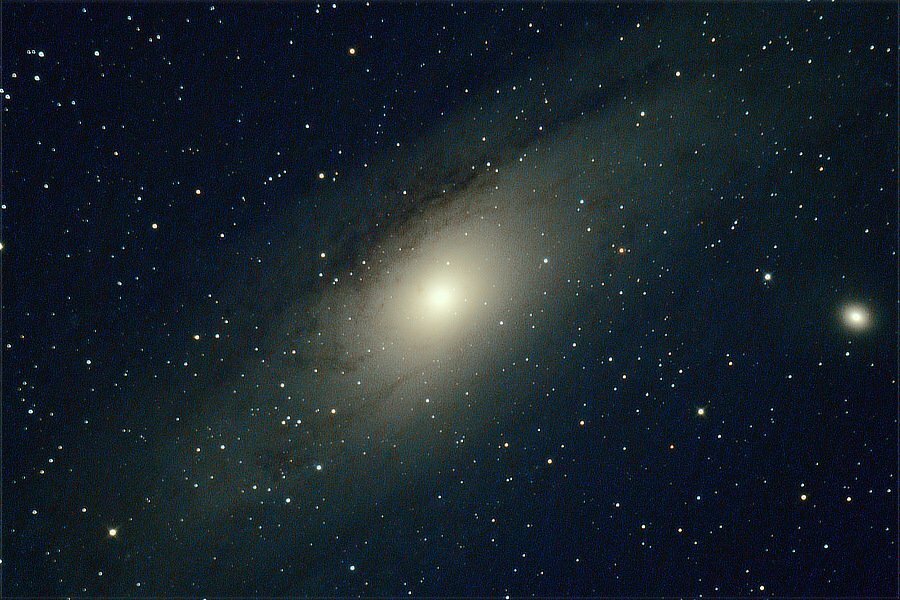
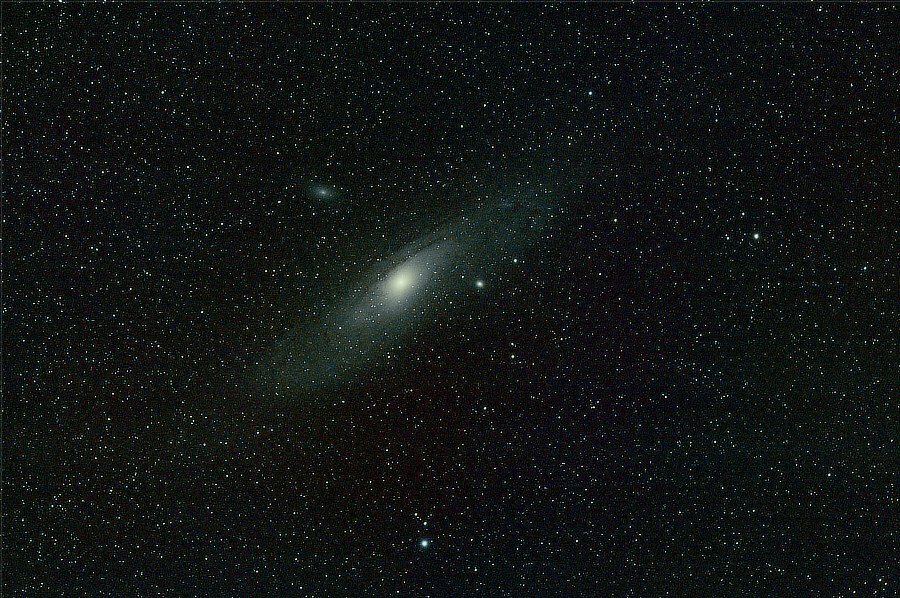
Andromeda: M31 The small blob on the right hand side is Le Gentil M32 https://www.messier-objects.com/messier-31-andromeda-galaxy/ https://www.messier-objects.com/messier-32-le-gentil/ 3 of 3 edit: A wider view of the neighborhood:
-
Have you considered using the built-in interval timer? You can set it to take several (actually a lot) of shots with oh say a second delay between them, as well as a delay before starting the sequence if you wish. Even if you have some wiggle in the first frame or so, you can discard those and keep the steady ones.
-
First generation Fuji X lenses on 40MP sensor body?
jerryy replied to Weegie's topic in Fuji X Lenses
Anyone that could definitively answer the question at this point most likely will not because they would be under a Non-Disclosure-Agreement. You can keep up on the rumors over at https://www.fujirumors.com It does not make sense for Fujifilm to release the new sensor in a x-mount body if the older lenses cannot give it good enough images. Sure, absolutely sure, Fujifilm makes money selling new lenses, but they also support their setups with the older lenses. If it was not feasible to do that, then it would make better sense to put the sensor in the gfx mount line or start a new mount type series. The rumors say the sensor will be in the x-mount line. At some point there could be a sensor that out does the lenses, that is a hard limt, but it does not sound like that point is here. We will know soon enough. -
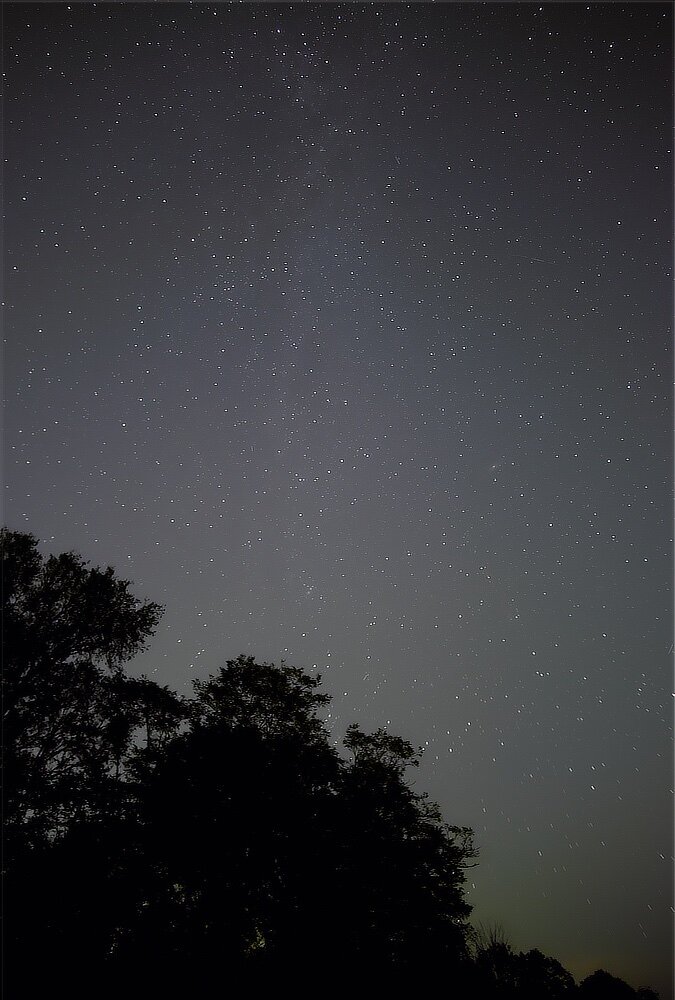
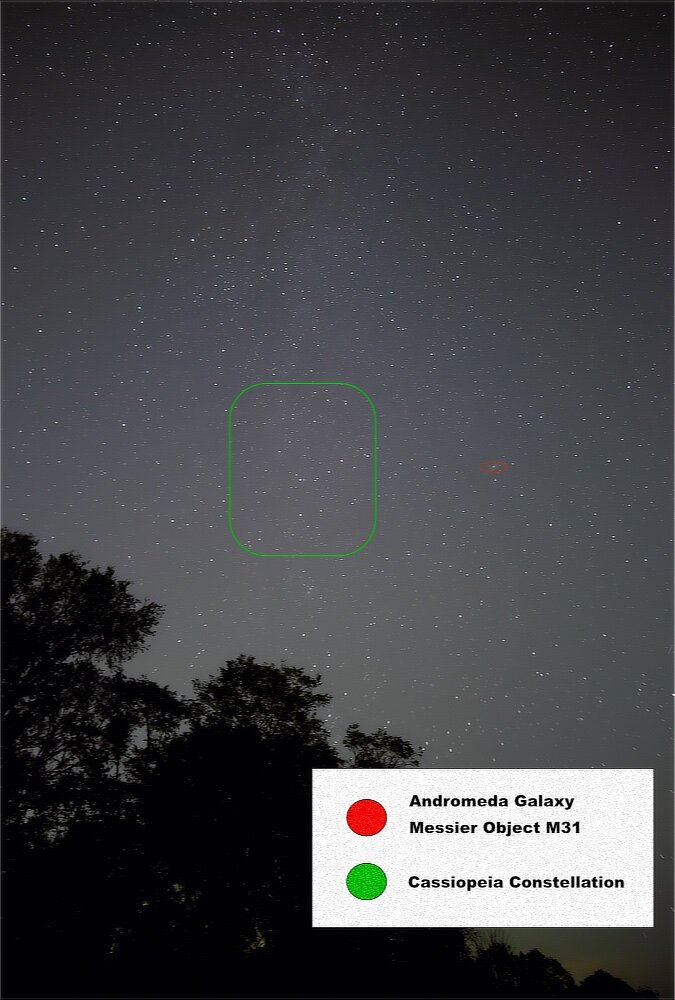
Hanging out close by Cassiopeia's neighborhood. https://www.constellation-guide.com/constellation-list/cassiopeia-constellation/ 2 of 3
-
I am glad to hear you are able to get things working. When I read your post, I missed the part where you said you had auto mode on. But there are a couple of things that may also help you. https://www.markllobrera.com/posts/fujifilm-xt30-webcam/ Fujilfilm turned on support for using the X-T30 as a web cam in the recent firmware upgrades. https://app.fujifilm-dsc.com/en/manual/camera_remote/usage/live_view/index.html They also support live view shooting using the Camera Remote app on smartphones. I have not tried this using bluetooth, but it works fine using the wifi connection approach, albeit is a tad bit clunky, you have to connect the camera and phone together on the camera’s wifi before starting the app. The only “normal” thing I have not been able to do using the app is use manual focus assistance. Also note that except for manually zooming a zoom lens, pretty much all of the usual buttons will not control the camera, except the on / off switch; the Camera Remote app controls everthing. edit: Whether these updates give us the ability to do tethered photography directly to the computer using something like X Acquire or similar software or indirectly by using a combination of PC Autosave along with Camera Remote running on the smartphone, I do not know because I am not that ambitious enough at the moment to try it (so many other things are demanding I pay attention to them right now 😀).
-
I was able to get to see some of this year's Draconid meteor shower (*1.), it was a bit different. Usually the meteors I get to see have longer lasting bright flashes as they come whizzing down out of the sky, these tended to be less colorful, but still very neat to see. *1.) https://www.timeanddate.com/astronomy/meteor-shower/draconid.html 1 of 3
-
No, perhaps I was not clear. Just about the only thing that keeps you from using es is having a flash unit attached. I regularly use electronic shutter with very long exposures when I am outdoors, it saves wear and tear on the mechanical shutter. So something else is going on. Try a full reset and see if that clears it up as well as making sure you have the latest firmware installed. Having tethering would be nice, but Fujifilm seems to have saved that for the X-T3, X-T4, etc.
-
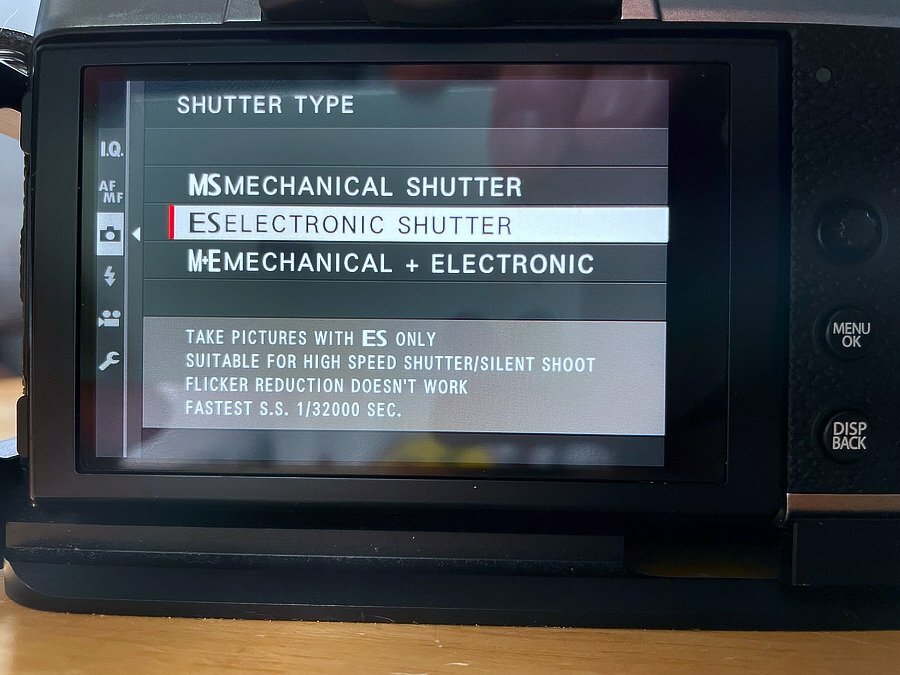
That is odd, there are very few other settings that limit using es. Having a flash unit attached is one, but I would have thought that would also keep you from using ms+es. Mines does this: Have you upgraded to the most recent firmware? This may sound drastic, have you copied you settings down somewhere and tried a full reset?
-
https://fujifilm-dsc.com/en-int/manual/x-t30/menu_shooting/shooting_setting/index.html Scroll down to Shutter Type. It is in the shooting menus setup, you can choose between manual shutter, electronic shutter or both together.
-
Blackbird Murmurations - 4 4 of 4