jerryy
-
Posts
1,926 -
Joined
-
Last visited
-
Days Won
304
Content Type
Forums
Gallery
Store
Everything posted by jerryy
-
Canon EF 400 f5.6L on my X-T4 with the K&F EF-FX A/F adapter
jerryy replied to BobD's topic in Adapting lenses to Fuji X
Welcome to the forum. That is a really good lens, hopefully it will give you many great images. You did not mention which K&F adapter are getting, they make several, but not all of them have the aperture control ring on them. Since that lens does not have an aperture ring, the price for the adapter with the ring (if you want it) is not much more than for the one without the ring. I am mentioning this so that if the menu does not allow you to change f-stops for that lens - adapter combination (the lens will stay wide open for every shot), it is still possible to get it to work. Best wishes. -
As @Greybeard wrote, there is more going on than just saving a changed setting. Even if it were only that, it would still be tricky. Different settings take up different size spaces in the file. Trying to overwrite that can easily wreck the file. Early computer based EXIF editors would not do more than report settings for the raw files they would allow users to read. Your Velvia image file may take 2MB more storage than the Provia one, but changing from one to the other seamlessly would be difficult to pull off without a massive amount of processing. All while doing other camera stuff. RAF is vastly different in what it does than JPEG or TIFF or ...
-
Your last point does not make a lot of sense. It is similar to saying ‘take a raw file, run it through LightRoom or whichever raw convertor you are using to find a neat version but then overwrite the saved parameters in the original raw file instead of saving the new version as a separate image.’ Raw files store the image as shot. Using what you are suggesting, if someone needs to go back to the original ‘as shot’ image, it would be impossible.
-
Jefferson County, Kentucky, USA.

-
You might also try searching using the expression: dragging the shutter. I do think you will get better results using an external flash, but the built-in one can give you an idea of how things like that work. Let us know how your results go. edit: corrected spelling mistakes.
-
I suspect you will get better results for what you said you intend to do by using external flashes. Fujifilm, Godox and Profoto all make flashes compatible with your X-S20. Prices vary with what are included as features.
-
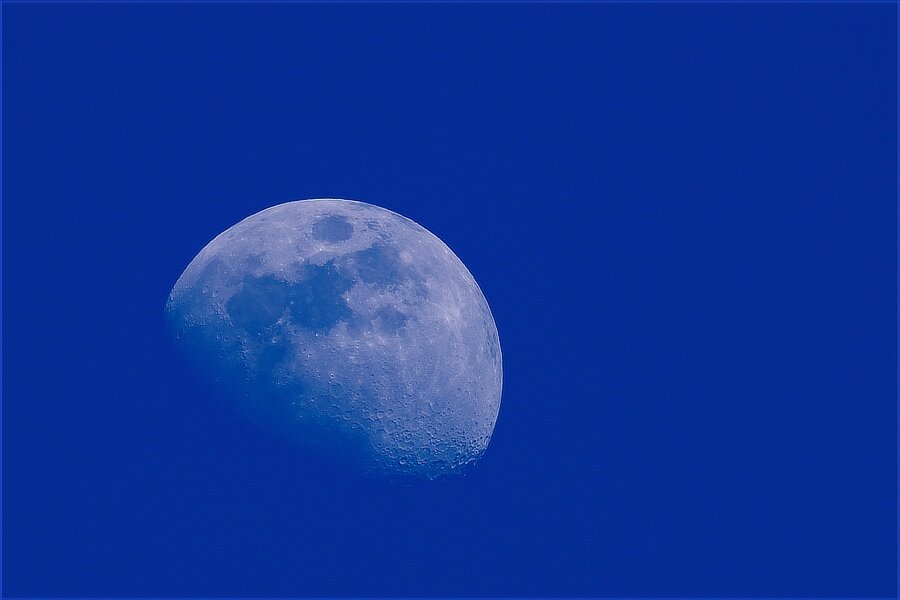
The Snow Moon... When this moon finishes growing up it will be February's Snow Moon: https://www.almanac.com/full-moon-names
-
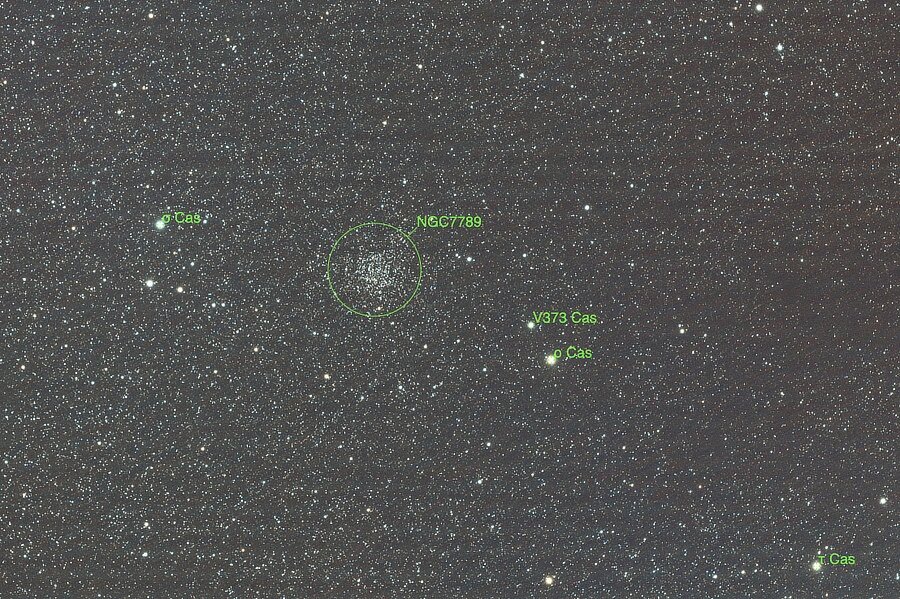
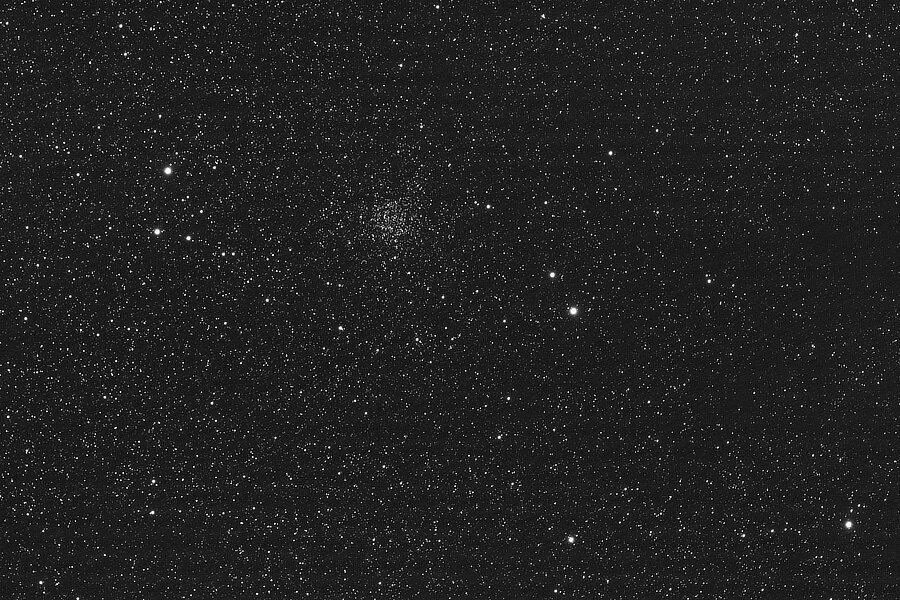
A Rose by another name ... is a Screaming Skull! NGC 7789, a star cluster located in the Cassiopeia Constellation, is called Caroline's Rose Cluster in honor of astronomer Caroline Herschel who discovered it in 1783. It also goes by the name The Screaming Skull Cluster. I must lack the cultural background or imagination, I have viewed this cluster through different telescopes at differing times of the season, but I just do not imagine a skull, much less a screaming one. Oh well. This is the equivalent of 84 minutes, 40 seconds of exposure. It also goes by the nicknames Ghost Cluster, Star Mist Cluster, Herschel's Spiral Cluster and Crab Cluster, maybe star mist might come close as a name... https://apod.nasa.gov/apod/ap171115.html https://skyandtelescope.org/online-gallery/ngc-7789-an-open-cluster-in-cassiopeia/
-
Your lens is okay for this. One common technique is to use a flash in taking the photograph. The light from the flash freezes the subject while the longer shutter speed allows the background motion blurring. It takes a lot of practice and patience. Use your search engine to look up long exposure portraits. You should find many articles with examples and probably quite a few demonstration videos. Best wishes. p.s. Welcome to the forum.
-
Welcome to the forum. I found a company that claims to sell the motherboards, but ... I do not if this is an authorized company or not, your repair center should be able to make that determination (some companies sell what are called grey-market parts, which may or may not be actual replacements or may be cheap clones, etc.) Stuff like this comes up from internet searches, buyer beware. Since I am located in the US, the price came up in US dollars, it is high enough that getting a used X-T1 may be a better bargain. Really!!!! https://www.goodfordigital.com/product/original-new-x-t1-mainboard-for-fuji-xt1-main-board-x-t1-motherboard-camera-repair-parts-free-shipping/
-
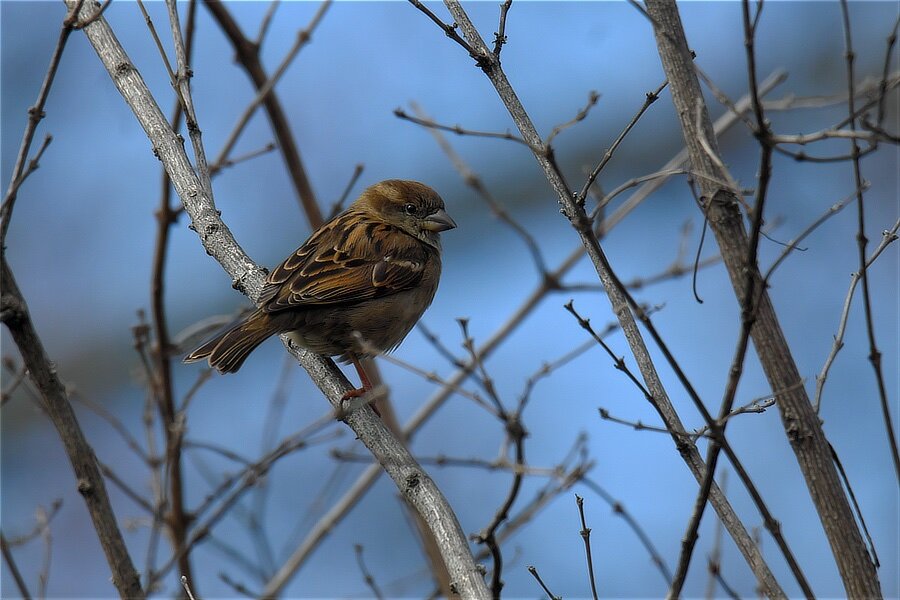
At first I thought 'it is a sparrow', but it could also be a finch.
-
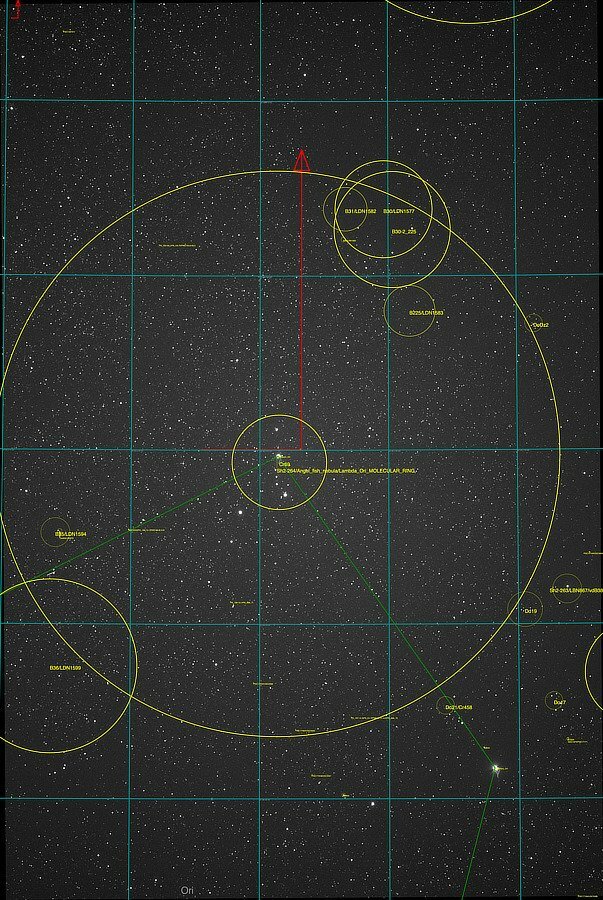
Orion's Head Is ... An Angelfish. Meissa (lambda Orionis), the star named as Orion's head, is the least bright star in the constellation. but still easily visible as long as the light pollution does not overwhelm the night sky. Located above and to the left of Bellatrix, Orion's left shoulder, if you look at it using binoculars or telescopes, you can also see several other close-by stars. (Screen capture from KStars* with added annotation.) Meissa also centers Sh2-264, the Angelfish Nebula. Ehh, probably more of a freshwater angelfish than the saltwater version...🤔. This is the equivalent of an 83 and 1/3 minutes exposure. Meissa: https://www.star-facts.com/meissa/ Sh2-264 (Angelfish Nebula): https://en.wikipedia.org/wiki/Sh2-264 KStars (free, cross platform planetarium program): https://kstars.kde.org/
-
The ones you listed are good ones, maybe add DarkTable to that list.
-
What do you mean by open it? Usually after downloading the update, one puts the sd card in a card reader attached to the computer and uses the Finder to drag the update file over to the sd card’s icon and drop the fie on the icon. This copies the file to the outermost level for the card. Then eject the card, put it back in the camera and start the camera part of the update process.
-
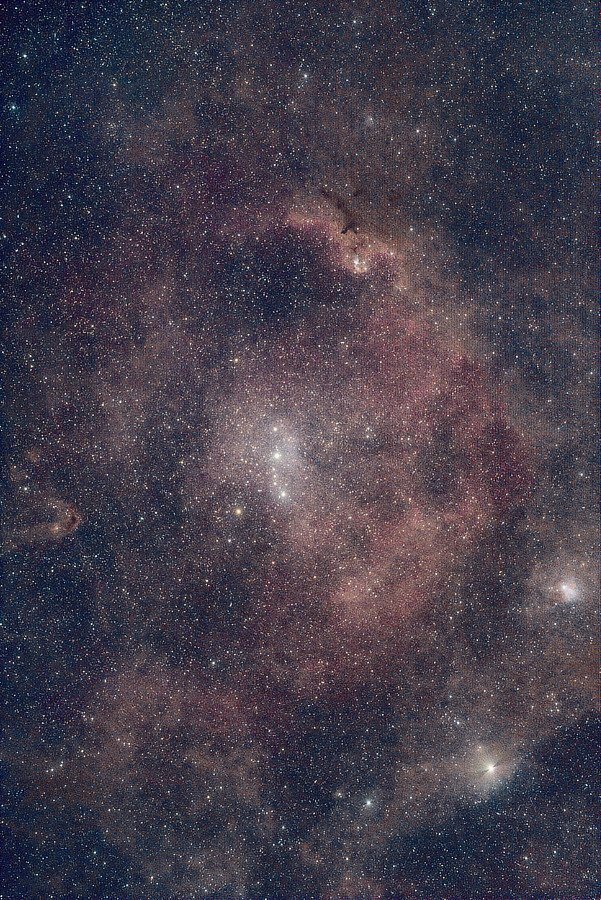
Still in the Gemini constellation, but moving to Castor’s ankle (the star Propus region)... (Screen capture from Stellarium*, with the added Propus — Eta Gem annotation) This region has a lot to see, super nova remnants, star clusters and nebulas: This is the equivalent of a little under 91 minutes exposure. Messier Object M35: https://www.messier-objects.com/messier-35/ Super Nova Remnant IC 443 (Jellyfish Nebula): https://www.nasa.gov/image-article/what-spawned-jellyfish-nebula/ NGC 2175 (Monkey Head Nebula): https://skyandtelescope.org/online-gallery/ngc-2175-the-monkey-head-nebula/ Stellarium (free, open source, cross platform planetarium software): https://stellarium.org/
-
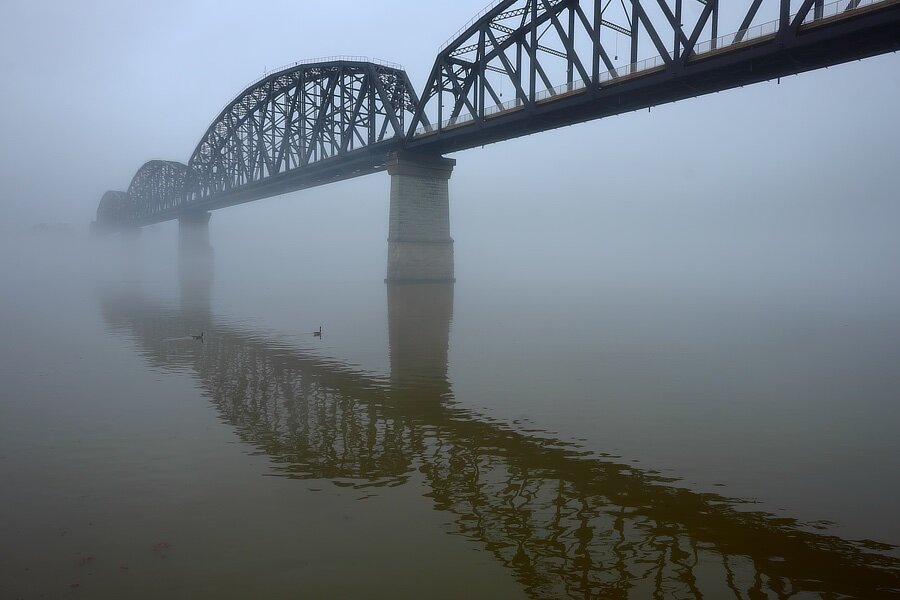
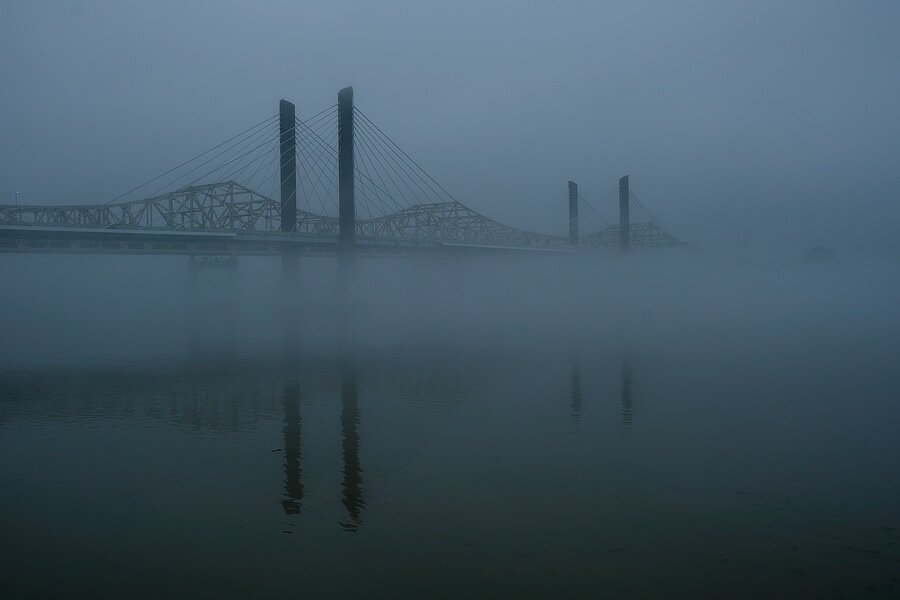
Bridges are tasty snacks for hungry fog. Yum.
-
-
Some of those things are in “stealth mode”. 😀
-
https://fujifilm-dsc.com/en-int/manual/x-h2/about_this_camera/parts/ Item 45 in the listing which is just above the memory card cover. You should be able to use Fujifilm’s RR-100 remote release or if you prefer, the basic Canon remote release. Open the cover, and the port to plug in the remote release is there.
-
Could you tell us where you are trying to take the shots, backyard tree, woody-tree region, deep forest, etc.? It sounds like you might need a tripod. Usually, a shutter speed of 1 / the lens’ focal length is fast enough for a shot. But for lens with focal lengths over 400mm, a tripod tends to work better than handholding. Obviously a tripod does not always fit into what you are doing, but ….
-
I do wish I had an easy answer for you. Based upon what you are describing, it does sound like Lightroom is using the operating system procedures to generate previews/views rather than doing it on its own. It gets worse because normally the operating system really only does that on a temporary basis so that its own database of thumbnails does not get too large — say you have a folder of several hundred images, every time you open it, the Finder regenerates new thumbnails for those images because it is easier and takes less space than storing the thumbnails for multiple folders each holding several hundred images; saving that many would really bog things down. Programs that rely on using the operating system to get the previews/views are supposed to store the results they get as needed. Try turning off everything else you can that is running in the background such as mail apps, messaging apps, etc., anything you can turn off, do so. This allows the operating system to devote its resources (speed and memory) to your previews/views. It does sound like your data is safe, which is great news. Writing a letter or two to Adobe may get you a better response, but it could also end up with someone telling you to get a newer machine with more memory and drive space. Edit: You may have some better results from putting only a few images in a folder — split the group into several / many folders and open them that way. It will take longer to go through the entire group but smaller sets puts less strain on the operating system.
-
There is nothing special or beyond ordinary about that setting. This is a static scene — the same as a still art setup, so pretty much any settings for the lighting that pleases you can work for the scene, keeping in mind the birds sitting on branches usually turn into birds in flight very quickly. You can try f11, ss 1/250, and ISO as appropriate for the lighting. That should give you enough depth of field for most small to medium sized birds with any motion stopped enough to avoid blurring. These settings should work for larger birds as well if your focus point is on their eyes/head. Using single shot mode or continuous mode is up to you. If you want really shallow DOF — for good background blurring, adjust the f-stop down to f4.5 or lower and drop the ISO a bit to compensate.


-600.jpg.2485c7a3f9c206f5ff06c779da357332.jpg)