jerryy
-
Posts
1,926 -
Joined
-
Last visited
-
Days Won
304
Content Type
Forums
Gallery
Store
Everything posted by jerryy
-
can not open RAF files via Mac OS Preview or Pixelmator Pro
jerryy replied to Stepan Razin's topic in Fuji X-T3 / Fuji X-T30
According to this: https://support.apple.com/en-us/HT213267 Apple does not yet support the X-T30 II. There are some options you can try. https://fujifilm-x.com/en-us/products/software/raw-file-converter-ex-powered-by-silkypix/ Use this (it is free) to convert the raw files to TIFF, which you can then edit in your current editor. Or, Use an EXIF editor to change the camera name in the raf’s exif tags to X-T30 — version one — and then the Apple support should be there. I do not recommend this other than as a last choice option. -
I am hoping this time does work for you. I have heard when this issue happens somewhat seemingly randomly, there is a problem with the power supply, but I have not yet heard of this happening only because of updates.
-
Give it a try. That back-up settings capacitor is a sturdy little puppy, it takes a while to wear down. How to phrase this delicately, …, right now you are unable to use the camera, so pull the big battery, turn the power switch to “on”, put the body on a shelf and leave it there for at least a week. Every time you are tempted to mess with it, walk away, walk away, walk away. After the week has gone by, give it another day or three, then test it. Unless of course it is a just bought brand new body and still with-in warranty, then have a chat with the camera store you got it from, they may have a faster way of getting it back to default status.
-
How long did you leave the battery out of the camera? Usually it takes quite a few days for the settings backup battery to completely discharge.
-
You are right, this does work.
-
Edit: Removed, due to being wrong. This next part is still correct: p.s. Welcome to the forum.
-
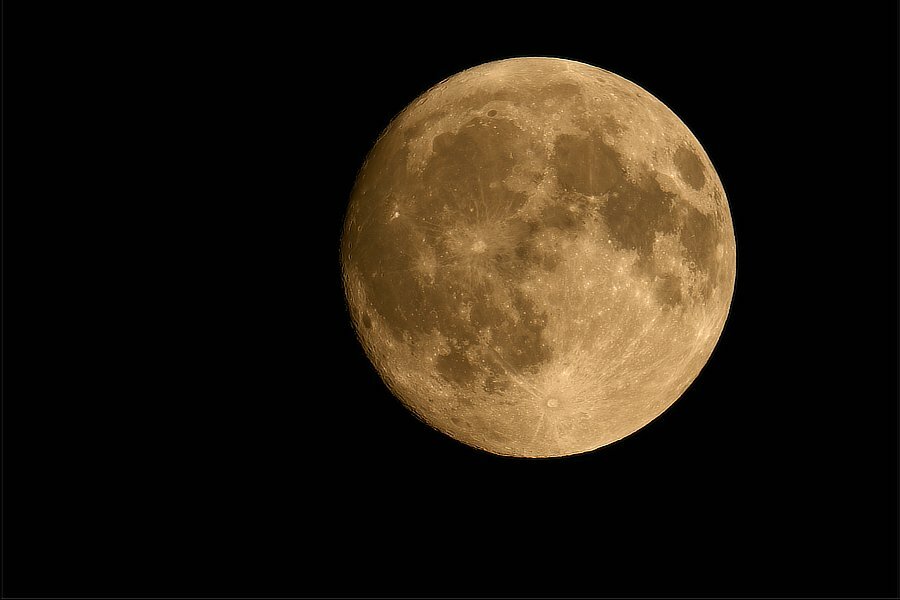
Full Moon Fever! It is that time again... June's full moon is strawberry flavored. https://www.timeanddate.com/astronomy/moon/strawberry.html July's full moon is perigee-syzygy, a supermoon.

-
Try starting at this link: https://fujifilm-x.com/global/support/download/firmware/cameras/x-t30-ii/ The link is the next from this starting point: https://fujifilm-x.com/global/support/download/firmware/cameras/
-
According to this: https://www.fujirumors.com/fujifilm-x-raw-studio-and-x-acquire-software-updates/ X Acquire has been updated, with various Windows bugs dealt with, so they may have fixed the problem.
-
Considering that a lot of landscape work is captured at f16 and often combined with focus stacking, … and architecture is very seldom captured with shallow dof, f3.5 does not sound like it will be a serious constraint for a lot of uses. Some perhaps. Some of those “fast” lens are actually not good for astro because they have too much coma and ca when wide open — they have to be stopped down to get rid of the issues, which is a shame, why buy a f1 or so lens if you cannot use it there?
-
Star_Trails-May2023.mp4 Testing, ..., testing, ... So far it works in the Firefox, Opera and surprising enough Safari browsers. This is a time-lapse sequence of the stars in and around the Scorpius constellation, in May. The stars are moving one way, the clouds are moving perpendicular against them. Nothing fancy.
-
failure to transfer raw files from xt3 to Mac air
jerryy replied to prkraju's topic in Fuji X-T3 / Fuji X-T30
Yes, yes it is for the raw X-T3 files. Put the card in the card reader and plug it into the computer’s port. Open the app Image Capture and navigate to the folder where the images are. You should see both raf and jpg files listed. Select some raf files and copy them over to your Mac Air’s drive. Or you could just open the card and folders in the Finder and copy the raf files to the Air’s drive. You should be able to see the image’s thumbnail in the Finder and import them into the Photos app or open them in an editor or the Preview app. If you cannot see the thumbnail in the finder, let us know. One thing to check, sometime after a firmware gets updated, some settings go back to default values. It sounds like you were saving raw + jpg, so check and make sure the image being saved is still raw + jpg, the setting may have defaulted back to just jpg. -
failure to transfer raw files from xt3 to Mac air
jerryy replied to prkraju's topic in Fuji X-T3 / Fuji X-T30
How are you trying to transfer the files? Usually the fastest, easiest and most reliable way is to use a card reader to move the files over to your computer. -
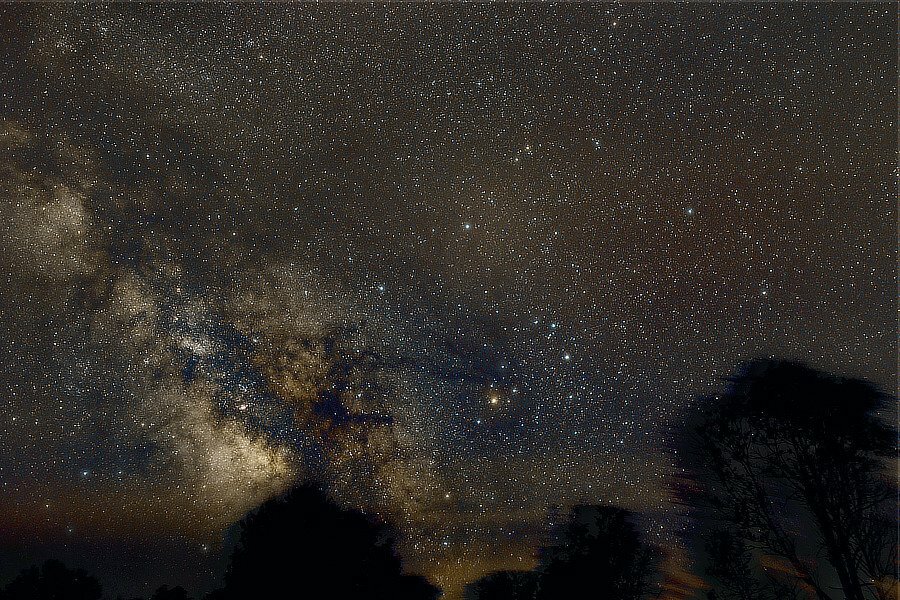
Scorpius with some Milk(y Way) on the side... This image is also the equivalent of just over 15 minutes exposure. A lot of passing clouds got into this one, but they opened up for the constellation. More Antares info: https://skyandtelescope.org/observing/meet-antares-the-star-that-is-not-mars/ https://www.space.com/21905-antares.html
-
Welcome to the forum! X Raw Studio is for doing other stuff. For doing backups, use Fujifilm X Acquire: https://fujifilm-x.com/global/products/software/x-acquire/ (it is free). You might have the same question about that software though. As far as has been reported, the answer is ‘yes, one backup works for more than one camera’ as long as you do this with the same kinds of cameras, it will not work if you try to copy your X-T3 settings to a X-T4.
-
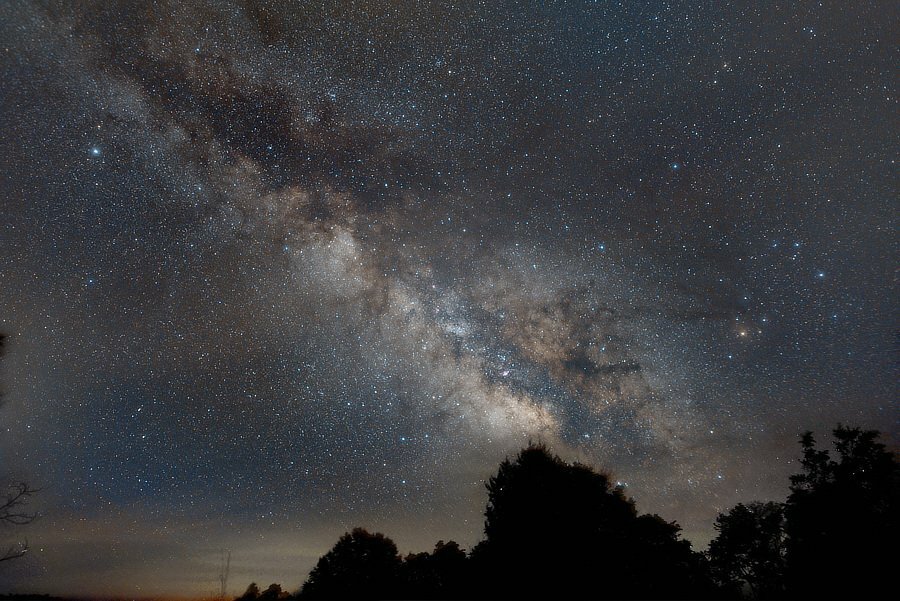
Milky Way in May... This is equivalent to a just-a-touch-over 15 minutes exposure. Milky Way season is underway, and locally, the Milky Way is starting to rotate from landscape mode to portrait mode (it should be fully rotated to vertical in about a month, give or take a few days). On the right side, in this image, the Scorpius Constellation is rising. Antares is the big yellow-red star in Scorpius. https://earthsky.org/constellations/scorpius-heres-your-constellation/ https://www.constellation-guide.com/constellation-list/scorpius-constellation/ I hope to be able to post a version that is more centered on the constellation.
-
New Fujifilm X App Announcement on May 24
jerryy replied to Patrick FR's topic in Fuji X Rumors & News
Nah, those were just rumors there was going to be an announcement. 🤔 -
Lightning bugs (fireflies).
-
That type of editing is probably more easily done using Adobe’s PhotoShop, which is why some folks go for the Lightroom / PhotoShop combination subscriptions (or the Express versions). Not trying to steer you away from C1 or LR, but @Plaatje posted a link: https://www.fuji-x-forum.com/topic/33517-xt5-raf-raw-converter/ that touches on doing things like that in Affinity Photo (AP is considerably less expensive).
-
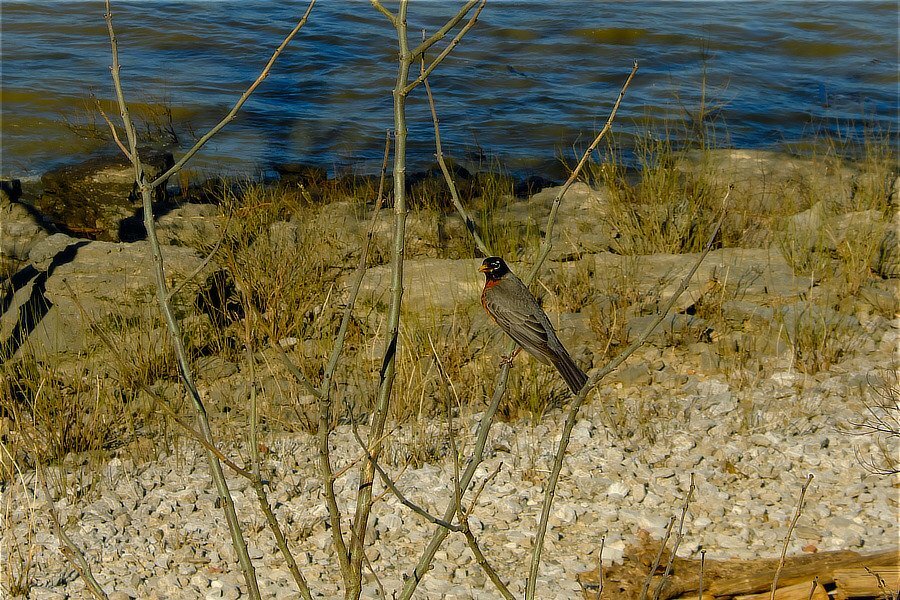
Hey pal, can you spare a worm or two? The bait shop does not open for another hour.
-
This should be set to USB RAW CONV./BACKUP RESTORE. Keep in mind this only lets you backup and restore your settings, this will not give you tethered shooting.
-
In addition to those mentioned so far, there is also SilkyPix. This is the “big brother / big sister” to the free Raw Converter app that Fujifilm gives you. Here is the link for products and cameras compatibilty: https://silkypix.isl.co.jp/en/product/search-camera-support/ There is a tab to click on to get to the home page and explore the features offered by each app. Note: If you want to try the open source apps RawTherapee or Dark Table but find they may not yet support your camera, you can submit some images to them to use to get your camera included: https://rawpedia.rawtherapee.com/Adding_Support_for_New_Raw_Formats https://www.darktable.org/resources/camera-support/
-
Oldham County, Kentucky, USA