jerryy
-
Posts
1,926 -
Joined
-
Last visited
-
Days Won
304
Content Type
Forums
Gallery
Store
Everything posted by jerryy
-
New to Fuji and struggles with Geotagging
jerryy replied to John Gray's topic in Newbie / Self Introduction
Until a definitive answer shows up, since you are carrying a smartphone with you, when you make a major location change, take a quick photo using it. Unless you have the phone’s location info turned off, the phone embeds gps information in the photos it takes, Later, you can use an EXIF editor to copy the coordinates into your other photos, if you need to. This is just a backup, not a replacement. Hopefully a better answer shows up soon. -
New to Fuji and struggles with Geotagging
jerryy replied to John Gray's topic in Newbie / Self Introduction
I have read in places that once a location is downloaded to the camera, that data is used for two to three hours before it is updated again. -
I think you have slightly mis-interpreted what I wrote. The camera manufacturers are using connectors that last a long time. If they did not, then the cameras would break after a few days or weeks or months of use. The manufacturers would then be forced to take back all of the essentially brand new cameras they just shipped out to dealers and fix or replace them. No manufacturer can afford to do that, they would go bankrupt quickly. You can use USB-C connectors in the Fujifilm cameras and expect them to last a good long while, and use card readers for the major transfers.
-
Hmm, a lot of places put the number of cycles at 10,000 (ten thousand): https://www.anandtech.com/show/8377/usb-typec-connector-specifications-finalized https://www.content.molex.com/dxdam/c9/c924179b-a897-4f79-a5ae-cfdc94fc73cb/987651-4081.pdf https://www.cablestogo.com/tech/usb-c which woul make sense, otherwise all of the various camera manufacturers would have a lot of warranty work on their hands. Card Readers for now!
-
New to Fuji and struggles with Geotagging
jerryy replied to John Gray's topic in Newbie / Self Introduction
I am glad to hear it is working. Fujifilm made a change as far as listing the geotagging option separately somewhere around the time they introduced the X-T3 body. If you look closely: https://app.fujifilm-dsc.com/en/manual/camera_remote/usage/single_image/index.html you can see the differing versions. Perhaps it was thought that if you went to all of the trouble to turn it on, you want to keep using it since it is easy enough to turn off. -
The issue is that unless you find some way to attach a high speed reader driving a super fast wifi chip, you are stuck using the built-in wifi, which is too slooooooow, (to transfer those large files, you really need wifi-6 or the upcoming wifi-7 to have something that is practical). Using the numbers you've provided, if the built-in wifi were used, it would take about 15 seconds for each raw file, which might be okay for just one or two files, but when you are looking to move several hundred files, that is a lot of time, a whole lot of dead batteries and also is assuming the transfers do not have any troubles -- any noise coming from other electrical equipment such as your or the neighbors wifi and cell phones are noise troubles that slow down transfers. But the really big problem, to top things off, your camera might cook itself to death from the heat that is generated and kept going though a transfer, that is, assuming the camera's thermal safety routines do not kick in and shut the camera off to save itself. I am curious, where did you find the numbers for the USB insertion/extraction lifetimes? 100 to 200 seems rather low.
-
New to Fuji and struggles with Geotagging
jerryy replied to John Gray's topic in Newbie / Self Introduction
That icon / reference changes depending on which camera the Remote app is connected and talking to. Have you tried backing up your settings and doing a reset? -
Raw files are considerably larger than jpeg, it would take forever and a week to transfer a batch of them over to your computer using wifi. Although sometimes less convenient, using a card reader or a USB cable connected to your computer, to off-load them will work. Unless you can coax Fujifilm into building an adapter to use the FT-XH file transmitter with your camera.
-
That is great news!
-
The card reader @Greybeard recommends is definitely a great way to get the images moved over to your computer, perhaps the best way. Until you get one, try the following: In the X-T2’s set-up menus go to Connection Setting, then choose PC Connection Mode, then select USB Card Reader. Save and exit. Turn the camera off, connect the USB cable to the camera and computer and turn the camera on (the computer should be on already). It is possible your computer will ask you to trust the camera, if it does so, tell the computer to trust the camera. Your Mac has an app called Image Capture, start it and then use it to move the raw and jpeg images over to your computer. https://support.apple.com/guide/image-capture/welcome/mac
-
Image Stabilization: How IBIS and OIS Interact
jerryy replied to Astigmatism's topic in General Discussion
Would you post an image from the session showing the effect you describe? -
https://fujifilm-dsc.com/en/manual/x-t200/about_this_camera/parts/index.html#dial_command Scroll down to the part about using the front command dial. p.s. Welcome to the forum.
-
I most likely was not as clear in what I wrote as I should be. On the older cameras, the shutter speed did not appear in the display for the reasons I mentioned, that is the camera has to decide the speed (metering) and it only would at the button press and then show it on the display. Newer cameras could show the shutter speed estimate and display the “finally chosen” shutter speed when the button is pushed. But, as this was the catch, this happened after the user set-up the auto-iso limits along with the minimum shutter speed in the set-up menus. Then the camera would always display the (estimated) shutter speed along with the other numbers. I suppose —guess— this was put in place as a guideline to warn the users when the scene was so dark, a slow ss would be used possibly resulting in motion blur, so they might want to kick up the ISO or go fully manual mode. Similar to shutter priority showing the f-stop in red when the scene is very dark. Constantly running the metering to show very up to date shutter speeds takes battery juice, so if only an every-so-often estimate is given, then the battery lasts longer. Shorter: The X-T3 is showing an estimate. For the X-T5, try setting the auto iso limits along with a minimum shutter speed even if you do not normally use it and then see if the estimate ss starts appearing.
-
Try watching the X-T3's display very closely as you operate it. Does the shutter speed change when you push the shutter button half way (or push the AEL button)? If so, it might be the setting for Auto ISO has had the minimum shutter speed set. In some camera bodies, this turns on the ss display (but only as an estimate - guideline, the actual speed is not set until the button is pushed). I may have been editing the previous message about that while you were replying.
-
That is odd, that link must of gotten lost on the way to the posting. Trying again: https://fujifilm-dsc.com/en/manual/x-t5/about_this_camera/display/ Some background for others: When you are using Aperture Priority, the camera does not really know what the scene is going to be until you are really ready to take the shot. Since it is the one choosing the shutter speed, it has to wait until you "go first" by pressing the AEL button or the shutter button, then it can decide for certain what shutter speed to use. If you swap to a different mode, Shutter Priority or fully Manual, the shutter speed should be displayed, Some of the X-T cameras will display the constantly changing speed and some do not, I believe the older ones did not, and the newer ones did, so I would think the X-T5 would show it. Edit: After digging through some settings, it seems that setting the minimum shutter speed in the Auto ISO https://fujifilm-dsc.com/en/manual/x-t5/taking_photo/iso/index.html#auto_sensitivity will then display the current shutter speed when an Auto mode is used, but that is only a guideline, so it seems, the actual shutter speed is still chosen when the button is pushed.
-
This page should have the information for getting this setup as you want things to appear, or not appear. But before diving into that try this: Push the DISP/BACK button several times and look at the screen after each button push. That button cycles through several different screens including one with nothing other than the image. One thing to keep in mind, your X-T3 works the same way. p.s. Welcome to the forum.
-
Okay, there are several things in your post. The shutter speed I will chat about below but I will try to keep it separate so as to not confuse things. Your lens is a XF lens, so putting the switch to A allows the camera to control the aperture, the f-stop. By chance are you sitting indoors? If so, go outside, or into some very, very bright surroundings and maybe boost the ISO above 400. Take a shot and then push the playback button. The image should show up along with the shot settings that were in-use when you pushed the shutter button, —again as long as you have the displays set up to show these things— the settings, including the f-stop, should match what you saw in the view finder or lcd when you took the shot. If you are indoors doing the test, the light can be darker than one realizes because within their respective limits, human eyes adapt to lighting levels much better than cameras do. Again, if you are indoors, the camera probably is choosing wide-open for the f-stop. If the settings do not match, something is wrong with the body and you may need to do a full reset, and if that does not work, have a chat with the dealer. About that shutter speed part. If you set the top dial to a specific shutter speed, say 250, the camera will use 1/250 as the shutter speed. That is as it is supposed to be, but you may want to use a close speed such as 1/200 which is not on the dial. You can do that by using whichever command dial you have set to control the ss, in this case roll it backwards one notch to get 1/200. This technique allows you to get all of the standard speeds close to the main speed your top dial is set to. Some folks prefer to use the T speed and roll the command dial through the various choices, but using the top dial as a limiter can prevent accidental choices. It is giving you the in-between speeds.
-
Hello again. I understand how long posts can make things sound different than intended, in my response, one could get the impression the EC dial can over-ride the fully manual setting, but that bit was intended for the auto part, not the manual part. What you are wanting to do should be very easy on an X-T camera. Try this, if it does not work, something is wrong with the body. Just test using only the top dials, not the command dials. You did not not mention which lens you are using, so …. For a Fujifilm XF lens, set the top shutter speed dial to 200 or so, the ISO dial to 400, and on the lens turn the switch to the “ A “ mark. When the camera is turned on, the viewfinder or the lcd should show all three critical numbers, with the f-stop in red — provided you have not turned the display off or disabled their display in the set up menu. If you have a not-constant-aperture zoom lens, the f-stop will change as you zoom in and out If the lens does not have the “ A “ switch, such as a XC lens or a third party lens, you will need to use the front command dial to control the f-stop. https://youtu.be/8dk1eDYn0Qo If you click on the “show more” part, the video’s contents with times are listed, click on the ones for third party lens and apertures and the video shows how to make sure the body is set to let the camera control the aperture. If these tests fail, something is screwy with the body, you might try a full reset to clear out any odd menu setting that unintentionally affects things. One thing to note, not always but a lot of times, when the camera is setting only the f-stop, it seems to choose wide open. If you want heaps of dof, you will need to take over that setting.
-
Hello SimonW, Can you explain a bit more what you mean by exposure? Because it sounds, from your description, the camera is acting properly, when the shutter speed and aperture are set manually, that controls how much light (luminosity) is being allowed into the sensor, the third parameter, ISO, (also set manually) controls how much brightness boost the camera gives to the image. With these three parameters manually set, there is nothing for the AEL button to do — no automatic adjustment to make. You should be able to use the EC button to override the manual settings a bit, but in order for the auto part to kick in, the camera has to be allowed to operate/change an auto setting.
-
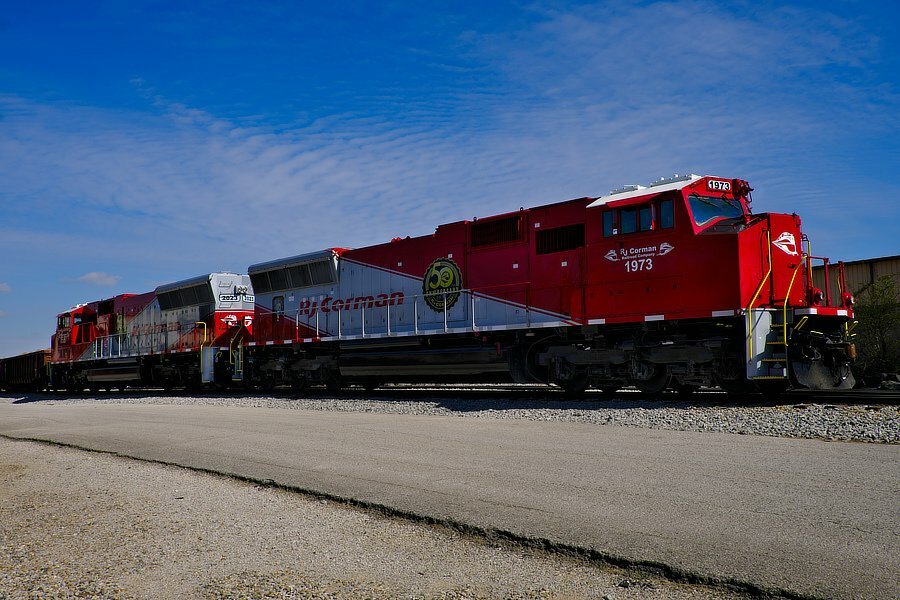
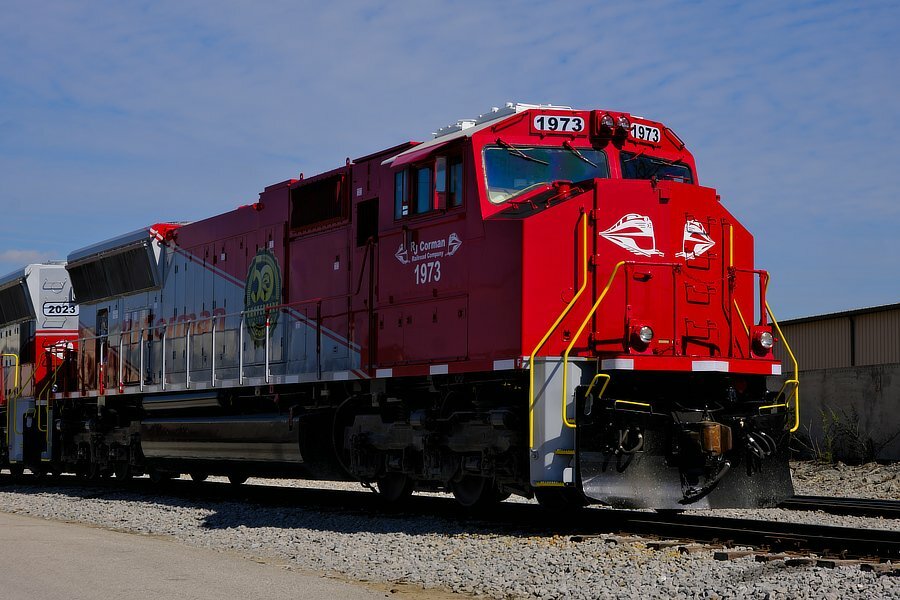
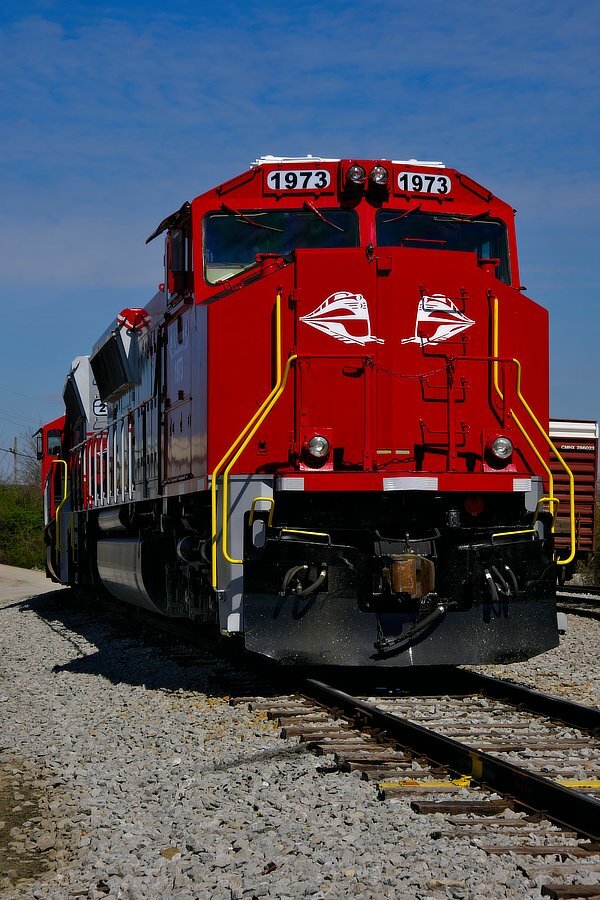
Golden Time -3- 50th Anniversary Yup, 2023 - 1973 = 50. 3/3

-
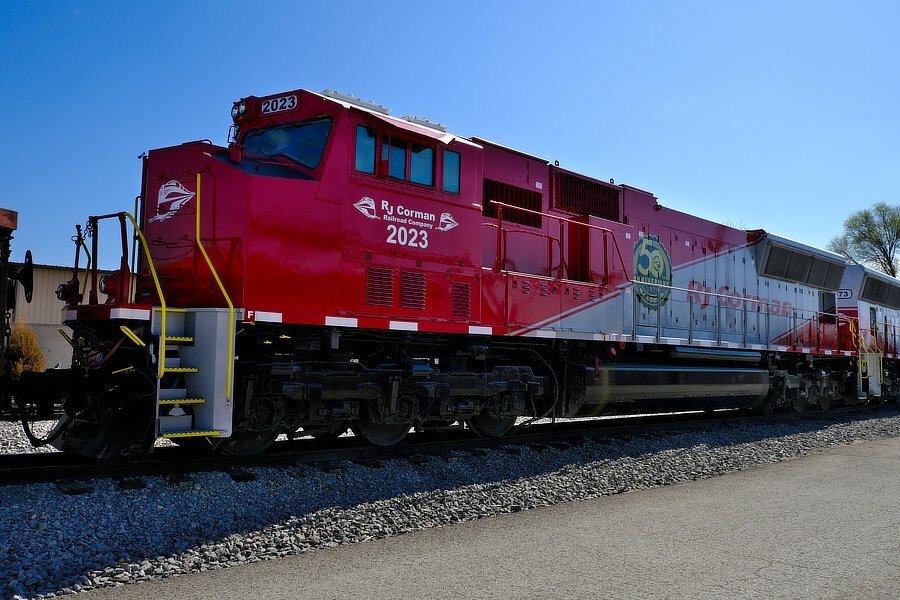
Golden Time -2- 50th Anniversary 2/3
-
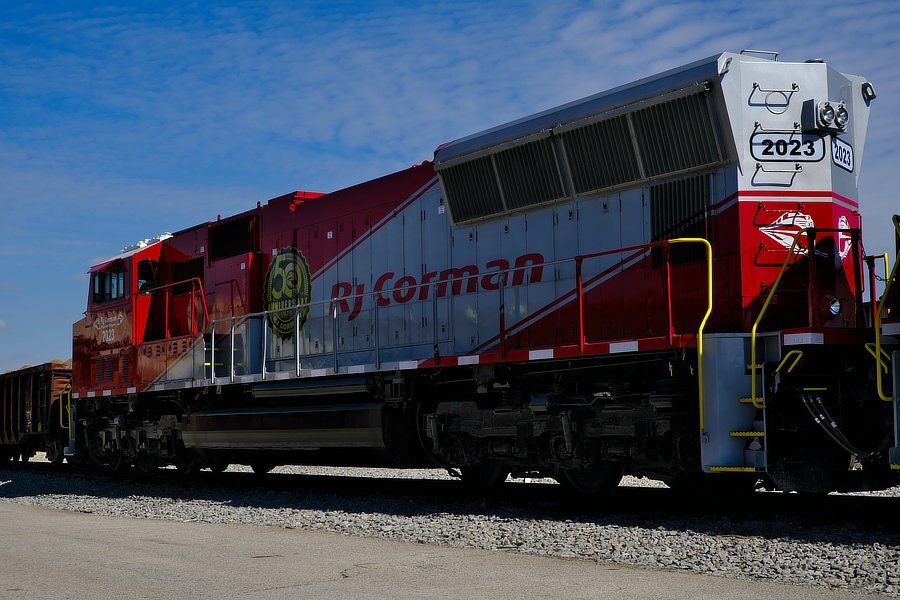
Golden Time -1- 50th Anniversary Jefferson County, Kentucky, USA 1/3