jerryy
-
Posts
1,926 -
Joined
-
Last visited
-
Days Won
304
Content Type
Forums
Gallery
Store
Everything posted by jerryy
-
Make sure you format the new card in the camera before copying the previous images over to the new card. While some folks have had no problems using their new cards right out of the box, so to speak, or using their computer to format the new cards, the fewest numbers of troubles, issues, woes and problems happen for those that format the cards in the camera. Also, once the card is formatted, take it out of the camera, put it into the card reader connected to your computer and use the computer’s finder (file explorer) to take a look at how the folders / files are organized within the sdxc card. You will need to move the previous images into one of the inner level folders, so that the camera will be able to know they exist and will not accidentally wipe them out if they are in the wrong place. If that does not make sense, or if you need any more help, ask lots more questions, and sooner or later as folks log on to the board, someone may be able to help.
-

-
Autofocus Settings for Fujifilm - X-T3 & X-H1.
jerryy replied to Mark Woodbury's topic in General Discussion
https://www.youtube.com/watch?v=ipqLqfzf9-A This link may help understand the idea better. -
Autofocus Settings for Fujifilm - X-T3 & X-H1.
jerryy replied to Mark Woodbury's topic in General Discussion
Zone focus may help you, since your subject is moving, they are probably darting from one zone to another. https://www.fredmiranda.com/forum/topic/1594539 These are some zone auto focus settings that work well for birds in flight. I hope they help. 😀 -
@Greybeard's answer is easy and very low cost. if you are really wanting to go down the convertor route, a lot of folks get good results with the Fringer adapters. https://www.fringeradapter.com/ It looks like it would fully work with your second lens and partially with your first lens.
-
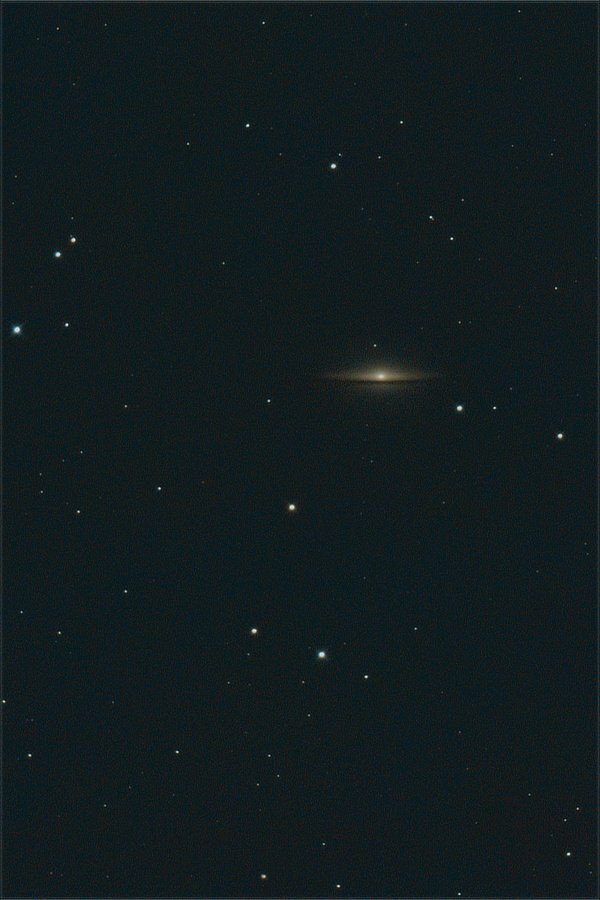
A big hat can keep the hot sun from melting your head. The Sombrero Galaxy, Messier Object M104. This is the equivalent of a just under 134 minutes exposure. https://www.messier-objects.com/messier-104-sombrero-galaxy/ https://en.wikipedia.org/wiki/Sombrero_Galaxy https://www.nasa.gov/feature/goddard/2017/messier-104-the-sombrero-galaxy
-
Revd
jerryy replied to Spider1000's topic in Fuji X100VI / X100 / X100S / X100T / X100F / X100V / Fuji X70
Have you tried pulling out the main battery and leaving it sit on a shelf for several days to let the settings backup battery / capacitor completely discharge? This should cause the settings memory chip to lose all of its current settings and go back to the factory defaults — as of the last update. -
-
I do not see a brightness button on the back in your image, but if it has a button whose emblem is a circle with a lot of lines popping out from it, Fujifilm usually uses that as a lcd brightness controller. Do you have the manual for the camera? If you have an external card reader, the video and images on the SD card can be copied over to your computer.
-
Change film simulation in jpg (no RAW available)
jerryy replied to Bella Font's topic in General Discussion
This may help you some: http://rawpedia.rawtherapee.com/Film_Simulation DarkTable: https://www.darktable.org/2019/05/new-module-lut3d/ also has some tools for doing that type of work. Yeah, shoot in raw is a good idea, but stuff happens. -
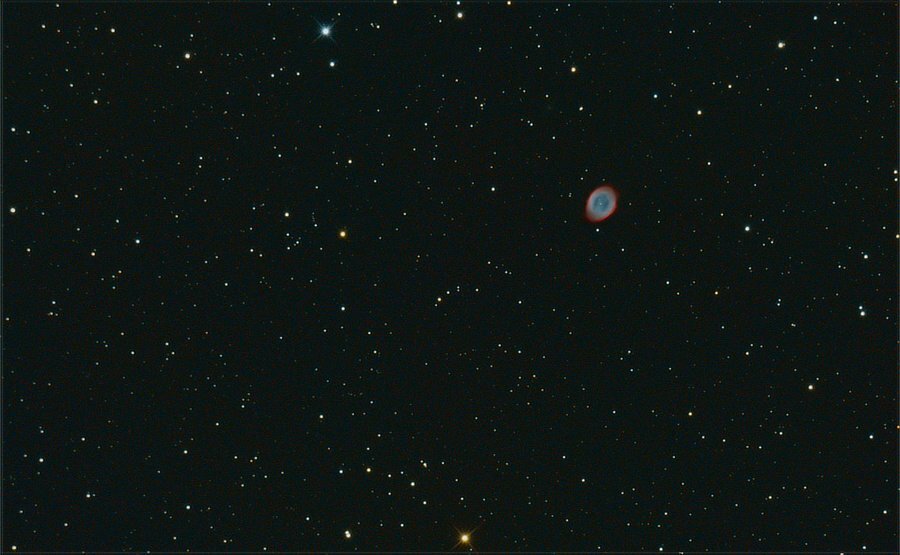
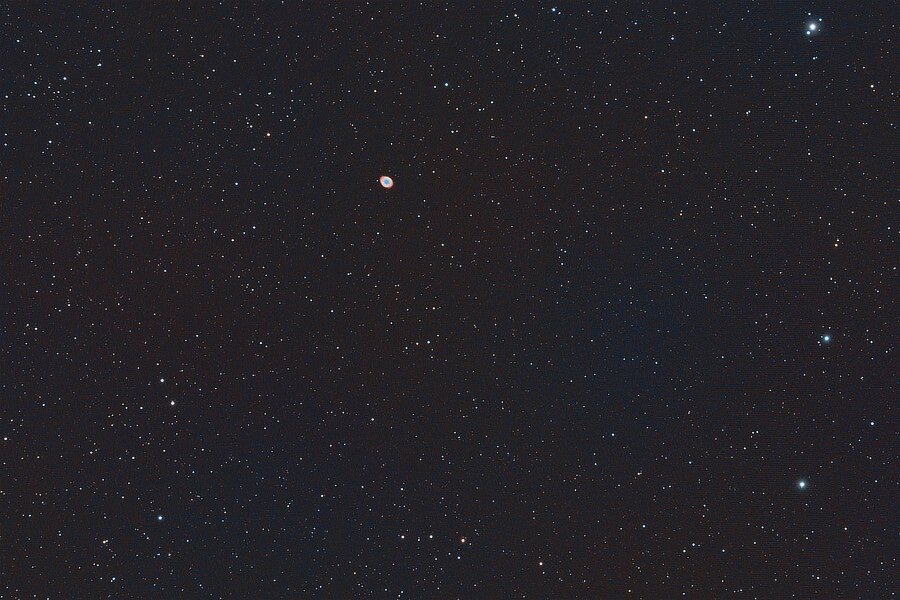
One Ring ... Messier M57 The Ring Nebula (This is equivalent to a just over 94 minute exposure.) https://www.nasa.gov/feature/goddard/2017/messier-57-the-ring-nebula https://www.solarsystemquick.com/universe/ring-nebula https://skyandtelescope.org/observing/evenings-with-the-ring-nebula/ (Edit 2024) A wider view (41 minutes, 23 seconds):
-
Yawn, stretch, .... 😀 You might try over at fujirumors.com, they usually keep up on things like that.
-
If you give the shutter button a half-push the focus box changes to green (when the camera af is on letting you know af has locked on to something) you may be able to use that idea to locate the box and then move it as you need to. The idea is based on the technique called “focus and re-compose”. Essentially as you start to look through the viewfinder, half-push the shutter button, by the time you get the camera to your eye, the af should have the box color in green.
-
If you ever get squeamish about your diy approach or want different nd values, there are several companies selling clip in filters for Fujifilm cameras.
-
-
Fujifilm's Raw File Convertor will allow you to apply the film simulations your camera natively supports and you can export the files as TIFFs. https://fujifilm-x.com/en-us/products/software/raw-file-converter-ex-powered-by-silkypix/ DarkTable also does this: https://www.darktable.org/ Actually, just check the docs for the raw convertors you like, to see if they support the films simulations you like, (mostly they will only support the ones that are native to your camera -- you will not be able to use the ones for the X-T4 in your X-T30 files, etc.) just about all of them lets you export files as TIFF, it is a standard file format.
-
How to find the shutter count X-T100
jerryy replied to Jason Wallis's topic in Fuji X-T100 / Fuji X-T200
https://www.fuji-x-forum.com/topic/13922-which-exif-attribute-contains-the-shutter-actuation-count/ Scroll down to the third reply by @Greybeard, he has a link there that may help you. He does pop in from time to time, so he may be able to give you more information if you are patient enough to wait until he gets back. -
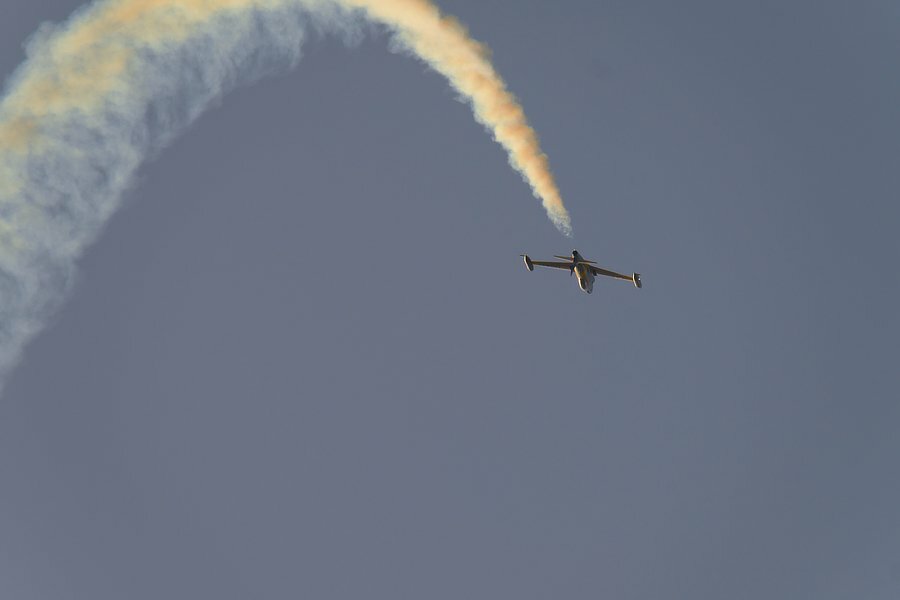
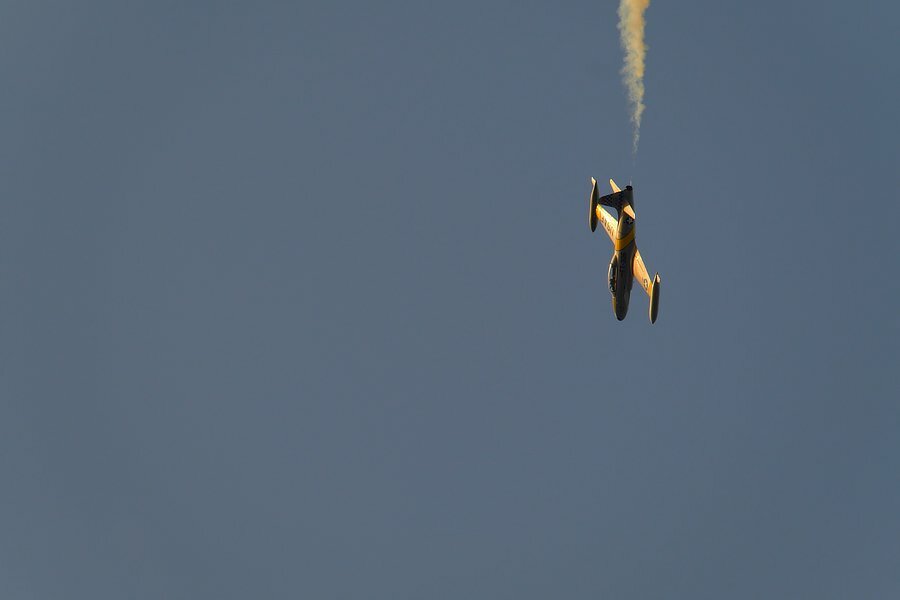
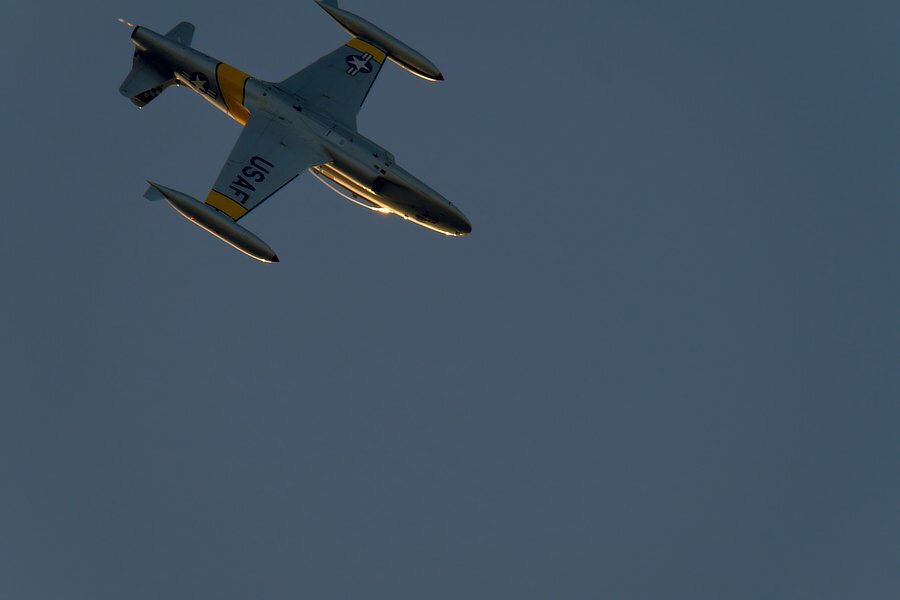
More contrails to come ...
-
XT3 Shout counter remain the same after formatting
jerryy replied to EnzoGiummarra's topic in Fuji X-T3 / Fuji X-T30
I am asking a question to clarify things. Is this counter the one that is for shots remaining? The one that is in the top right of the display? Not the number that is given to an image when it is stored? If it is the one in the top right, that is the ‘frames remaining’ indicator part of the standard information display that lets you know how many more shots you can take and store on your current card — using your current camera settings including whether or not the images are stored as raw or jpeg or both. That number also depends on the capacity of the card, 64GB cards will have a higher number than 16GB cards. You can change the setting that lets this be displayed by customizing the screen setup menu. Your friends probably do not have that display option turned on. -
Do you have a sample scaled down image you can upload so we can see what is happening? Along with the settings, of course, which depending on your image editor may still be embedded in the image.
-
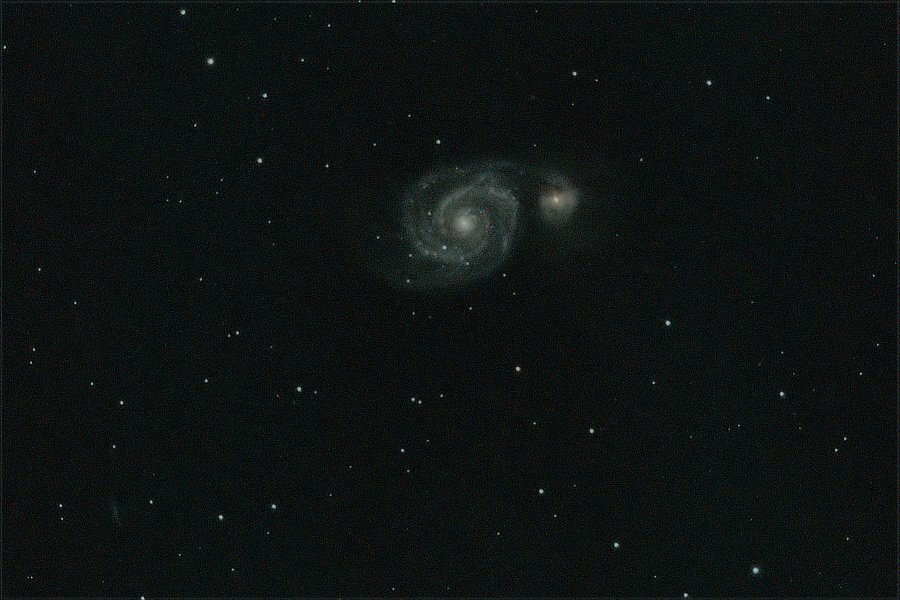
A whirlpool in space ... M51 The Whirlpool Galaxy (larger object on the left) and NGC 5195 (smaller object on the right). Located not too far from the Big Dipper -- Ursa Major. This is equivalent to a just over 97 minute exposure. https://www.nasa.gov/feature/goddard/2017/messier-51-the-whirlpool-galaxy https://www.messier-objects.com/messier-51-whirlpool-galaxy/ https://en.wikipedia.org/wiki/Whirlpool_Galaxy
-
It is true the magnifications are different. X-H1 specs: Magnification: 0.75x with 50mm lens (35mm equivalent) at infinity and diopter set to -1.0m-1 X-T2 specs: Magnification: 0.77x with 50mm lens (35mm equivalent) at infinity and diopter set to -1.0m-1 There are gadgets called viewfinder magnifiers that are supposed to do as their name suggests, magnify the image in the viewfinder, similarly for the lcd monitor. Check with your favorite local camera store or online store or use a search engine to get an idea of what is involved in using them. https://fujifilm-x.com/global/products/cameras/x-h1/specifications/ https://fujifilm-dsc.com/en/manual/x-t2/technical_notes/spec/index.html