jerryy
-
Posts
1,926 -
Joined
-
Last visited
-
Days Won
304
Content Type
Forums
Gallery
Store
Everything posted by jerryy
-
Thank you! You are very kind.
-
Can I convert my old fuji Camera to a DSLR
jerryy replied to Samriz's topic in Other Fuji X Accessories
For what it is worth, Fujifilm still sells film. -
I mentioned that the 4K video is tricky, a lot of folks doing planetary imaging use video feed captures and use software such as AutoStakkert, etc, to convert and stack the video into the incredible single images or short videos they show us. For them, a 4K feed like what your X-T4 has is a dream come true. They can focus with the settings they are working in, using telescope or camera lens. But they are not trying to combine it with a landscape background as you are in those aurora shots. They are also usually using a tracking mount. The masks I mentioned can help for longer lenses if you are quick enough to get the shot, crank up the ISO and use sort shutter speeds, and quickly take the shot as fast as you can after moving the focus ring. You can relax after that while hitting the play back button to zoom into the shot to see how close you are. Speed is needed because once you get past 50mm or so, the star’s motion over the X-T4’s small pixel sites will make it seem like what should be a round star is instead sort of egg shaped which is a problem if you hesitated getting the shot. For wider lenses, the old technique of finding the lens’ true long distance infinity focus point during the daytime, focus on something miles and miles (kilometers and kilometers) away off in the distance and mark the lens so that you can come back to that setting later at night can work well. In optics, three feet can be considered infinity when it comes to focusing, so trying for very long distances away instead of just a few hundred feet or meters works out better.
-
I should have asked which lens and what exposure times are you using? If you are using exposures longer than a few seconds with longer lenses, then your stars may very well be in focus, but you are seeing the trailing effect, the camera is catching the “trail” the stars leave as the earth spins around, or thought of another way as the stars in the sky seem to move across the sky, their movement leaves a trail in a long exposure image.
-
if you visit sites dedicated to other manufacturers’ cameras you will find similar issues, people posting about problems they are having with their gear. But that seems to be the nature of the beast, folks seldom post glowing tales of how good things are. The cameras you are considering are good, and people are using them to get fantastic and ordinary images. Sometimes things do not work as expected, and so folks will chat about that, but overall, do not let that stop you from trying them. If, by chance, you do get a bad copy, they come with a warranty that will replace it with a new better one.
-
This is one place where having 10x zoom would really, really benefit photographers. The hdmi output can go up to 4k resolution, which is 3840 x 2160. A portable monitor can easily handle this, but whether or not this will enough for what you are wanting to do is tricky. You may be able to haul a 4k tv / monitor outside, hook it up and try some test shots to see if the idea in practice is as good as it sounds. If it is, portable monitors are not nearly as expensive as they used to be, but you will (usually) need to bring an external power source, usually another battery. An alternative is to get Carey or Bahtinov masks for your longer focal length lenses and use them to focus; take a shot, hit the play button, zoom in and decide how much you need to adjust the focus, and repeat until the focus is as good as can be. These external masks come in two kinds, the most common one that fits over the end of the lenses and ones that snap into the lens. Carey masks tend to be sold more for telescopes, so finding a snap in kind usually means having a 3d printed one made. Farpoint Astro makes a lot of snap in Bahtinov masks for camera lenses, the idea is to dig up one of those clear UV/IR “filters” that resellers give away with camera gear, put a snap in mask in it and set it off to the side until you are ready to use it. Screw it onto the lens’ filter threads, focus, then remove it and get the photos. Just a reminder, if the temperature drops more than five or so degrees while imaging, your lenses may get focus breathing, i.e. lose focus a bit, so you may need to check the focus every so often. https://farpointastro.com/products/farpoint-55mm-camera-filter-bahtinov-mask If you have a lot of lenses, just get the set for your largest lens and use step-up rings with your smaller lenses.
-
GFX 100 LCD Screen
jerryy replied to FineArtScans's topic in Fuji GFX 100 / GFX 100S / GFX100S II / GFX 100R
https://fujifilm-dsc.com/en/manual/gfx100/menu_setup/power_management/index.html It sounds like the Auto Power Save setting is kicking on.- 1 reply
-
- 1
-

-
There are several ways to fix that. Try this, go to System Preferences, click Security & Privacy, then select the Privacy tab. Scroll down and click Full Disk Access. There should be a little + symbol somewhere, click on it and you should be given a dialog box to find the app you want to add. Select it. Now, along the way you will have to enter your password (assuming you have permission to add / delete applications, etc.) to give permission for these thing to happen. An easier way is to delete the app, empty the trash, restart the machine, and reinstall the application, only this time give it the needed permissions as you are going. As far as the tiff files go, it depends on the converter you are using. If they export in 16 bit tiff format, (do not use eight bit) you should have the data but when you open it in your editor, it will have the selected profiles applied as a starting point. ie your white balance, film simulation, etc. etc. because that information is embedded in the tiff from the raf, and used by the editor as a starting point to display the image. Some manufacturers' raw files are actually tiff files with a little proprietary info added in, I have read that Adobe's DNG format is just that as well, a tiff file with a few other things tossed in for good measure. Fujjifilm is now using tiff as a storage option along with .jpg and .raf in their latest camera releases. It is a good format.
-
You might give RawTherapee a try: https://rawtherapee.com Or, if you are using macOS or Windows, Fujifilm has a raw converter based on SilkyPix: https://fujifilm-x.com/en-us/products/software/raw-file-converter-ex-powered-by-silkypix/ It give you some options for basic editing and touch-up for your images that you can then export as a tiff and finish in GIMP or your favorite image editor, or as jpg if that is enough.
-
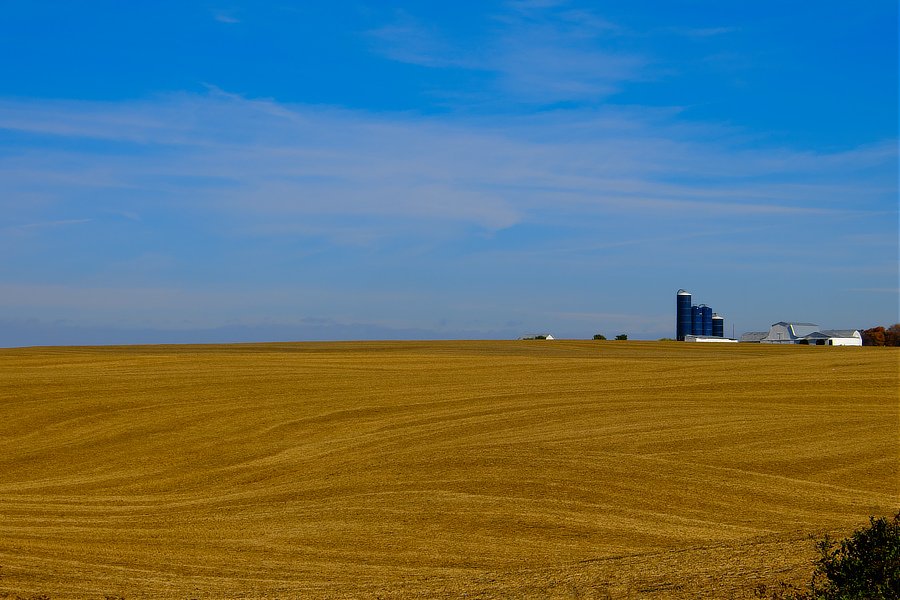
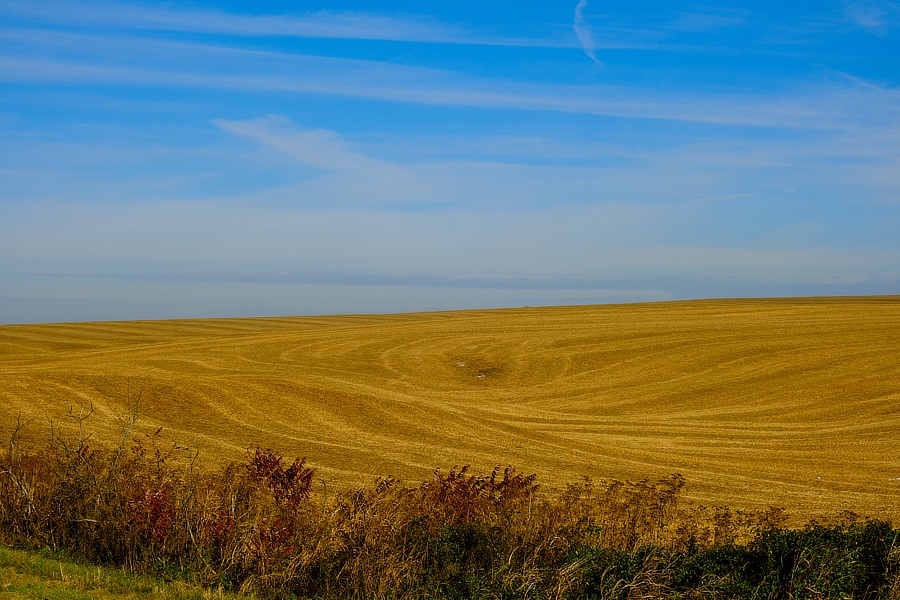
Woodford County, Kentucky, USA

-
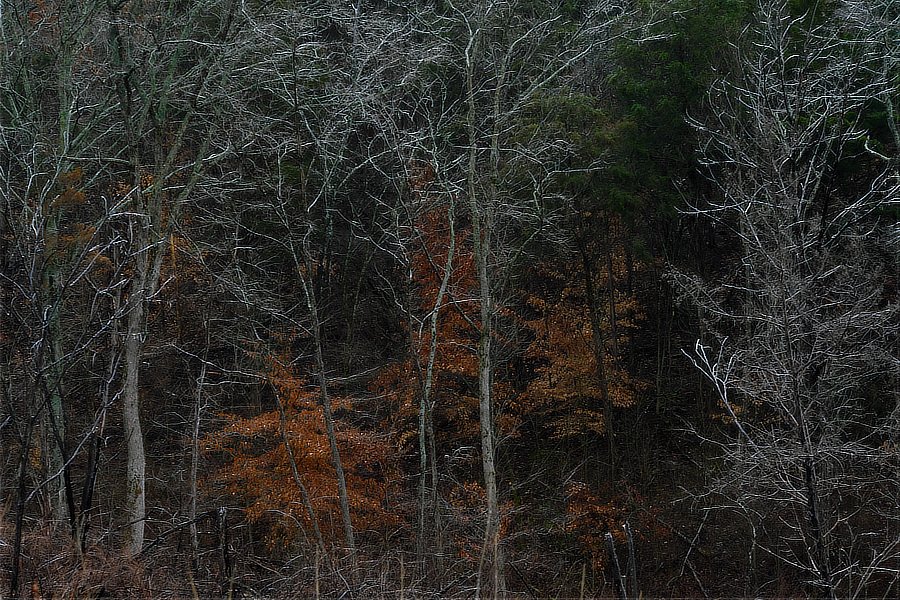
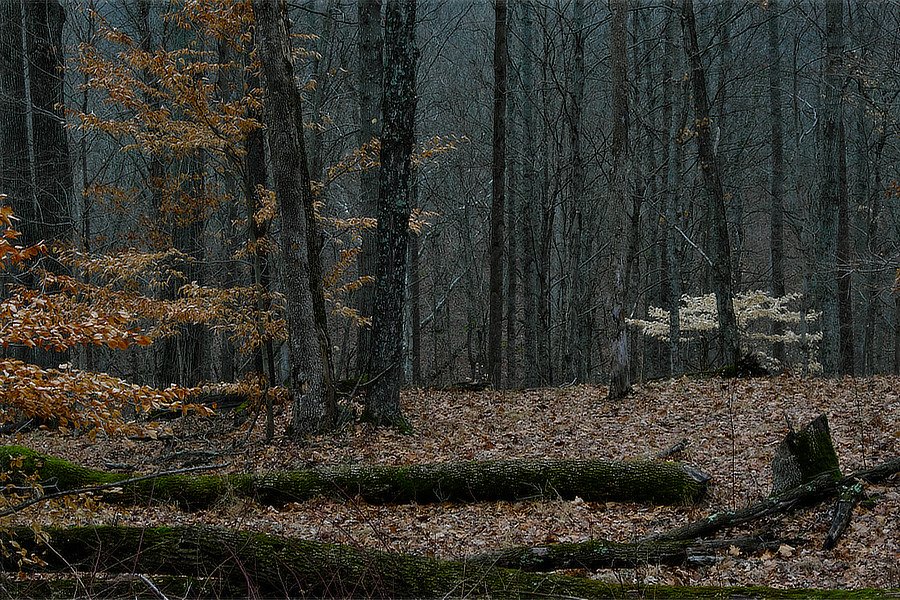
Woodford County, Kentucky, USA
-
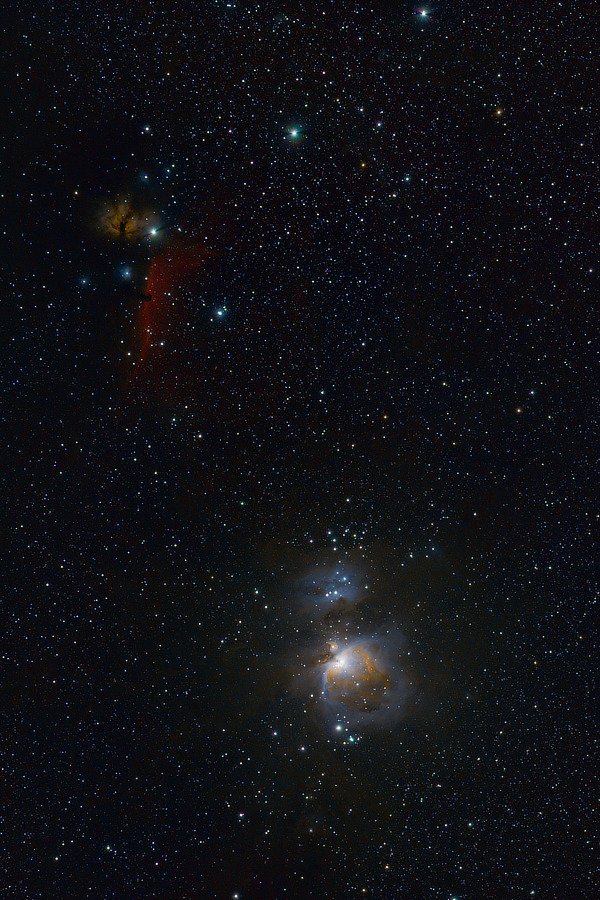
Belt and Sword (Part Two), zooming a bit into the previous image: The Flame and Horsehead Nebula The Orion Nebula https://www.nasa.gov/multimedia/imagegallery/image_feature_2317.html https://science.nasa.gov/horsehead-nebula https://www.nasa.gov/feature/goddard/2017/messier-42-the-orion-nebula edit: updated versions.
-
Belt And Sword... The Orion Constellation's Belt and Sword parts. I was testing some equipment, This is the equivalent of 30 (and spare change) minutes exposure. Part One of Two. edit: Updated version, still testing the equipment, but getting closer.
-
-
https://helpx.adobe.com/camera-raw/kb/camera-raw-plug-supported-cameras.html Adobe does say the X-T5 is supported in newer versions of Lightroom, but I do not know if that is only for the desktop versions of LR, Adobe may rely on Apple’s os for the iPad version. I think you will find large corporations tend to point fingers at each other as to who is at fault, and eventually a fix is sent out. Apple has, in the past, waited to release camera support updates until they release an update that supports a lot of new cameras at the same time.
-
https://support.apple.com/en-us/HT213267 Apple has not yet updated their file system(s) to support viewing X-T5 raw files in the Finder / Files app. Some third party apps which rely on Apple’s background processes will not show the files either. Usually this does not take a terribly long time to get fixed, but it does depend on Apple getting around to doing that. You might drop them a line.
-
Any can share is Metz 32 MZ-3 works with x-T5
jerryy replied to Sunny's topic in Fuji X-T5 / Fuji X-T50
Does anything from these links help? https://fujifilm-dsc.com/en-int/manual/x-t5/menu_shooting/flash_setting/ https://fujifilm-dsc.com/en-int/manual/x-t5/peripherals_and_options/external_flash_units/index.html -
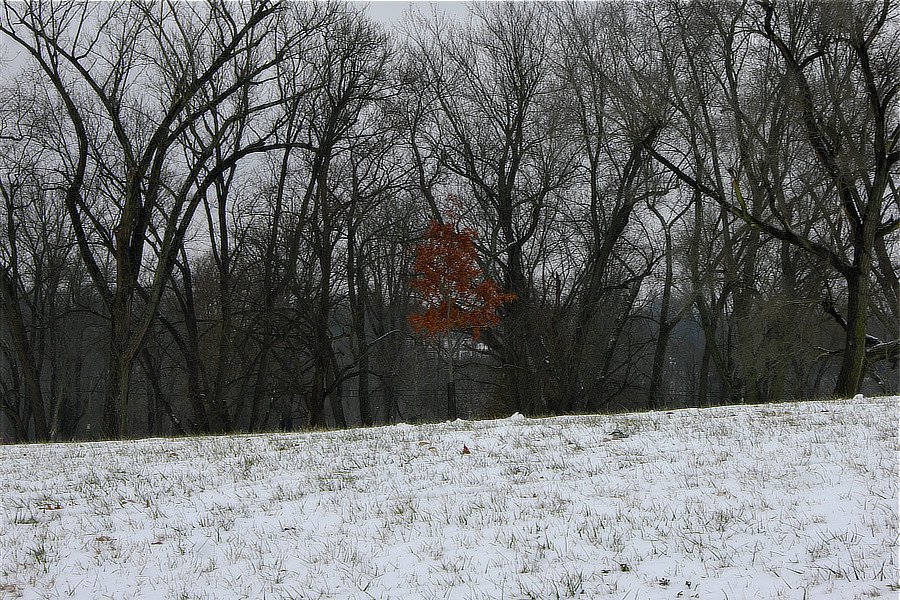
"O Wind, If Winter comes, can Spring be far behind?" — Percy Bysshe Shelley, Ode to the West Wind
-
Fuji xt30 2, good for festival photography?
jerryy replied to Sam L's topic in Fuji X-T3 / Fuji X-T30
It is. Not just casual and festivals, it can handle more than that. Then again, pretty much any of these can do that as well: https://fujifilm-x.com/en-us/products/x-series/#cameras I know that does not narrow things down, but take a closer look at them all, maybe the promo stuff will help you decide which directions you want to go toward. -
What are Fuj "X Acquire" and "Cam Remote" software good for?
jerryy replied to Astigmatism's topic in General Discussion
Some changes sure, but for all of the automation, the basic idea is still the same, point a lens or telescope at something in the sky and see some cool stuff or take some neat photos. You might like this: https://youtu.be/snz7JJlSZvw -
What are Fuj "X Acquire" and "Cam Remote" software good for?
jerryy replied to Astigmatism's topic in General Discussion
X Acquire's functions are limited for the not-main line cameras (X-T30 X-S10, etc.) to pretty much being a settings backup and restore which is useful if you have put a lot of time into customizing your settings and want a backup. For the more main line cameras (X-T3, etc.) X Acquire has more features available. For Camera Remote, the file transfer size setting is found in the camera's Set Up (wrench / spanner) menu --> Connection Setting --> General Settings --> Resize Image For Smartphone (on/off). 'On' is recommended for faster file transfer and for tablets or smartphones that cannot handle the larger sizes. Camera Remote is very (extremely) useful for checking focus, etc. when using the body in manual focus situations, where looking through the view finder / lcd screen is not practical -- (highly magnifying the scene) touching the body causes vibrations, which means you cannot tell if the focus is on or just off a bit. Some folks use it with microscopes, I use it with my telescopes, both for checking focus and for a technique called plate solving -- which helps you decide if you really are pointing the camera in the direction you think you are. Right now, the latest version of IOS is causing a lot of problems with Camera Remote, the Bluetooth connection part is working fine, but the wifi connection part is messed up for many cameras -- it is the same old story, Apple / Android updates their stuff and apps that used to be fine break. Hopefully Fujifilm will be able to fix this soon, sooner than soon.