jerryy
-
Posts
1,926 -
Joined
-
Last visited
-
Days Won
304
Content Type
Forums
Gallery
Store
Everything posted by jerryy
-
Autum in Mid-Wales 2022. Fujifilm X-T@ with 50mm f2 R.
jerryy replied to David Holland's topic in Misc
This is nicely done, but I am not really understanding which part is going into the title, ..., locally pears and whatnot are harvested in mid to late summer. -
Dual screen or split screen setup for manual focus
jerryy replied to Garth Ensley's topic in Fuji X-T3 / Fuji X-T30
https://www.jmpeltier.com/fujifilm-manual-focus-assist-modes/ Does this help? p.s. Welcome to the forum. -

-
Well, no. Or maybe. It depends on things you can do now and on keeping your options open. On its own, there is nothing wrong with the 256GB cards, they are fine. That size should let you put over 4000 raw files on it before you need to move them over to your computer. Or roughly 3500 raw and jpeg files if you are saving both at once. However, if you get several smaller ones, you can swap them out if you are photographing an event, so that if something bad does happen to a card, you have not lost everything. Also, the smaller sizes usually are less expensive, so you can buy the faster ones for the day you decide to try recording videos — video need the higher speed cards, ones that are just fine for images sometimes have problems with video. Unless, of course you are intending to start recording videos right now and need the space. Or the place you are getting them from is having a sale on the larger ones.
-
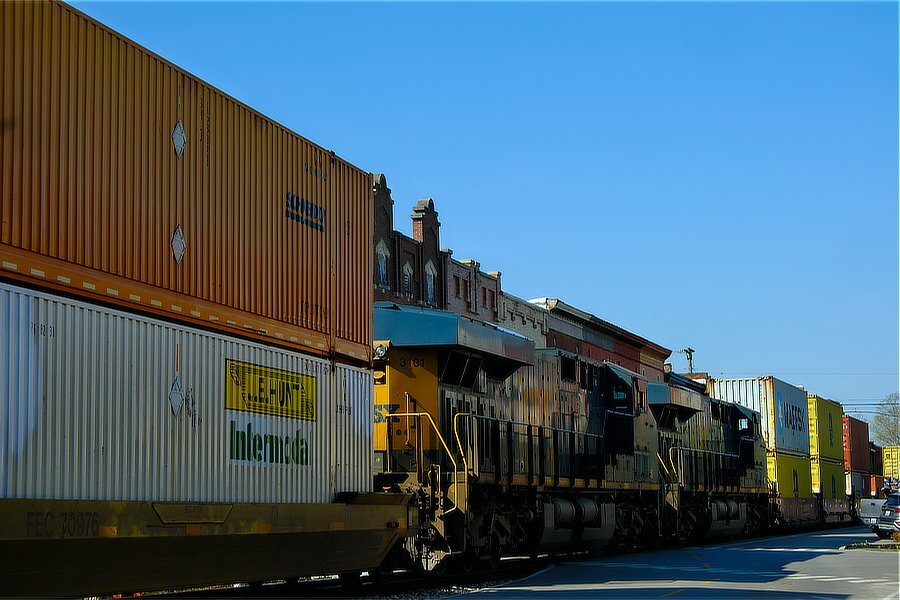
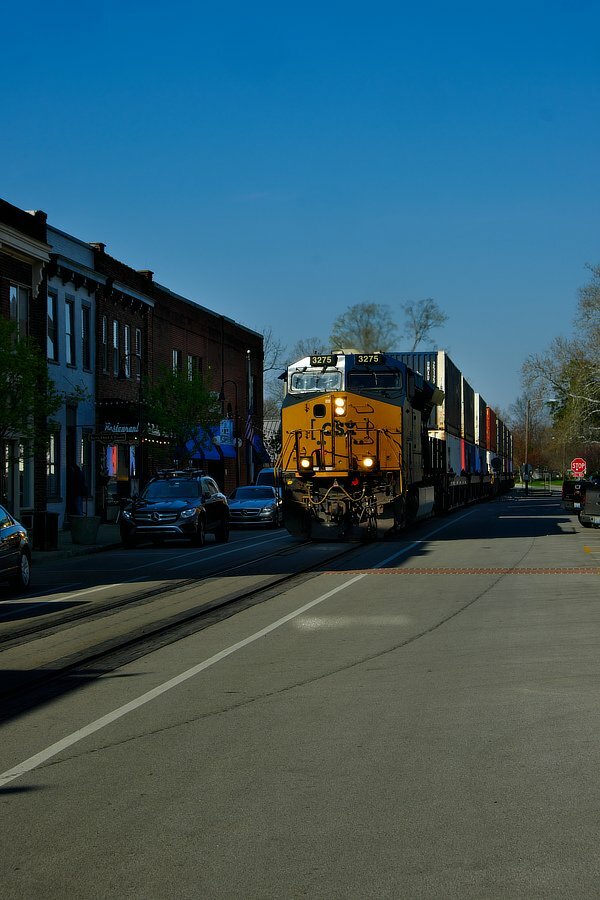
3275 -4- A Long Train Running ... 4/4.
-
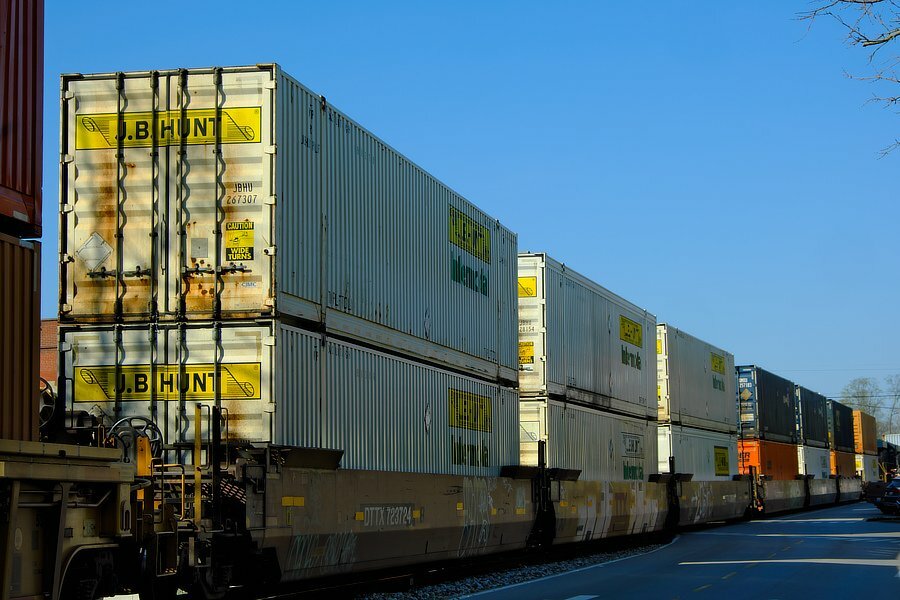
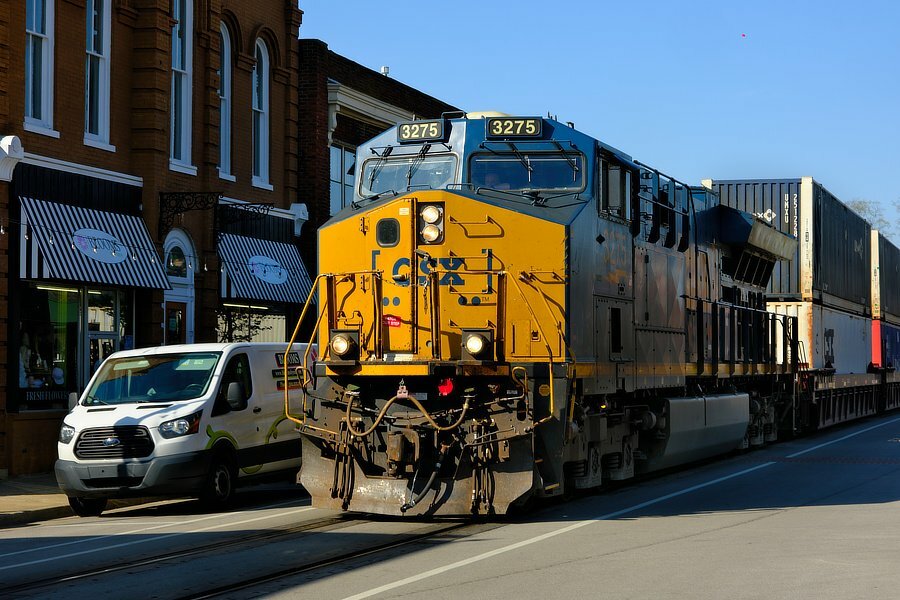
3275 -3- A Long Train Running ... 3/4.
-
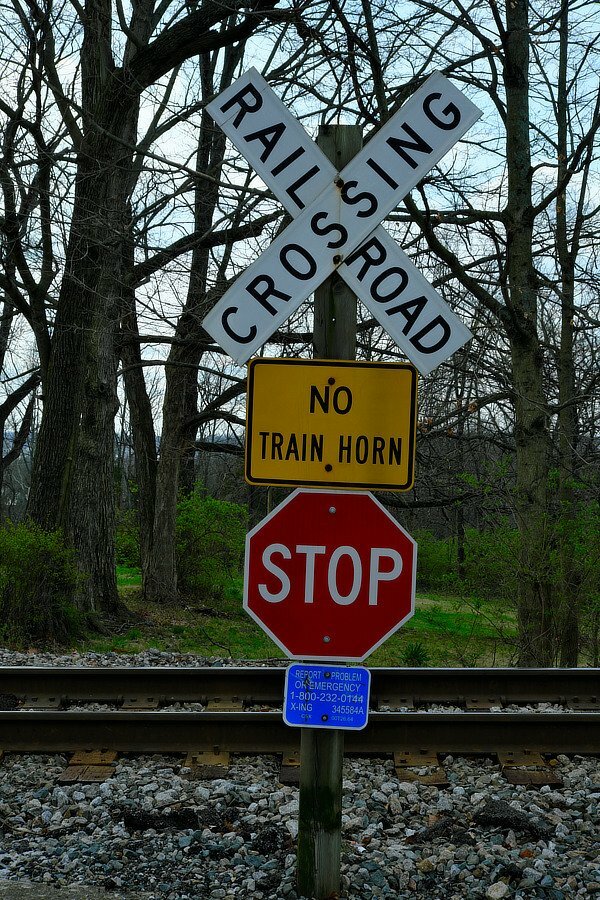
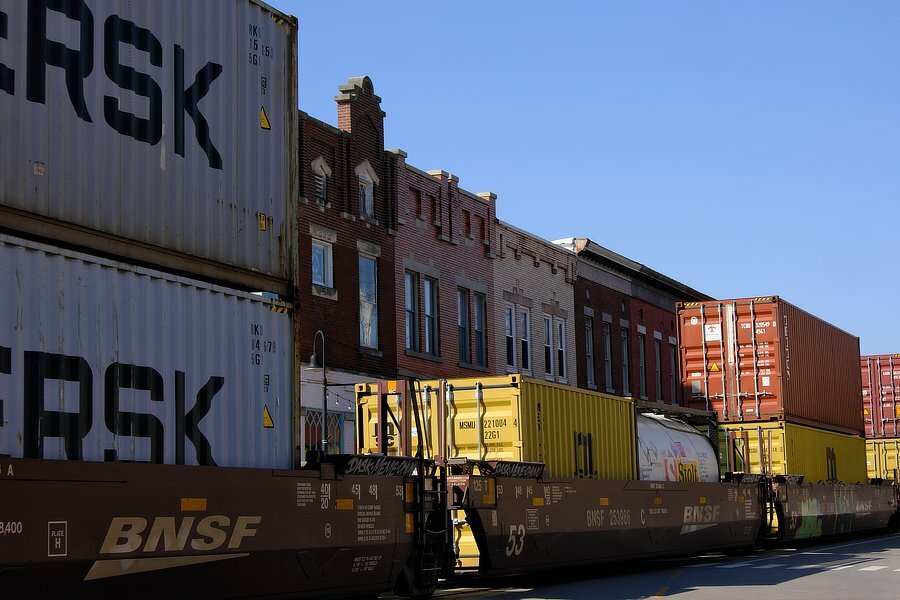
3275 -2- A Long Train Running ... 2/4.
-
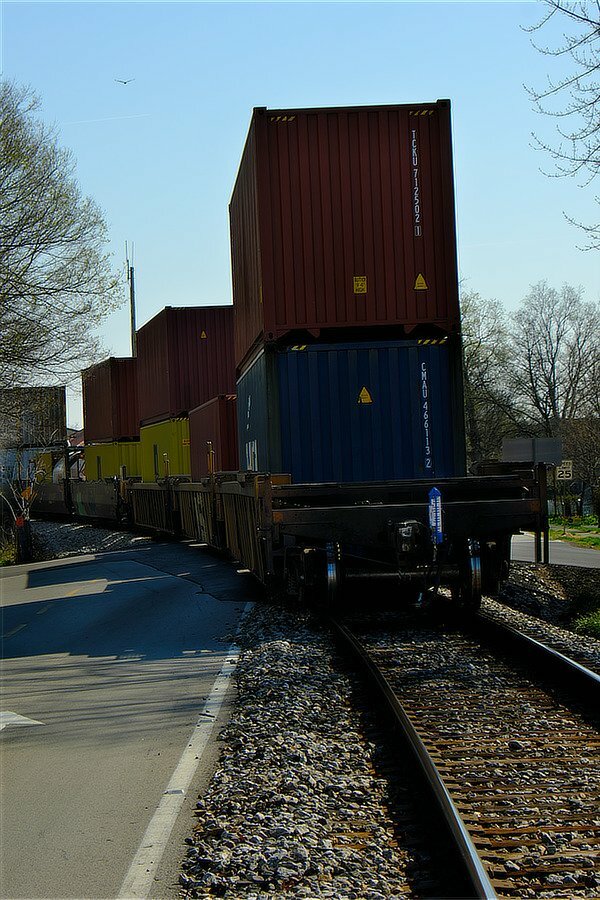
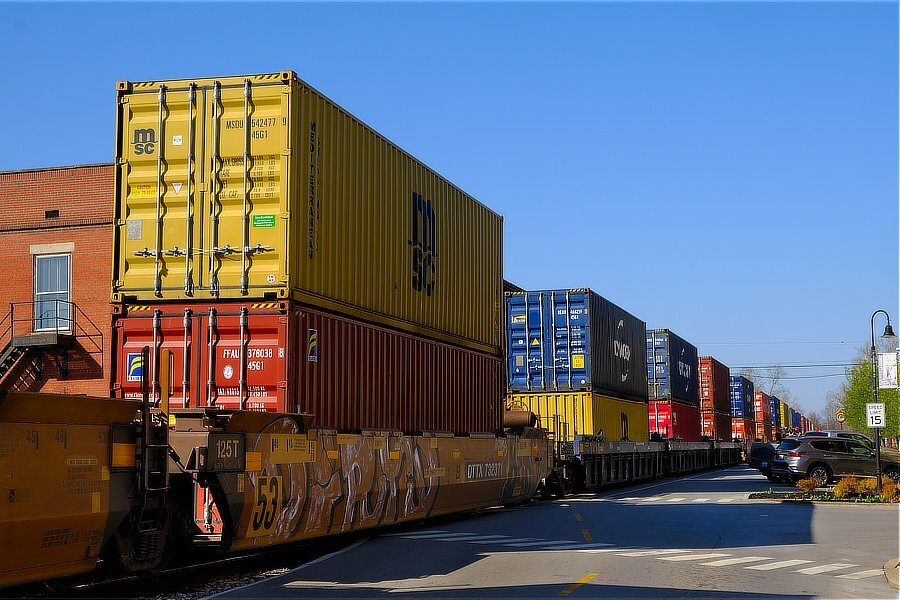
3275 -1- A Long Train Running ... Oldham County, Kentucky, USA 1/4.
-
The raw files are usually around 58-59 MB per file and the larger jpegs are usually around 12-14 MB per file. You might consider several "medium" sized cards if you do not want 'all of your eggs in one basket' as the saying goes. Nowadays, the cards are pretty reliable, so tha old saying does not have as much weight as it used to. Welcome to the forum.
-
Here is a short segment explaining some good and bad things about each of the shutter types Fujifilm uses. https://fujifilm-x.com/en-us/exposure-center/types-of-shutters/ Your X-T10 does not have all of the different types, but give each of those it does have a try and see if you like them. Enjoy your new camera!
-
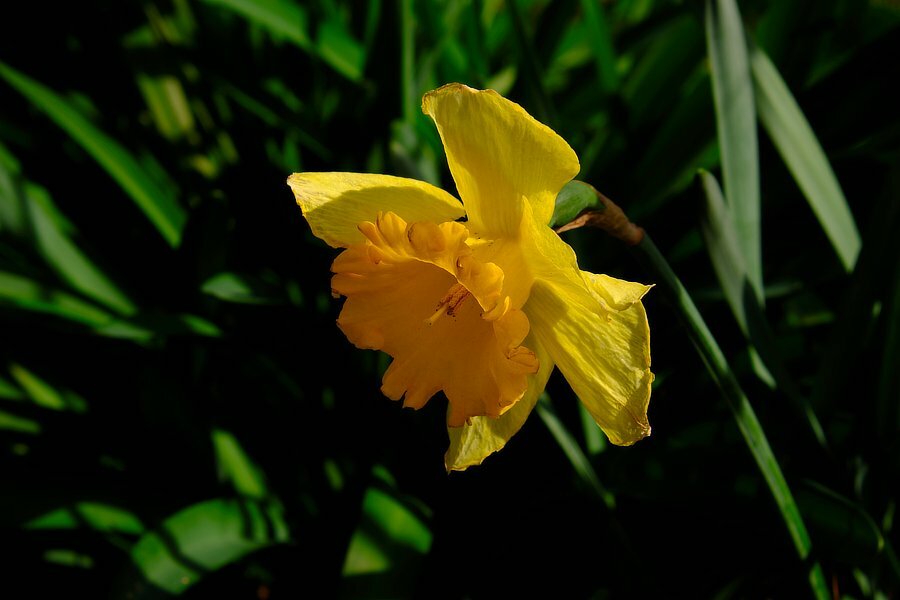
Daffodil 3/3.
-
https://app.fujifilm-dsc.com/en/manual/x-t5/about_this_camera/display/#lcd Scroll down to the section called Choosing a Display Mode. You have some options as to what shows up where. Also, just for completeness, make sure you are not blocking the eue sensor, that will turn off the lcd. Welcome to the forum.
-
Updated: Added a new view of the Rosette Nebula to the NGC 2244 posting.
-
IBIS + OIS X-H2s and 50-140 f/2.8
jerryy replied to intercontinental's topic in Fuji X-H1 / Fuji X-H2s / Fuji X-H2
Well it could be some oddity from the electronic shutter, or image stabilizers, I have read from several sports photographers that turn off IS, etc. regardless of which manufacturer makes the camera. Or it could be as simple as needing more DOF. You could try turning on subject tracking and head over to the airport and methodically test that as well as the several other things that were mentioned. But without any images to see the issues, we are pretty much flailing around, stumbling in the dark -so to speak- if something works it would be a one off bit of luck rather than a deliberate understood fix for the problem. -
IBIS + OIS X-H2s and 50-140 f/2.8
jerryy replied to intercontinental's topic in Fuji X-H1 / Fuji X-H2s / Fuji X-H2
Ah, okay, you are panning while hand-holding and not while using a panning tripod. You mention you are using the electronic shutter. That may cause you a bit of trouble: https://fujifilm-dsc.com/en-int/manual/x-h2s/menu_shooting/shooting_setting/ scroll down to the Shutter Type section for the notes on shooting moving subjects. I have heard that increasing the fps does make the focusing sensor work better, because it takes more samples, but I do not know for certain one way or the other. Just to cover all bases, have you considered using a smaller aperture (higher f-stop number)? Even with zone focusing, too small of a f-stop number will still blur things outside the immediate focus area, which can be tricky to center on a moving object. Using the idea of shutter speeds twice the focal length should still work, that is what folks did before IS, OIS and IBIS came along.😀 -
IBIS + OIS X-H2s and 50-140 f/2.8
jerryy replied to intercontinental's topic in Fuji X-H1 / Fuji X-H2s / Fuji X-H2
To answer your question, if you are using a Fujifilm lens with OIS, turning off the OIS switch on the lens will also turn off IBIS. If you are using a lens without OIS, you will be able to turn IBIS on and off in the menu: Shooting Setting > IS Mode. What you are describing sounds odd though, are you trying to take a shot while panning or are you moving the camera and then waiting a bit for things to settle down and then taking the shot? Nowadays some folks claim that you do not need to turn off the image stabilizers when you are using tripods, even going so far as to say that if the tripod is low grade, then it will still transmit small vibrations which you can avoid by having IBIS / OIS turned on. Yet others say it is still best to turn the is stuff off while using tripods. p.s. welcome to the forum. -
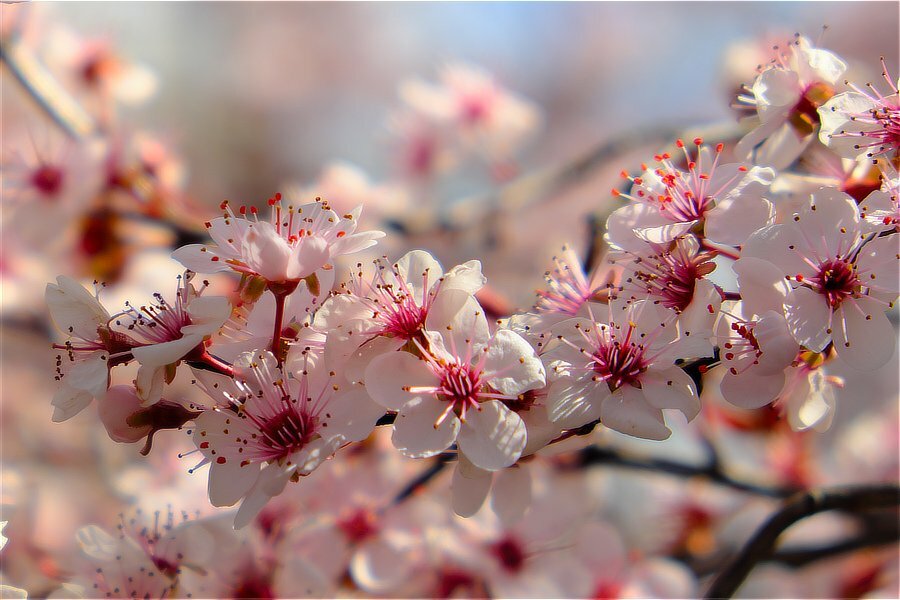
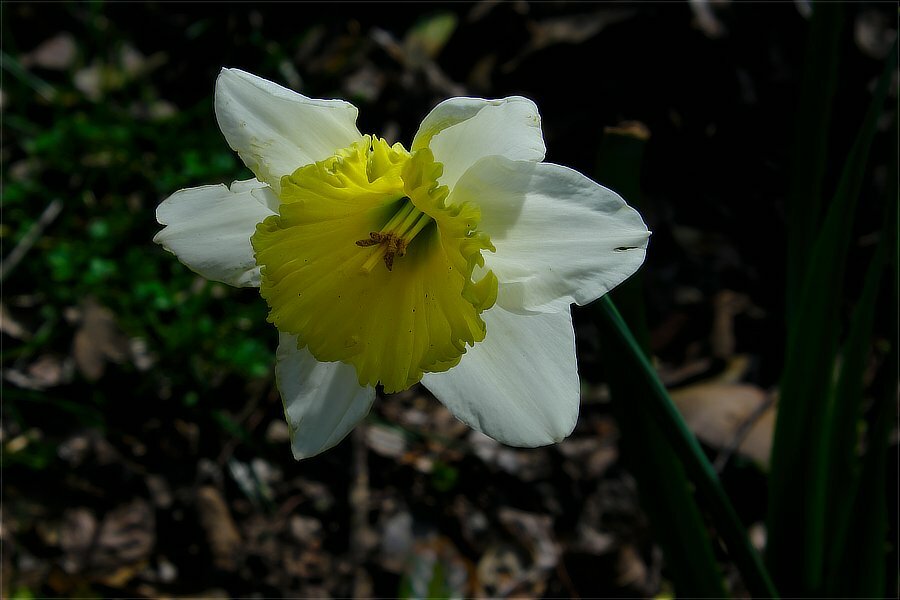
Daffodil 2/3.
-
Welcome to the forum. The 7Artisans’ lens is wide, but if you are looking for ultra-wide, think of 16mm as being “long”. Tamron makes great stuff, but there are many excellent ultra-wides available now, it just depends on what you want. I have one cine lens and have used several others, their iq is fantastic and are every bit as sharp as one could ask out of them. You do have to get used to the gears (on the focus and aperture rings for the pullers) and using t-stops instead of f-stops, but everything works smoothly and the results look fine. They do cost more, sometimes a lot more, than their non-cine equivalents.
-
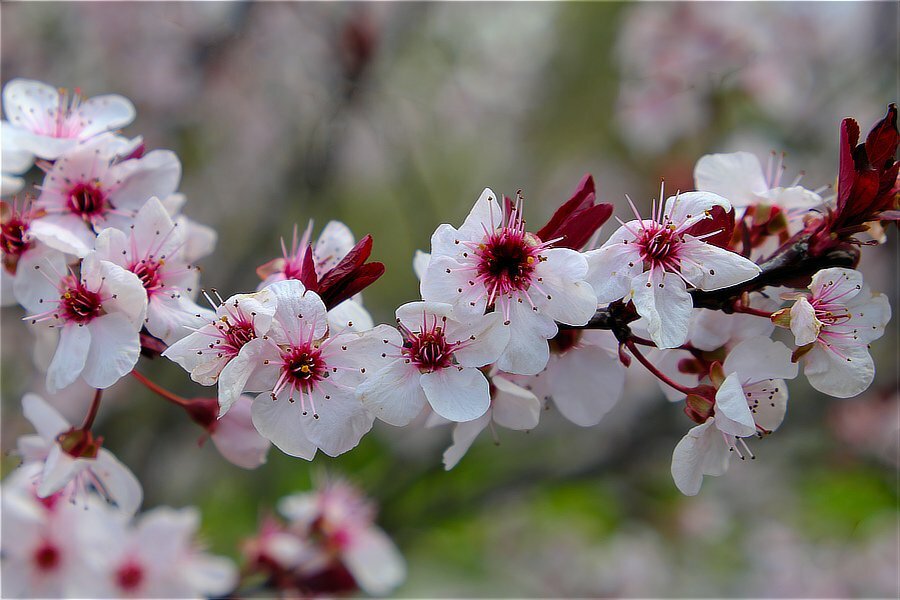
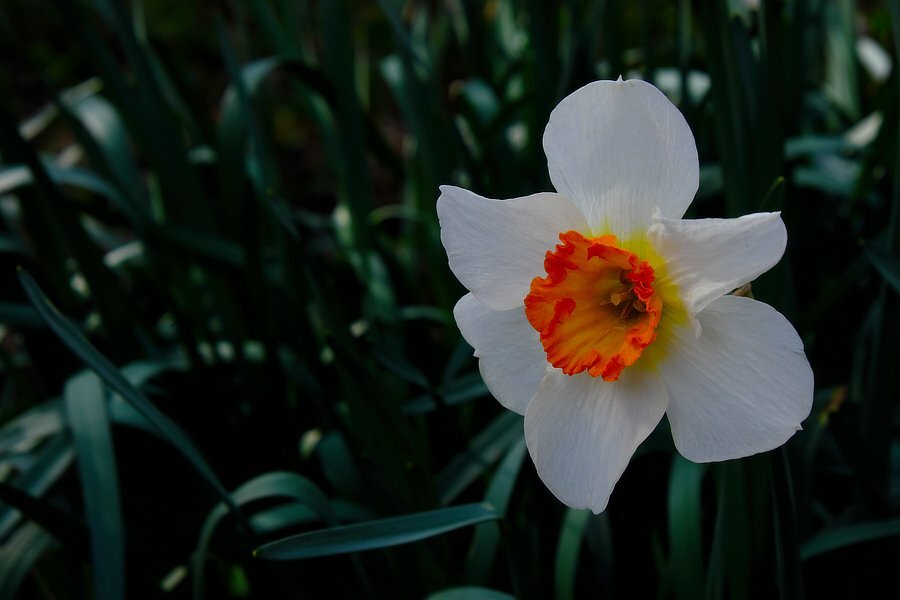
Daffodil 1/3.
-
Updated: New version of the Orion's Belt And Sword Posting.
-
Why didn't my experiment let me see phase detection pixels?
jerryy replied to Astigmatism's topic in General Discussion
It also depends on the camera, Fujifilm has changed the number of sensels and their locations in the X-T line as new generations of sensors are released, for example: https://fujifilm-x.com/global/products/cameras/x-t3/feature-autofocus/ It would not be difficult to hide the masked photo-site bring darker, just boost the amplification that @BobJ is explaining, then make allowances for any noise being introduced and the resulting pixel will look the same as the surrounding ones. But bringing out how they are doing that may require reading their patent applications or white papers. -
Why didn't my experiment let me see phase detection pixels?
jerryy replied to Astigmatism's topic in General Discussion
Here is an older article that adds a new term “sensel”. https://www.dpreview.com/articles/2151234617/fujifilmpd In the article, the person from Fujifilm says that in addition to focusing, sometimes the photo-site/pixel/sensel is also used for image data, sometimes it is ignored, which could be interpreted in different ways. If it is used for imaging, it would be difficult to determine from the surrounding photo-sites because it is doing the same as they are, if it is being ignored, then there is the possibility that instead of leaving a black dot — i.e. a cold pixel spot — the software blends the surrounding pixels together and uses that for the spot, similar to how hot pixel mapping is done. Or something else entirely. Perhaps try overlaying the choosable focus point map onto your image and see if you can determine which is the PDAF sensel. -
Why didn't my experiment let me see phase detection pixels?
jerryy replied to Astigmatism's topic in General Discussion
This may help or not https://www.cambridgeincolour.com/tutorials/camera-sensors.htm https://en.wikipedia.org/wiki/Fujifilm_X-Trans_sensor The photosites record a certain amount of intensity, the filter array decides the "color". The camera records all of the associated information and the raw convertors / displayers / analyzers read that information and give us an image to work with. The very "rawest" data is grayscale, which then becomes raw when the filter information is applied to it as @BobJ says. -
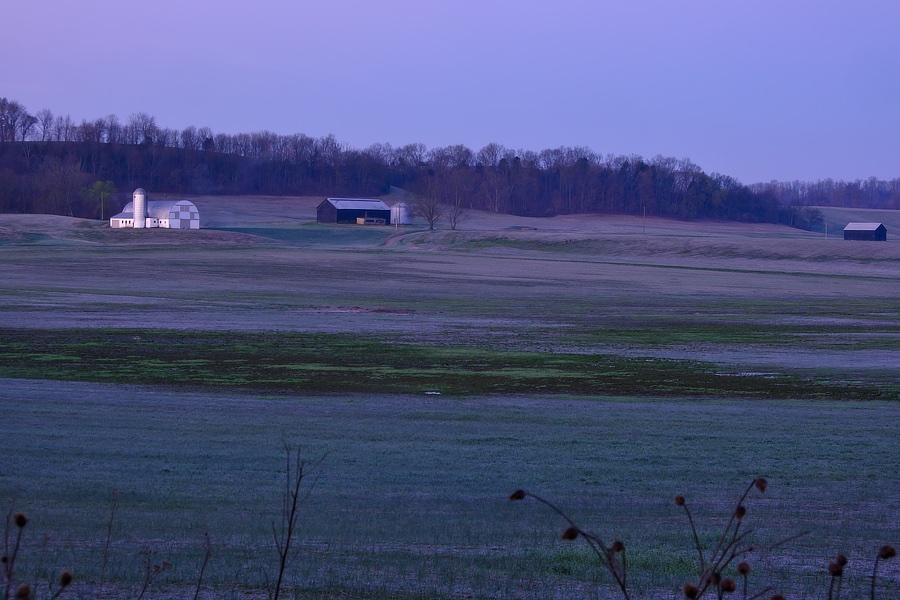
Sun Rise... 2/2 Frost on open plain Ephemeral, disappears Sun melts it away 2/2
-
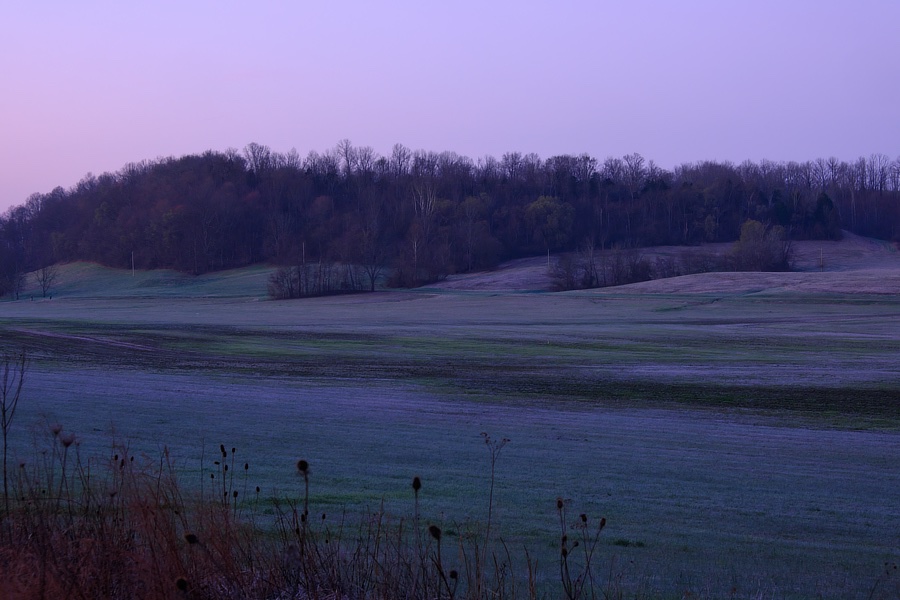
Sun Rise... 1/2 Misty Morning Light Reflects Rising Too Early Frosty Morning View 1/2