jerryy
-
Posts
1,926 -
Joined
-
Last visited
-
Days Won
304
Content Type
Forums
Gallery
Store
Everything posted by jerryy
-
XT-30 Bulb mode - Long Exposure processing in session
jerryy replied to jamesc2225's topic in Fuji X-T3 / Fuji X-T30
It sounds like you have the camera’s ‘dark frame’ noise reduction turned on. Try turning off all of the various noise reduction options and you should be able to use your intervalometer to shoot back to back frames and then later get the dark frames and bias frames for processing. Just a thought, you may want to set your intervalometer to have a brief pause (say ten or 15 seconds) between frames to let the sensor cool a bit, — this may help reduce those pesky hot pixel problems.- 4 replies
-
- 1
-

-
- bulb
- longexposure
- (and 2 more)
-

-
Photos missing from sd card - but show up on/in camera.
jerryy replied to jomo's topic in Fuji X-S10 / Fuji X-S20
That does sound a bit odd for not being seen in your iMac's finder view ... Try this. Put the card in your card reader and connect it to your iMac. Start the Terminal program (it is in the Utilities folder) and type in the following at the prompt: cd /Volumes (and hit the return key). Your card should have some name, say Untitled 1 or something like that. Type in: cd 'Untitled 1' (and hit the return key). -- the ' ' characters are there to make sure that any spaces in the name get included. If the name has spaces and you leave of the ' ' characters, the command will not work. Type: ls -la (and hit the return key). -- this should give a file / folder listing. From here, you will need repeat the process to move to the folder you have the images in. This will take a few steps and can be combined into one command as FOR EXAMPLE: cd '/Volumes/Untitled 1/DCIM/113_FUJI' which will move directly all the way to the 113_Fuji folder. Then type in: ls -la (and hit the return key). You should get a full listing of all files in that folder including any 'hidden' files. Now at this point is is possible to use Terminal to copy your files to your desired destination, but that is a joy saved for another time. Right now, the thing is to be able to find the missing files. Before quiting the Terminal listing stuff, type cd (and hit the return key). Then use the finder to eject the card. -
Photos missing from sd card - but show up on/in camera.
jerryy replied to jomo's topic in Fuji X-S10 / Fuji X-S20
The raf files from the X-S10 are not yet recognized by Apple’s operating systems (Big Sur, Catalina, etc.). So any program that relies on using the underlying Apple Raw Converter — this is part of the os, will not “see” the raw files as being something they can work on. This issue is usually handled quickly by the folks at Apple in their minor os updates. In the mean time, you should be able to open the card in the Finder, get the listing of the raf and jpg files, and copy them to your desired destination folder. Then open the raw files in any editing program that does its own X-S10 raf conversions. As far as the jpg files are concerned, they should be recognized by all of the image editors as well as being viewable in the Finder. -
Have you considered DarkTable? https://www.darktable.org/about/features/ https://www.darktable.org/resources/camera-support/ Like anything else, it takes a bit of getting used to.
-
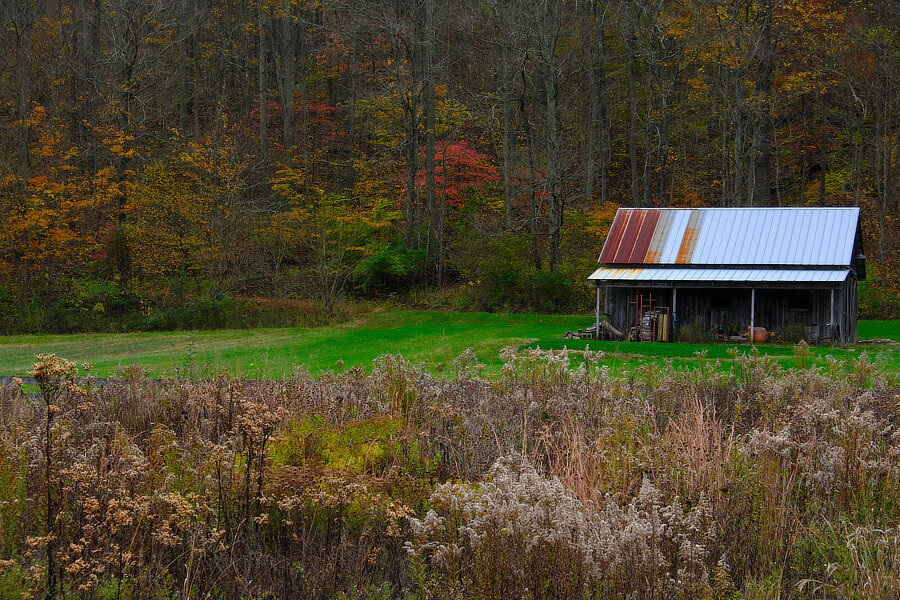
The Cabin In The Woods
-
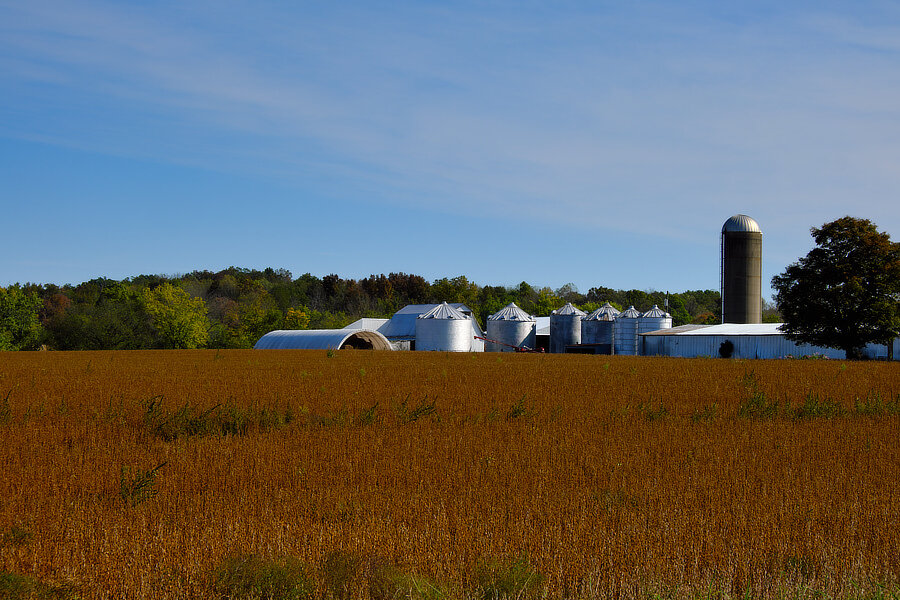
Ready for harvesting ... .
-
-
BIF Auto Focus tracking low keep rate
jerryy replied to Joe T Mirrorless's topic in Nature & Wildlife
Over on another site, Morris has a thread about settings for birds cruising around using zone focusing: https://www.fredmiranda.com/forum/topic/1594539 HTH p.s. it looks like that pond was well stocked with goldfish . -
How to transfer video from an XT-30 to a PC?
jerryy replied to bgflex's topic in Fuji X-T3 / Fuji X-T30
Get a card reader. Pull the card from the camera and use the reader to copy from the card to your pc, then use the software from there. It will be so much faster, the time savings alone will pay for the purchase. -
Nice shots! Your camera is telling you that for your chosen shutter speed and ISO limit, it needs a faster f-stop to get what its algorithms determine are needed for a good exposure. Widen the ISO range, or go fully manual for every setting. Or use a lens with a faster aperture.
-
Complete Ludite Here - Need Some Guidance Please
jerryy replied to DragonFly Traveller's topic in Fuji X-T3 / Fuji X-T30
This may ease your concerns regarding whether what was working will still work: https://fujifilm-x.com/en-us/support/compatibility/cameras/x-t3/ The shorter answer is that all of the x-mount lens work on all of the x-mount bodies and the batteries are interchangeable between the X-T2 and the X-T3. -
pausing long exposures
jerryy replied to Stijn's topic in Fuji X-Pro 1 / Fuji X-Pro 2 / Fuji X-Pro 3
You may find some good results with these, or, get closer to what you are trying to achieve: Affinity Photo has a module for creating HDR images, this is a run-through example: https://www.digitalcameraworld.com/uk/tutorials/create-vibrant-hdr-images-in-affinity-photo-with-merge-and-tone-mapping-tools The person that built Starry Sky Stacker and Starry Landscape Stacker also has a program for long exposure stacking: https://sites.google.com/site/longexposurestacker/home -
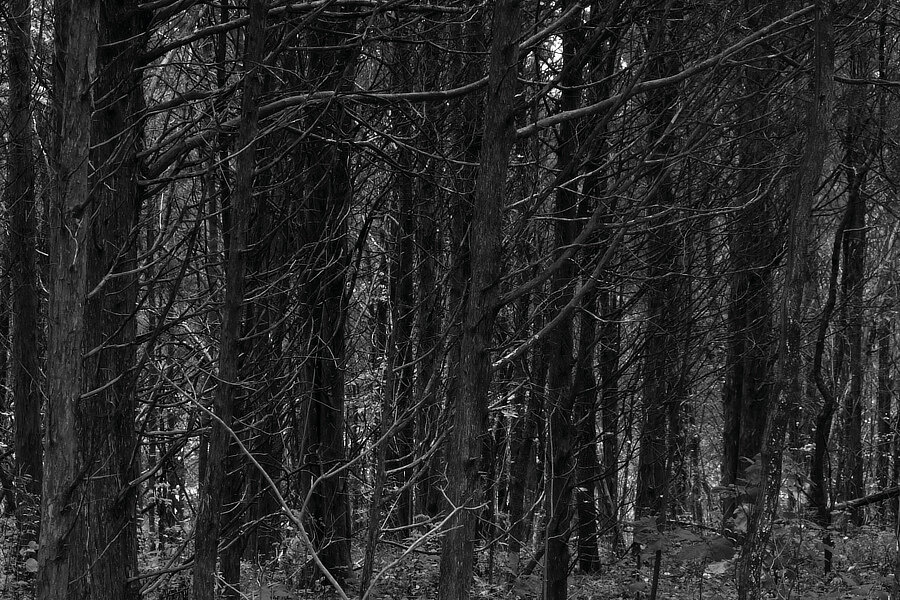
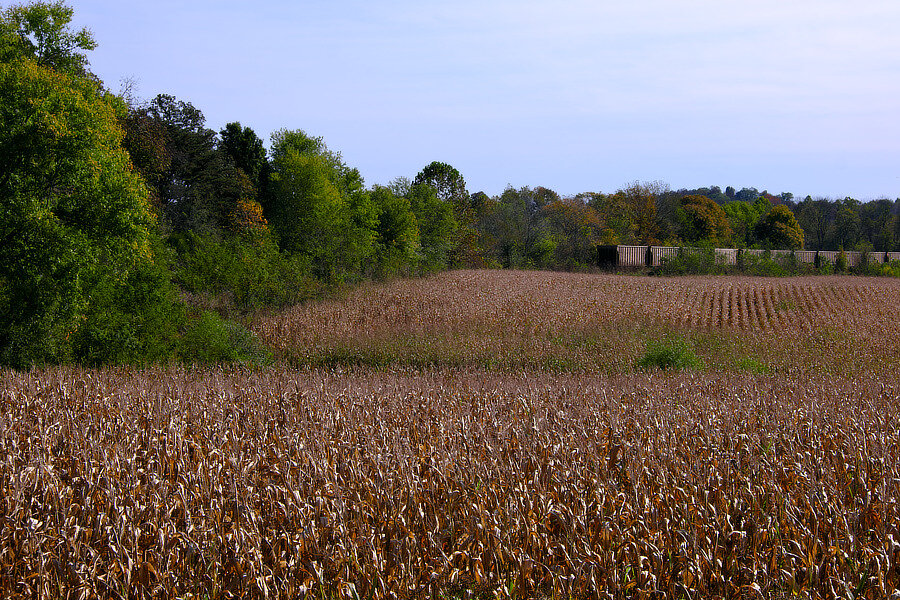
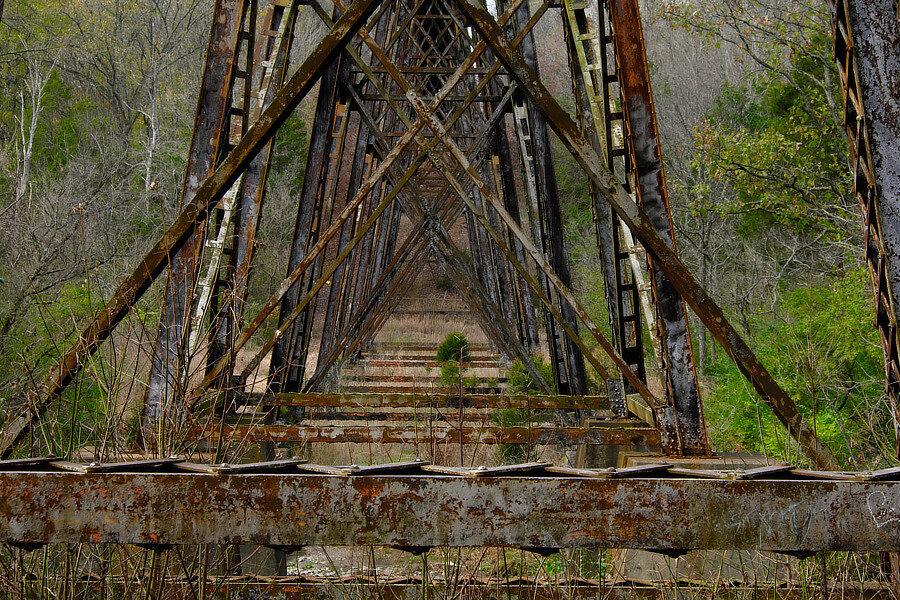
Underside of an active trestle bridge.
-
it is a bit of a sidetrack, but why would you not use TIFF to bounce back and forth between PS and Lightroom? Especially since Adobe recommends using TIFF over psd for doing that. https://helpx.adobe.com/lightroom-classic/help/supported-file-formats.html
-
I am not understanding what you mean by "... exporting my X100F JPGs and finalizing them ... ". Are you wanting it to pull images off of your camera on to your 'work' drive so that you can then sort and process them? If so, then it is usually faster to pull the card out of the camera and use a card reader connected to your computer to copy the files. Just about all of the raw developers will also let you do more processing to jpg files. Capture One is very good, you can get the Fujifilm Express version for free and try it to see if you like its approach. Then move on up to the Pro version if you think you want the tools included in that version. Another one that was not included in the previous list is Iridient Developer which just got a big upgrade. You have plenty of try-before-you-buy options, it is a matter of testing one to see what fits best into your work approach.
-
Remote App not working after iOS 14 update?
jerryy replied to Cormac's topic in Fuji X-T3 / Fuji X-T30
This app has just been updated. The release note says the update fixes issues with iOS14.