jerryy
-
Posts
1,926 -
Joined
-
Last visited
-
Days Won
304
Content Type
Forums
Gallery
Store
Everything posted by jerryy
-
You have something else going on. Raw + Fine (jpg) saves both a raf and a jpg when using ISO 160, 200, (and the lower ones and the higher ones) on my camera. Which type of bracketing were you trying to do?
-

-
For some Fujifilm cameras, the color space affects the view seen through the evf differently than the lcd back-screen (old problem). Using the wider Adobe color space instead of the sRGB color space gave similar results to both, so the evf was being fed a different data stream; which stream fed the displayed histogram (lcd vs evf) was not clear. Hence use the wider one. Of course Adobe RGB is not good for jpegs except when the monitor correctly shows the colorspace, but Adobe RGB is better for raw. Even better is ProPhoto RGB and ever better is XYZ.
-
Hello Herco, Rico Pfirstinger is chock full of very good tips and tricks no doubt. His information helps in a lot of situations. But he got dragged over on DPReview about that comment because he provided no basis or context for his comment. Actually, if you use the section you quoted to try to set the menu option for a X-T2, you would not be able to because it is called Preview Pic. Effect on that camera and turning it on or off is exactly backwards to later cameras where it is called Natural Live View. The original poster is concerned with raw file quality vs imputed histogram effects. But generically the same question can be asked for all three set-ups: 1) jpeg only: set your basic menu choices to support the simulation you are using. Turn Natural Live View OFF (Preview Pic. Effect ON) and use the L or RGB histogram as a close guide. 2) raw only: set your basic menu choices to be flat and wide to support raw (tone controls at 0, auto white balance, etc. embedded jpeg image to be ehh, Provia, Eternal, or Pro-Neg Standard -- these are fairly flat. it would be nice if we had ProPhoto color space or better yet XYZ color space, but we do not so set that to Adobe and not sRGB, etc.) (Natural Live View ON - Preview Pic. Effect OFF). Then the EVF histogram will be close (not perfect, it is an evf, but close) to what the raw file will be. 3) raw plus jpg: this is the tricky one. Depends on the simulation and which you favor more, the raw or the jpeg. Always a trade off.
-
This is close but not completely true, ... “Turning the Natural Live View on, reduces the impact the Film Simulation mode has on the histogram, so it’ll mirror more closely what it’ll look like when you import it into your editing software.” https://fujifilm-x.com/en-us/exposure-center/get-the-most-out-of-your-histogram/ As also mentioned here: “With Natural Live View ON, the histogram is a much closer representation of the raw exposure.” https://fujiframe.com/articles/natural-live-view-ettr/ It is not perfect, but considering you are looking at a lcd preview (back screen or evf) it is difficult to see any difference. (edit) This page goes into much more detail: https://www.thewanderinglensman.com/2018/12/a-fujifilm-x-t3-feature-ive-come-to.html beginning with the section “With the X-T3, there is a setting called Natural Live View.”
-
No exposure comp. in Manual Mode (w/ Auto ISO) in Fuji Cameras?
jerryy replied to GregK's topic in Fuji X-T100 / Fuji X-T200
According to this: https://helpguide.sony.net/ilc/1430/v1/en/contents/TP0000301867.html?search=exposure compensation When you use [Manual Exposure], you can compensate for the exposure only when [ISO] is set to [ISO AUTO]. you are not in fully manual mode because the ISO is set to AUTO. Turn one of the three major settings, ISO, Aperture, Shutter Speed to auto and then see what you get when playing with the exp. comp. dial. This works the same on Fujifilm as it does on Sony and Nikon and all of the others that offer it as an option. -
-
What you are proposing is adding a lot of extra steps and introducing more stressful ways for thing to go wrong even in settings such as landscape photography where usually folks are not in a hurry. For fast moving situations, that could be a disaster. mrPeter is showing you a good way to achieve what are looking for: natural live view. https://fujiframe.com/articles/natural-live-view-ettr/ “Turning Natural Live View ON disables the visual effects of in-camera JPG processing. This includes film simulation, white balance, shadow/highlight adjustments. Now the image you see is in the viewfinder and LCD is much closer to the raw output.”. If you want a different simulation than the default jpeg the camera gives you, quite a few raw developers offer the other Fujifilm choices or allow you to use ones that various people have came up with to get close to the film versions. If you look around the forum you can find the recipes listed.
-
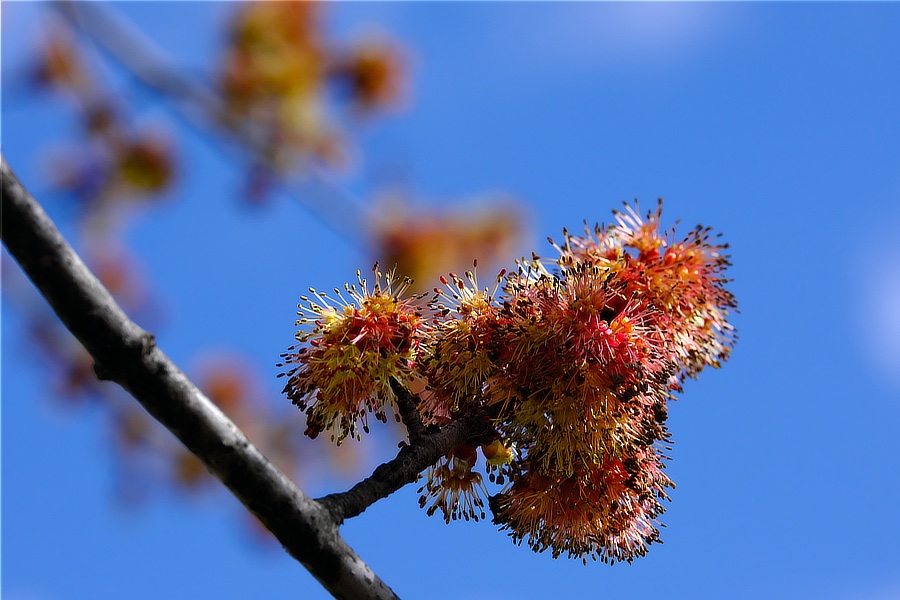
Nature is getting Spring ready to go.
-
I am not able to help you with the adapter fit (I do not have those lenses). But focus peaking should work with Leicas and adapters. How do you have the menu options set up? Also, this may help: https://www.jmpeltier.com/fujifilm-manual-focus-assist-modes/
-
Have you considered using a camera lcd hood / shade? Your local camera shop may stock some, certainly many online dealers do.
-
-
It looks like it cleaned up pretty well in the second photo. Hopefully it will be one you like.
-
I must have came in very late to this thread and obviously missed something. http://fujifilm-dsc.com/en-int/manual/x-s10/about_this_camera/parts/ This clearly shows where to attach a remote release cable and explains how to adapt the standard Fujifilm remote release cable to work with the X-S10.
-
It would already have it most likely. That is not really a direct user setting, just something the internal software switches on or off depending on what the user set iso, shutter speed, ev comp, aperture, etc are doing. The X-T3 switches at ISO 800. Fujifilm sensors tend to be ISO invariant so that also plays into when the switch is made.
-
The X-S10 sensor is very close to the one in the X-T4, so keep an eye out for any X-T4 results and your X-S10 should be very close. This site publishes listings for various camera bodies, hut has not yet been updated for either of those two: https://photonstophotos.net/Charts/PDR.htm#FujiFilm X-T3
-
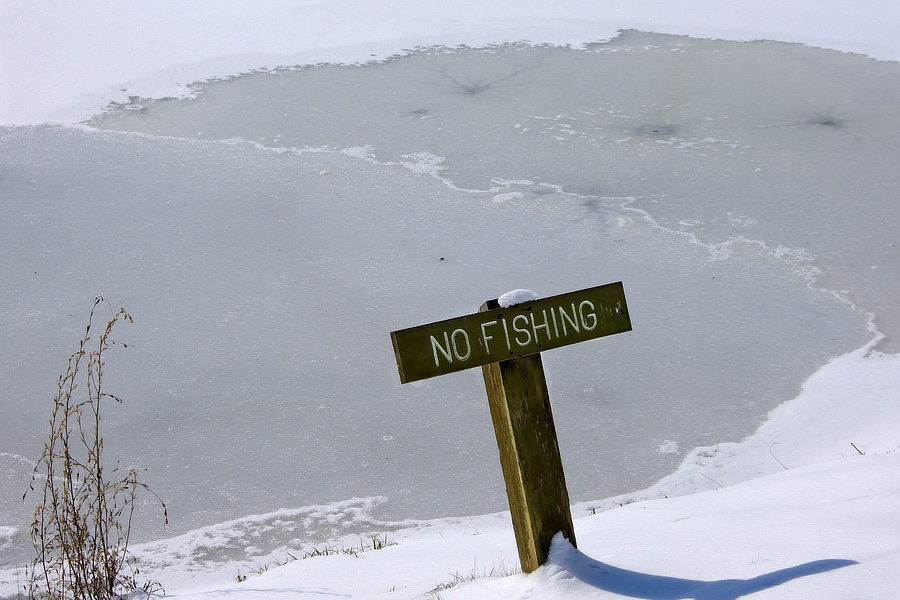
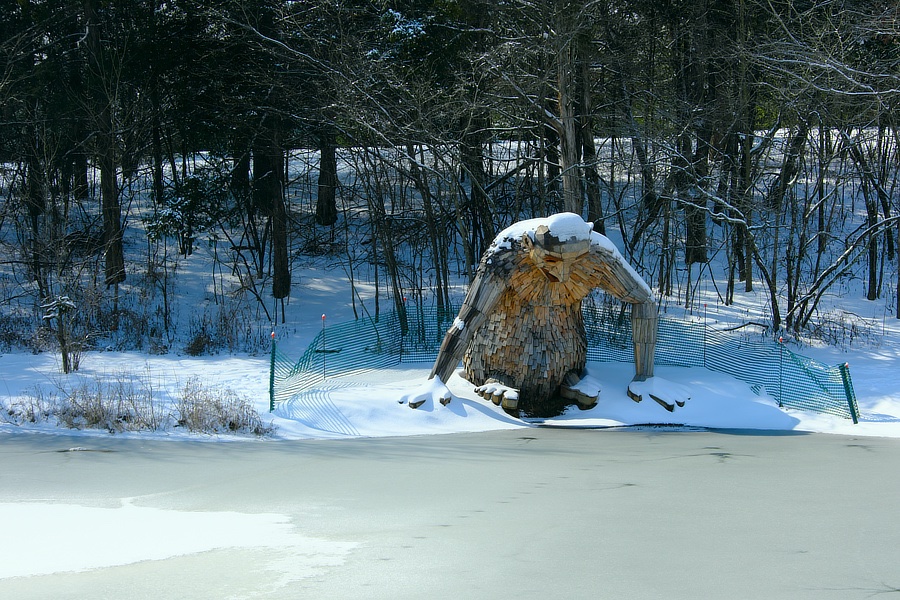
"Any minute the ice is going to melt ..." "... and there will be fish for the taking". "Food, glorious food!" "Hey buddy, uh, about that, there is a sign over there." "Nooooooo!"
-
Which ones are you using? I have a 200mm parfocal which gives good images though it is a bit heavy. edit: it is a Minolta MD 75 - 200mm f4.5 parfocal lens. I have it “glued” to a Fotasy MD-FX (manual of course) adapter.
-
That one looks to be a good choice especially since it is sold as a x-mount lens, so you do not have to worry about adapters. This review shows some good results: https://www.fujixpassion.com/2020/08/21/tokina-szx-400mm-f8-reflex-mf-first-impressions-review/ Let us know how it turns out and post some images!
-
I do not have a X-S10, so I cannot say one way or the other. But, ..., focus peaking works with my manual focusing Rokinon lenses on my X-T30.
-
How do you propose being able to see how the scene you are viewing will impact the jpeg simulation?
-
Right at this time of writing, you will need an adapter for the current line of Sigma lenses, whether they are fitted for the Canon mount or the Nikon mount. Smart adapters will let you auto-focus, change apertures, as well as storing the EXIF information in the image. Mechanical only adapters limit you to manual focus and no EXIF information, but are a lot less expensive. I have not used any of the Nikon mount <-> adapter lenses, but I have had really good results using the Canon mount <-> ( mechanical and smart) adapters. Sigma is sending out rumors about making X-mount lenses, but if they do, there will not be many used ones for a while. Lots of folks like Fringer smart adapters, but there are plenty of great options. Checking in with the folks in the forum about adapting lenses to Fuji cameras and see what they have to say.
-
Actually there are a lot of long lenses you can get. Just to drop a couple of big names, Sigma and Tamron make plenty of long lenses well suited for nature, they come in either Canon or Nikon mounts, which, with an appropriate adapter will give you great images. Samyang / Rokinon have plenty as well with direct Fujifilm mounts. Just look on the various used markets to find ones that fit your budget. If you do not mind the strange bokeh, mirror lenses in the 500mm - 800mm range are usually considered a good low cost approach. So there are a lot out there.
-
... but locally it is pretty much finished. Orion, The Seven Sisters(*) and the other winter constellations are packing up and moving out. The snow melted into river floods and birds are headed north again. (*) The Seven Sisters are also known as the Pleiades and go by many other names. The automaker Subaru uses the Pleiades as their icon on the cars they build.