Leaderboard
Popular Content
Showing content with the highest reputation on 03/18/2021 in all areas
-

X-T30 v1.40 'web cam' problems
YOUTA and one other reacted to LouiseScot for a topic
It's ok. I have the X-T30 mounted on a microscope and just wanted to tether. Instead I've gone back to using the hdmi output. Thanks Louise2 points -

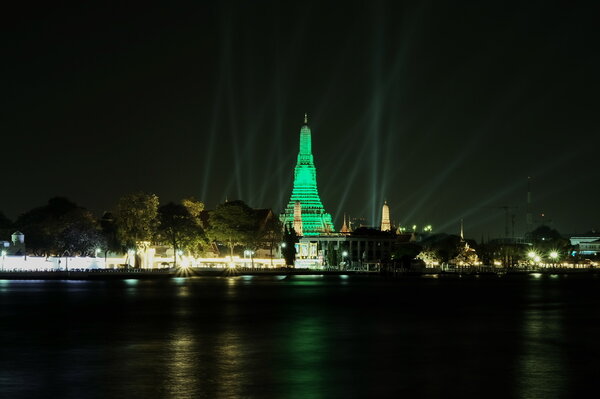
Patrick‘s Day - Wat Arun Bangkok Thailand
Verguca reacted to Ketsada UNs for a gallery image
 1 point
 -
I see your point, but there's an easy way around this. First you have to know that all film simulations and settings like color, highlight/shadow tones, grain et cetera only affect the jpeg image and not the raw (RAF) file. However, within each raw file there's also a small jpeg included for preview purposes. Regardless of whether you shoot raw-only or raw+jpeg, that embedded jpeg will also be created based on your settings and selected film simulation. It is used for display purposes like the EVF/LCD but also in preview mode in Lightroom and Capture One. Now the tricky part: that preview jpeg is also used for your histogram. So the histogram actually doesn't show the 'real scene' but the jpeg interpretation of it. If you expose using that histogram it will also affect the raw. So there is an indirect impact of film simulation and H/S settings to the raw file. The setting of Natural Live View alone (or: Preview Pic. Effect) doesn't solve this. Fuji should have included a 'neutral' or bypass mode as well (like e.g. Nikon) but unfortunately they don't. However, there's a way around this. Create a 'flat' profile for when you are only interested in the raw file. You do that by selecting a film profile with less contrast and neutral colors like PRO NEG STD (or PROVIA/STD) and set the Highlight and Shadow tone to -2 and color to 0. Keep WB and DR on auto and switch on Natural Live View. Now we get a flat neutral image (real scene) with a live histogram that resembles the real values. Using that histogram we can expose exactly how we want the shadows and highlights to be. Further on in post you have the largest possible latitude in your raw file.1 point
-
Nature in B&W
George_P reacted to JXPhotoGuy for a topic
X-T1 | 18-55mm1 point -
X-E2 + 10-24mm
 1 point
 -

Nature in B&W
Eddie Smith reacted to czcianka for a topic
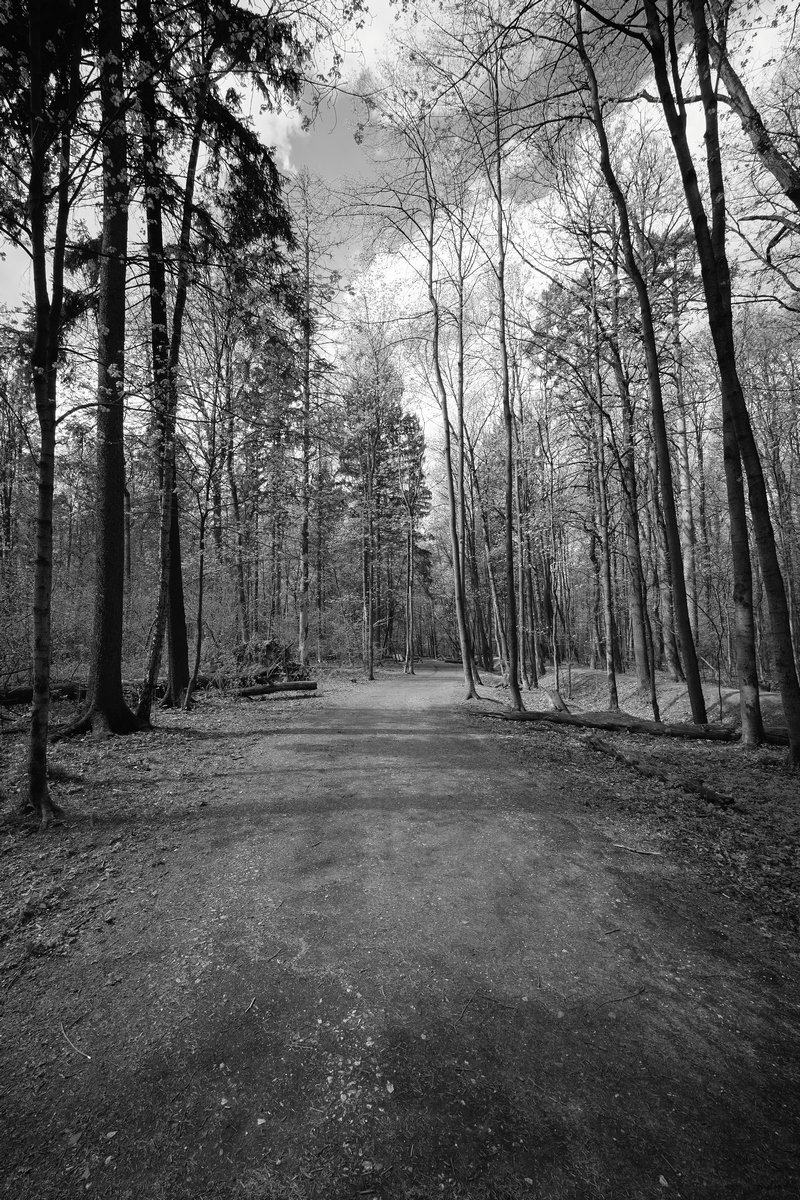
in abstract forest.
1 point