jerryy
-
Posts
1,926 -
Joined
-
Last visited
-
Days Won
304
Content Type
Forums
Gallery
Store
Everything posted by jerryy
-
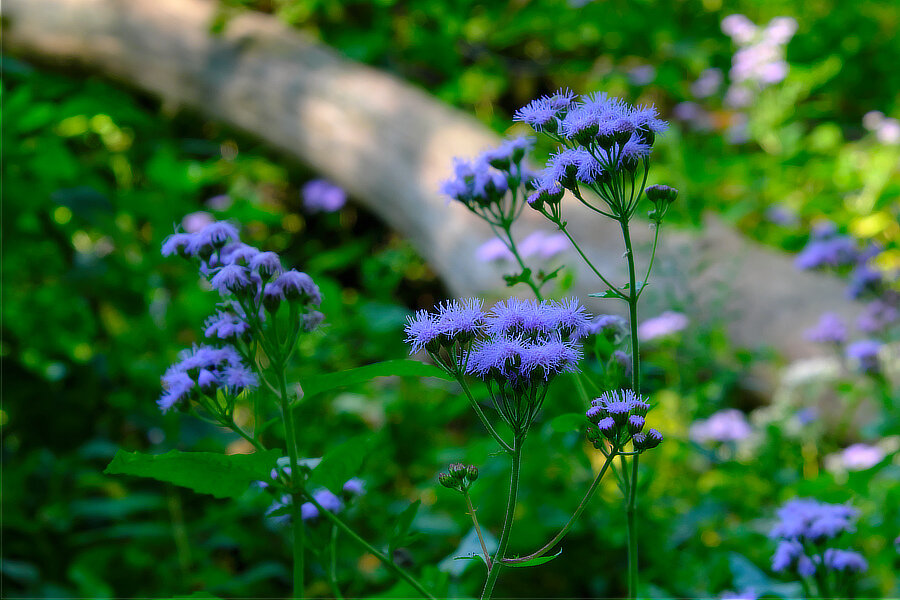
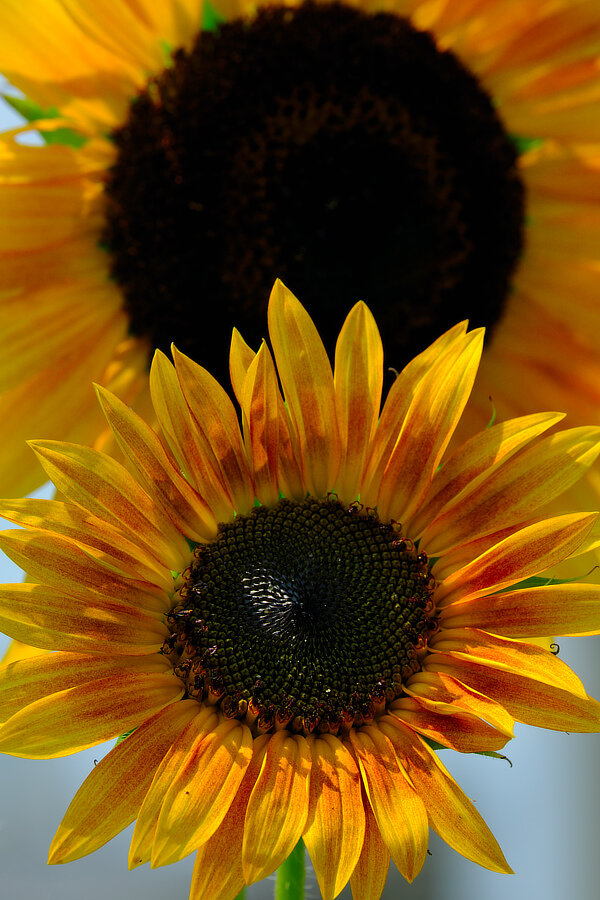
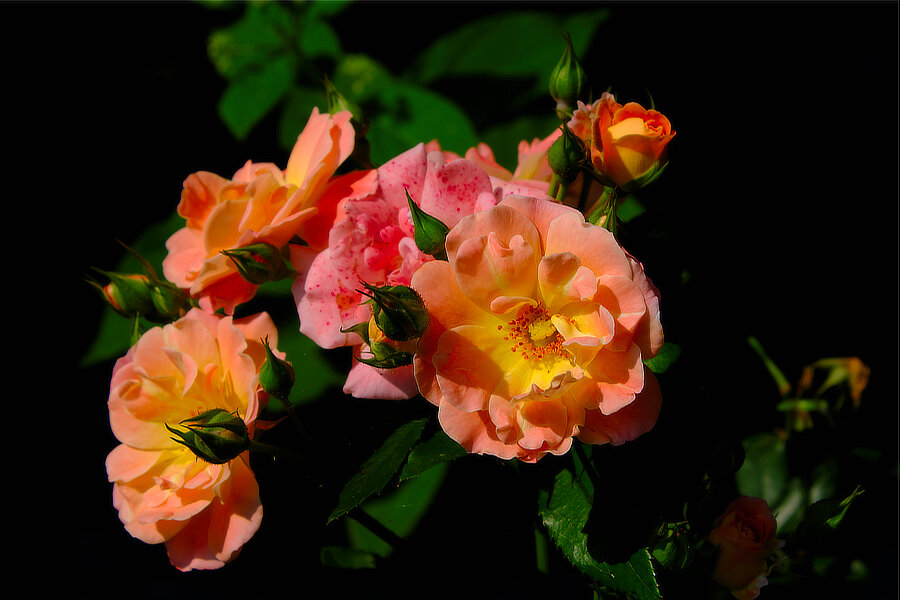
River bottom flowers (part one):

-
It depends on your budget, (like everything else I suppose ). Really Right Stuff makes a l plate which is pretty good but does not, for some reason, have the grip piece: https://www.adorama.com/rrsbxt30lset.html Fotga makes a decent one that does include the grip piece and is lower in price, but for some reason has only been selling via eBay -- you have to import it rom China now. Both of these companies sell true l-brackets (arca style) that you can mount in either portrait or landscape mode, you are able to get the node point correct for panorama shots. And you are able to get to the battery as well as the USB ports etc. while the plate is on the camera. Keep in mind if you find l brackets for the X-T10 or X-T20, these will also work for the X-T30 because the base is the same on all of the bodies.
-
According to the electronic version of that white block of paper that came in the box, page 196 tells you the grid line option choices and page 198 opines that the custom settings menu has a framing guideline display setting that can be toggled on/off. But there is no easy way, yet, to assign editing the custom display setup menu to a function button.
- 1 reply
-
- 1
-

-
Look at the switch on the front of the camera body, it needs to be set to either ‘s’ or ‘c’ to be able to change the af settings If it is set to ‘m’ then your camera thinks you are using manual focusing, so it disables that part of the menu.
-
Grid Dots on RAW image
jerryy replied to BulletProof's topic in Fuji X-E4 / Fuji X-E3 / Fuji X-E1 / Fuji X-E2 / Fuji X-E2s
If you are using a Mac, Affinity’s Develop module will open the .RAF files using your choice of either Apple’s raw engine or Affinity’s raw engine, which you can then export as a .TIFF or or as a .PSD file that Photoshop should open. I do not know how many raw engine choices the Windows Affinity version has. -
Grid Dots on RAW image
jerryy replied to BulletProof's topic in Fuji X-E4 / Fuji X-E3 / Fuji X-E1 / Fuji X-E2 / Fuji X-E2s
Lighter fluid huh, ... Have you considered Affinity Photo? -
Grid Dots on RAW image
jerryy replied to BulletProof's topic in Fuji X-E4 / Fuji X-E3 / Fuji X-E1 / Fuji X-E2 / Fuji X-E2s
It sounds like you need to get a newer version of Adobe’s DNG converter. Even if you have the latest version, sometimes things go awry and you have to delete the whole thing and re-install it. -
-
Grid Dots on RAW image
jerryy replied to BulletProof's topic in Fuji X-E4 / Fuji X-E3 / Fuji X-E1 / Fuji X-E2 / Fuji X-E2s
The easy thing is to try another brand of convertor and export as .TIFF which most versions of Photoshop can open. Check the threads, there are a bunch of reports on free and low cost and expensive programs. -
https://www.bhphotovideo.com/c/search?Ntt=nikon to fujifilm adapter&N=0&InitialSearch=yes&c3api=4680%2C%2Cnikon to fujifilm adapter%2Ce&msclkid=8dc9b77731161f2912cee823c9a60903 https://www.amazon.com/nikon-fujifilm-adapter/s?k=nikon+to+fujifilm+adapter ¿Es esto lo que estás buscando? p.s. since this is a worldwide site, mostly English is used so that the majority of folks can take part in the discussions.
-
-
No problem, I am glad to hear you are able to get to the menus when you need to.
-
For mine, the view mode setting is ‘eye sensor + lcd image disp’, to get the viewing method you want. I was thinking that going through all of the options would reset that for you. If you set it to ‘ lcd only’, are you able to use the menu button? There is another reset approach, pull the battery and let the camera set for two or three days. The internal capacitor that powers the chip holding the settings will discharge and everything will go back to original settings.
-
Look on the viewfinder, there should be a ‘view mode’ button. It is mostly small and un-obtrusive. Press this to cycle through the various eye-viewfinder-lcd screen viewing options.
-
Usually the constant aperture lenses have different kinds of elements and lens groups than do the variable aperture lenses, it is a different design idea. One other side benefit that may matter, is that the lenses often do not extend or retract while zooming. But try not to get too fixated on the idea, there are plenty of high quality variable aperture lenses out there. Canon makes some “L” grade red banded variable aperture lenses as does Sigma and Tamron and ... Lots of those Leica mount Carl Zeiss lenses, which are the mutterings of legend, are variable aperture builds.
-
As far as I know, it depends on which camera you have. Raw Studio uses your camera’s built-in processor to make the converted image, so if your camera can save files in the tiff format, that will be one of the options you have, otherwise you will only be able to choose jpg. However, if you use Fujifilm’s Raw Converter software, you can always choose tiff: https://fujifilm-x.com/en-us/support/download/software/raw-file-converter-ex-powered-by-silkypix/ Note: there are plenty of converters out there, some free, some costly, all of them have at least a slight learning time and you will find a lot of opinions as to which will give you the best results. If you have any questions, just ask!
-
Actually, modifying the .RAF file is not recommended. That is the data the camera recorded, the convertors use this to make a copy in a different format with those changes you make so that you can go back to that original at some later time and use it as a baseline to make other changes. If you export the changes as a jpg file, you will be able to “use it right away as a finished image”, if you export it as a TIFF file you can import it into an image editor with all of the image information ready for the editor. JPG loses some of that information in order to have smaller files. Fujifilm’s Raw Convertor program is similar in name to to their Raw Studio, but only does conversions. If you are interested, the way it works is to keep a second companion file listing the most recent changes you make so that the next time you open that .RAF image in the Raw Convertor program, it applies those changes to the image on the screen. You can of course export a final jpg or tiff file as you wish.
-
Finding a solution to bright sunlight
jerryy replied to FUJIFRANKLEE's topic in Fuji X-Pro 1 / Fuji X-Pro 2 / Fuji X-Pro 3
Would something like this be what you are wanting to find? https://www.bhphotovideo.com/c/product/1353035-REG/hoodman_hmvkit_live_view_kit_for.html/qa One of the questions in the Q&A section there asks about Fujifilm X-T3 compatibility. -
One of the characters on the anime series Windy Tales remarks 'when you photograph clouds, you are photographing wind'.
-
I think some of this is the newness of applying still photography techniques to video photography. Not that long ago, a lot of video cameras worked by having the ‘focus point’ in the middle of the lens and the operator had to use various combinations of zooming and focus ring adjustments to get the apparent focus to change from one person to the next. Now it is easier, but still needs some improvement.
-
The multi setting is used when you want the camera to automatically pick the focus point. The area setting lets you move the focus point around so that either the camera auto focuses from within this area or you manually focus from within this area. True enough that the area size cannot be adjusted, so I can understand that being aggravating.
-
Something seems off in what you are describing. Look in the manual for "Focus Area" and "Movie AF Mode", they are next to each other in the manual. You can set the area, etc.