jerryy
-
Posts
1,926 -
Joined
-
Last visited
-
Days Won
304
Content Type
Forums
Gallery
Store
Everything posted by jerryy
-
You should be able to use a USB-C to USB-A cable for the transfer. USB-C is simply the connector type, it does not speed or slow the data transfer. The GFX-50R uses what used to be called the USB-3.0 speed protocol, (it was renamed USB-3.1 gen 1) which should be in the capabilities of most USB-C to USB-A cables, as well as the USB port on the computer and on the camera. These are supposed to be backwards compatible, in case one end is not up to the task, the other end slows down to accommodate the situation. Does your USB-C to USB-A cable have blue in its connector or white? It should be blue, white means it is actually using USB-2.0 speeds, which should still work, but ... it could be the cable is going bad, or one of the ports is just throwing a fit, just because it can.
-
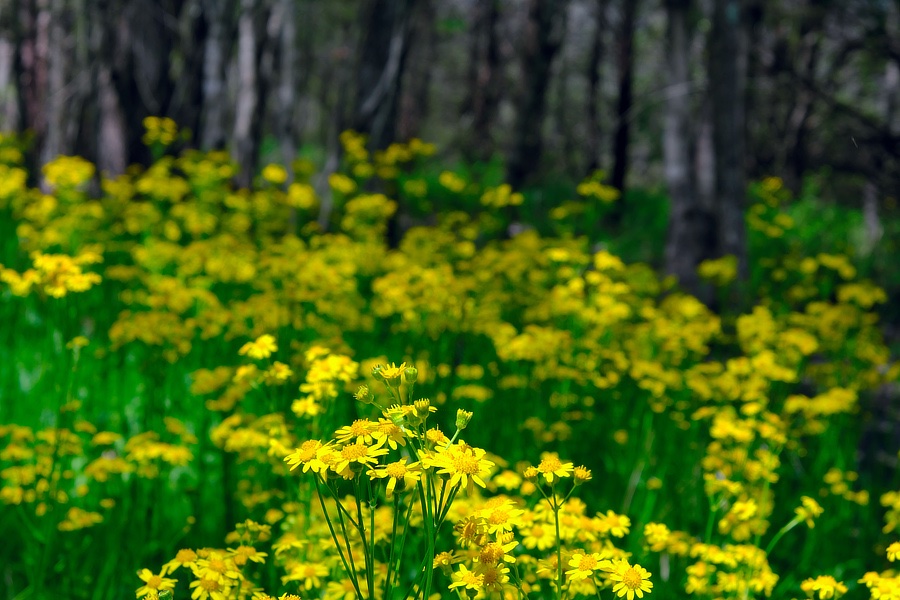
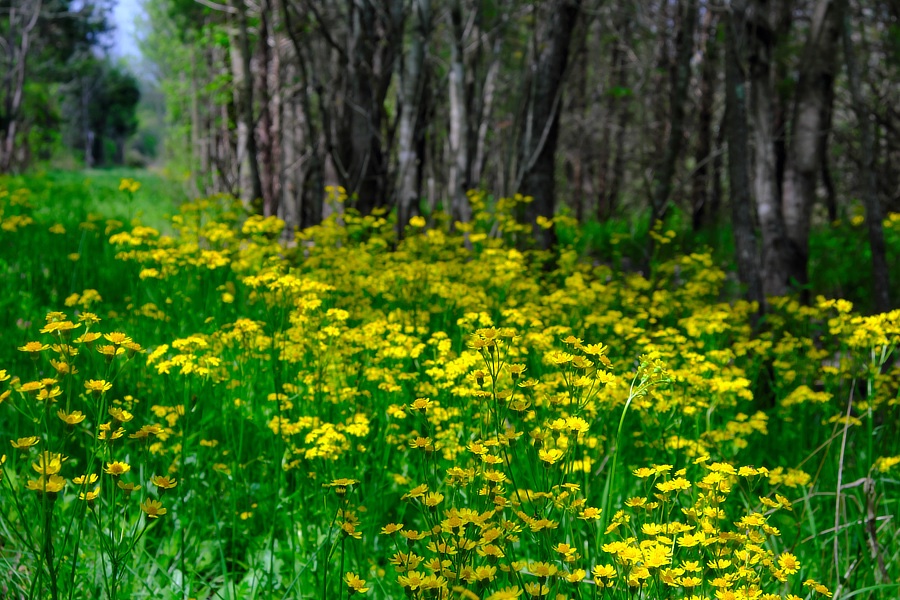
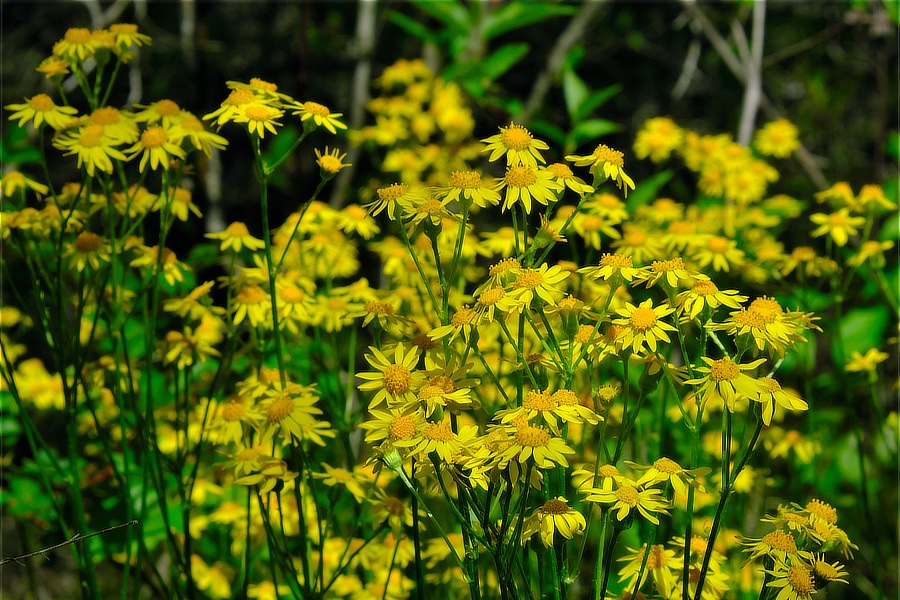
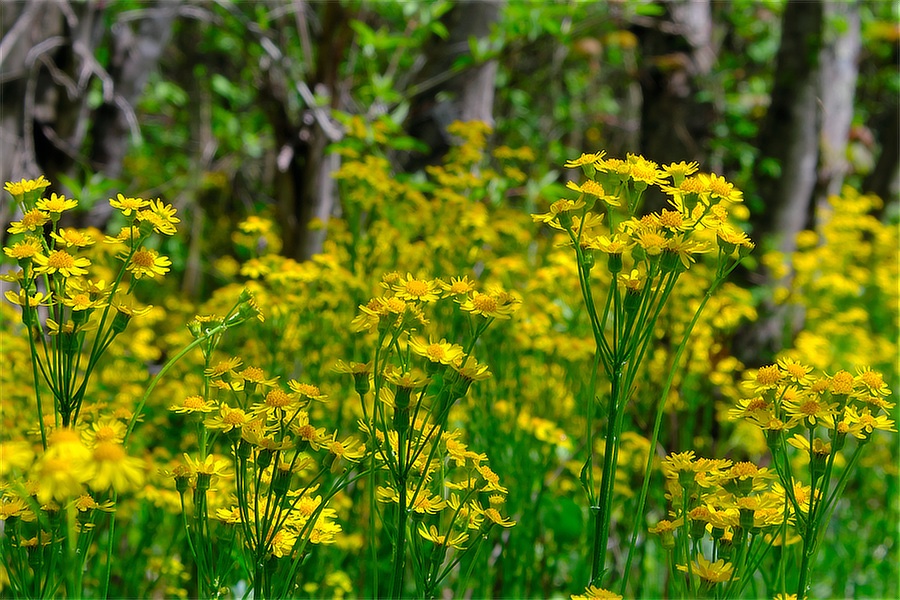
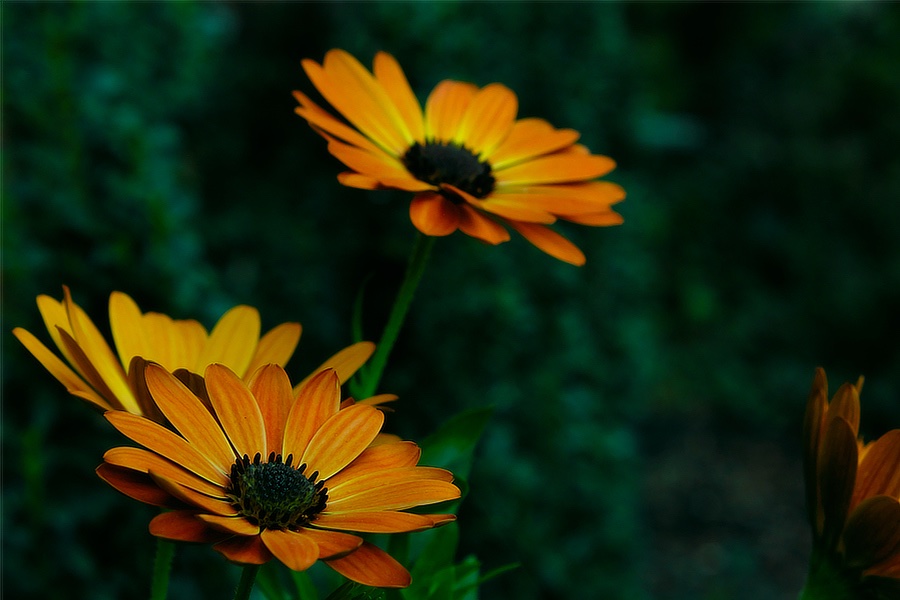
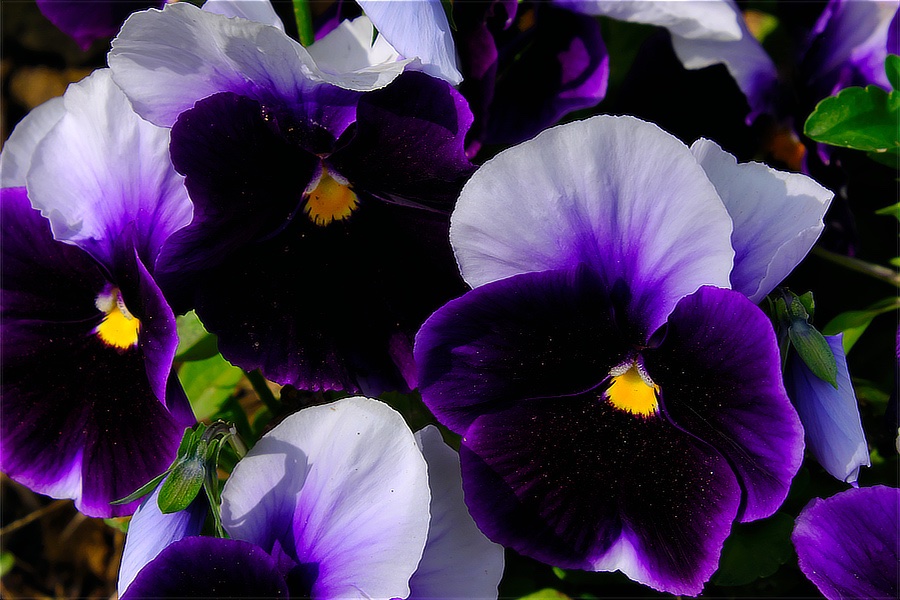
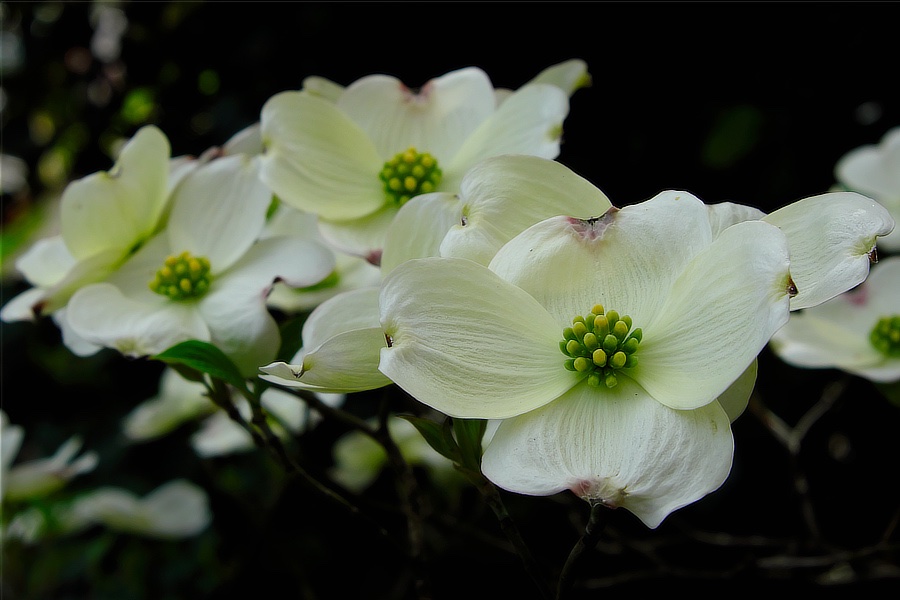
More forest flowers ...

-
By chance are you using both card slots in backup mode? If you are just using one slot, pull the sd card, put it in a card reader and attach it to your computer. It should mount as an external disk which you can look through and make sure there are no shenanigans going on as far as duplicate entries. If you have two cards in the slots, you might be getting the errors through a backup type menu setting.
-
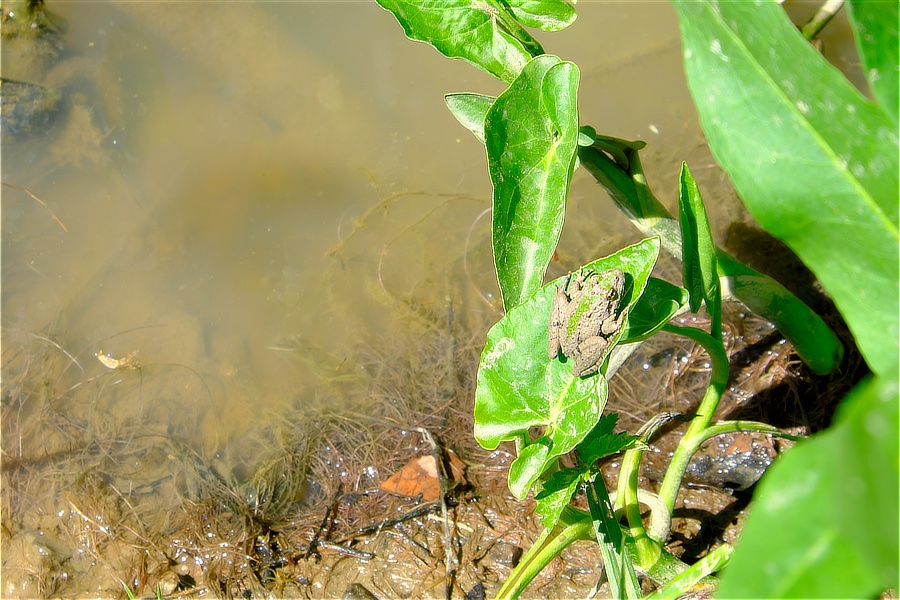
Why should Reptiles get all of the fun? 😀 Blanchard’s Cricket Frog (Acris blanchardi) Open thread!
-
I do not think it is easily possible, since the camera turns off saving the raw file and only saves the jpeg. I think you will have to do the best you can using an image editor to salvage what you can in the image.
-
This may help you: https://www.colinnichollsphotography.com/fuji-wedding-photography-blog/2014/3/3/fuji-xf-55-200mm-35-48-ois-vs-fuji-xc-50-230mm-45-67-ois The 55-200mm has the aperture ring and that can come in really handy. Fujifilm has released that new 70-300mm which 'by most accounts' is really good.
-
-
Welcome to Fuji World, it is colorful and then some! 😃 It depends on what lens I have on the camera when I encounter the flowers, I have no special emphasis, unless I really do not think the lens is appropriate for the setting and have time to think it is safe to change it without getting dust into everything. Telephoto lens actually are good at landscapes! Everything I have seen posted for images taken using that new lens you have looks really good. I think you will enjoy it. I think this one was taken at f11, I will check later and let you know if not. I have not tried the 80mm macro lens yet, but the 60mm macro is pretty good. Thank you for your kind words.
-
Thank you, it has been fun keeping up with the troll family. They do not move very fast, but then neither do I. 🙂
-
There is DarkTable : http://darktable.org and Fujifilm Raw Converter: https://fujifilm-x.com/en-us/products/software/raw-file-converter-ex-powered-by-silkypix/ Both of these are free and very worthwhile. It seems strange to process jpegs other than to resize them. It certainly can be done with decent results if you saved the original in-camera at 100% quality and only edit them once; never edit - save as jpeg, reopen, edit -save as jpeg, and so on because the lossy format will degrade the image so much the image gets ugly. Perhaps it is better to tune your in-camera settings to give you the desired outcome. The raw converters will let you experiment with various choices and not damage the original. Since Fujifilm released X Raw Studio, capturing raw + jpg is not as needed since one can now just connect the camera to the computer and use X Raw Studio if there is a need for the camera made jpg version, which in turn, saves space on the camera card while shooting.
-
Why Does Fujifilm recommend against using a USB hub?
jerryy replied to Steve533's topic in General Discussion
i tried it to make sure the thing worked. For me, using a usb / thunderbolt card reader works better and is a lot faster at moving the image data over to the computer. -
Why Does Fujifilm recommend against using a USB hub?
jerryy replied to Steve533's topic in General Discussion
There is the issue of power, some hubs have a "brick" power supply and others are powered by the host port which will quickly drain a camera battery since the camera usb host port would be required to give each port on the hub enough power to meet the USB specs -- the camera battery does not stand a chance. Also there is the bandwidth issue, each port on the hub is given data speeds that are a portion of the total the camera port can deliver. According to the USB specs, depending on the device you are trying to attach to the hub port, that portion may be even further restricted so that the main port is not overwhelmed trying to handle the possible data transfer requests. In a manner of speaking, you could starve a program you are trying to feed stills and / or video data to from the camera, if you pass the data through a hub instead of directly. -
Tethering options are limited for the X-T30. if you have the latest firmware version installed (v 1.40) ---- https://fujifilm-x.com/global/support/download/firmware/cameras/ you are supposed to be able to use the camera as a web-cam.
-
-
It does not look like a standard tripod collar with quick release will fit this lens. You may be able to use something like this: https://www.bhphotovideo.com/c/product/554350-REG/Manfrotto_293_293_Telephoto_Lens_Support.html/?cnxclid=16173288597642086376410070301008005 But these are getting tricky to find. Once you know the size, you may be able to adapt what are called guide scope rings: https://www.highpointscientific.com/telescope-accessories/mounts/telescope-mount-accessories/mounting-plates-tube-rings-accessories/telescope-mounting-rings Once you get things worked out, show us some photos!
-
-
You did not mention which lens you are using. This may help: http://fujifilm-dsc.com/en/manual/x-t30/peripherals_and_options/lenses/index.html (Some lenses have aperture rings and some do not.)
-
I am glad to read that things are working.
-
I am not having any issues getting both raf and jpg files saved for either Acros or Monochrome at ISO 160 (or lower or higher). Do you have something put into one of the My Menu spots that you may be activating by touching the appropriate fn button?