jerryy
-
Posts
1,926 -
Joined
-
Last visited
-
Days Won
304
Content Type
Forums
Gallery
Store
Everything posted by jerryy
-

-
-
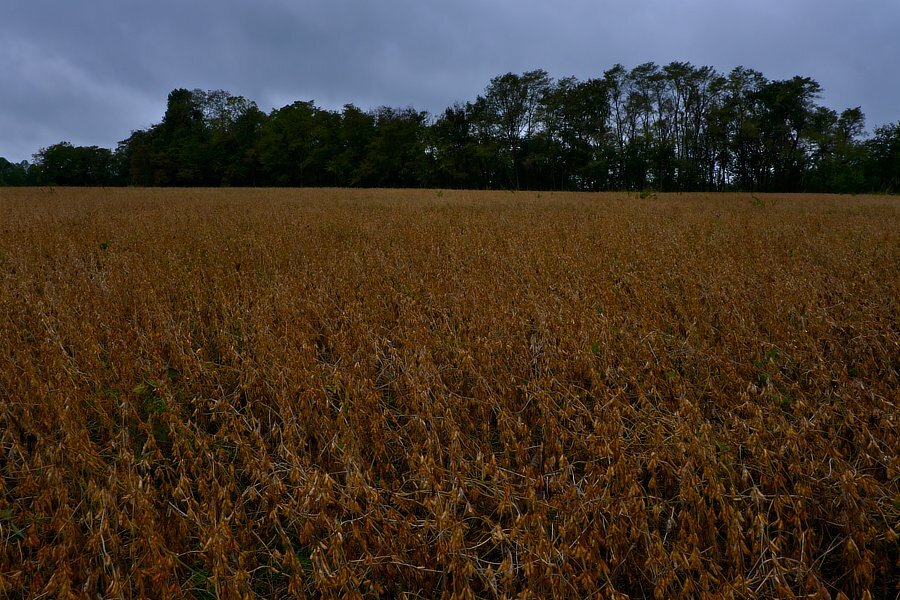
Summer turned in its work card, Autumn takes the next shift...
-
1.) No, no you do not. But, there is a menu option whereby you can enter a focal length for several manual lenses. This length (when a manual lens is on the body) is entered into the EXIF data. Note: You need to switch between the manual fl settings for the various manual lenses, the camera does not know which manual lens is attached. 2.) That would be a neat trick to have, but alas, no. Aperture Priority needs the camera to control the shutter speed, etc., while knowing the f-stop, but without any electrical contacts on the lens, … Focus peaking works well enough as do the other manual focus assists the camera provides. This is because the assists use the image that hits the sensor, things such as good lighting, etc. are determining factors. This may help: https://blog.roycruz.com/using-manual-lenses-with-the-fuji-x-system/ p.s. Welcome to the forum. edit: Dang typos! Edit for 2.): As @thelostkiwi mentions, if you are fortunate enough to have a lens with an aperture ring, you can get Aperture Priority to work. Depending on the body you may need to set the Mode Selector switch to 'Auto' (this the switch under the shutter speed switch) and set the shutter speed to 'A'.
-
Remote Release suddenly stopped working
jerryy replied to desparoz's topic in Fuji X-T5 / Fuji X-T50
By third party item, am I correct in guessing you mean lenses? Not items such as flash units, gimbals, etc. If it were just the lenses, that could mean that somehow the setting “shoot without lens” got turned off, it needs to be turned on to take photos using a lot of third party lenses that do not pass the electrical information to the body, essentially x-mount manual lenses. But the way you are phrasing things, it sounds like something else is going on. Does the remote work properly on your X-T4? If so, your X-T5 may need to visit the dealer for a checkup. In essence, the remote release is a pair of switches wired in such a way that closing the first switch engages the auto focus motor routines and closing the second switch cause the shutter operation. The remote jack in the body may have a loose connection the dealer can fix. -
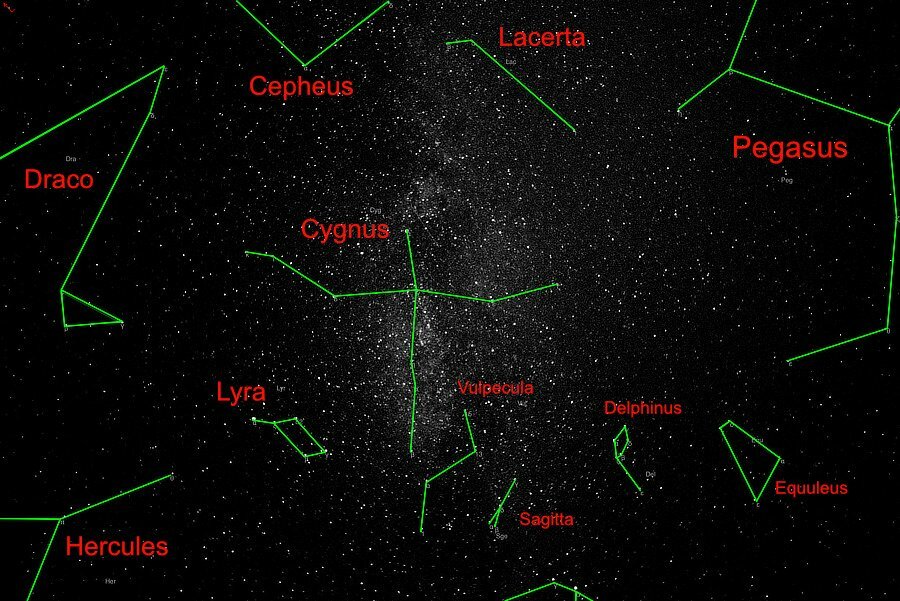
North America ... NGC 7000 is the name / number / title given to a nebula in the Cygnus Constellation that actually does resemble most of North America, though I think the Canadian part gets short changed. This nebula is pretty popular because it contains so many fascinating parts. Along the left side of "Mexico" is something called the Great Cygnus Wall, and over to the right of NGC 7000 is another popular nebula called the Pelican Nebula. Pelican Nebula is a little fainter, so it needs more exposure time to fill it in so it shows as much as the North America Nebula. This is the equivalent of 80 minutes of exposure. https://en.wikipedia.org/wiki/North_America_Nebula https://skyandtelescope.org/online-gallery/ngc-7000-north-america-nebula-2/ https://www.constellation-guide.com/north-america-nebula/ https://www.constellation-guide.com/pelican-nebula/
-
It sounds like you had your X-T1 somewhat set to use more auto settings than manual settings and are using more manual settings for your X-T4. There should be some differences of course, the pixels are differently sized and that does affect the images’ outcomes. But without some side by side image comparisons along with with light meter measurements, speculations on reasons are just that. Try raising the ISO when it gets darker, the X-T4 has pretty clean files, you have a lot of latitude to work in.
-
-
It is possible to select a batch of images while in the playback mode to delete all of the selected images at once, your friend could have accidentally deleted some of your images while intending to only remove ones they took. https://fujifilm-dsc.com/en/manual/x-t5/playback/menu_playback/#:~:text=Select FRAME for ERASE in the playback menu.,Additional pictures can be deleted by pressing MENU%2FOK. Hopefully you have not tried using that card to get more images since then. You did not mention which manufacturer made the card, but if it is a Sandisk card, you may be able to use Sandisk RescuePro or Sandisk Rescue Pro Deluxe to recover the images. If another company built the card, they may have similar recovery software or failing that, look on the internet for sd image recovery programs. You install the software on your computer, put the card in a connected card reqder and let the sotware work. It can take a while. p.s. Welcome to the forum, hopefully your next post will be under better circumstances.
-
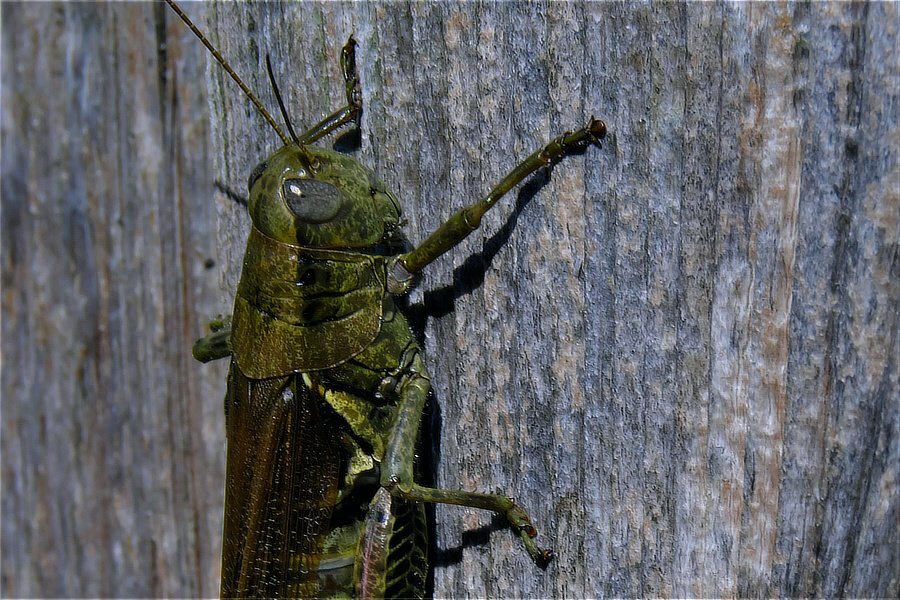
George!!! Welcome back. This was my trusty Fujifilm XF 55-200mm in action. It occasionally thinks it is a macro lens. 🫠
-
The message shows up depending on the iPad model and iPadOS version you are using, based upon the way you may or may not have set up your security settings. Here are a couple of articles that may help (or, at least, I hope not cause more confusion): https://support.apple.com/en-us/HT208857 https://support.apple.com/en-gb/guide/ipad/ipad75b7b23f/ipados p.s. Welcome to the forum.
-
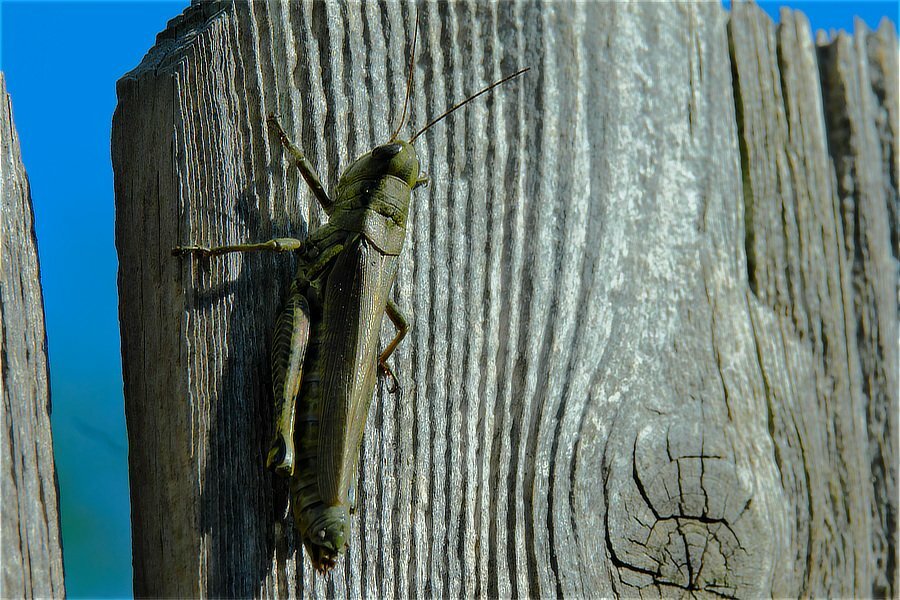
Grasshopper (Caelifera)
-
Turn on the “shoot without lens” option: https://fujifilm-dsc.com/en-int/manual/x-t3/menu_setup/button-dial_setting/index.html p.s. Welcome to the forum.
-
Wide Angle Lens for Interior/Exterior Architecture Photograp
jerryy replied to pao72's topic in General Discussion
This might help or make things worse: https://fstoppers.com/astrophotography/compare-four-ultra-wide-angle-fast-aperture-aps-c-prime-lenses-622553 I am not sure why they stuck the article in their astro section, very little of the article is about astro. -
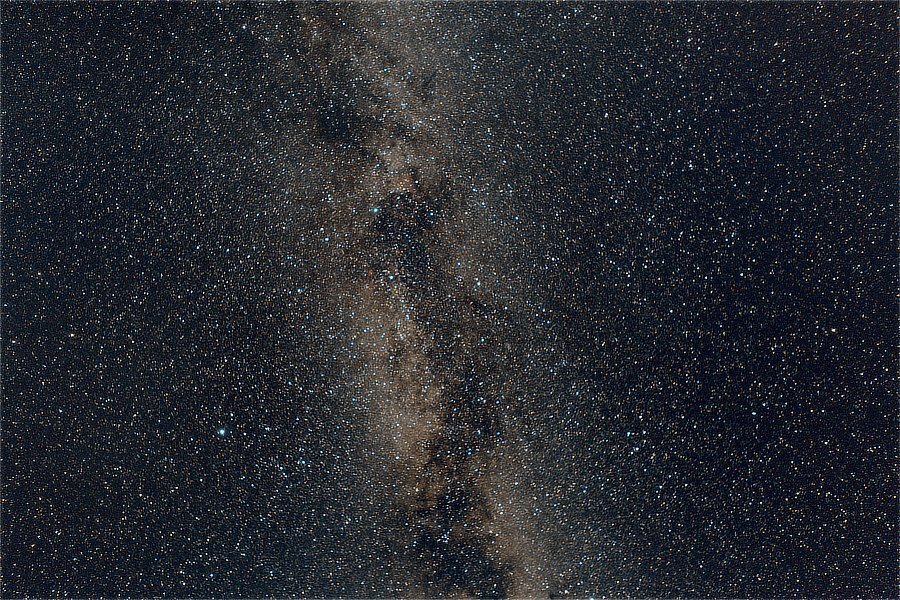
Summer Swan... Starting in late summer, say late August or early September, the Cygnus Constellation is directly overhead ("Just Look Up") for folks in the Northern Hemisphere. As is usually the case with constellations, there are differing cultural views and fanciful tales about things going on in the skies. https://www.space.com/cygnus-constellation.html https://en.wikipedia.org/wiki/Cygnus_(constellation) https://www.constellation-guide.com/constellation-list/cygnus-constellation/ edit: This is the equivalent of 19 minutes of exposure.
-
A gray screen (x100v)
jerryy replied to Christina's topic in Fuji X100VI / X100 / X100S / X100T / X100F / X100V / Fuji X70
There is a section in the setup menus that gives you various options for manual focus assist. It looks like you have one of these turned on. https://fujifilm-dsc.com/en-int/manual/x100v/taking_photo/manual-focus/index.html p.s. welcome to the forum. -
ExifTool can do what you are asking for. https://exiftool.org It is very powerful, so be careful. You might also look for EXIF editors in your favorite app store, many of these let you batch modify information, but prices vary as the saying goes.
-
On that lens, there are a couple of switches, one turns OIS on or off. The other switch has two markings, one is A and the other marking looks sort of like a shutter. Sometimes, this switch sticks, so make sure it is definitely moved to the shutter icon side (Move it back and forth a few times to make sure it moves freely.). Once it is in place, you should be able to change the aperture by turning the ring and have the changes listed in the evf or lcd. If the switch is on the A side, the camera controls the aperture and you will not be able to change the setting. p.s. Welcome to the forum.
-
Beautiful! More please. p.s. Welcome to the forum.
-
Jefferson County, Kentucky, USA
-
Fujifilm X Acquire sequence of operations?
jerryy replied to Astigmatism's topic in General Discussion
Part of what you are seeing is due to macOS’ ever increasing suspicion of USB connected devices. The operating system is being set to make it more difficult to connect things and have them accidentally take over your computer. Once it decides the camera is okay, it will gradually let Acquire and the camera chat with each other. The world we live in. -
There is an alternative that may help. During the day time, take your gear to a place where you can sort of see things far, far, far away in the distance. Get a couple of shots focused on that object. Make a mark on the “focuser”, (you did not say whether you are using a camera lens or a telescope). Then at night, take a bunch of shots focused at that mark. Move the focuser one notch below the mark and get a bunch more shots. Move the focuser to one notch above the mark and take more shots. Move these over to your computer and see which set gives you round, small stars. If it is the set from the mark, you are pretty much good to go, during regular sessions, focus at the mark and get lots of good images. One thing to keep in mind, if the temperature changes several degrees, or you are aiming 60 degrees (or more) above the horizon, you may get focus breathing, so check now and then.
-
Wow, that is an old Bayer sensor range-finder type camera. Range-finder cameras are not the best for astro-photography, but you may be able to get it working. Do you have a smart phone or tablet? Try using the Fujifilm Camera Remote app to use the A1’s wifi to transfer a shot over to your phone/tablet which should let you zoom in further than the lcd will. This method requires some patience to get it to work, but once you do, it gives usable results. https://app.fujifilm-dsc.com/en/manual/camera_remote/usage/live_view/index.html If you do not get results you like, or as an alternative, The X-A1 has a USB port which you can use to upload images to a “cheap” laptop and zoom in as far as the laptop’s software will let you. Again, patience, patience and practice. I use a version of these for plate-solving and focus checking with more recently made cameras. I hope you are able to make something work. p.s. Welcome to the forum.