RadBadTad
-
Posts
155 -
Joined
-
Last visited
-
Days Won
7
Content Type
Forums
Gallery
Store
Everything posted by RadBadTad
-
I sold an XPro2 to fund an X-T2 because I needed a nice bright EVF and couldn't stand the eye relief in the XPro2. The vertical grip is also a godsend since I shoot in portrait orientation a lot. I DRASTICALLY prefer the LOOK of the XPro2, but it wasn't quite enough to keep me using it.
-
I've talked about this here before, but I think it was back on the X-T1. I thought it might be worthwhile to bring it up again, since it still hasn't happened. I would love to see camera-orientation specific AF points, so that when you rotate to Portrait orientation, the AF point jumps to where it was the last time you were in portrait orientation. The Canon 7D has this, and it's invaluable for fast paced things like shooting concerts, and energetic portraiture. When I'm in portrait orientation and I have a performer's head at the top of the frame, and then I rotate back to landscape for a different shot, the AF point jumps back to where it was the last time I had it in landscape, which keeps the focus point on the performer's head, assuming I'm keeping their head in the top of the frame. Without the feature, it's really annoying to quickly switch back and forth between portrait and landscape for the same subject over and over for different shots. The focus nipple on the battery grip helps some, but it still requires me to manually change the point every single time I rotate. Here's a (clunky) video of the 7D in action http://imgur.com/a/XfyLE I tweeted to Fuji USA about the feature request, and they liked the tweet, but who knows what that means. At least I know someone saw it.
-
- 1
-

-
The Q button falls exactly where I wish my AF-On button was for back-button focus, but I can't seem to find an obvious way to re-map it. I realize it's probably not possible, but I thought I'd ask in case there was some magic trick I'm missing.
-
 Just the exposure slider in Lightroom. It effectively just raises the ISO on the image to balance out the exposure, so you lose some dynamic range, but other than that, there's no issue.
 -
Chances are good that the processor on the X-T1 simply couldn't handle it.
-
My Lightroom is unbearably slow with XPro2 files
RadBadTad replied to RadBadTad's topic in RAW Conversion Fuji X Photos
Deleting a great deal of my presets seems to have had an effect. It's still not nearly instant like I would hope it would be with my hardware setup, but it's certainly more tolerable. Thanks for the tip. You've saved me quite a bit of frustration. -
My Lightroom is unbearably slow with XPro2 files
RadBadTad replied to RadBadTad's topic in RAW Conversion Fuji X Photos
I'm using the most updated version of CC. I'll try paring down my presets. I have a bunch of the VSCO presets so hopefully that will help. Thanks for the tips. -
Another X-Pro2 Viewfinder Complaint
RadBadTad replied to abonhamc's topic in Fuji X-Pro 1 / Fuji X-Pro 2 / Fuji X-Pro 3
I loved the viewfinder on my X-T1 and when I moved to the XPro2, I was very VERY disappointed with the viewfinder. I'm EVF only, but the lack of shade from the (non-existant) eyecup, and the bad eye relief have me listing it for sale on Amazon to fund an X-T2. I love the styling and design, but for me it's just so frustrating to use that I have to get rid of it. Other than that, it's an amazing camera, so I feel really lame giving it up, but I find myself annoyed pretty much every time I pick it up. -
Everyone knows that loading RAF files into lightroom takes a long time, and while it sucks, that's not my problem. Once everything is loaded up, and I'm trying to browse/edit my photos, it's like moving through molasses. Even moving to the next photo in the library module can take two or three seconds. Transitioning from Library to Develop module takes around 10-15 seconds before it's usable. After adjusting the exposure slider, there is around a two second delay before the adjustment appears on the screen. More intensive sliders take longer. I make an adjustment, and I have to wait and see if it looks good, and then go back and re-adjust, because it won't happen live. Moving to the next photo in the develop module take five or more seconds. I'm using a Windows 10 laptop with an i7 processor, 32 gigs of ram, and a fast SSD with tons of free space on it. I haven't made any major changes to the performance settings in Preferences. I guess my main question is, what are the chances that I'm doing something wrong with my settings, or my library? It seems impossible to me that it's just this bad for everyone. Trying to intensively edit 30 or more photos leaves me with a sense of dread.
-
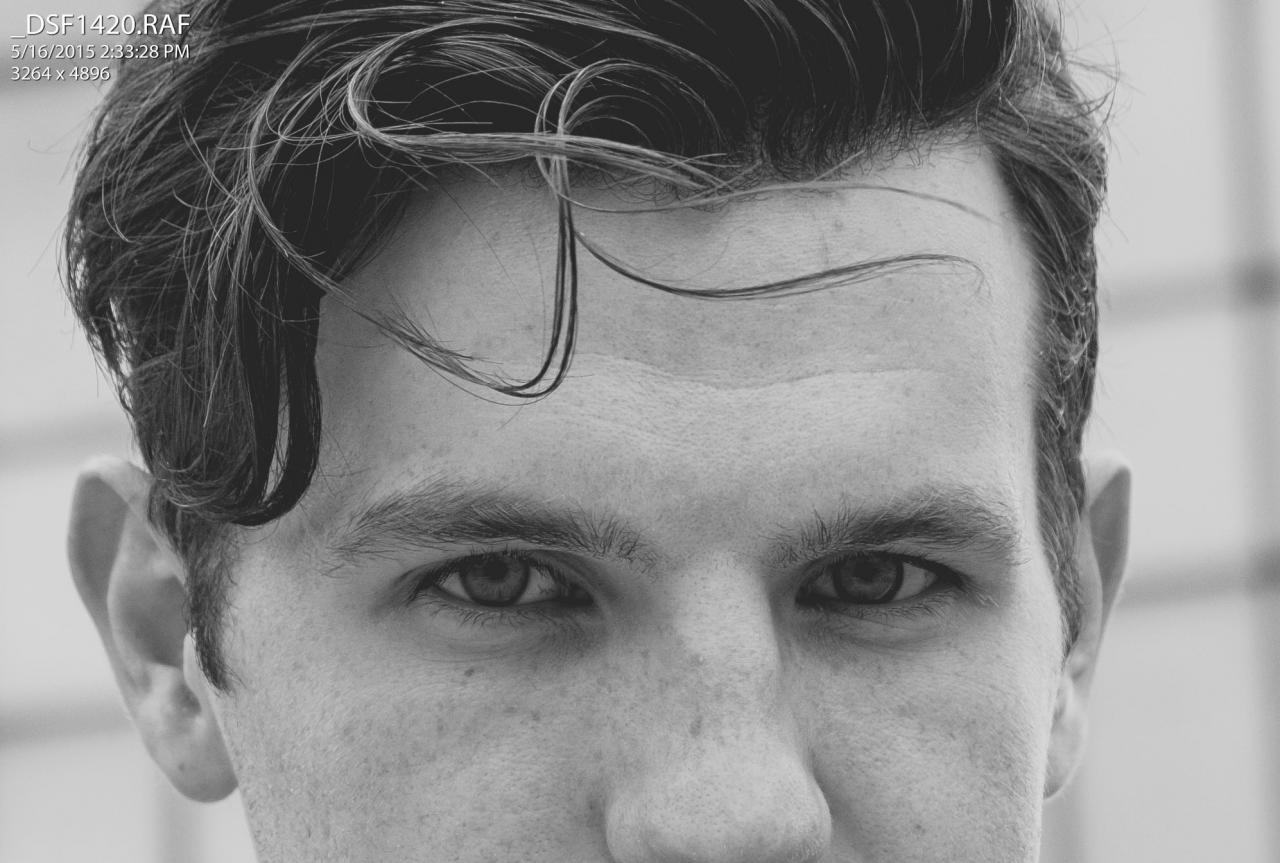
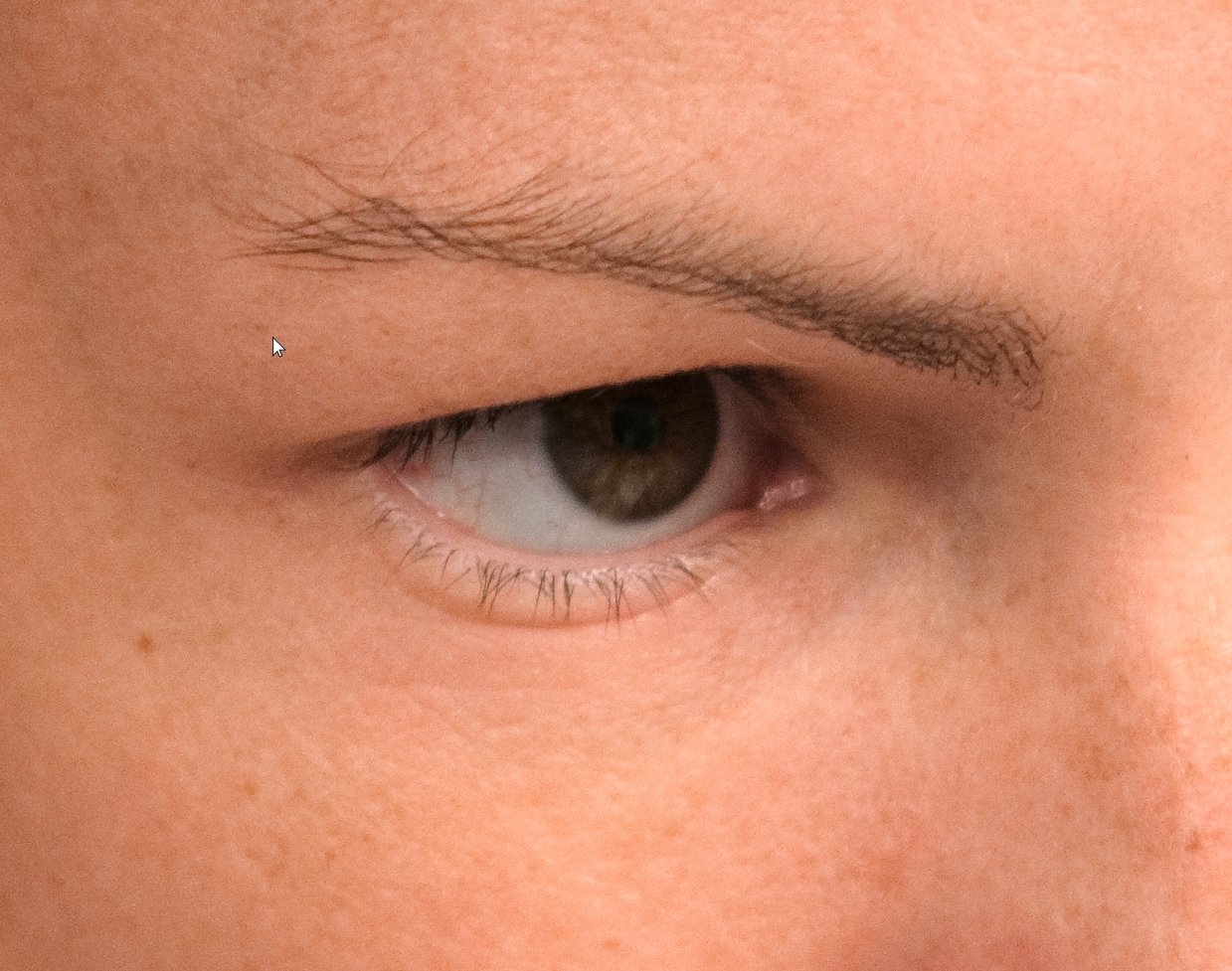
Here's another 100% crop with the 35 (color), and one from the 18-55 @55mm (Black and white)

-
Post one of your photos, with the settings on which you took it? What are you doing in processing, as well? If you're using lightroom (especially an older version) it may be giving your trouble with your fine detail. I attached a screenshot at 200% in Photo Ninja ISO 400 35mm f/2 @ f/2 1/150
-
Broad yellow bands in X-Pro2 jpegs
RadBadTad replied to Alan Hale's topic in Fuji X-Pro 1 / Fuji X-Pro 2 / Fuji X-Pro 3
Nothing wrong with your camera, just the frequency of the flicker of the lighting clashing with the capture speed of your sensor in electronic shutter mode. If you had been shooting a video at the time, you'd be able to watch the lines move and wiggle. In video, you fix it by changing your shutter speed to match the frequency of the lights. In photos, you can change over to mechanical shutter and that should solve it (though you're not silent anymore, obviously) -
SILKYPIX vs PhotoNinja fine detail (X-T1 with 50-140)
RadBadTad replied to RadBadTad's topic in RAW Conversion Fuji X Photos
Did you take the first screen shot and edit it to match the second, detail wise? Because I tried, and couldn't get anywhere close, with the raw file, and definitely not with the screenshot I posted. If you did, I'd love to learn your magic. -
Settings for Studio Shooting Conditions
RadBadTad replied to jkundi's topic in Flash Photography with Fuji X
Flashes won't fire if you're in any of the continuous firing modes, or if you have the camera in electronic shutter mode. I've gotten confused and frustrated trying to troubleshoot in those situations before. -
Does Fuji not have lossless raw? This would be the first I'm hearing about that... I thought only Sony cameras did lossy raws.
-
X-Pro 2 Firmware Request List
RadBadTad replied to Ektachrome's topic in Fuji X-Pro 1 / Fuji X-Pro 2 / Fuji X-Pro 3
1) the ability to remove AF-ON from the shutter button, and use AF-L button to activate it like back button focus on other brands. (I'm aware that you can sort of work around it with M mode and AF-L button, but it doesn't seem as fast or accurate to me, and you can't use zone or wide focus mode, only single point focus) 2) Camera orientation specific focus points. i.e. when the camera is in landscape orientation, focus point/zone near the top of the frame. When rotating the camera to portrait orientation, camera recognizes the shift, and moves the focus point to the top of the frame there as well (rather than having it be on the side, from where it was on landscape mode). That feature was super helpful on my 7D for shooting portraits and concerts where I always want someone's head at the top of a frame, and switching between landscape and portrait orientation means shifting the focus point back and forth between the same two spots over and over again. -
C-AF Back Button focus on the XPro2
RadBadTad replied to RadBadTad's topic in Fuji X-Pro 1 / Fuji X-Pro 2 / Fuji X-Pro 3
That helps a bit, but it doesn't allow the use of zone mode, and it still doesn't really seem to work as well as using the AF on the shutter button. Purely anecdotal, but it seems slower and less accurate, almost as if it's not using the PDAF system, and is only activating contrast points. -
Is there a way to achieve continuous AF using the AF-L (AE-L button) focus on the XPro2? I know of the ghetto way to get back button focus to work (Manual focus mode, using the AF-L (AE-L) button to activate the AF system) but can't find a way to get continuous focus (or zone focus with multiple points) to work. If it's NOT possible, does anyone have any idea of the best way to suggest/request features to Fuji? I've tweeted at them, but never get a reply.
-
X-Pro2 initial bug report
RadBadTad replied to EyesUnclouded's topic in Fuji X-Pro 1 / Fuji X-Pro 2 / Fuji X-Pro 3
It's impossible for anyone but you to answer this question. -
XPro2 - Formatting memory cards
RadBadTad replied to RadBadTad's topic in Fuji X-Pro 1 / Fuji X-Pro 2 / Fuji X-Pro 3
Most likely protecting the photo in question from being deleted. -
XPro2 - Formatting memory cards
RadBadTad replied to RadBadTad's topic in Fuji X-Pro 1 / Fuji X-Pro 2 / Fuji X-Pro 3
Check out page 107 of the user manual. The shortcut is described in a note at the bottom of the section. -
X-Pro2 initial bug report
RadBadTad replied to EyesUnclouded's topic in Fuji X-Pro 1 / Fuji X-Pro 2 / Fuji X-Pro 3
Is your AF mode in single point? That's the only time that the hybrid finder will come up. If you have it in zone or wide, it won't come up. -
x-pro 2 - the iso dial sucks big time.
RadBadTad replied to superpanda's topic in Fuji X-Pro 1 / Fuji X-Pro 2 / Fuji X-Pro 3
I struggled with it at first, but I'm really happy with it now. Other options would also work well, I'm sure, but as it is, I don't have any issues at all. Just took some getting used to. Just like most of the Fuji quirks. They're different, until you get to know them, and then you fall in love with them! -
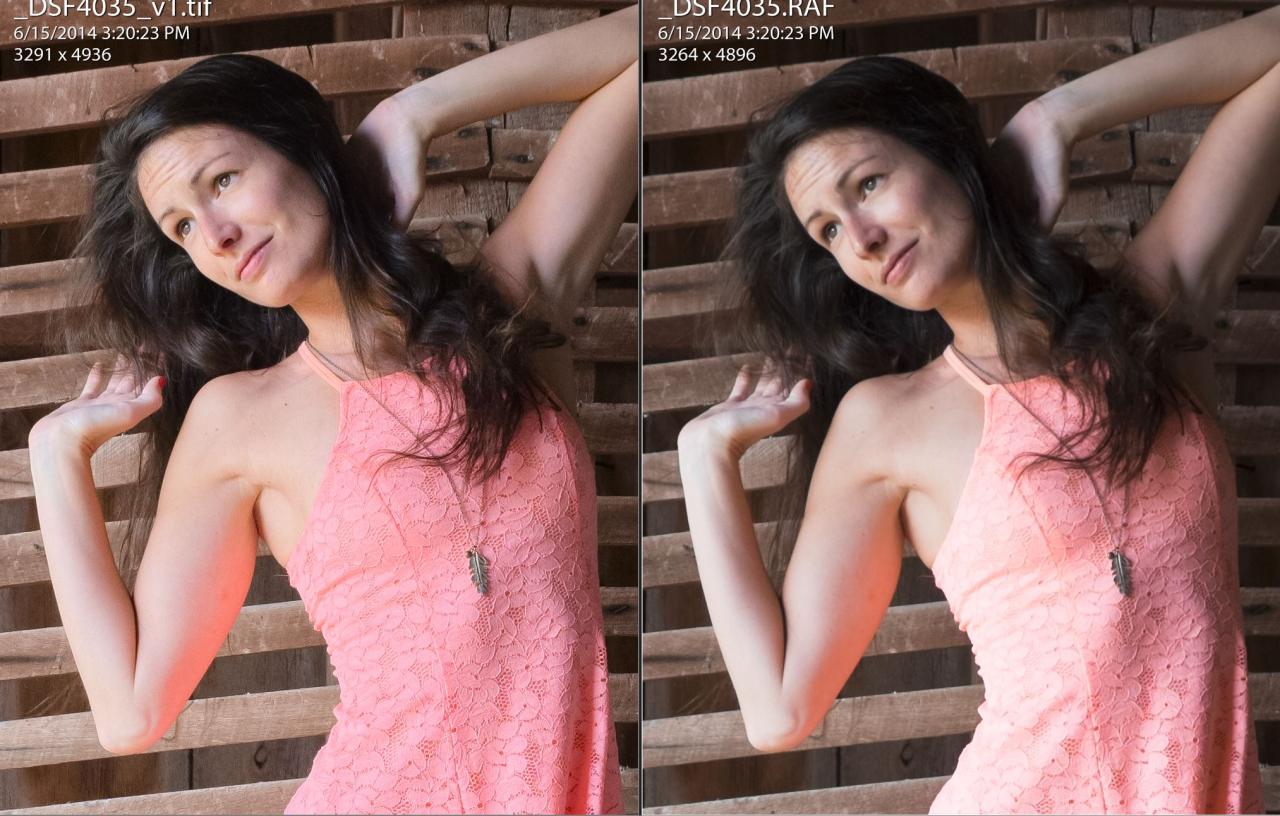
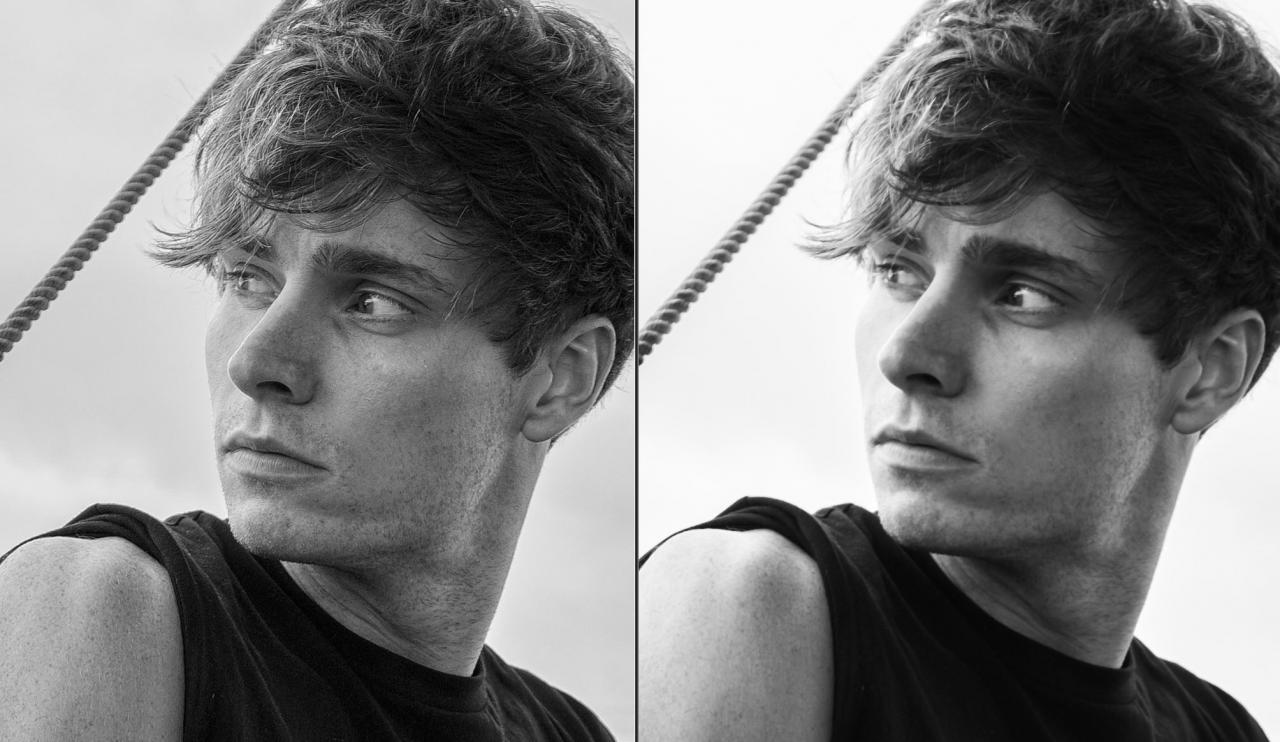
Here are a couple of comparisons I've posted before, but are relevant to this thread: RAF from PhotoNinja, exported as a tiff, vs doing what I could to match it in Lightroom Unfortunately, I don't have comparisons between PN and Iridient saved anymore.
-
When I was first looking for a processor that didn't handle RAF files as terribly as Lightroom, I compared Iridient against PhotoNinja and found that PN was better for fine detail and tones. I don't remember which was better for colors, but I do most of my work in Photoshop so I know that I stuck with PN.