jerryy
-
Posts
1,926 -
Joined
-
Last visited
-
Days Won
304
Content Type
Forums
Gallery
Store
Everything posted by jerryy
-
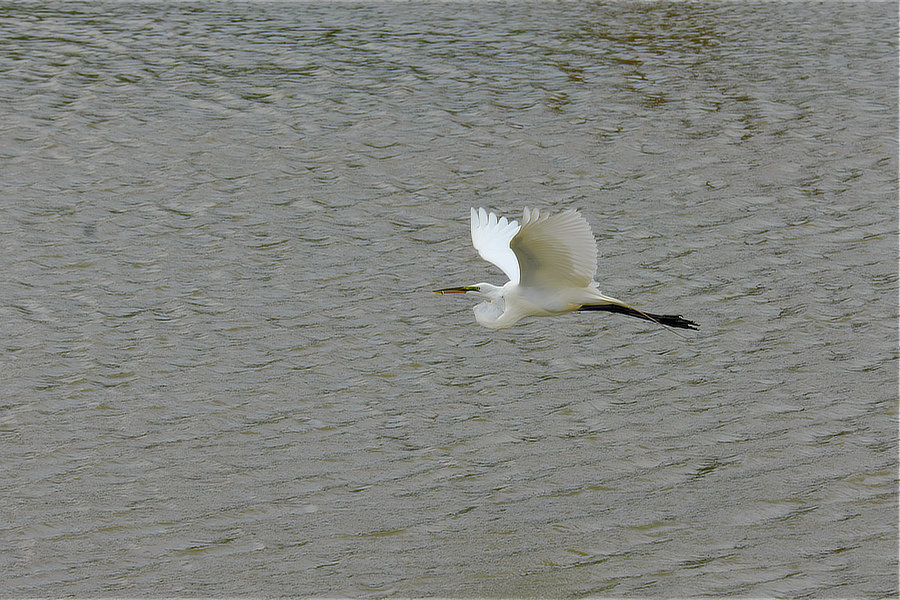
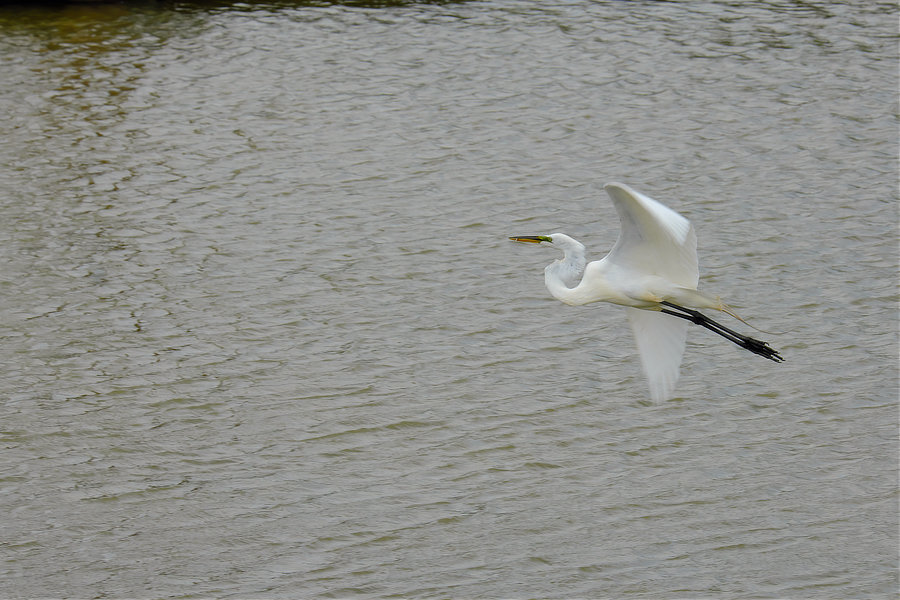
Great Egret (Ardea alba)

-
There are a couple of ways that this could be caused by, a software regression ( older code got accidentally merged into new update code) or a hardware issue where some older incompatible parts got used instead of the new ones.
-
In looking at their compatibility list: https://oss.zhiyun-tech.com/zyplay/instructions_edit/supportmodel/WEEBILL-S-Camera-Compatibility List - EN.pdf they have notes at the bottom regarding using the gimbal with the X-T3, saying that the gimbal’s controls disable the X-T3 controls. The note says you have to manually turn that feature off before the camera’s controls operate again. Is it possible that also applies to the X-T1? You may have to put the camera back on the gimbal and toggle things once or twice to get it back working. You may have to do a full reset (menu choice) to get the controls back, but this also rests all of your saved choices as well, it may also fix your second issue as well.
-
Try a 128gb sdxc card,
-
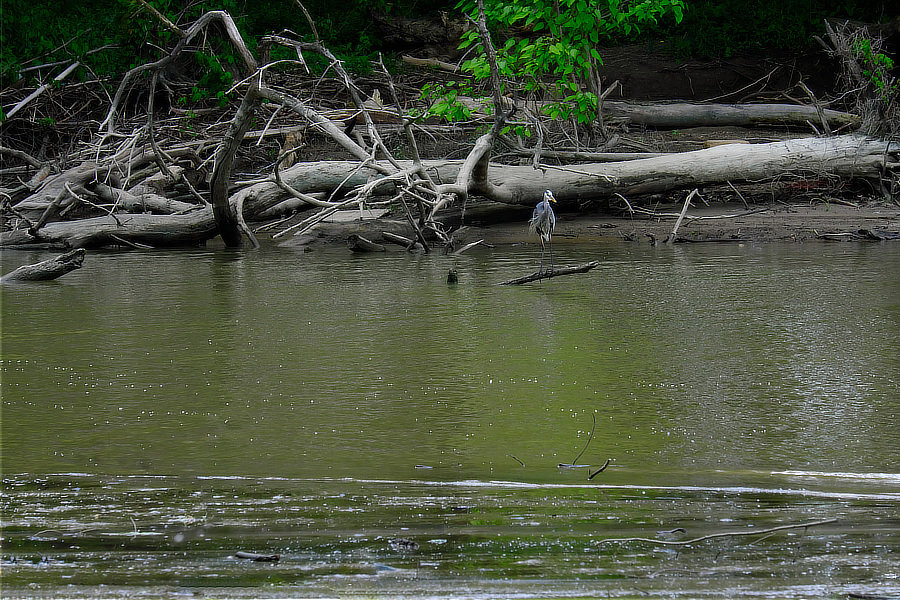
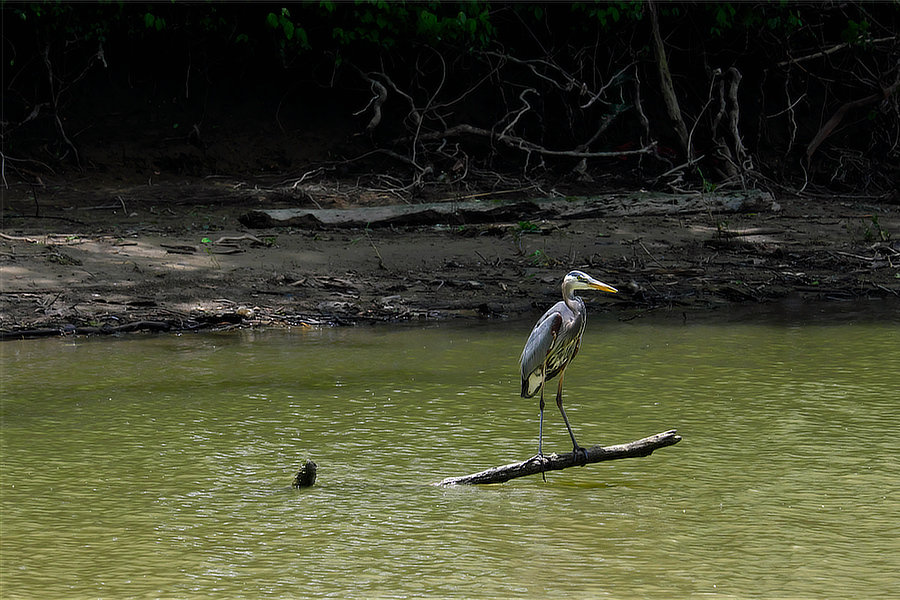
Great Blue Heron (Ardea herodias)
-
There is a good chance it is to reduce heat (and battery drain). Constantly running GPS does use a lot of juice and generates a lot of heat. If you are trying to capture video you will notice the camera warm up compared to when you are trying to capture stills. Adding the heat from a constantly running GPS could easily send the camera into thermal overload and cause it to shutdown. Heat is not friendly to cameras or cell phones for that matter: https://lifehacker.com/why-is-my-cellphone-burning-a-hole-in-my-pocket-5828090
-
All three will give you great images. I still use my X-T10 along with my X-T30. In terms of image quality, stepping up between the bodies gives you more resolution, what you do with that is up to you.
-
-
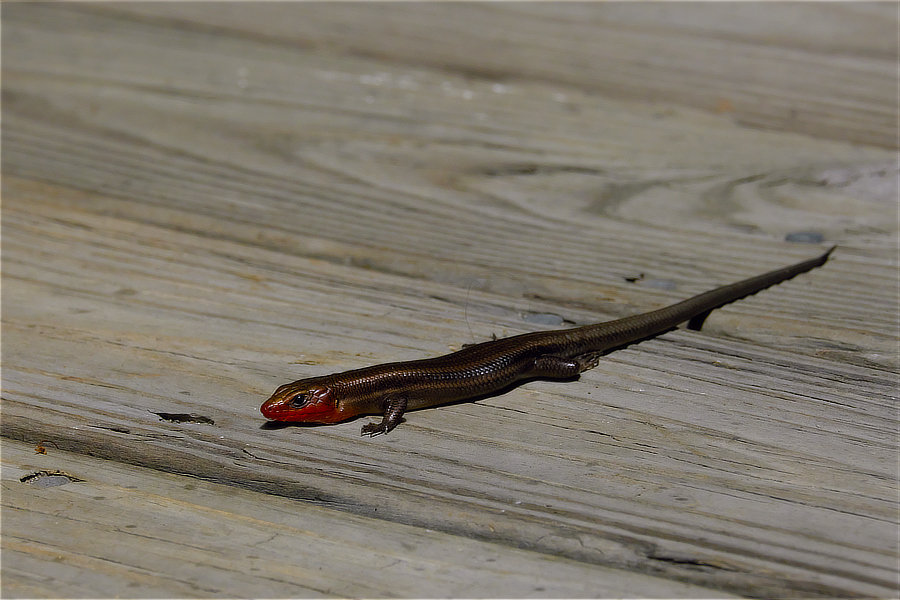
Five Lined Skink (Eumeces fasciatus synonym Plestiodon fasciatus)
-
-
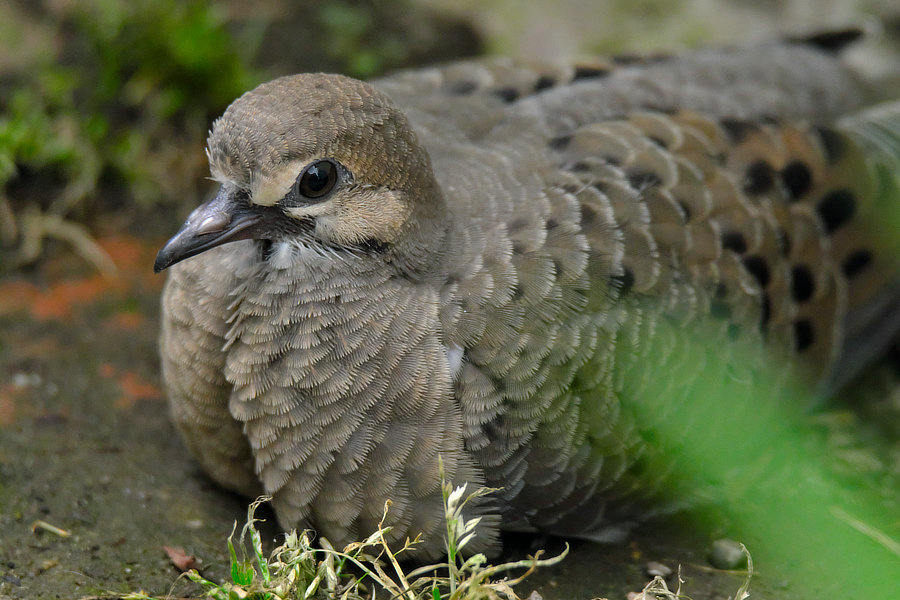
Mourning Dove (Zenaida macroura)
-
https://fujifilm-x.com/en-us/support/compatibility/cameras/x-t4/ USB-C (USB 3.1 gen1 with type c connector) that supports data transfer --- most of them do as they will usually tell you in the cable's description if it is for power charging only. Getting the USB 3.1 gen 2 will not give you any extra speed, so save your cash. The length part Fujifilm says should be 1.5 m or less (just under 5 feet long).
-
Does this help? https://www.fujirumors.com/i-dont-get-it-fujifilm-x-t4-gets-highly-praised-sony-real-time-tracking-but-unlike-with-sony-nobody-talks-about-it-video/ in the first video, the author has eye tracking turned on while following a dog.
-
X-T20 and X-T30 - time lapse electronic shutter
jerryy replied to NikVladi's topic in General Discussion
Reading through the manuals will certainly answer a lot of questions — they are easily found on Fujifilms web-site, as well as information like this: https://fujifilm-x.com/en-us/stories/advanced-month-3-motion-9-electronic-shutter/ RAW storage is not affected by using electronic or mechanical shutter type, electronic shutter operates by turning the sensor on or off. -
Excuses, excuses. Now George! 😃
-
On their web-site, Fujifilm gives easy access to their manuals for each camera. For the camera body you are interested in, look in the section called The Shooting Menu to see if pixel mapping is supported. Quite a few bodies do support that.
-
Welcome! Which Film Simulation profile do you have your camera set up for your jpg images? Bright sunshine can make for some toasty contrasty images which is what you are seeing reflected in the raw files. If you are using Provia or one like it for your jpgs, then you are seeing the camera doing backflips to tone things down, Provia is a fairly muted film compared to Classic Chrome.
-
Fujifilm recommends using spot focus for the critters moving towards or away from you. This leaves zone focusing, wide tracking focusing and 'all' focusing for everything else. 'All' is a means to rotate through the first three. If you have access to the manual you will find the options listed in the AF Mode section (or you can download the manual from Fujifilm's website). Some folks have pretty good results with zone focusing. These articles show how to get some good results for the X-T2: https://www.zonefocus.net/blog/2018/7/23/how-i-set-up-my-fujifilm-x-t2-for-zone-focusing https://fujilove.com/zone-focusing-with-your-fuji/ One thing to note, they use stopped down aperture settings which forces one to use high ISO settings. That may not suit your approach. Especially if you like shallow depth of field photos with the nice oof bokeh stuff. A person named Morris on another web-site has some zone focusing settings when in continuous mode for the X-T3 --- he uses these for birds in flight. They may help you in setting up your camera. https://www.fredmiranda.com/forum/topic/1594539/0 HTH, Show us some of your results!
-
It looks like the refurb is coming along ...