Leaderboard


Popular Content
Showing content with the highest reputation on 07/02/2024 in Posts
-
X-T10 X-T2 X-T5 So now we know where the problem is. In the date of production. Namely, my own !!! I need a tripod for my brain. That is where the bug is. I doubt any firmware update is available for that. Anyways, it used to be half-press IS on in both AF-S and AF-C on the X-T10. I wonder why they changed it, I quite liked that.
 2 points
 -
@George_P that is how it works on my X-T10 as well, but the lens has to have OIS and the OIS on the lens has to be turned on, otherwise one cannot select those menu setting options. p.s. Uh, if you locate any of those “firmware” updates, please let me know! 🤣1 point
-
I stand corrected. But, if I remember correctly and I don't need to get corrected again, before it was so that when you half-pressed, the image stabilised. With a long lens It was easier to precisely frame the shot while you were half-pressing before you took the shot. Now in AF-S, IS set to "Shooting Only", half-pressing does not stabilise, but @Greybeard, sir you are right, the actual image is stabilised as the shot is taken. In AF-C, the behavior is as I remember it, with IS set to "Shooting Only" half-pressing stabilises the image. You can clearly see this in the viewfinder. With miniscule movements of the camera, the image moves with the camera while half-pressing, but the camera moves versus the image while not. I don't know if this was changed with the most recent FW or earlier. Heck, I am not even sure if I remember this from Fujifilm X-T10, X-T2 or from my previous brand. I haven't been using long lenses for quite some time. Am I right ? Or was this only in AF-C from the start ? Thank you.1 point
-
Are you sure Shooting Only IS isn't working with AF-S? The difference between AF-C and AF-S is that you get IS with half press in AF-C but in AF-S it doesn't take effect until you fully press the shutter. Try taking images with a very low shutter speed and look at them in playback (or on a computer)1 point
-
Give it time. The firmware is new and Adobe haven't got around to including Reala Ace in the list of film simulations allowed with the X-H2S. They only allow film simulations supported by the camera and create their own versions of those film simulations. You can be assured that the X-H2S has the code embedded in the RAF file (and also a preview jpg with the film simulation applied). You can prove to yourself that the RAF file includes the Reala Ace simulation by opening the file in Fujifilm X Raw Studio.1 point
-
I have an X-T5, and this was before the firmware update V4 that added the Reala Ace to the camera. I'm pretty sure my Lightroom was showing 20 camera matching profiles.1 point
-

Good way to use silica packets?
RobLIC reacted to Bill Gibson for a topic
You may have to dehydrate the silica packets in an oven more often, but they will help reduce humidity even in a porous bag. Even in the desert I use silicone gel in canisters, which may be more durable and safer to heat to 250F/120C for 3 hours to dehydrate them.1 point -
When I look in Lightroom, under colour profile, camera matching, I see Reala Ace as a choice. But I've been lead to believe that those are Adobe's versions, not the actual Fuji simulations. Is your Adobe Camera Raw and Lightroom up to date? Lightroom Classic V 13.4 Camera Raw V 16.41 point
-

landscapes with fuji x
thelostkiwi reacted to Fujiron for a topic
Cooks Ridge Gwynne Creek Loop hike Cape Perpetua, Oregon. X-T50, Fuji 16mm F2.8, RealaAce.
1 point -
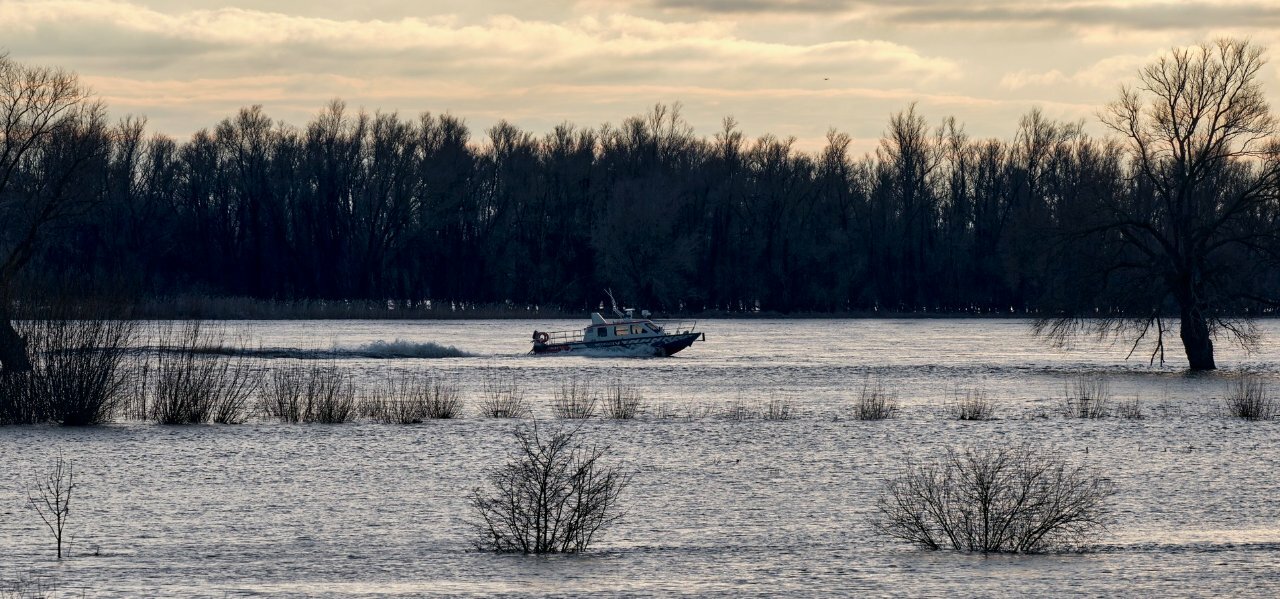
riverscape: river Merwede (NL)
1 point


-3.jpg.bfbed76bc55aa33878b50ea64a029f66.jpg)