Hello all!
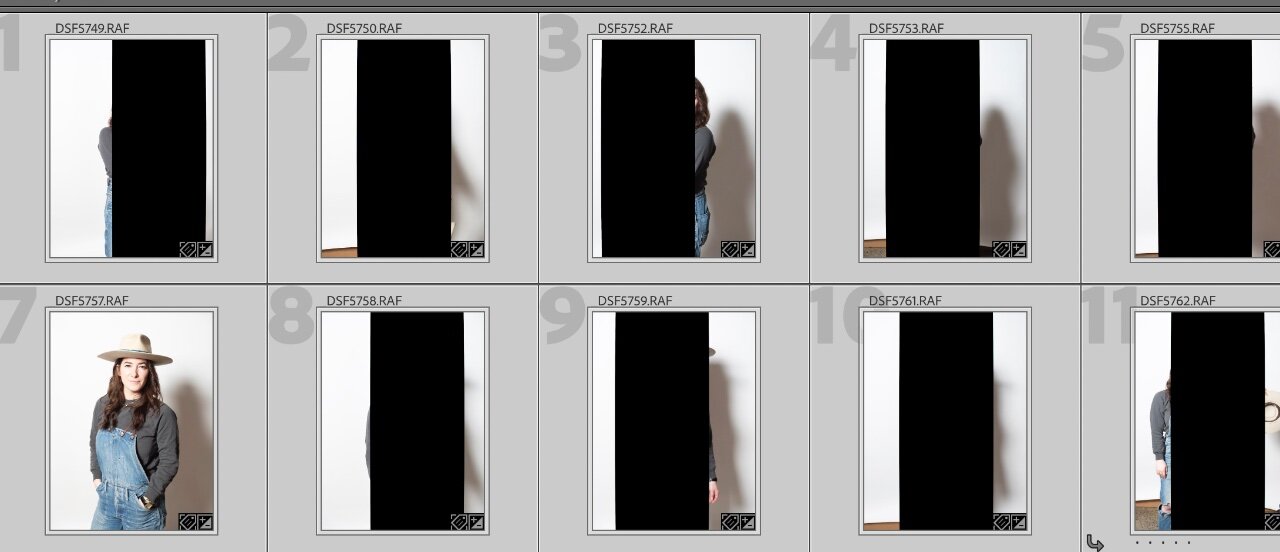
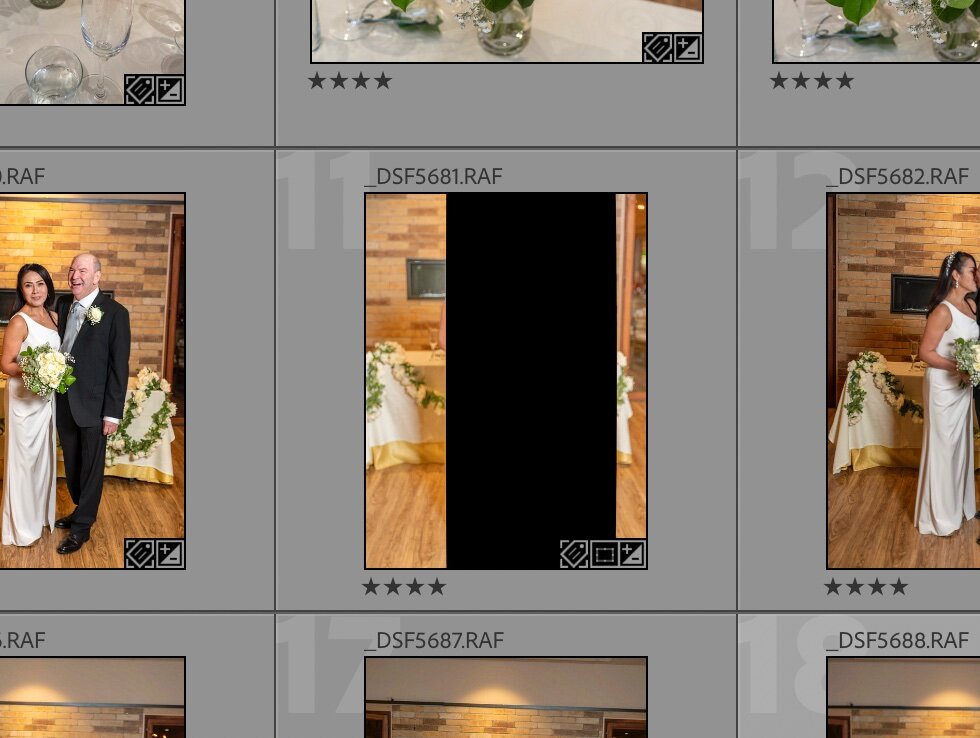
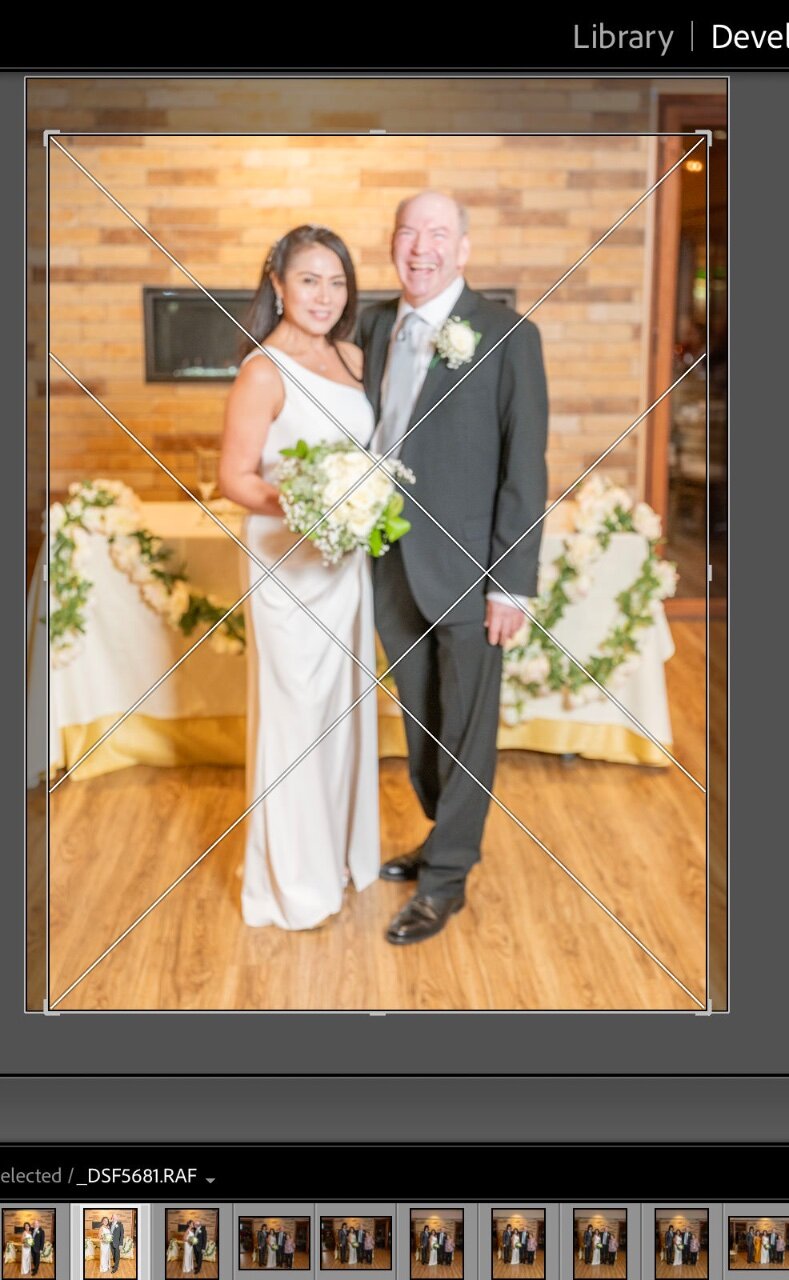
I've recently added a Fujifilm 50Sii to my arsenal and am experiencing this odd phenomena that I haven't been able to find anything about online. I'm using Lr Classic 13.5 on a 2020 MacBook pro. Once importing from the memory card is done (or as it is populating really) random images will have a large black box down the middle of the image (see attached screenshots, the third image is the same file opened in Develop via crop function) in the Library's smaller previews, on the larger selection, and in usually in Develop mode. Sometimes when I move to Develop the box goes away and stays away. Sometimes it does not go away, and sometimes it goes away but then reappears when I switch back Library.
Most of the time I can delete the files and reimport, but I'm having to do this several times to ultimately "get" all the files from a shoot. What is going on? Is this an issue with Lr? Is it an issue with my graphics card? Should I not be using smart previews, or is it something else? This only happens to maybe 5% of the images, but it's a real pain...