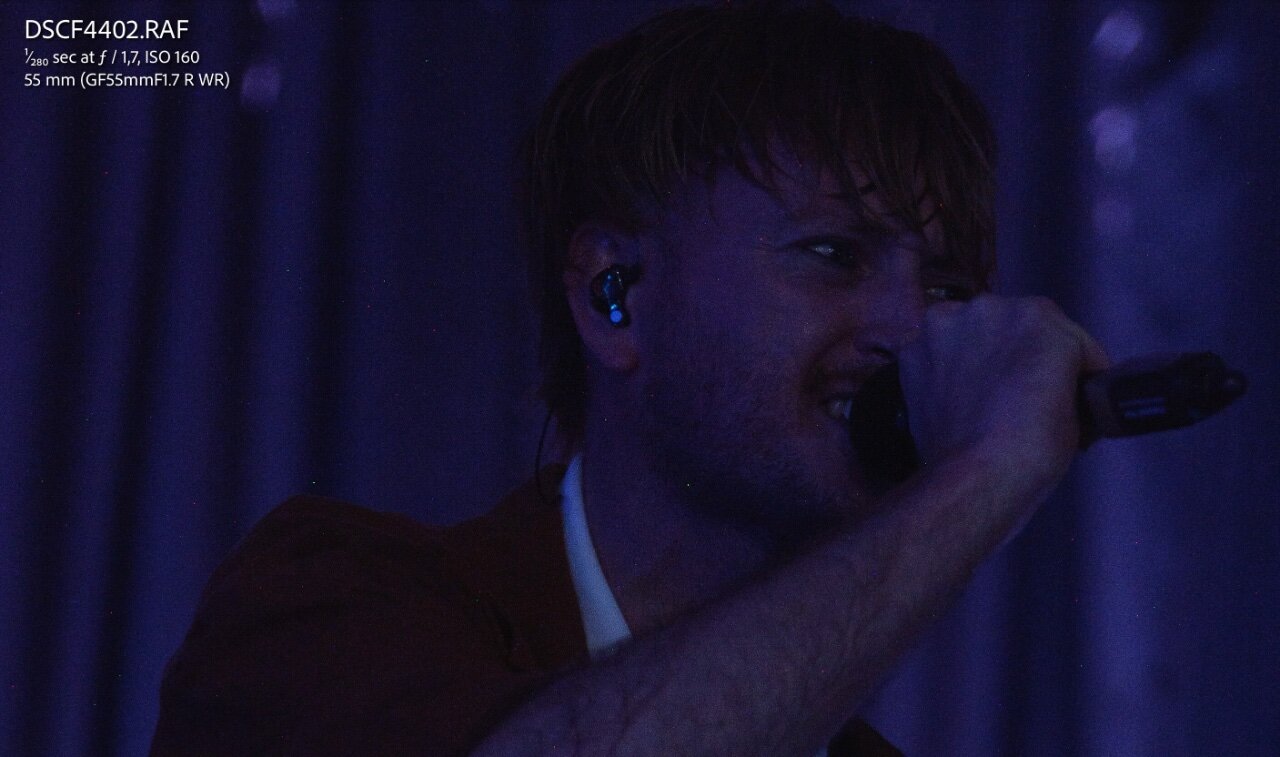
Dealing with this as well during a shoot where the camera got quite hot, I don't think I've noticed this on my more casual photography where the camera is off most of the time until I see something to photograph.
Obviously it's extra visible in this example due to the extreme underexposure, but that's a lot of hot pixels... This is at 100% zoom (native res), they're all over the frames
It's a concert, it's not like I can ask the artist to take a break because my camera is getting too warm haha.
Would it maybe help to disable performance mode, to reduce heat production inside the camera?
EDIT: Forum software resized the image which makes them a lot harder to see (as they're 1 pixel big), full resolution screenshot can be seen over here: https://i.imgur.com/DdwDlHv.jpeg
I also noticed I was still running firmware 2.10, so hopefully the pixel mapping update fixes this.