Hector Muñoz
-
Posts
7 -
Joined
-
Last visited
Hector Muñoz's Achievements






-
 Hector Muñoz reacted to a post in a topic:
X-Pro1 spare parts
Hector Muñoz reacted to a post in a topic:
X-Pro1 spare parts
-
I sent my X-Pro1 to service the rear command dial which was not rotating to the left. The camera shop can't find any spares. ¿Is there some kind of online market for Fuji camera spare parts? Cheers!
-
 The links to the profiles are dead now. A friend of mine wants the X-E1 profile. Can someone share it? I have the X-Pro1 V5.1 here: https://drive.google.com/open?id=0B1rPFXutSbFPX2dSQWF1MXRlN0U
 -
These profiles are camera specific.
-
No need for calibration after assembly?
-
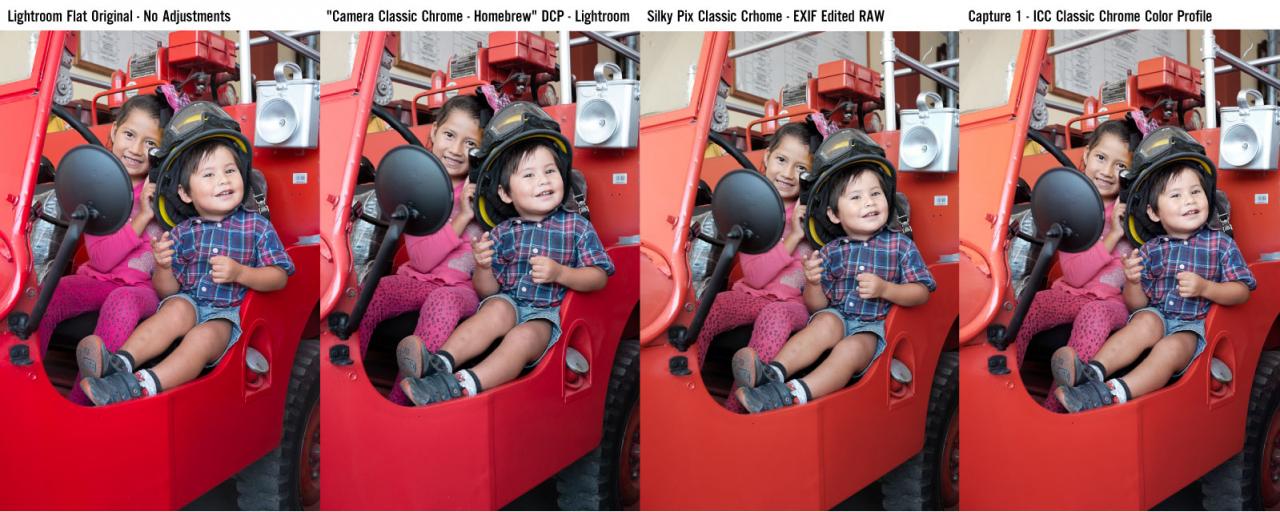
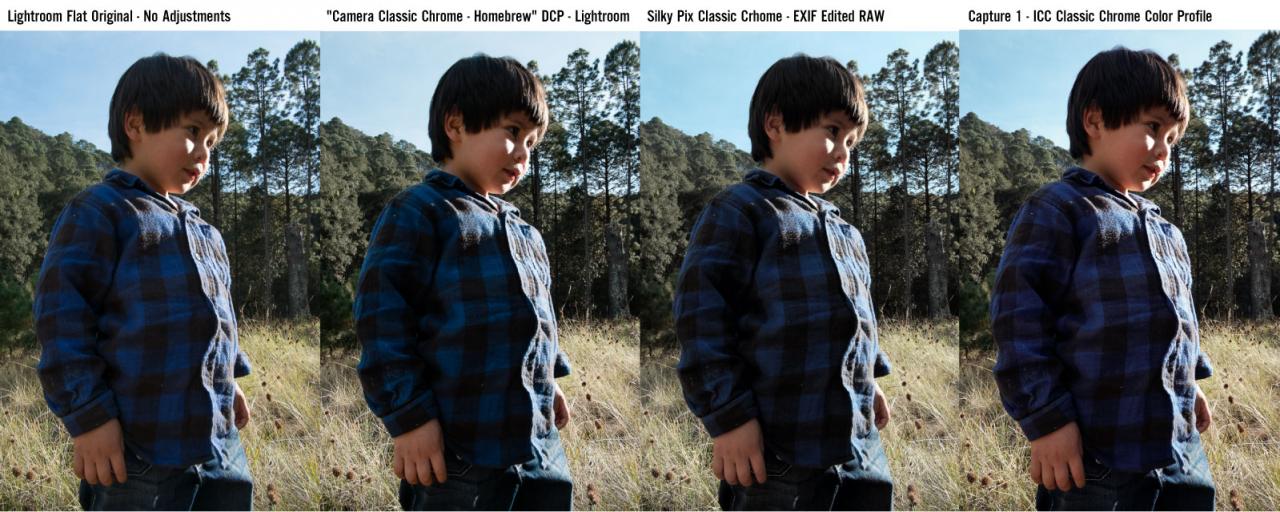
Ok I made some more tests with this DCP profile along with the Capture One ICC color profile and some forced Silky Pix Classic Chrome via Exif modification. I believe your simulation is pretty much up there man, I only notticed a magenta cast on the red colors. Is there a way to correct this? I'm feeling very enthusiastic about using this profile.

-
Are you sure you are putting the DCP file on the correct folder? Are there other DCP files on this folder? If you installed it correctly the Camera Profile will appear only when the RAF file was shot with the specific camera. If you downloaded the X-E1 version and try to use them on X-Pro1 images it will not appear. Also be sure to be looking for the profile at the very bottom of the develop settings column, in the Camera Calibration - Profile section.
-
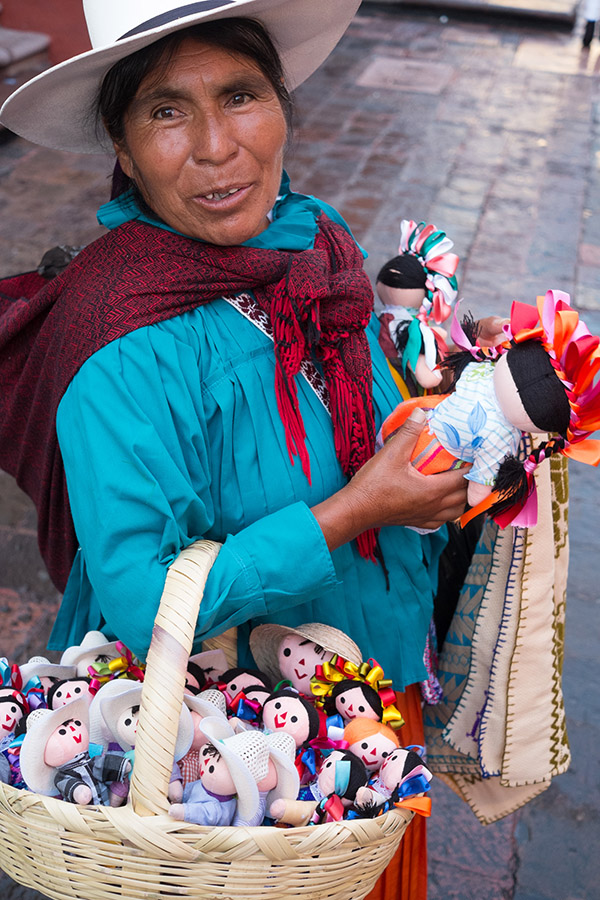
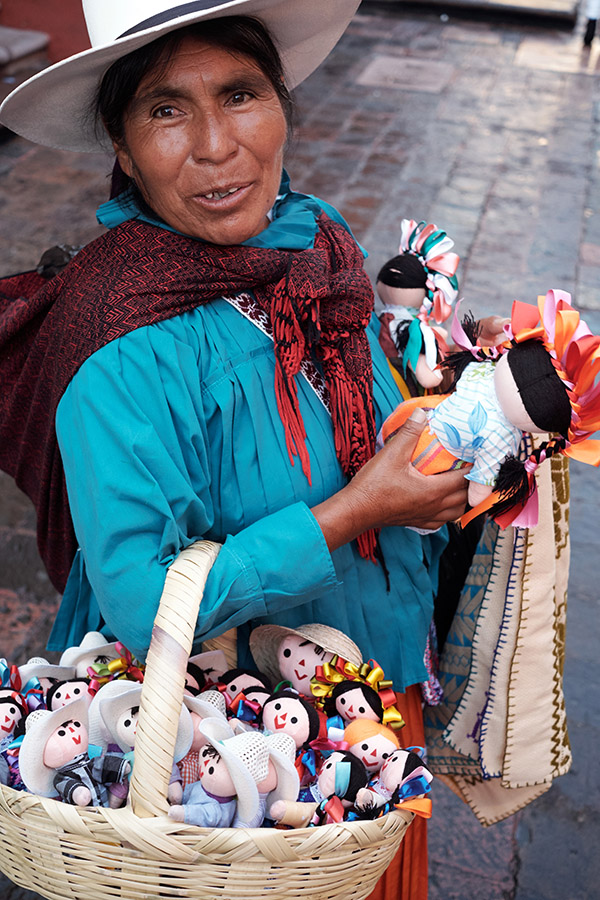
Thanks for posting this, I'm a bit hellbent on getting the Classic Chrome look on my X-Pro1 images. So far I have tried four options. I believe your DCP profile is the closest, the second best would be an ICC color profile shared on DP Review. I have tried also "Classic Clonell" but it's colors are way off and Alien Skin Exposure's Kodachrome simulation is too saturated. Original flat image. Lightroom - "Camera Classic Chrome - Homebrew" Capture One - An ICC color profile made from the X-T1 by Scottie Wang on DP Review Forums