stenrasmussen
-
Posts
6 -
Joined
-
Last visited
stenrasmussen's Achievements





-
 elliotpaulstern reacted to a post in a topic:
Lightroom 6 improvements?
elliotpaulstern reacted to a post in a topic:
Lightroom 6 improvements?
-
Same here. In the post about PN I tried to get LR on par with ID - without success.
-
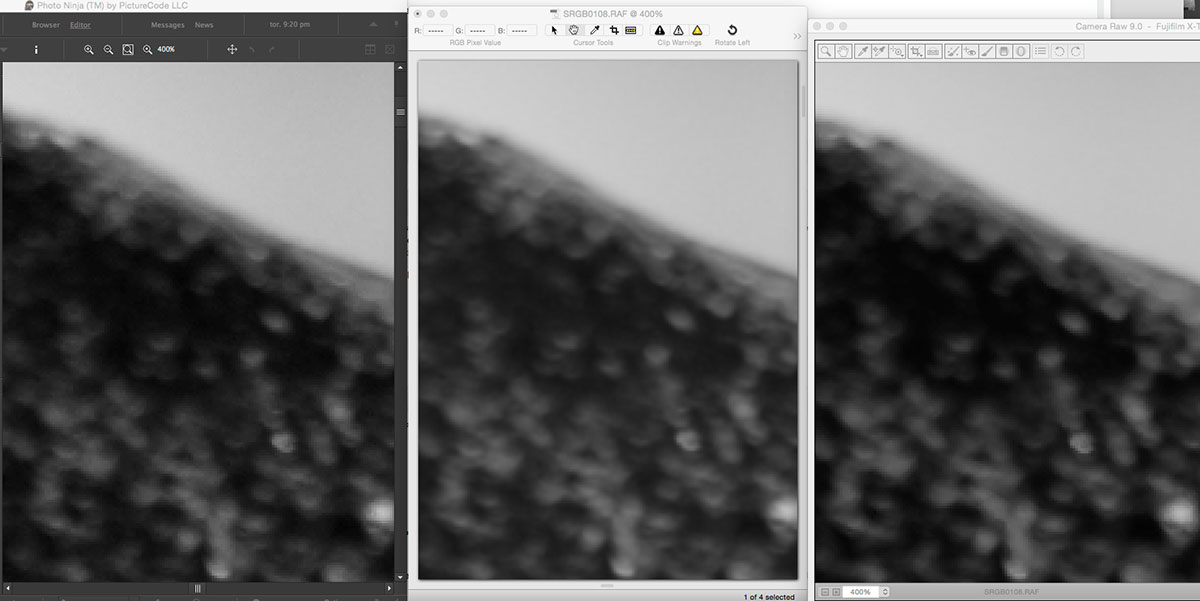
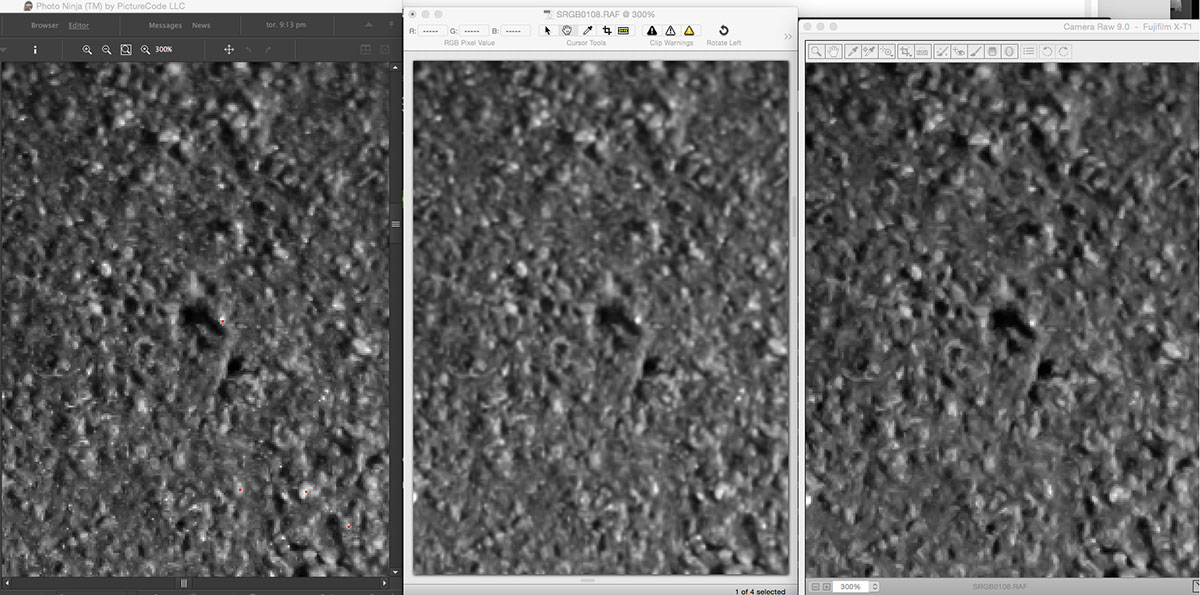
Here where the PN and LR (ACR) has been adjusted to get close to ID's smoother pixel transition.

-
First with default settings (everything; sharpening/NR off, neutral profiles, etc.).
-
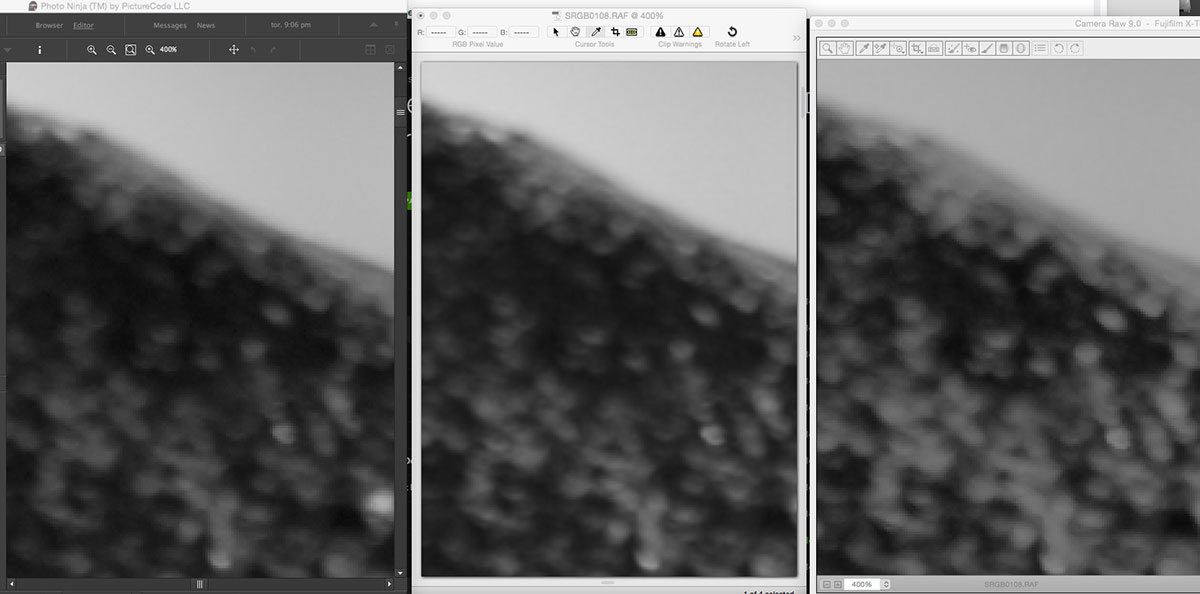
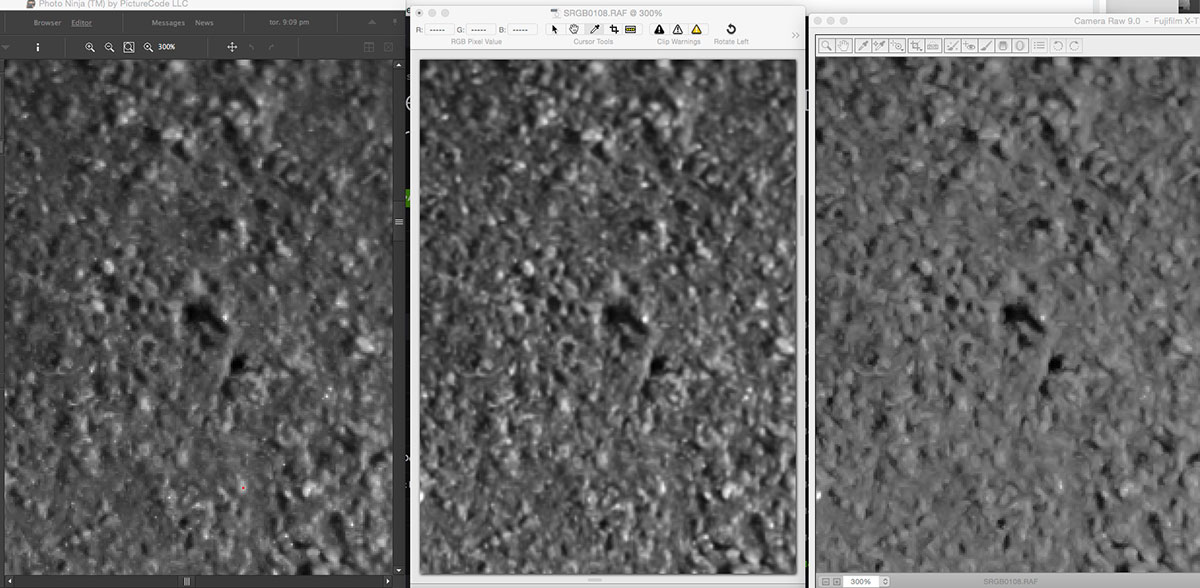
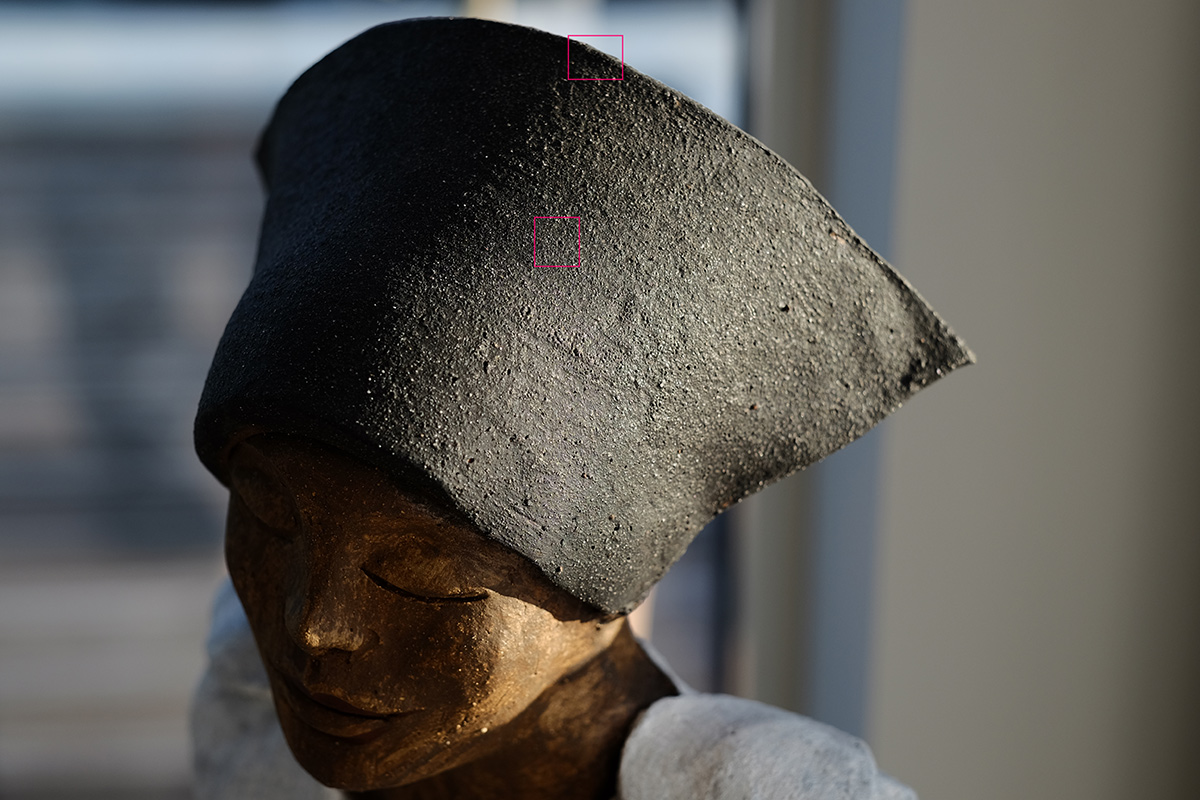
Further investigation reveals (to me at least) that ID has a gentler pixel to pixel contrast profile that both PN and LR (ACR). I tried to mimic the smooth (less jaggedy) transitions of ID in both the others without success. The only way to mimic it was to reduce clarity but that is NOT the way to get it right. Below are some screenshots illustrating this. Please note that the grabs were capture at 300% and 400% and I've made them monochrome for the sake of judging demoasic'ing. The full picture is shown first (the red rectangles indicate where the crops are from.
-
I am not using PN as I am still in evaluation mode. So far (in order best to worst): Highlight recovery: ID - LR (ACR) - PN - PN seeiming best but when looking at details it leaves a low bit rendering resulting in color artifacts. Sharpening/less plastic appearance: PN - ID - LR (ACR) - Difference between PN and ID is small but in very light areas PN is slightly better. LR(ACR) fails big time in keeping edges undisturbed, even with a small radius and large masking setting. Shadow recovery: Draw between PN and LR (ACR). ID follows just behind but struggles with color fidelity.
-
I am in the process of evaluating different raw converters and PN is one of them. I like what PN does apart from the lousy highlight processing. Irident Developer and LR (Adobe Camera Raw) does a much better job here. What I don't like about LR (ACR) is the poor sharpening algorithm for RAF files. So far I am leaning towards ID as my standard raw developer. But the jury is not back yet