BJP
-
Posts
8 -
Joined
Content Type
Forums
Gallery
Store
Everything posted by BJP
-
Worked like a charm, once I went into my file folders and deleted all of the previous firmware downloads. The name of the file has to be exact, it turns out - so, for instance, "FWUP24.dat (2)" won't work. In case there is anyone who is doing this after me... Thanks again, Jerryy and Greybeard. - b
-
Hi again - and thanks again! I'll give it a try. Best - b
-
Thank you - and thanks for the welcome! I had found the instructions, but just don't understand how a software editing package equals firmware. I grant you, though, that I am not the most sophisticated when it comes to tech....
-

-
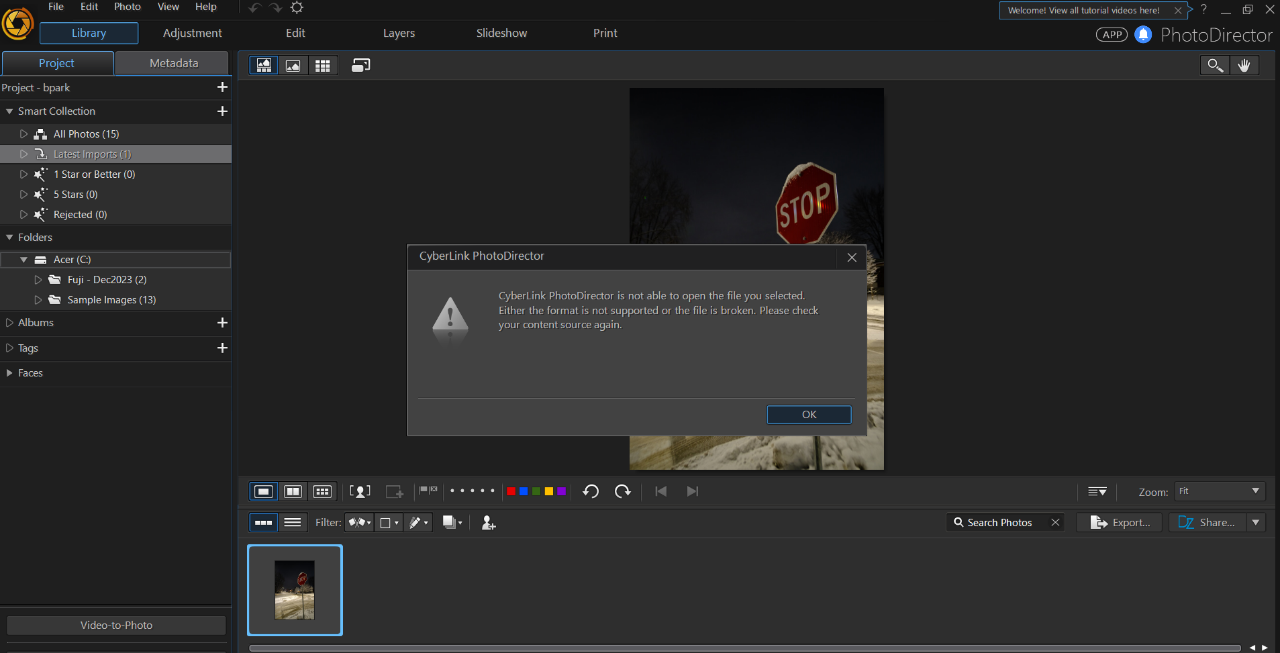
Hi - sorry for the typo. Yes, the file is FWUP0024.DAT. When I click on it, it opens up an editing program - Cyberlink Photodirector.
-
All - I got the card reader so that I could do the firmware update. Unfortunately, when I try to download the firmware for either the body or the lens, it turns out to be editing software rather than firmware. Not at all sure what that is about. Has anyone else encountered this? The name of the download is FSUP0024.
-
Thank you - unfortunately, I have neither. I do find it odd that one can't just plug the camera into the computer and go directly. Anyway, I guess I will have to get a card reader.
-
Hello - I just purchased a used X-T4 and lens and want to up,date the firmware for each. All the instructions I see say that you need to download the firmware and then transfer the download to your SD card through a card reader. I don't have a card reader, so is there any reason why I can't just have the card in the camera and plug the camera into the computer for the transfer? Sorry if it's a silly question... Thanks very much.