Leaderboard

Popular Content
Showing content with the highest reputation on 04/14/2025 in Posts
-

Fuji Birds
MARRIEDGUY9 and one other reacted to Love OspreysinCA for a topic
Osprey Action, gone fishing! 2 points
 -
To follow up on that: https://www.macrumors.com/how-to/batch-convert-images-to-different-formats-using-macos-preview/ You may like the results imagemagick gives, here are some helpers: https://imagemagick.org/script/convert.php https://stackoverflow.com/questions/30414346/batch-command-for-imagemagick-to-convert-all-files-in-a-directory-and-sub-direct p.s. That raw file format is looking pretty good about now, eh? 😀😀1 point
-

Fuji Birds
MARRIEDGUY9 reacted to Fujiron for a topic
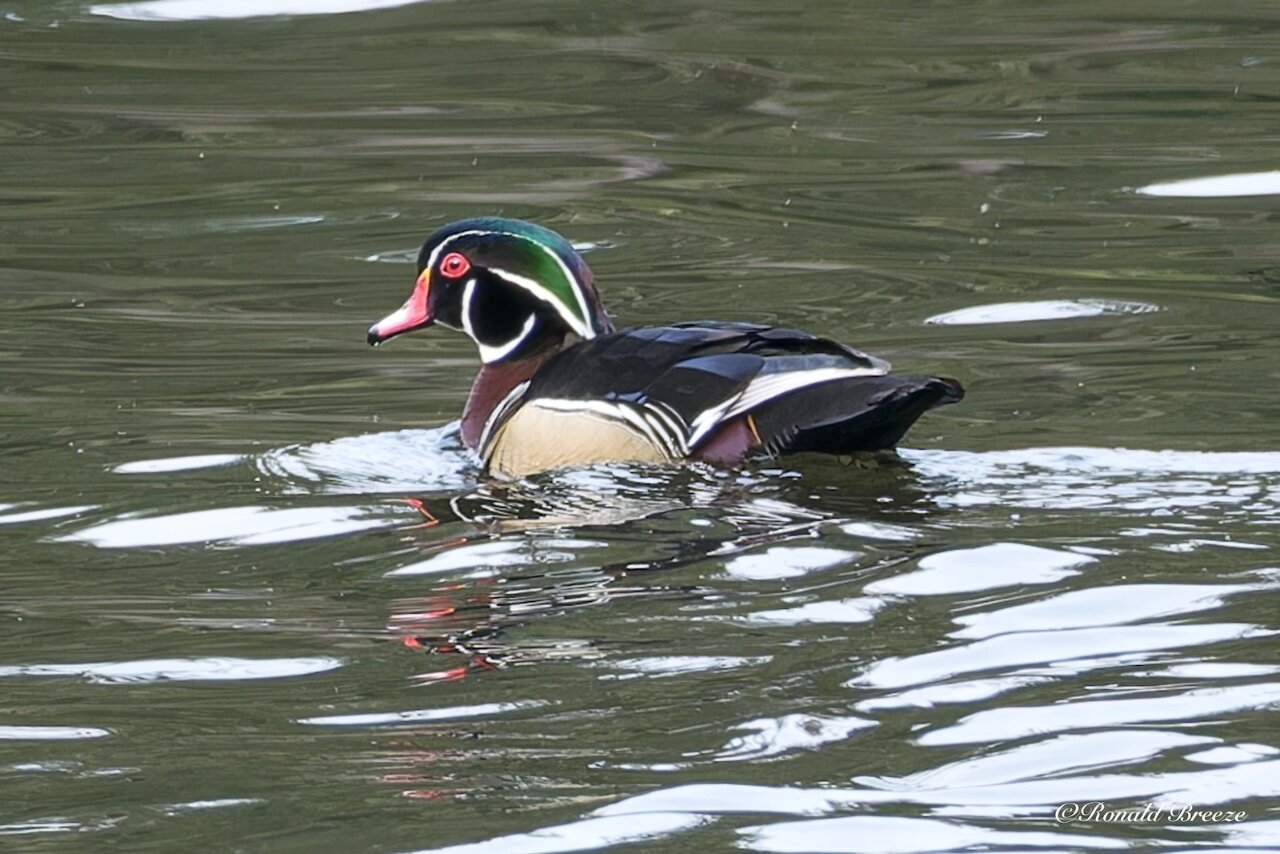
Wood Duck a lifer for me in Oregon. X-H2s, Fuji 150-600.
1 point -
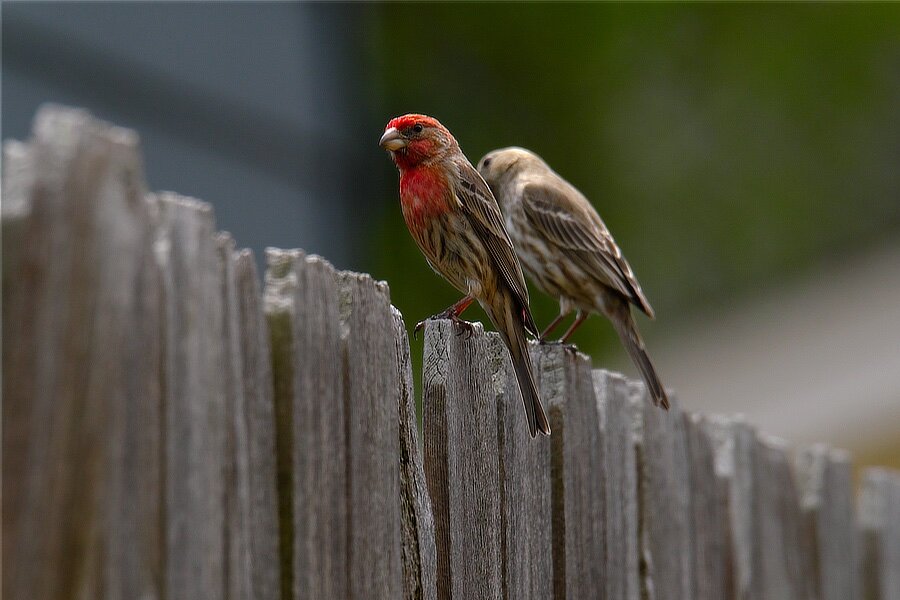
Red Head ... I believe these are House Finches (Haemorhous mexicanus).
1 point