Leaderboard

Popular Content
Showing content with the highest reputation on 04/05/2025 in all areas
-

From the album: FUJI X PRO III
1 point -

Astro-photography (open thread)
jerryy reacted to MARRIEDGUY9 for a topic
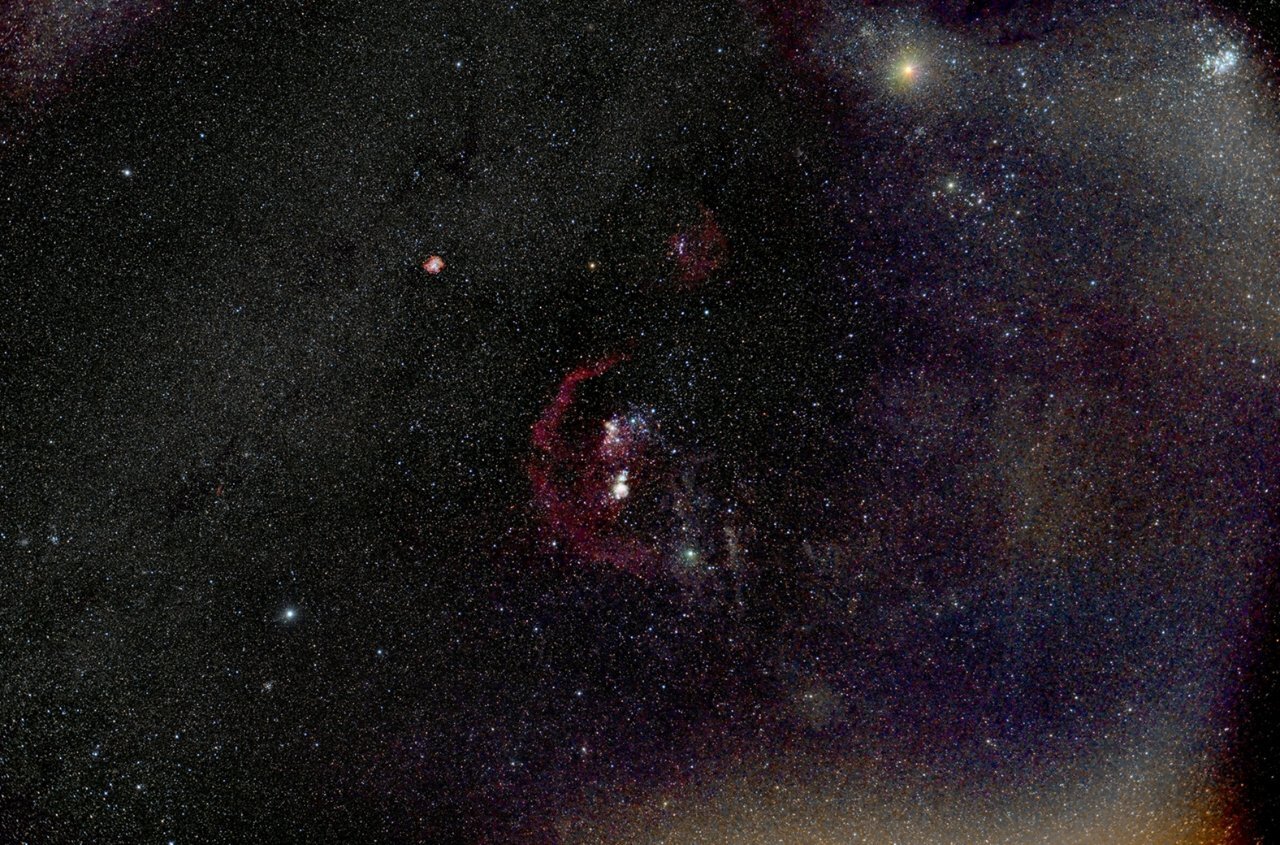
OK...........first attempt at screwing around in Siril, I have no idea what I'm doing, lol. Wasn't sure how to get all of that bright schtuff out of the righthand side of the image. Thanks for the ideas.......pretty cool stuff! 1 point
 -

Astro-photography (open thread)
MARRIEDGUY9 reacted to jerryy for a topic
Hmmm, there are some things you might try. Assuming you are using .raf frames, jpeg or tiff* frames do not work well for astro stuff, open one of the raw sub frames in your favorite raw converter (even Fujifilm’s Raw Converter will work) and push the ev exposure all the way to the right, in the + direction, as far as +3 ev or as far as it sill go. You should see nebula stuff showing up, it may be faint, but if that frame has any, you will see something. Based on the image you posted, there is a pretty good chance you have some of Barnard’s Loop hiding there. You are probably using Windows since DSS does not run on macOS, have you considered using Siril https://siril.org ? It will work with .raf files without needing to convert them. edit: I should also mention ASTAP: https://www.hnsky.org/astap.htm works with .raf files. edit: Affinity Photo, which you have probably heard about more as an image editor, has an entire built in section for astrophotography and has some macros written by James Ritson (one of the developers) that some folks like. Starnet is a free version of Star Exterminator, it works with both PixInsight and Siril or as a standalone app. It has its fans and detractors like any other plugin, but it may give you some help for stretching the starless nebula regions. https://www.starnetastro.com/download/ Welcome to the next, altogether different kind of fun step of astrophotography, processing the images. Very different from the fun of getting the images. * tiff frames that are still linear will work, but tiff frames that come from converting raw frames do not work well because they have had a tone curve (essentially stretching the image) applied to them.1 point -
Astro-photography (open thread)
MARRIEDGUY9 reacted to jerryy for a topic
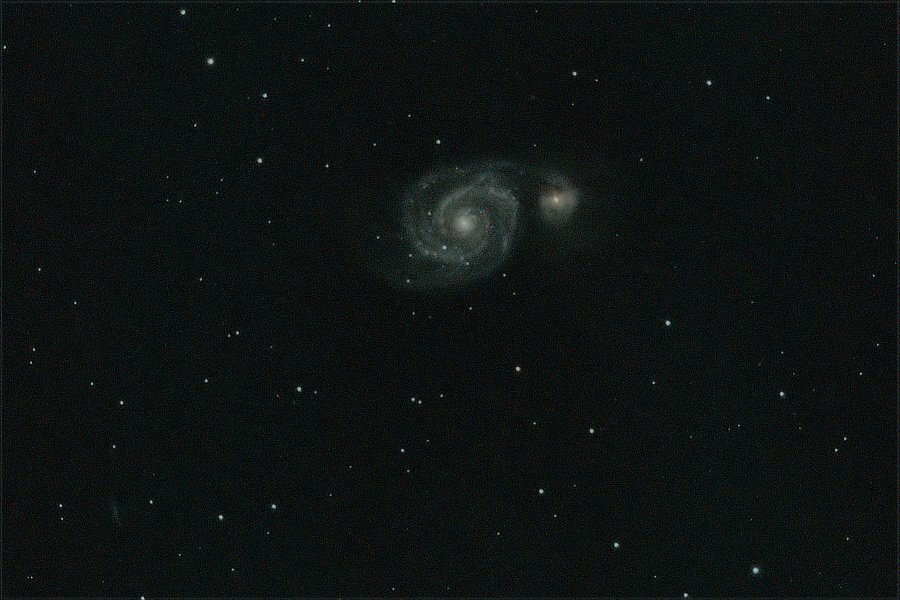
A whirlpool in space ... M51 The Whirlpool Galaxy (larger object on the left) and NGC 5195 (smaller object on the right). Located not too far from the Big Dipper -- Ursa Major. This is equivalent to a just over 97 minute exposure. https://www.nasa.gov/feature/goddard/2017/messier-51-the-whirlpool-galaxy https://www.messier-objects.com/messier-51-whirlpool-galaxy/ https://en.wikipedia.org/wiki/Whirlpool_Galaxy
1 point