Leaderboard


Popular Content
Showing content with the highest reputation on 09/01/2024 in all areas
-

From the album: FUJI X PRO III
1 point -
The only solution would be to change the profile to match the RAF settings - or just let the software make that change for you.1 point
-
I tend to use X Raw Studio mostly to experiment with different settings rather than create jpegs - its also useful for setting up and storing custom settings rather than using the fiddly camera menu system. As far as the 72 pixels per inch goes - I assume you are looking at the EXIF metadata - here is what Wikipedia says about those values "The XResolution and YResolution tags provide the number of pixels per length unit for the width and height of the image, respectively. (The length unit itself is specified by the tag ResolutionUnit.) By default, these tags in combination are set to 72 pixels per inch (ppi). These tags were inherited from the TIFF 6.0 standard and are required even though for images produced by digital cameras, image resolution values such as ppi are meaningless.1 point
-

landscapes with fuji x
Daniel_Escobar reacted to MARRIEDGUY9 for a topic
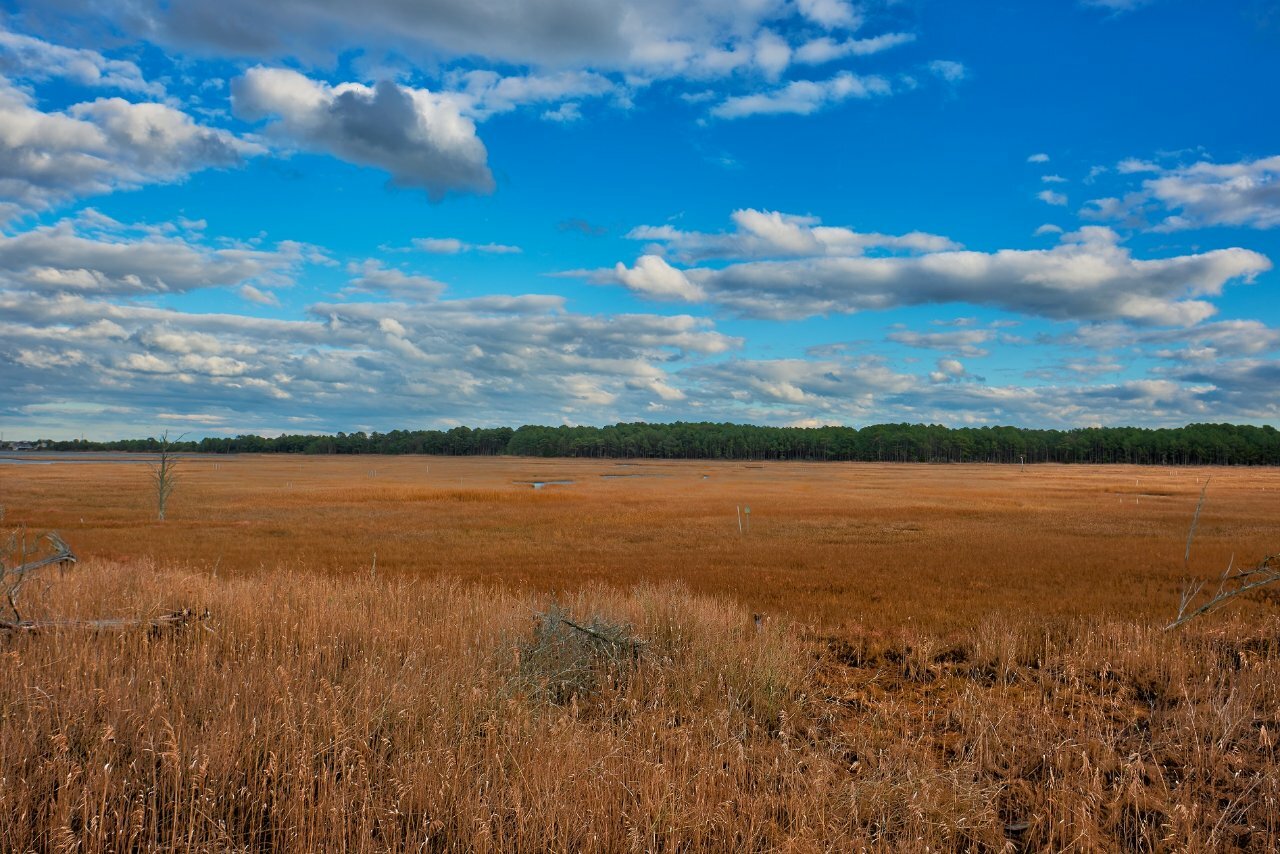
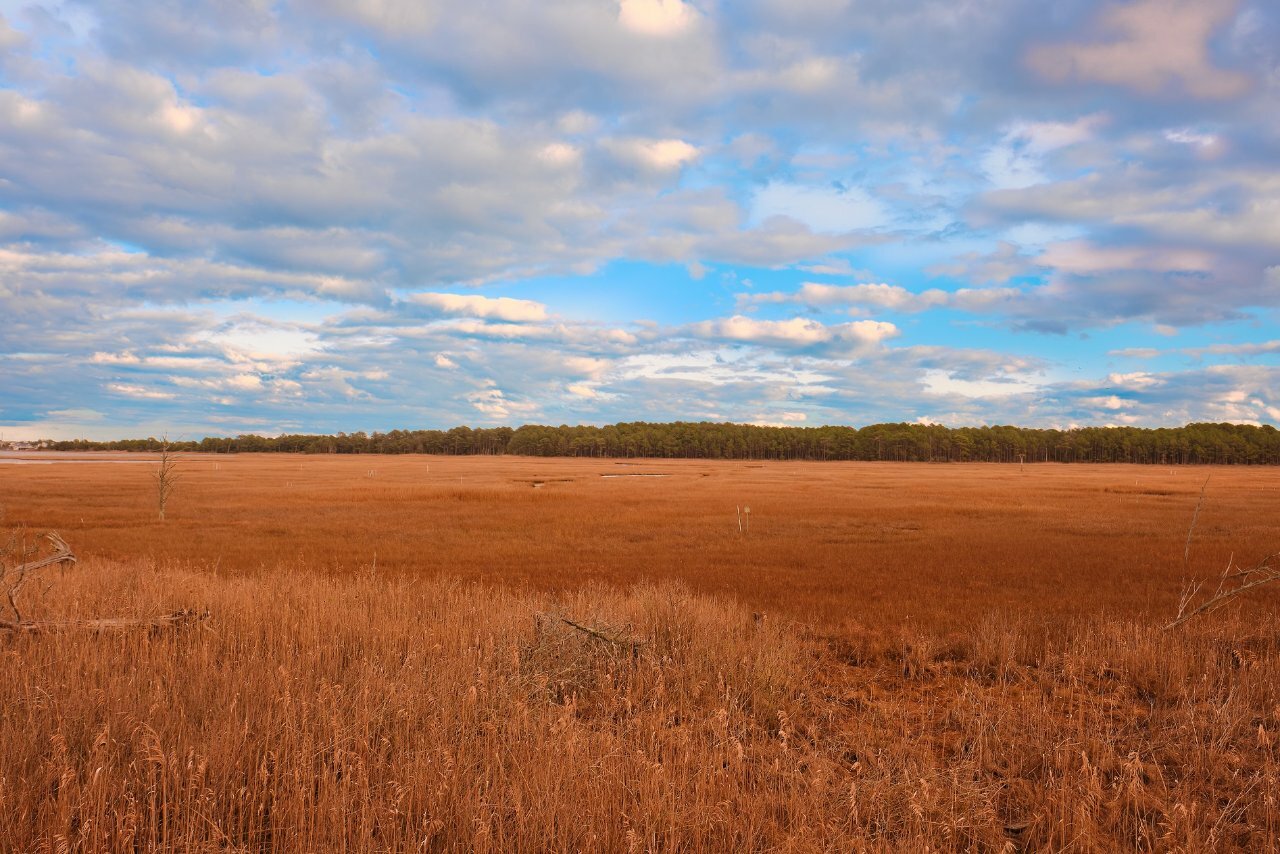
Here is the photo using Capture One to merge three photos. This is a grassy marsh near Bethany Beach Delaware. 1 point
 -
landscapes with fuji x
Daniel_Escobar reacted to MARRIEDGUY9 for a topic
Hi, I am playing around with HDR merging, XT-5, 16-80 at 16mm. The first photo is bracketing in camera and the next photo was done merging three photos (three stops apart) using Capture One. Both were edited using Capture One. I thought the end results were both good; however, I thought the HDR merge in Capture One provided more DR, better color resolution. I thought the in-camera merge was a little flat. Agree?
1 point